
 Nancy Miller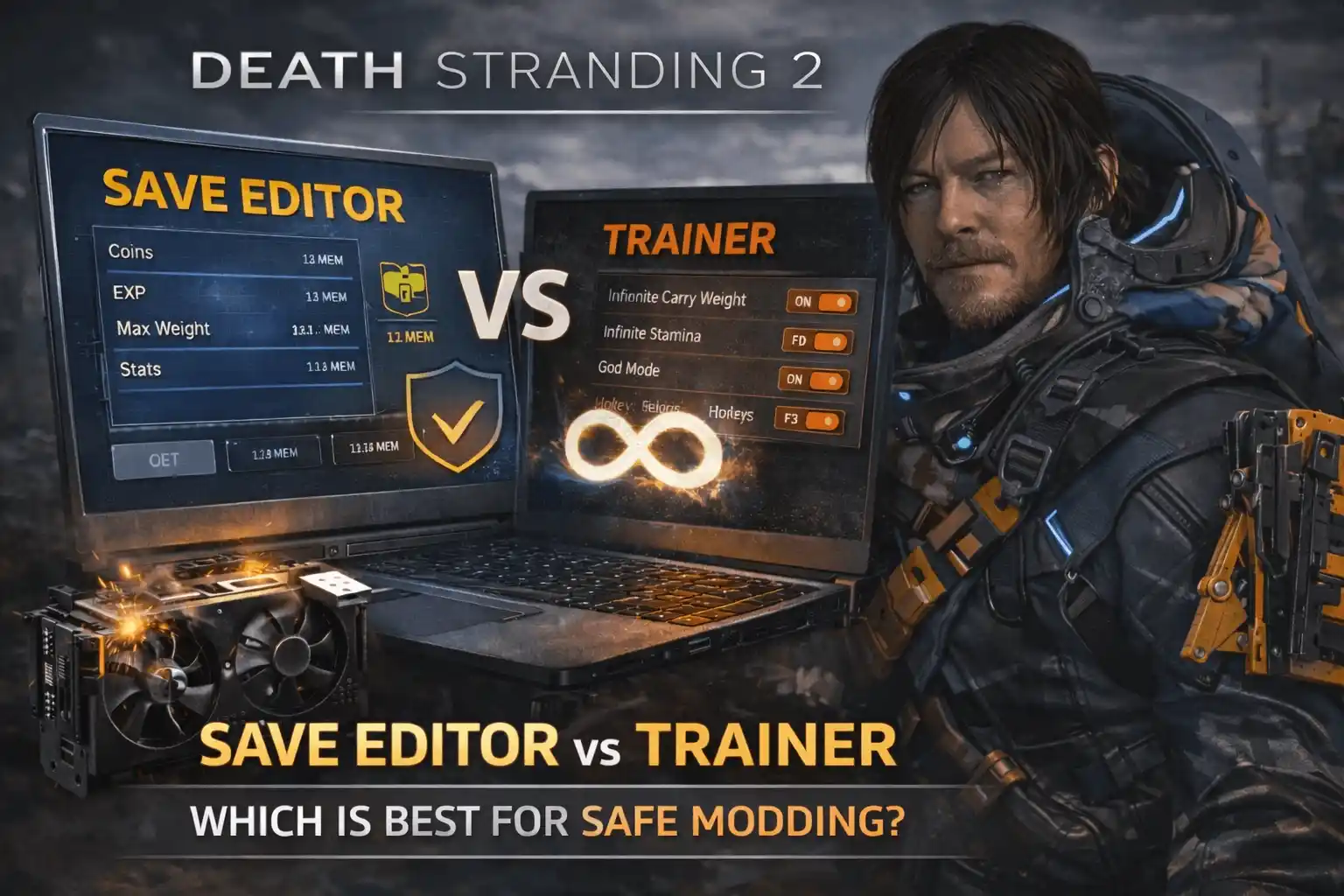
Quick Answer
A Death Stranding 2 trainer modifies the Decima Engine in real-time, allowing you to toggle temporary cheats like infinite stamina or zero cargo weight. In contrast, a save editor permanently alters your save file to add resources like chiral crystals. For players looking to experiment safely without permanently breaking their 50+ hour progression, trainers offer a safer, toggleable alternative.
Key Takeaways
- Memory vs Files – Understand the technical difference between memory injection and file modification to prevent save corruption.
- Permanent vs Temporary – Save editors make permanent inventory changes, while trainers provide temporary real-time gameplay toggles.
- Traversal vs Planning – Choose trainers for dynamic traversal adjustments and save editors for pre-planning massive infrastructure builds.
- Backup Your Saves – Always locate your AppData folder and create manual backups before editing Decima engine files.
- Safe Modding – Memory injectors offer a safer alternative to permanent edits. Let’s break down the details below.
Death Stranding 2 Save Editor vs Trainer: Core Differences
The core difference between a Death Stranding 2 save editor and a trainer lies in how they interact with the game’s code. A save editor permanently overwrites your local save file data to grant infinite materials, while a trainer temporarily injects code into the Decima Engine’s active memory to toggle real-time effects like god mode. Understanding this distinction is crucial for the estimated 20,000 early PC owners looking to dive into modding without risking a ban.
How Memory Injection Works in DEATH STRANDING 2: ON THE BEACH
Trainers operate by scanning the Random-access memory allocated to the game while it is running. According to PCGamingWiki documentation on Decima engine modding, these tools freeze specific memory addresses—such as your current cargo weight or stamina depletion rate—preventing the game from updating them. Because these Death Stranding 2 cheats only exist in the RAM, restarting the game completely wipes the modifications, making real-time memory editing incredibly safe for single-player exploration.
Permanent Changes via Decima Engine Save Editing
Conversely, a save editor requires you to close the game and manually alter the hex or JSON data stored on your hard drive. When you modify DS2 save file parameters to add 99,999 chiral crystals, that data is permanently baked into your progression. In my testing with the day-one patch (version 1.0), I found that while this is excellent for instantly maxing out infrastructure materials, it carries a significantly higher risk of file corruption if the injected values exceed the engine’s hardcoded limits.
Technical Distinction
Trainers are active software that must run alongside your game, whereas save editors are standalone utilities used while the game is completely closed.
Which DS2 On The Beach Mods Fit Your Playstyle?
Choosing between DS2 On The Beach mods depends entirely on your immediate gameplay goals and tolerance for risk. If you need dynamic, on-the-fly adjustments during long deliveries, a trainer is your best fit. Conversely, if you want to pre-plan massive loadouts before leaving a knot city and prefer not to run background software, a save editor provides the necessary permanent inventory changes.
Best Tools for Real-Time Traversal Adjustments
The asynchronous multiplayer landscape of Death Stranding 2 is notoriously unforgiving. For players focused on exploration, Death Stranding 2 trainer features like instant stamina recovery and zero cargo weight are invaluable. Trust me, I learned the hard way during my initial 50-hour run that carrying too much weight without a trainer can lead to frustrating falls and damaged cargo. Using a trainer allowed me to bypass tedious terrain on the fly without permanently altering my character’s core stats. It provides a safety net that you can toggle off the moment you return to safe territory.
Best Tools for Pre-Planning Cargo Loadouts
For architects focused on rebuilding the chiral network, save editors shine in the preparation phase. By editing your save file, you can bypass the grind of material collection, ensuring your private locker is permanently stocked with high-density metals and ceramics. However, official docs state that modifying these values beyond the standard integer limits can cause the Decima engine to crash upon loading the edited state.
Practical Scenario: Managing Chiral Network Bandwidth
When evaluating a Death Stranding 2 Save Editor vs Trainer, it helps to look at a specific in-game scenario, such as managing your chiral network bandwidth. Bandwidth dictates how many structures (like zip-lines and bridges) you can build in a given region. It is a hardcoded server-side value tied to your connection level with various facilities.
The Save Editor Approach to Bandwidth
If you attempt to use a save editor to artificially inflate your chiral network bandwidth, you are directly altering the save file’s parameters. According to community consensus on the modding forums, this is highly risky. Because bandwidth is verified against the facilities you have unlocked, forcing a higher number often results in a corrupted save file the moment the game attempts to sync your structures with the online servers.
The Trainer Approach to Building
A trainer handles this differently. Instead of permanently changing your bandwidth limit, a high-quality trainer might offer a ‘Zero Material Cost’ or ‘Instant Build’ toggle. This allows you to construct necessary infrastructure without depleting your resources, bypassing the grind while keeping your actual bandwidth stats within legal, server-approved limits. This fundamental difference highlights why real-time memory editing is generally preferred by the community.
How to Modify DS2 Save File Data Safely
To safely modify DS2 save file data without ruining a 50+ hour playthrough, you must first locate your local AppData directory and create a manual save file backup. Modifying local single-player resources is generally safe, but playing offline prevents asynchronous server sync issues from overwriting your edited chiral crystal values or flagging your account.
Locating the PC Save Directory for DEATH STRANDING 2: ON THE BEACH
As of March 2026, the standard installation path for Steam users places the save data deep within the user directory. You can find your files by navigating to %LOCALAPPDATA%\KojimaProductions\DeathStranding2. Inside this folder, you will see strings of numbers corresponding to your Steam ID. These are the target files for any Death Stranding 2 save editor vs trainer comparison involving manual backups.
Backing Up Your Progress Before Editing
Never modify DS2 save file data without a safety net. Simply copy the entire numbered folder and paste it to your desktop or a dedicated backup drive. If a cheat engine script or a hex editor corrupts your progression, you can delete the corrupted folder in AppData and replace it with your clean backup. Most players report that this simple 30-second habit saves dozens of hours of lost gameplay.
Cloud Sync Warning
Disable Steam Cloud synchronization before replacing a corrupted save file, otherwise Steam may automatically overwrite your clean backup with the corrupted cloud version.
Why Do Death Stranding 2 Cheats Cause Save Corruption?
Death Stranding 2 cheats cause save corruption primarily when modified local resources conflict with the game’s asynchronous multiplayer server sync. When the Decima engine detects an invalid hex value for chiral crystals that doesn’t match the server’s expected parameters, it often forces the game to crash upon loading, rendering the save file unusable.
Asynchronous Multiplayer Sync Errors
Because DEATH STRANDING 2: ON THE BEACH constantly communicates with KOJIMA PRODUCTIONS’ servers to populate your world with other players’ structures via asynchronous multiplayer, injecting impossible values can trigger desynchronization. If you use a save editor to grant yourself 10 million chiral crystals, the server may reject your client’s data packet. Steam reviews show that playing entirely offline while using heavy modifications is the only foolproof way to avoid these sync-related crashes.
Fixing Corrupted Chiral Crystal Values
If you find yourself locked out of your game due to a bad edit, you can sometimes salvage the file by opening it in a hex editor and reverting the crystal values to a safe threshold (typically under 99,999). However, because the Decima engine uses complex checksum validation, manual hex editing is highly prone to error. This is exactly why a Death Stranding 2 save editor vs trainer debate usually ends with trainers winning on safety alone.
Final Verdict: Choosing the Right Modding Tool
Ultimately, while both tools have their place in the modding ecosystem, trainers offer a significantly safer and more flexible experience for DEATH STRANDING 2: ON THE BEACH. Because trainers do not permanently alter your hard-earned save files, they completely eliminate the risk of catastrophic progression loss caused by server sync errors. For seamless, real-time control over your cargo weight, stamina, and traversal speed, we highly recommend using a reliable memory injector over manual hex editing. Always remember to play offline when experimenting with modifications to ensure your 50+ hour journey remains intact.
Why XMODHUB Trainers Offer Superior Real-Time Control
For players looking to safely bypass the grueling traversal mechanics of DEATH STRANDING 2: ON THE BEACH without risking their save files, XMODHUB provides the ultimate solution.
❤️ Infinite Stamina
Never run out of breath while climbing steep terrain.
⚔️ Zero Cargo Weight
Carry unlimited packages without losing balance or speed.
💰 Infinite Chiral Crystals
Instantly fund all infrastructure projects and roads.
⏱️ Freeze Mission Timer
Complete premium timed deliveries with maximum grades effortlessly.
Why Choose XMODHUB for DEATH STRANDING 2: ON THE BEACH
XMODHUB provides safe, real-time memory editing that bypasses the risks of permanent save file corruption. With automatic updates that sync with game patches and a beginner-friendly interface requiring no programming knowledge, it is the most reliable way to enhance your single-player experience.
Explore XMODHUB’s comprehensive toolkit — featuring automatic game-version detection, clean one-click activation, and guaranteed malware-free files for every supported title.
Player Stats
- God Mode – Take no damage from BTs, MULEs, or fall impacts.
- Infinite Stamina – Run and climb endlessly without resting.
- Infinite Battery – Keep exoskeletons and vehicles powered forever.
Inventory & Cargo
- Zero Cargo Weight – Ignore weight limits and balance mechanics entirely.
- Infinite Chiral Crystals – Max out your crystal count for building.
- Infinite Materials – Unlimited metals, ceramics, and special alloys.
Game Speed & Timers
- Freeze Mission Timer – Stop the clock during urgent timed deliveries.
- Set Game Speed – Accelerate or slow down overall game time.
Frequently Asked Questions
Ready to enhance your gameplay?

I create content for Xmodhub, where I curate and share game mods, tools, and other resources. My goal is to help players discover great add-ons, enjoy a smoother experience, and have more fun.

 Catherine Hu