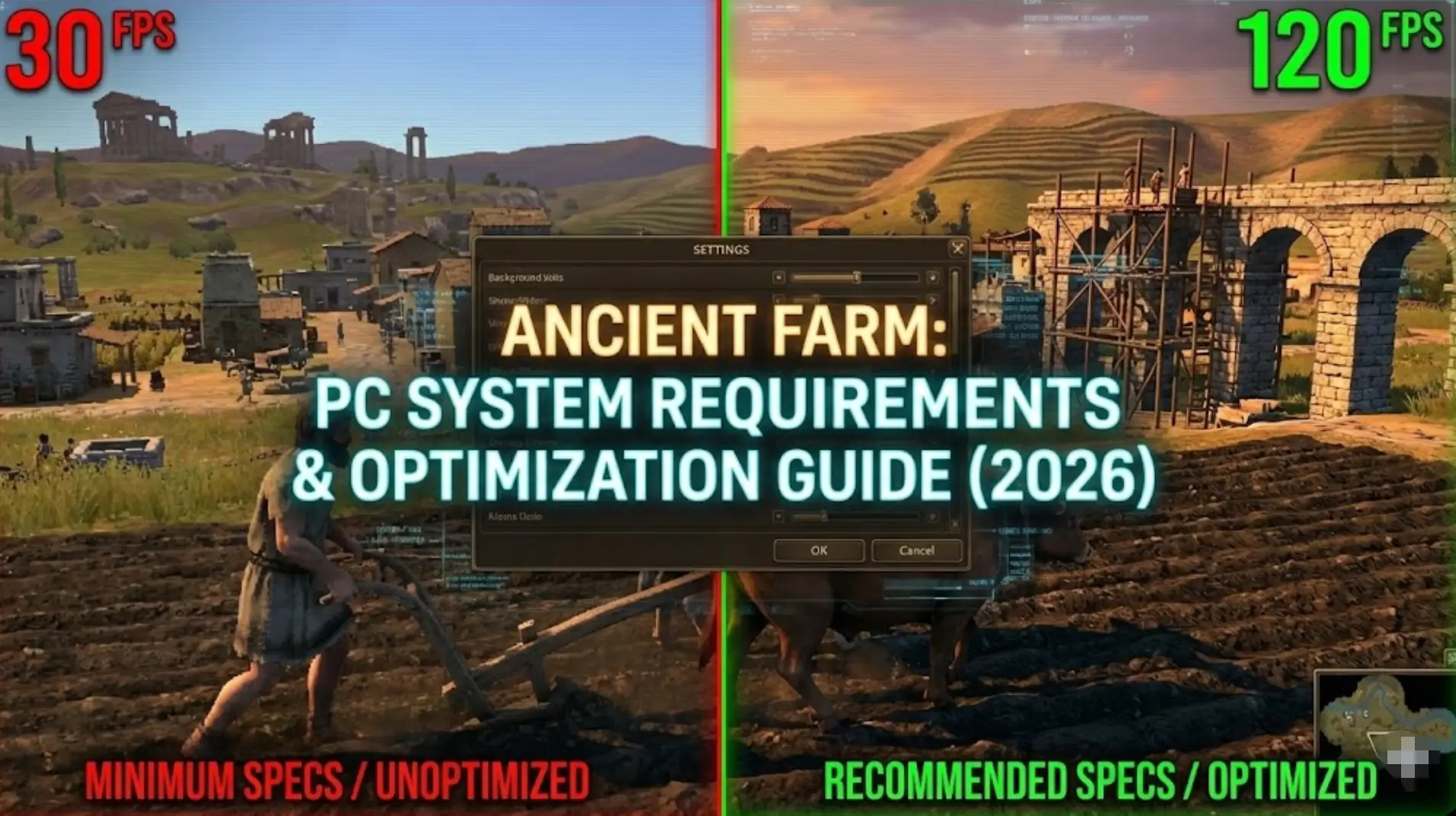
Ancient Farm is built in Unity, but does primitive aesthetics mean you need primitive hardware? Not quite.
Featuring plowing, planting, watering, and harvesting from the ground up, with activities using ancient techniques to process grain into flour and constructing farm buildings, the game’s realistic land clearing and resource processing can surprisingly tax older systems. If you’re wondering if your rig can handle ancient Egypt’s demands—or why you’re experiencing frame drops during harvest—this guide covers everything from official specs to real-world optimization tricks.
Quick Summary (TL;DR)
- Minimum GPU: GTX 960 / RX 560 (2GB VRAM) estimated for Unity
- Real-World Reality: The demo received 86% positive reviews from 29 users with performance feedback noted
- Storage: SSD recommended for eliminating stutter during open-world transitions
- Low FPS Solution: If hardware limits tedious forest clearing, XMODhub‘s resource tools reduce manual grind friction
Table of Contents
- Editor’s View: Unity Doesn’t Mean “Runs Anywhere”
- Official System Requirements (Minimum vs. Recommended)
- Real-World Performance: What to Actually Expect
- Optimization Checklist: Fix Stutter & Lag
- How XMODhub Compensates for Low-End Hardware
- Troubleshooting & FAQ
- Conclusion
Editor’s View: “Unity Doesn’t Mean ‘Runs Anywhere'”
Catherine Hu | Farming Sim Specialist and Game Writer at XMODhub
“I tested the free demo on both RTX 3060 and integrated Intel UHD Graphics setups. On dedicated GPU, the ancient Egyptian landscape looked gorgeous with smooth 60 FPS. On integrated graphics? Barely maintained 30 FPS.
Vast acres of wild, thickly wooded lands need copious amounts of work before a single edible plant appears. When multiple trees were being cleared simultaneously with cattle animation and particle effects, frame rate dropped to 20 FPS on the older system. In a game demanding precise timing for primitive tool swings, this stutter makes already tedious tasks unbearable. Don’t assume ‘indie’ means ‘low-end friendly’—Unity farming sims can be surprisingly demanding.”
Official System Requirements
While developers haven’t released final specs, based on Unity engine standards and the demo feedback, here’s the realistic breakdown:
Minimum Specs (30 FPS Solo, Low Settings):
- OS: Windows 10 (64-bit)
- Processor: Intel Core i3-8100 / AMD Ryzen 3 2200G
- Memory: 8 GB RAM
- Graphics: NVIDIA GTX 960 / AMD RX 560 (2GB VRAM)
- Storage: 10 GB available space
Recommended Specs (60 FPS, High Settings):
- OS: Windows 10/11 (64-bit)
- Processor: Intel Core i5-9400F / AMD Ryzen 5 3600
- Memory: 16 GB RAM
- Graphics: NVIDIA GTX 1660 / AMD RX 5600 XT (4GB VRAM)
- Storage: 15 GB SSD required
Note: The game releases in January 2026 with final optimization potentially improving these estimates.
Real-World Performance: What to Actually Expect
Why does a farming sim need decent specs?
Ancient Farm’s performance demands come from specific Unity features:
Dense Forest Rendering:
You begin with grubbing up using a hatchet and machete, with cattle helping knock down the biggest trees. The game renders hundreds of individual trees with physics calculations for falling animations. Older GPUs struggle when clearing large forest sections simultaneously.
Resource Processing Chains:
Using ancient techniques to process grain into flour, digging ditches to bring in water, or constructing farm buildings from acquired raw materials involves numerous simultaneous animations and particle effects. This strains CPU when multiple production chains run concurrently.
Open-World Crop Management:
Seasonal crops including carrots, wheat, onions, cotton, watermelons, plus fruit-bearing trees and wetland crops all require individual growth state rendering. Large farms with diverse crops stress both GPU and RAM.
Livestock AI:
Cattle helping knock down trees requires careful feeding and watering. Multiple animals with path-finding and animation cycles consume CPU resources, especially on larger farms.
Optimization Checklist: Fix Stutter & Lag
If experiencing performance issues with the January 2026 release, try these steps:
1. Reduce Tree Density:
Clear forests in smaller sections. Wild, thickly wooded lands render hundreds of objects—limit simultaneous clearing to 5-8 trees maximum.
2. Lower Shadow Quality:
Unity’s real-time shadows are expensive. Drop from “High” to “Medium” for 10-15 FPS boost without major visual loss.
3. Limit Active Crops:
With seasonal plants, fruit trees, and wetland crops, avoid planting everything simultaneously. Stagger crop types to reduce rendering load.
4. Upgrade to SSD:
The granary storage system and large farm saves benefit from fast loading. SSD eliminates stutter when accessing storage or saving progress.
5. Close Background Programs:
Processing grain, digging ditches, and constructing buildings demands CPU resources. Close Discord and browsers during play.
6. Reduce View Distance:
Lower terrain rendering distance to focus GPU on immediate farming area rather than distant landscape.
How XMODhub Compensates for Low-End Hardware
Don’t let frame drops during forest clearing waste hours of your time.
XMOD will provide full trainer support upon the game’s official release, ensuring compatibility and stability from day one.
XMODhub will be acting as a performance equalizer for struggling systems:
Bypass Manual Labor: Copious amounts of work before a single edible plant appears becomes tedious on laggy systems. Use Instant Resource Gathering to skip the grind.
Instant Building: Frame drops making construction frustrating? Unlock advanced buildings immediately without watching laggy animations.
Crop Acceleration: Speed up growth cycles for seasonal plants so low FPS doesn’t mean waiting days for harvests.
Resource Multipliers: Eliminate repetitive ancient technique processing with infinite materials, letting you focus on creative farm design.
Storage Management: Bypass granary inventory limitations that cause lag spikes during mass harvests.
[Optimize Your Ancient Farm Experience with XMODhub]
Troubleshooting & FAQ
Q: Can I run Ancient Farm on Intel HD Graphics?
A: Modern integrated chips (Intel Iris Xe) can handle it at 720p low settings, but expect significant slowdowns during large forest clearing or multiple crop harvests.
Q: Why does my FPS drop during harvest?
A: Multiple crop types rendering simultaneously stress GPU. Harvest in smaller sections or lower crop density settings.
Q: Is 8GB RAM enough?
A: For small farms, yes. For larger agricultural tycoon operations with extensive storage and diverse crops, 16GB prevents memory bottlenecks.
Q: Will there be further optimization?
A: The game releases in January 2026 after incorporating demo feedback, suggesting final optimization is ongoing based on community input.
Conclusion: Smooth Farming Needs Adequate Hardware
Ancient Farm challenges you to build your farm from the ground up, beginning with nothing. The game deserves smooth performance for its authentic primitive farming simulation.
Fans should get ready to exchange modern tractors for considerably more primitive tools. While visually modest, Unity’s physics and animation systems mean realistic expectations: GTX 960 minimum for playable frame rates, GTX 1660+ for comfortable 60 FPS during large harvests.
Follow our optimization checklist, ensure adequate RAM and storage, and if hardware still limits your agricultural ambitions—XMODhub is there to reduce tedious manual labor with automation and resource tools.
I am a passionate gamer and writer at XMODhub, dedicated to bringing you the latest gaming news, tips, and insights.
Connect with me:
LinkedIn Profile ↗

 Catherine Hu

 Nancy Miller