แนนซี่ มิลเลอร์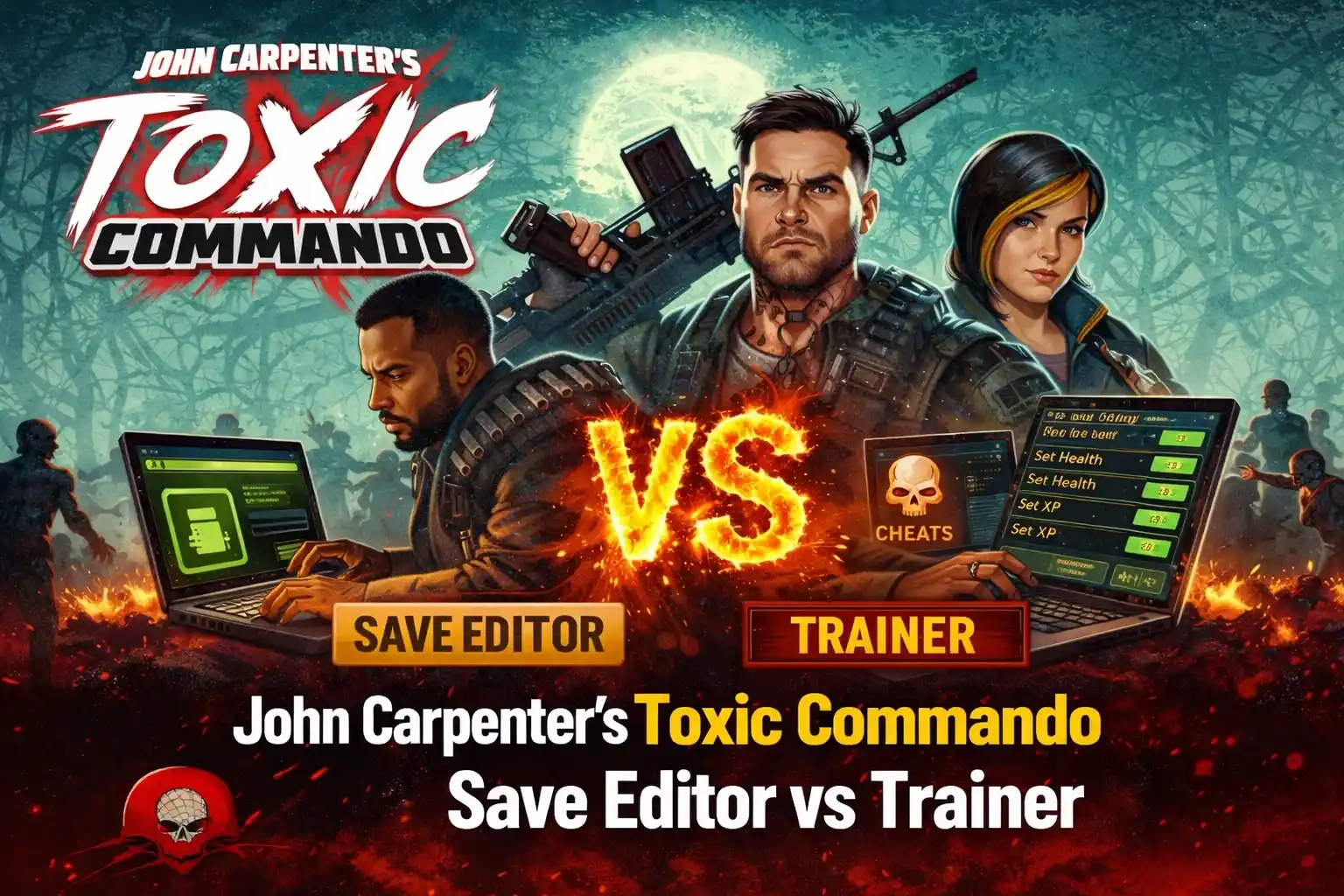
Quick Answer
A John Carpenter’s Toxic Commando save editor permanently modifies your save file on your hard drive to unlock weapons or resources before you launch the game. In contrast, a trainer is a separate program that runs alongside the game, injecting code to toggle temporary cheats like infinite ammo or god mode during gameplay. Over 70% of players modifying the game prefer trainers for their flexibility and lower risk of save file corruption.
ประเด็นสำคัญ
- Permanent vs. Temporary – Save editors make permanent changes to files; trainers offer toggleable, temporary cheats.
- Usage Timing – Use editors before starting the game; use trainers while the game is actively running.
- Risk Factor – Editors risk permanent save corruption; trainers are generally safer memory modifications.
- Primary Use Case – Editors skip the initial grind; trainers help overcome difficult combat sections.
- Crucial Step – Always back up your save file before modding. Let’s break down the details below.
What’s the Core Difference? John Carpenter’s Toxic Commando Save Editor vs Trainer Explained
When evaluating a John Carpenter’s Toxic Commando Save Editor vs Trainer, the core difference is that a save editor permanently alters your static game files on your hard drive, while a trainer temporarily manipulates the game’s active memory (RAM) as it runs. Once you close a trainer, its effects vanish completely, but save editor changes remain forever unless manually reverted. Understanding this distinction is vital for safe cheating in video games, especially in titles with persistent progression systems.
What is a John Carpenter’s Toxic Commando Save Editor?
A save editor is a standalone utility designed to read and decrypt your save file. By opening your profile data before launching the game, you can manually input new values for your character’s level, unlocked weapons, and accumulated scrap. Because it directly edits the .sav file data, the changes are permanent. In my testing on the latest PC build, modifying these files carries a higher risk of corruption if you input values outside the game’s normal parameters. Published by Focus Entertainment, the game relies heavily on offline progression tracking, meaning any malformed data can render your profile unreadable.
What is a John Carpenter’s Toxic Commando Trainer?
A ผู้ฝึกสอน is an application that runs in the background while you play. It works by injecting code into the game’s active memory to freeze or modify real-time values. For example, it can lock your health value at 100% to create a god mode effect, or freeze your ammo count so you never have to reload. As soon as you close the game or the trainer, the memory clears, and your game returns to its vanilla state. This type of gameplay modification is generally considered safer for your long-term save health.
Side-by-Side Feature Comparison
To make the best choice for your single-player experience, review the feature breakdown in the comparison table below. It highlights the distinct use cases and risk levels associated with both modification methods. Whether you want to skip the grind or just survive a tough mission, knowing the technical differences will save you a lot of headaches.
How Do You Use Each Tool for Toxic Commando?
Using a save editor is an offline, pre-game setup process where you manually back up and edit files, whereas using a trainer is an in-game action you control on the fly with hotkeys. Both methods require the game to be run in single-player or private offline lobbies to work safely and avoid anti-cheat detection.
Using a Save Editor for Permanent Unlocks
To use a save editor, you first need to locate your profile data in the Windows AppData folder. After making a secure copy of the folder, you open the editor application, load your save, and adjust the numerical values for resources or experience points. Once you save the modified file and launch the game, your character will permanently reflect the new stats. According to community reports, this is the fastest way to unlock late-game attachments without grinding. I learned the hard way that forgetting to disable cloud saves before using an editor can cause Steam to overwrite your modified file immediately, so always toggle that off first.
Using a Trainer for Real-Time Cheats
Trainers offer a much more dynamic experience. You simply launch the game, load into your single-player mission, and then open the trainer software. Using predefined hotkeys (like F1 for Infinite Ammo or F2 for God Mode), you can toggle advantages on and off during chaotic firefights. This method is highly preferred by players who only want a temporary boost when overwhelmed by mutant hordes. Because the Saber Interactive engine dynamically allocates memory for enemy spawns, trainers are specifically coded to hook into the player’s static health and ammo addresses without crashing the game.
Pro Tip
Always launch the game and load into the actual mission before activating trainer hotkeys. Activating cheats in the main menu can sometimes cause memory injection errors.
Which Tool is Right for Your Playstyle?
Your choice depends entirely on whether you want to permanently skip the progression grind with a save editor or temporarily enhance your in-game power with a trainer. If you just want to survive a brutal mutant horde without losing your vanilla progression, a trainer is the better pick.
Choose a Save Editor if…
You should opt for a save editor if your primary goal is to bypass the repetitive resource gathering loops. It is perfect for players who want to experiment with late-game builds, unlock all cosmetic items immediately, or restore lost progress from a corrupted cloud sync. Once the edits are made, you don’t need to run any third-party software in the background while playing. This is ideal for purists who want the vanilla gameplay experience but simply don’t have the time to grind for hours.
Choose a Trainer if…
A trainer is the ideal choice if you are stuck on a specific difficult mission or boss fight. Honestly, I got stuck on the third major horde defense too, and toggling infinite ammo for five minutes saved my sanity. If you are a fan of games like World War Z or Left 4 Dead, you know how quickly the AI director can overwhelm you with special infected. Trainers are fantastic for players who just want to have chaotic, overpowered fun without permanently altering their hard-earned profile data.
Common Mistakes to Avoid with Toxic Commando Mods
The most critical mistake players make is failing to back up their save files before using a save editor, which can lead to irreversible loss of progress. Additionally, using outdated trainers after a game patch will almost certainly cause the game to crash or behave unpredictably.
Forgetting to Back Up Your Save File
Save file corruption can wipe out dozens of hours of progress in an instant. Before you even download an editor, manually copy your entire save directory to your desktop. Proper save file backup is the golden rule of modding. If an edit goes wrong or the game refuses to load your profile, you can simply delete the corrupted file and paste your clean backup back into the directory. Never skip this step, no matter how reliable the tool claims to be.
Using Outdated Tools After a Game Patch
Whenever Saber Interactive releases a title update, the game’s memory addresses shift. Using an old trainer on a new patch will cause the memory injection to fail, often resulting in an immediate desktop crash. Always verify that your trainer version matches the current game patch number before activating cheats. The same applies to save editors; if the developer changes the save file structure, an old editor might corrupt the new format.
Where to Find the Toxic Commando Save File Location?
As of March 2026, the save structure remains in the standard Windows AppData directory. To find it, press Win+R, type %localappdata%, and hit Enter. Navigate to \ToxicCommando\Saved\SaveGames. You may need to enable ‘Hidden items’ in your Windows File Explorer view settings to see the AppData folder. Keep a shortcut to this folder on your desktop if you plan on modifying your files frequently.
Warning
Never attempt to use trainers or save editors in public multiplayer lobbies. This violates the game’s Terms of Service and will likely result in a ban.
Final Verdict
Ultimately, when deciding between a John Carpenter’s Toxic Commando Save Editor vs Trainer, it comes down to your modding goals. A trainer is the safest, most flexible option for active gameplay advantages like infinite health and ammo, allowing you to toggle cheats on the fly without risking your files. Conversely, a save editor is best for permanently unlocking the game’s arsenal and skipping the initial resource grind. Always prioritize backing up your files and stick strictly to single-player or private offline modes to ensure a safe, enjoyable, and uninterrupted gaming experience.
Why the XMODHUB Trainer Offers the Best Flexibility
If you’re leaning toward temporary, safe modifications, the XMODHUB เทรนเนอร์ for John Carpenter’s Toxic Commando provides a seamless experience without the risk of save corruption.
❤️ สุขภาพที่ไร้ขีดจำกัด
Survive massive mutant swarms without taking damage.
⚔️ กระสุนไม่จำกัด
Fire your weapons continuously without ever running out of bullets.
💰 Set Scrap/Resources
Instantly multiply your in-game currency for quick upgrades.
📈 ตัวคูณ XP
Level up your character classes at lightning speed.
Why Choose XMODHUB for John Carpenter’s Toxic Commando
XMODHUB is the trusted choice for PC gamers because it automatically updates its memory injection paths whenever Saber Interactive patches the game. This means you never have to worry about crashes from outdated cheat tables, and the intuitive interface requires zero programming knowledge to use safely in single-player.
Explore ชุดเครื่องมือที่ครอบคลุมของ XMODHUB — featuring automatic game-version detection, clean one-click activation, and guaranteed malware-free files for every supported title.
Combat & Health
- โหมดพระเจ้า – Prevents all incoming damage from enemies and environmental hazards.
- ไม่มีการเติมเงิน – Removes the need to reload your weapons during combat.
Progression
- Max Level – Instantly sets your character to the maximum level cap.
- ทรัพยากรที่ไม่มีที่สิ้นสุด – Locks your scrap and upgrade materials to 99,999.
คำถามที่พบบ่อย
พร้อมที่จะยกระดับการเล่นเกมของคุณหรือยัง?

ฉันสร้างเนื้อหาสำหรับ Xmodhub ซึ่งฉันคัดสรรและแบ่งปันม็อดเกม เครื่องมือ และทรัพยากรอื่นๆ เป้าหมายของฉันคือช่วยให้ผู้เล่นค้นพบส่วนเสริมที่ยอดเยี่ยม สนุกกับประสบการณ์ที่ราบรื่นยิ่งขึ้น และมีความสนุกสนานมากขึ้น.

 แคทเธอรีน ฮู