Survival on a chaotic planet full of insectoid swarms is tough. Whether you are defending your base against a massive “Ruptura” event or just want to build creatively without limits, using StarRupture console commands can save your game.
However, accessing the developer debug menu isn’t always straightforward in Unreal Engine 5 games.
Below is the complete guide on how to force the console open, the known command list, and the safer alternative to cheat without corrupting your save data.
สารบัญ
Editor’s Note: Early Access & Console Locks
How to Enable the Console in StarRupture
Essential Console Commands (God Mode & FPS)
How to Find Item IDs (The “Dump” Method)
ปัญหา: ทำไมคำสั่งคอนโซลถึงปิดการใช้งานความสำเร็จ
ทางเลือกที่ดีกว่า: XMODhub Trainer (ไม่ต้องพิมพ์)
คำถามที่พบบ่อย
สรุป
Editor’s Note: Early Access & Console Locks
“สตาร์รัพเจอร์ runs on Unreal Engine 5. In many Early Access builds, developers disable the standard Tilde (~) console key to prevent bug reports caused by user cheats.
If standard methods fail, you are likely playing a ‘Shipping Build’ where the console is stripped out. In this case, XMODhub Trainer is the only working method to enable cheats like God Mode without modifying game files.”
— Catherine Hu, Senior Modding Specialist and Game Writer at XMODhub
How to Enable the Console in StarRupture
To access the debug menu, try these standard UE5 methods in order:
วิธี A (ค่าเริ่มต้น): สื่อมวลชน ~ (Tilde), F1, หรือ F10 during gameplay.
วิธี B (ตัวเลือกการเปิดตัว):
Right-click StarRupture in Steam > คุณสมบัติ.
ใน ตัวเลือกการเริ่มต้น, ประเภท: -console -debug
Method C (Input.ini Config):
Go to %LOCALAPPDATA%\StarRupture\Saved\Config\WindowsNoEditor\
เปิด Input.ini and add:
นี่, TOML
[/Script/Engine.InputSettings] ConsoleKey=Tilde
รายการคำสั่งคอนโซลที่จำเป็น
If the console opens (a small black bar at the bottom), try these commands to control the game world.
Survival & Combat
พระเจ้า หรือ โหมดพระเจ้า 1 – Invincibility against aliens and lava.
infinite_stamina 1 – Run and mine forever without fatigue.
ghost – Fly through walls (Noclip).
walk – Return to normal walking mode.
killall – Eliminates all enemies in render distance.
A: No. Console commands are server-side. If you are not the host, they won’t work. XMODhub works client-side for visual and inventory tweaks.
Q: What is the command to skip time?
A: Try slomo 10 to speed up time by 10x, or set_time [hour] if available in your build.
Q: Why does the console say “Command not recognized”?
A: This means either the command was removed in the latest patch, or you made a typo. Commands are often case-sensitive.
Conclusion: Cheat Smarter, Not Harder
ขณะที่ โหมดพระเจ้า 1 is a classic way to survive, relying on outdated console commands in สตาร์รัพเจอร์ often does more harm than good. The risk of disabling Steam Achievements, corrupting your save files with invalid Item IDs, or simply breaking the game’s physics isn’t worth the hassle.
XMODhub offers a modern solution: safe, visual, and achievement-friendly cheating that lets you focus on building the ultimate industrial base.
One Trainer, Thousands of Worlds
StarRupture is just the beginning. XMODhub supports more than 5,000+ games, ensuring you have the tools you need for your entire library.
Green Hell: Also by Creepy Jar? We have cheats for that too.
The Riftbreaker: Love base defense? Optimize it with our trainer.
น่าพอใจ: Build factories without limits using our resource mods.
Whether you are surviving in the Amazon jungle or automating a sci-fi planet, XMODhub covers your entire gaming journey with a single subscription.
Solasta 2 Dungeon Maker Guide: Best Custom Campaigns & How to Play (2026)
You finally beat the main campaign of Solasta 2. You maxed out your party, rolled the credits, and now you have that post-RPG emptiness. The good news? The game is just getting started.…
Top 20 Best Solasta 2 Mods (UI, Classes & Custom Maps) | XMODhub
Let’s speak Dungeon Master to player. Solasta 2 is a phenomenal CRPG that faithfully translates the Dungeons & Dragons 5th Edition (5e) ruleset onto your screen. The grid-based tactical combat, the verticality, and…

 แคทเธอรีน ฮู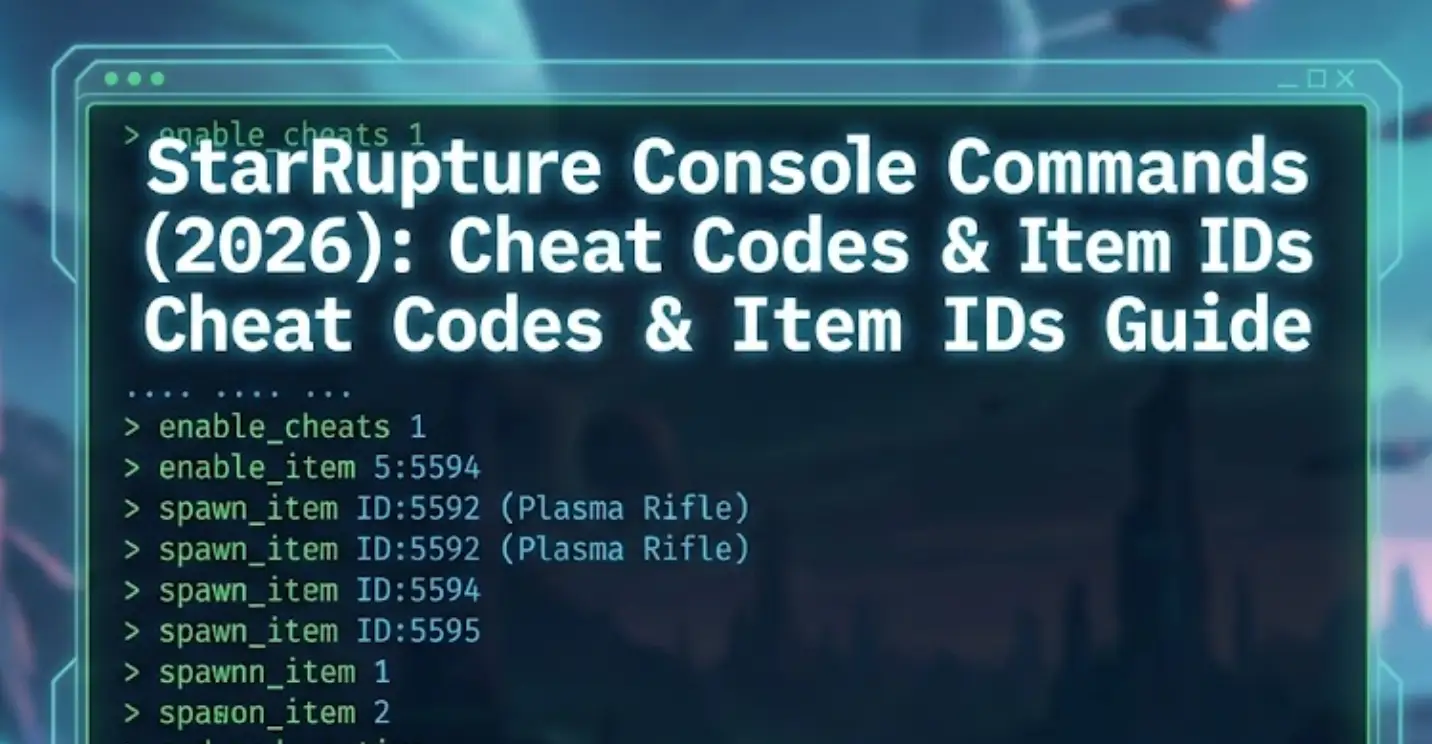


 แนนซี่ มิลเลอร์