แคทเธอรีน ฮู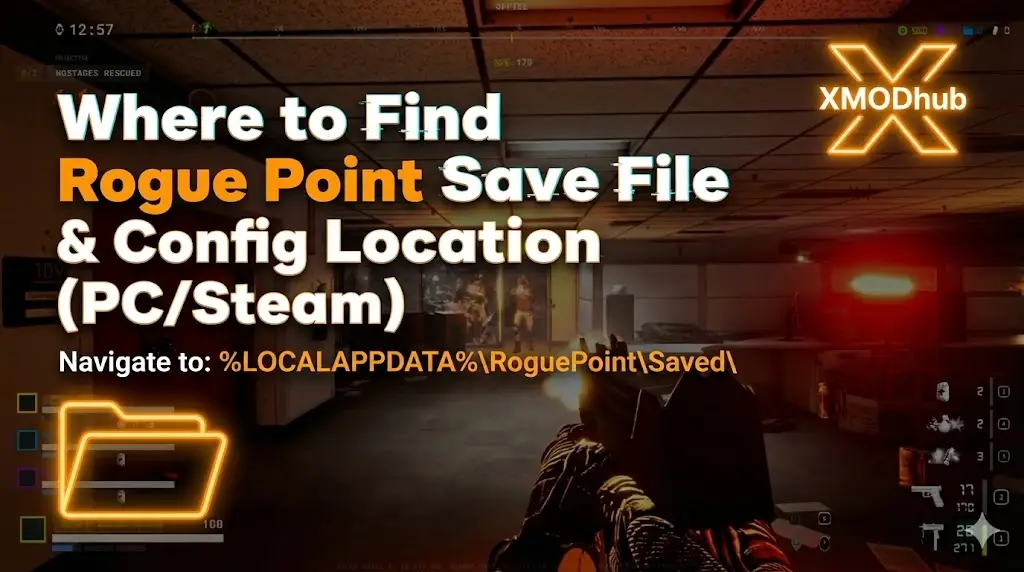
Editor’s View: Why This Matters (The Early Access Risk)
I specifically wrote this guide because Early Access games are volatile. Crowbar Collective updates the game frequently, and sometimes file structures change or get corrupted. Please backup your Saved folder manually right now. Don’t let a beta patch wipe your tactical career.”
There is nothing worse than grinding for 20 hours to unlock the Vector SMG and max out your Operator perks in Rogue Point, only to have a random Early Access crash corrupt your profile.
In a roguelite shooter, your “Meta-Progression” (Merx, Unlocks, Intel) is everything. Whether you want to manually backup your progress before a risky update, transfer your save to a Steam Deck, or tweak the config file for better FPS, you first need to find where the data is hidden.
Below is the exact file path for Rogue Point บน Windows และ Steam Deck พร้อมด้วยวิธีการที่ปลอดภัยกว่าและอัตโนมัติในการจัดการข้อมูลสำรองของคุณ.
คุณอาจสนใจ:
Rogue Point Cheat Engine Table vs. XMODhub Trainer: Best Free Alternative (2026)
ตำแหน่งที่บันทึกไฟล์ของคอมพิวเตอร์ Windows
For the Steam version of Rogue Point, the save files are usually located in the standard local AppData directory.
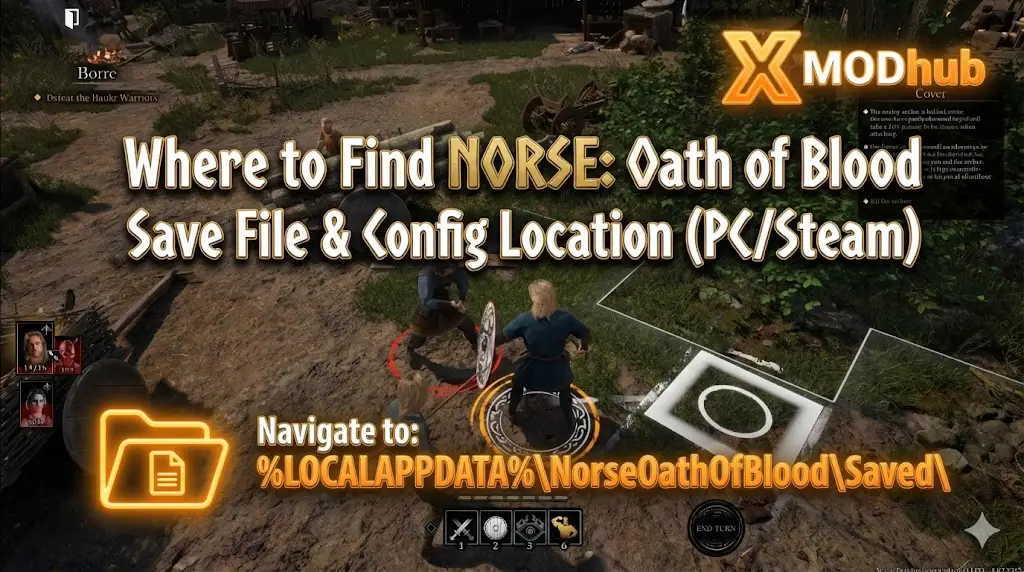
C:\Users\%USERNAME%\AppData\Local\RoguePoint\Saved\SaveGames\วิธีเดินทางไปที่นั่นอย่างรวดเร็ว:
- สื่อมวลชน ปุ่ม Windows + R บนแป้นพิมพ์ของคุณเพื่อเปิดกล่องโต้ตอบเรียกใช้.
- ประเภท
%localappdata%and press Enter. - เลื่อนลงและเปิด RoguePoint โฟลเดอร์.
- ไปที่ บันทึก > บันทึกเกม.
หมายเหตุ: You will typically see a file named RoguePointSave.sav or a folder with a long Steam ID number.
Rogue Point Config File Location (Graphics & Settings)
If you need to manually tweak graphics settings—like disabling Motion Blur, adjusting FOV beyond 110, or turning off Mouse Smoothing—you will need to edit the .ini configuration file.
C:\Users\%USERNAME%\AppData\Local\RoguePoint\Saved\Config\WindowsNoEditor\Key Files to Edit:
- GameUserSettings.ini: Resolution, V-Sync, and Quality settings.
- Input.ini: Keybindings and Mouse Sensitivity.
- Engine.ini: Advanced rendering tweaks (e.g., forcing DX11).
Warning: Right-click and select Open with Notepad. Be careful not to delete essential lines.
Steam Deck / ตำแหน่งที่บันทึกบน Linux
Rogue Point plays great on Steam Deck, but finding files on Linux requires digging into the Proton compatibility layer.
/home/deck/.local/share/Steam/steamapps/compatdata/[Steam_App_ID]/pfx/drive_c/users/steamuser/AppData/Local/RoguePoint/Saved/SaveGames/เคล็ดลับ: You will need to know the specific Steam App ID. You can find this by checking the game’s URL on the Steam Store or using SteamDB.
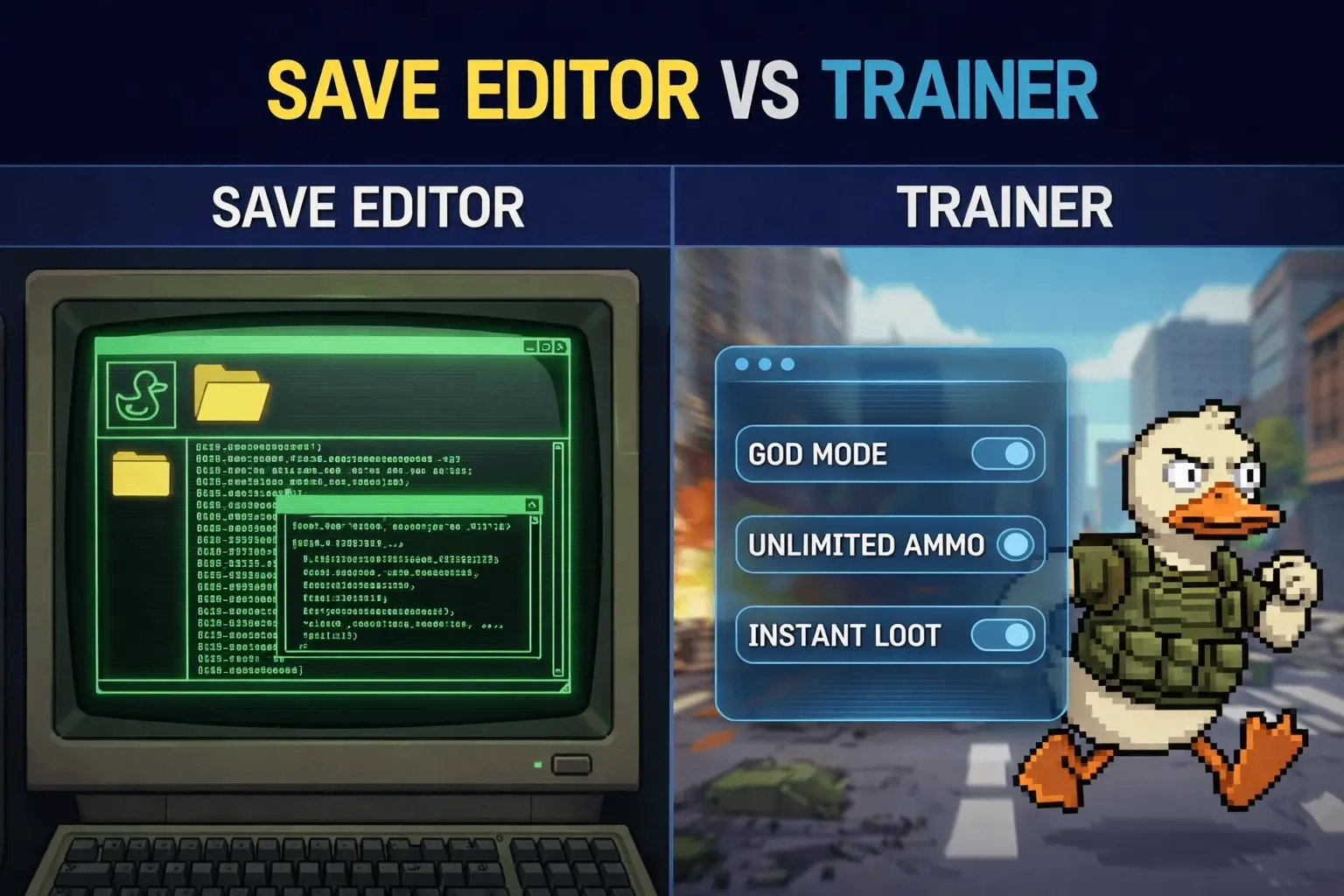
วิธีที่ฉลาดกว่า: สำรองข้อมูลด้วยคลิกเดียวด้วย XMODhub
Navigating through hidden AppData folders every time a new patch drops is tedious. One accidental delete, and your progress is gone forever. XMODhub offers a built-in Save Manager tool designed specifically for Early Access titles.
01
Auto-Backup
XMODhub automatically creates a backup of your profile every time you exit the game.
02
Version History
Did Patch 0.8 break your save? Roll back to your Patch 0.7 save file instantly.
03
Visual Management
Organize your saves by “Build” or “Date” with a single click.
XMODhub: More Than Just a Save Manager
XMODhub is your ultimate all-in-one toolkit for PC shooters. Whether you need powerful Trainers to test weapons, real-time Crosshair Overlays, or FPS Boosters, XMODhub has everything covered.
How to Use XMODhub for Rogue Point:
1. Download and Install the XMODhub client safely.

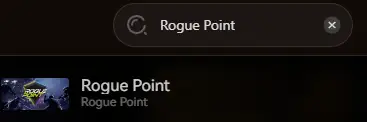
2. Search for “Rogue Point” in the client.
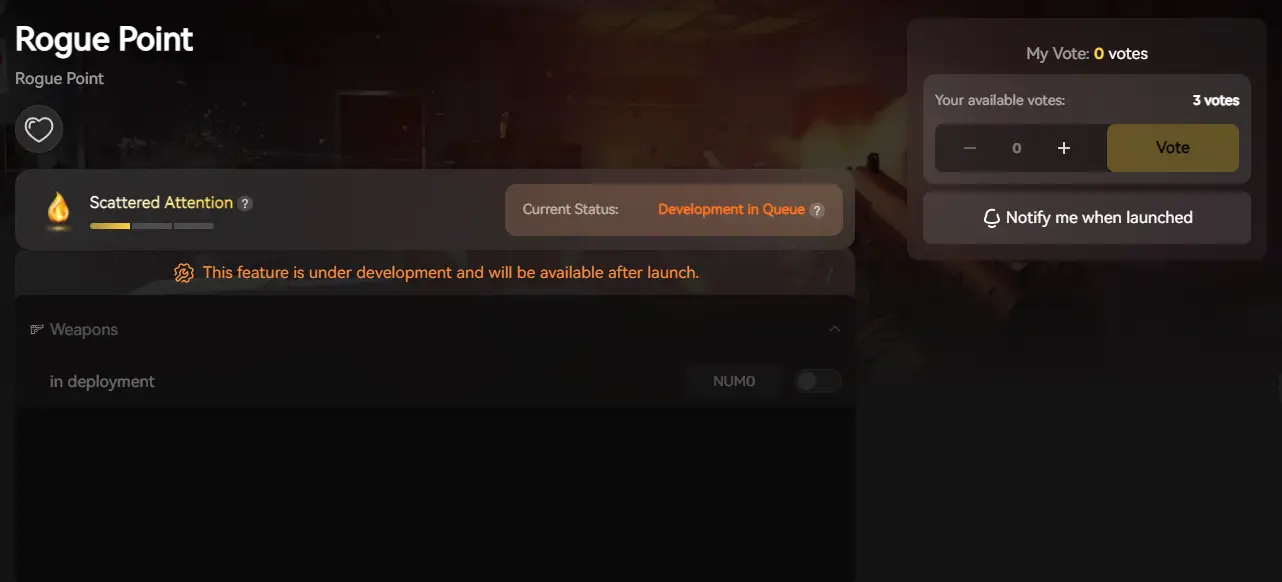
3. Launch the game directly from the client.
คำถามที่พบบ่อย
Q: Can I transfer my Rogue Point save to another PC?
A: Yes. Simply copy the SaveGames folder mentioned above to the exact same location on the new computer. Steam Cloud should handle this automatically, but manual transfer is safer for backups.
Q: What happens if I delete GameUserSettings.ini?
A: The game will regenerate a default config file upon the next launch. This is the best way to fix “Black Screen” launch issues caused by bad resolution settings.
Q: Does modifying save files ban me?
A: In single-player or private co-op, modifying your save (e.g., adding Merx) is generally safe. However, avoid using modified saves in public matchmaking to prevent desync or reports.
สรุป
Locating your Rogue Point save file is a crucial skill, whether you are recovering from a glitch, migrating your progress to a Steam Deck, or manually tweaking config files for better performance.
However, digging through hidden system folders always carries a risk. One wrong deletion can wipe out hours of progress instantly. If you prefer a safer, “set it and forget it” solution, we highly recommend the XMODhub Save Manager. It automates your backups, keeping your hard-earned tactical progress secure so you can focus on the mission, not the file directory.

ฉันเป็นเกมเมอร์และนักเขียนที่มีความหลงใหลที่ XMODhub มุ่งมั่นที่จะนำเสนอข่าวสารเกมล่าสุด เคล็ดลับ และข้อมูลเชิงลึกให้กับคุณ.
ติดต่อฉัน:
โปรไฟล์ LinkedIn ↗

 แนนซี่ มิลเลอร์