แคทเธอรีน ฮู
We have all been there. You are browsing NexusMods, you see an absolutely incredible 4K texture overhaul for the Rathalos armor, you download it, drop it into your game folder, and… Fatal D3D Error. Crash to desktop.
One of the greatest perks of playing Monster Hunter Stories 3: Twisted Reflection on PC is the passionate modding community. However, because Monster Hunter Stories 3 runs on Capcom’s proprietary RE Engine, modding isn’t as simple as dropping a file into a native “Mods” folder. The engine utilizes highly compressed .pak archives. If you install a .pak mod incorrectly, or if two mods try to overwrite the exact same texture, your game will instantly hit an infinite black screen or completely corrupt your 80-hour save file.
I have bricked my game installation more times than I care to admit so that you don’t have to.
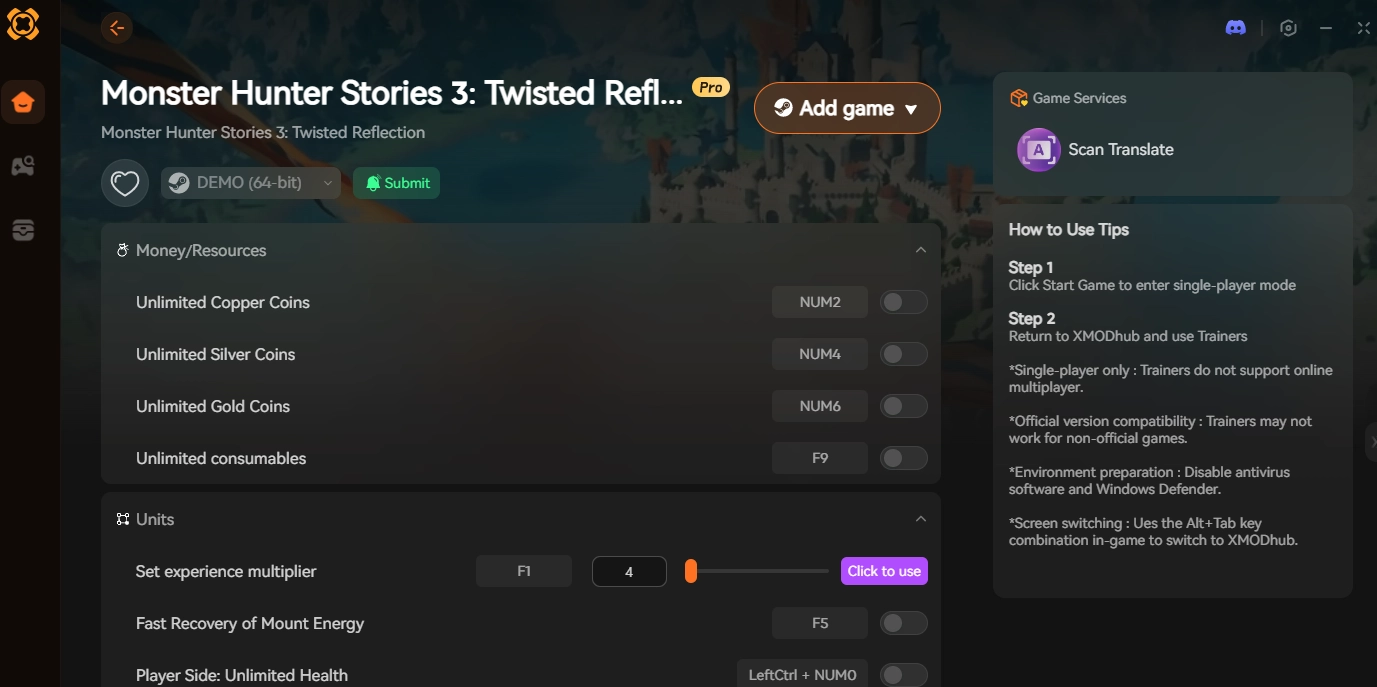
In this comprehensive technical guide, we will walk you through the safest way to install mods using the industry-standard mod manager, how to completely uninstall broken mods, and why you should use the XMODhub PC Trainer instead of .pak files for gameplay and stat tweaks.
Monster Hunter Stories 3: Twisted Reflection Cheat Engine Table vs. XMODhub Trainer: Best Free Alternative (2026)
Editor’s Note
Our modding team has tested the file structures on the Day 1 Steam release of Monster Hunter Stories 3. A massive PSA for PC modders: Always back up your save file before installing new .pak files! Modifying RE Engine archives can sometimes alter the checksum of your save data. If you only want to change your Zenny, EXP, or Egg drop rates, skip the dangerous .pak edits entirely and use our Memory Injection Alternative below.
Quick Answer: How to Install Monster Hunter Stories 3 Mods
(Want to get your custom armor mod working immediately without crashing? Use the community-standard Fluffy Mod Manager by following these exact steps.)
Download the Manager: Get the latest version of Fluffy Mod Manager from NexusMods or GitHub.
Extract the Tool: Unzip the manager into an empty folder on your desktop (Do not put it inside the Monster Hunter Stories 3 game folder).
Select Your Game: Launch Modmanager.exe and select Monster Hunter Stories 3 from the supported games list.
Import the Mod: Drag and drop your downloaded mod archive (.rar, .zip, or .7z) directly into the Fluffy Manager window.
Enable the Mod: Click the toggle switch next to the mod’s name in the manager so it turns white/active.
Launch and Play: Click “Launch Game” from within the manager to safely inject the customized files into the RE Engine.
Method 1: The Safe Way (Fluffy Mod Manager)
If you are planning to install more than one cosmetic mod, you must use Fluffy Mod Manager. It was built specifically for modern Capcom games and is the only reliable way to manage file conflicts.
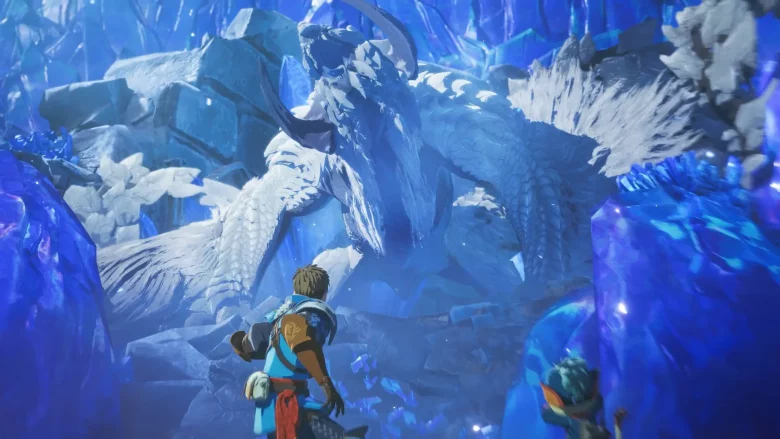
Why Fluffy is Mandatory: Instead of permanently overwriting your game’s core .pak files (which destroys your installation), Fluffy creates a temporary virtualization layer. When you toggle a mod “ON,” Fluffy temporarily unpacks the mod’s contents into a hidden natives folder and forces the game to read that folder first.
If a mod breaks your game, you simply toggle it “OFF” in the manager, and your game is instantly restored to its vanilla, uncorrupted state. It is fool-proof.
Method 2: The Manual Way (.pak Patching Explained)
Some older or simpler mods do not support Fluffy Mod Manager and require a manual installation. The RE Engine handles manual mods via a very strict numerical naming convention.
✦
Navigate to your Steam installation directory:
\SteamLibrary\steamapps\common\MonsterHunterStories3\
✦
Inside, you will see massive foundational files named re_chunk_000.pak.
✦
Take your downloaded mod file (which must be a .pak file) and place it in this root directory.
✦
The Naming Trick: You must rename the mod file to sequence after the base game patches. If the game already has an official update named re_chunk_000.pak.patch_001.pak, you must rename your downloaded mod to re_chunk_000.pak.patch_002.pak.
✦
The game will now load your .patch_002 file last, overriding the base game textures.
🔥 Warning: If you manually install two mods that edit the same visual asset, the RE Engine will suffer a Fatal D3D Error and crash to the desktop. Always use Fluffy if possible.
How to Uninstall Broken Mods & Clean Your Folder
If you messed up a manual install and your game refuses to boot, do not panic. You can easily clean your directory without downloading the entire 60GB game again.
1
Go to your Monster Hunter Stories 3 Steam folder.
2
Delete any file that has .patch_ in the name EXCEPT the official Capcom patches (usually patch_001 or patch_002 right after a major update). If you are unsure, just delete all patch files.
3
Open Steam > Right-click Monster Hunter Stories 3 > Properties > Installed Files > ตรวจสอบความสมบูรณ์ของไฟล์เกม.
4
Steam will scan your folder, realize the official patch files are missing, and re-download only the necessary clean files (usually around 1GB). Your game is now fixed!
The Big Risk: Game Updates vs. Gameplay Mods
If you are using .pak mods to change gameplay mechanics (like a mod that gives you 10x XP, or a mod that increases Rainbow Egg drop rates), you are sitting on a ticking time bomb.
Whenever Capcom releases a new patch for Monster Hunter Stories 3 (which happens constantly during launch month), they alter the core data tables inside re_chunk_000.pak. When this happens, your custom .pak mods instantly become incompatible. If you try to launch the game with outdated gameplay .pak files, you will get an infinite black screen, or the game will completely corrupt your save file because the item IDs no longer align. You are entirely at the mercy of the mod author to update their files, which can take weeks.
The Safe Alternative: XMODhub Memory Injection
If you are downloading .pak mods just to get cosmetic changes (like a cool new jacket for your Rider), Fluffy Mod Manager is fantastic.
But if you are downloading .pak files to cheat—to get infinite Zenny, max out your Kinship gauge, or guarantee Rainbow Eggs—you are taking an unnecessary risk with your 80-hour save file. This is where the [XMODhub Monster Hunter Stories 3 PC Trainer] acts as the ultimate, update-proof alternative.

- ✨
No File Modification: Our trainer does not touch or overwrite your re_chunk_000.pak files. We use dynamic RAM memory injection. - ✨
Update Proof: When Capcom updates the game, .pak files break permanently. The XMODhub Desktop App auto-updates our memory pointers within 24 hours of a new patch, meaning your cheats always work. - ✨
Toggle On the Fly: You don’t need to close the game, open a mod manager, and rename files. Want 100% Retreat Rate for just one boss? Press a Numpad hotkey, get the egg, and turn it off instantly.
Do not risk your save data on outdated .pak gameplay mods. Use them for cosmetics, and let XMODhub handle the heavy lifting.
Frequently Asked Questions (FAQ)
Q: Do mods disable Steam Achievements in Monster Hunter Stories 3?
A: No. Unlike some modern RPGs, Monster Hunter Stories 3 does not have a built-in flag that disables Steam Achievements when modified files are detected. You can safely earn achievements while using cosmetic .pak mods or the XMODhub trainer.
Q: Can I use Fluffy Mod Manager on the Steam Deck?
A: Yes, but it requires a workaround since Fluffy is a Windows .exe. You must add Modmanager.exe to Steam as a Non-Steam Game, force compatibility with Proton Experimental, run the manager to apply the mods, and then launch the actual game.
Q: Will installing cosmetic .pak mods get me banned in Co-op?
A: Generally, no. Cosmetic .pak mods are strictly client-side. If you install a mod that turns your Nargacuga neon pink, only you will see it. The other players in your Co-op lobby will see the standard Nargacuga model, and Capcom’s matchmaking servers will not flag it.
Conclusion: Mod Responsibly
Modding Monster Hunter Stories 3: Twisted Reflection breathes endless life into an already massive RPG. By utilizing Fluffy Mod Manager for your visual overhauls and knowing how to clean your directory if things go wrong, you can customize your Azurian adventure safely.
However, when it comes to altering the game’s actual mechanics, economy, and drop rates, leave the risky file editing behind.
[Download the XMODhub Monster Hunter Stories 3 PC Trainer today]
seamlessly inject your favorite tweaks on the fly, and hunt with absolute peace of mind!

ฉันเป็นเกมเมอร์และนักเขียนที่มีความหลงใหลที่ XMODhub มุ่งมั่นที่จะนำเสนอข่าวสารเกมล่าสุด เคล็ดลับ และข้อมูลเชิงลึกให้กับคุณ.
ติดต่อฉัน:
โปรไฟล์ LinkedIn ↗
 แนนซี่ มิลเลอร์