สรุป: Learn everything about MISERY’s system requirements, including minimum and recommended specs, to ensure smooth performance in this post-apocalyptic survival game.
MISERY is an upcoming co-op survival game set in a grim post-nuclear world where players take on the role of private military contractors guarding a secret research institute.
With its intense atmosphere, realistic mechanics, and procedurally generated environments, MISERY demands both strategy and solid hardware performance.
In this guide, we’ll break down everything you need to know — from the game’s minimum and recommended system requirements to whether your PC can handle it, how it performs on low-end setups, and how tools like เอ็กซ์เอ็มโอดี can further enhance your gameplay experience.
สารบัญ
- คือ MISERY?
- System Requirements for MISERY: Minimum and Recommended
- Can You Run MISERY on a Low-End PC?
- Can My PC Run MISERY?
- How to Enhance Gameplay Experience with XMOD?
- สรุป
What is MISERY?
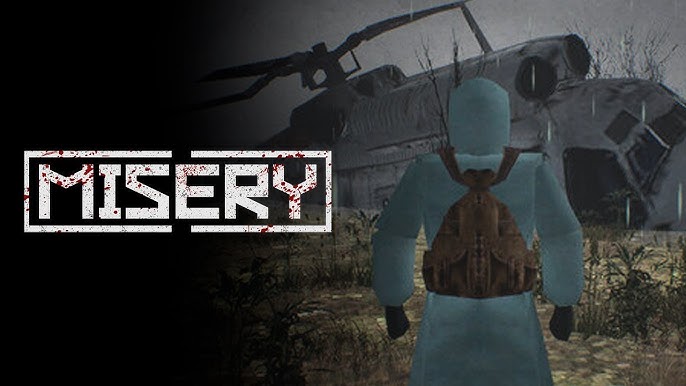
MISERY is a 1–5 player cooperative survival game set in a haunting post-nuclear landscape. As private military contractors, players are tasked with guarding a secret research facility (SIRZEZ) and experimenting entities known as anomalies and artifacts — elements that precipitated the war itself.
At the moment of nuclear catastrophe, you’ve got just 60 seconds to reach your bunker. Once inside, each day is a high-stakes mission: you’ll explore procedurally generated zones — such as ruined cities, military bases, and radioactive wastelands — in search of resources, artifacts, and clues.
System Requirements for MISERY: Minimum and Recommended
Before diving into the irradiated wastelands of MISERY, it’s important to ensure your PC can handle its demanding survival gameplay and atmospheric visuals. Below are the official minimum และ recommended system requirements for the game.
ข้อกำหนดขั้นต่ำ
- ระบบปฏิบัติการ: Windows 10 (64 บิต)
- โปรเซสเซอร์: Intel Core i3-3240 CPU
- ความทรงจำ: 8 GB RAM
- กราฟิก: NVIDIA GeForce GTX 1050
- DirectX: เวอร์ชัน 11
- การเก็บรักษา: 7 GB available space
Recommended Requirements
- ระบบปฏิบัติการ: Windows 10 (64 บิต)
- โปรเซสเซอร์: 64-bit processor and operating system
- DirectX: เวอร์ชัน 11
- การเก็บรักษา: 7 GB available space
ขณะที่ MISERY can run on mid-range systems, having a GPU equivalent to or stronger than the GTX 1050 and at least 8 GB of RAM is recommended for stable performance and smoother gameplay.
Can You Run MISERY on a Low-End PC?
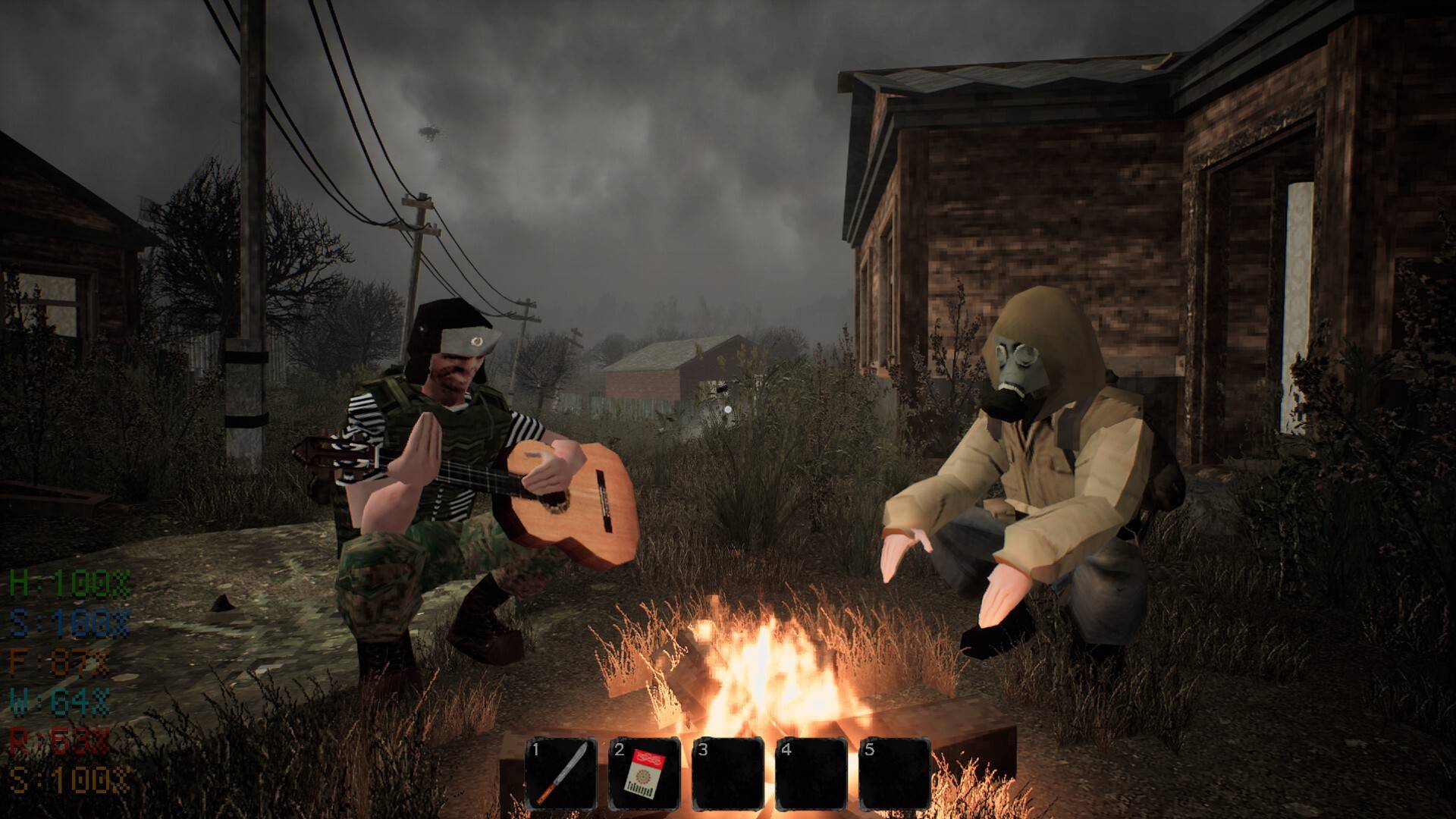
Based on what’s known, MISERY is not a lightweight game. With minimum requirements of an Intel i3-3240, 8 GB RAM, and a GTX 1050, these specs are already modest but still out of reach for many low-end machines. If your system is below or just around those specs, you’ll need to make compromises.
Here are things to consider:
- If you’re below minimum spec
- You’ll likely suffer from very low frame rates, long loading times, and noticeable stutter or lag, especially in demanding scenes (like high enemy density, radiation zones, anomalies, etc.).
- Some users with weaker hardware report the game being “laggy or freezes,” especially if graphics settings are not heavily reduced.
- If you’re at or only slightly above minimum spec
- You may still run the game, but only with low graphics settings, possibly lower resolution, disabled or reduced shadows/sun rays, static lighting rather than dynamic, etc.
- You might also benefit from limiting frame rate or using performance tweaks mentioned in mod community forums.
Can My PC Run MISERY?
To determine if your PC can run MISERY, you’ll need to compare your hardware to the game’s official system requirements. The game requires at least an Intel Core i3-3240 CPU, 8 GB of RAM, and a GTX 1050 GPU to run at minimum settings.
If your PC meets or exceeds these specs, you can expect playable performance at low to medium settings with stable frame rates. However, if your setup falls below these requirements — such as using an older dual-core CPU, integrated graphics, or less than 8 GB of RAM — you may experience lag, stutters, or long loading times.
For the best experience, ensure your system has:
- A dedicated graphics card equivalent to or better than the GTX 1050
- At least 8 GB RAM
- A modern 64-bit processor and operating system
- Installation on an SSD for faster load times
If you’re unsure whether your PC qualifies, you can use free online tools like คุณสามารถรันมันได้หรือไม่ หรือ PCGameBenchmark to automatically check your system’s compatibility with MISERY.
How to Enhance Gameplay Experience with XMOD?
การใช้ เอ็กซ์เอ็มโอดี is a great way to elevate your MISERY experience by optimizing performance, customizing visuals, and unlocking quality-of-life improvements. This enhancement tool allows players to tweak various aspects of the game for smoother, more immersive gameplay — especially useful for systems that struggle with performance.
Here’s how XMOD can improve your MISERY experience:
- Performance Optimization: Adjust in-game parameters such as texture quality, lighting effects, and frame rate caps to boost performance on lower-end PCs without sacrificing too much visual fidelity.
- Enhanced Visuals: Enable sharper textures, realistic lighting, and environmental effects to make the game’s bleak post-apocalyptic world even more immersive.
- Custom Controls & UI Tweaks: XMOD allows players to remap controls, streamline HUD elements, and modify the interface for better accessibility and smoother navigation.
- Gameplay Adjustments: Fine-tune difficulty, AI behavior, and survival mechanics to better match your preferred playstyle — whether you want a more casual experience or a true hardcore challenge.

By integrating XMOD, players can personalize MISERY to run more efficiently and look better, ensuring a smoother and more engaging survival journey through the desolate nuclear wasteland.
สรุป
MISERY delivers a gripping and challenging survival experience set in a haunting post-apocalyptic world. To enjoy it fully, make sure your PC meets at least the minimum system requirements — and consider optimization tools like เอ็กซ์เอ็มโอดี to improve performance and visuals, especially on lower-end setups. Whether you’re exploring radioactive ruins or defending your bunker, a well-optimized setup ensures smoother gameplay and a more immersive journey through the desolate wastelands of MISERY.
ฉันเป็นเกมเมอร์และนักเขียนที่มีความหลงใหลที่ XMODhub มุ่งมั่นที่จะนำเสนอข่าวสารเกมล่าสุด เคล็ดลับ และข้อมูลเชิงลึกให้กับคุณ.
ติดต่อฉัน:
โปรไฟล์ LinkedIn ↗

 แคทเธอรีน ฮู

 แนนซี่ มิลเลอร์

