สรุป: This guide provides detailed system requirements for Little Nightmares III, covering both minimum and recommended PC specifications to help players ensure smooth performance and an optimal gaming experience.
Little Nightmares III is the latest installment in the acclaimed horror-puzzle series, offering a dark, atmospheric adventure filled with suspense, clever puzzles, and eerie environments.
In this guide, we cover the system requirements for the game, including both minimum and recommended specifications, to help you determine if your PC can run it smoothly.
We also explore how the game performs on low-end systems, provide tips for checking your PC’s compatibility, and explain how เอ็กซ์เอ็มโอดี can enhance your gaming experience.
By the end, you’ll have all the information you need to enjoy Little Nightmares III to its fullest.
สารบัญ
- คือ Little Nightmares III?
- System Requirements for the Game: Minimum and Recommended
- Can You Run Little Nightmares III on a Low-End PC?
- Can My PC Run Little Nightmares III?
- How to Enhance Gameplay Experience with XMOD?
- สรุป
What is Little Nightmares III?
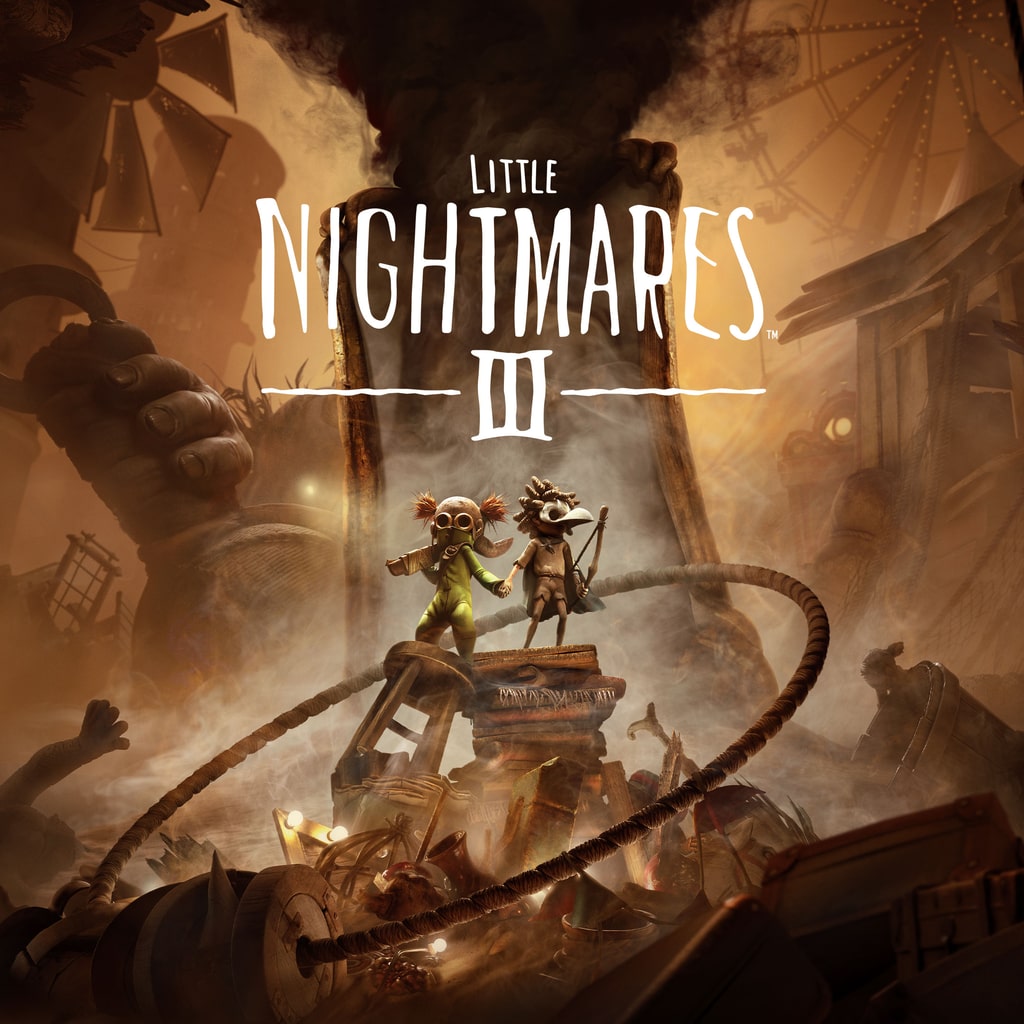
Little Nightmares III is the third entry in the critically acclaimed horror-puzzle series developed by Tarsier Studios and published by Bandai Namco Entertainment. The game continues the franchise’s signature dark and eerie atmosphere, blending suspenseful storytelling with clever environmental puzzles. Players guide their characters through hauntingly twisted worlds, avoiding grotesque enemies and uncovering mysteries along the way. With its focus on exploration, stealth, and survival, Little Nightmares III delivers a tense, immersive experience for fans of the series and newcomers alike.
System Requirements for the Game: Minimum and Recommended
Before diving into the dark and eerie world of Little Nightmares III, it’s important to ensure your PC meets the game’s requirements. Meeting the minimum specs will allow you to play the game smoothly at basic settings, while the recommended specs provide a more immersive experience with enhanced graphics and performance.
ข้อกำหนดขั้นต่ำ
- ระบบปฏิบัติการ: Windows 11 (64 บิต)
- โปรเซสเซอร์: Intel Core i5-6500 or AMD Ryzen 3 1200
- ความทรงจำ: 8 GB RAM
- กราฟิก: Nvidia GeForce GTX 1060 or AMD Radeon RX 580
- Notes: Low settings, 1080p @ 60 FPS
Recommended Requirements
- ระบบปฏิบัติการ: Windows 11 (64 บิต)
- โปรเซสเซอร์: Intel Core i5-8400 or AMD Ryzen 5 1600
- ความทรงจำ: 12 GB RAM
- กราฟิก: Nvidia GeForce RTX 2080 (8 GB) or AMD RX 6800
- Notes: High settings, 1080p @ 60 FPS
By checking your PC against these requirements, you can decide whether to adjust graphics settings or upgrade hardware to achieve the best experience. Ensuring compatibility helps you fully enjoy the suspense, puzzles, and atmospheric storytelling the game has to offer.
Can You Run Little Nightmares III on a Low-End PC?
Little Nightmares III is designed to be accessible to a wide range of systems. The game’s minimum requirements are relatively modest, allowing it to run on older hardware. However, achieving smooth performance on low-end PCs may require some adjustments.
Minimum System Requirements
To run Little Nightmares III at 1080p on low settings with 60 FPS, your system should meet the following specifications:
- Operating System: Windows 11 (64 บิต)
- โปรเซสเซอร์: Intel Core i5-6500 or AMD Ryzen 3 1200
- ความทรงจำ: 8 GB RAM
- กราฟิก: Nvidia GeForce GTX 1060 or AMD Radeon RX 580
- Additional Notes: Low settings, 1080p @ 60 FPS
These specifications suggest that even mid-range hardware from several years ago can handle the game at its lowest settings
Can My PC Run Little Nightmares III?
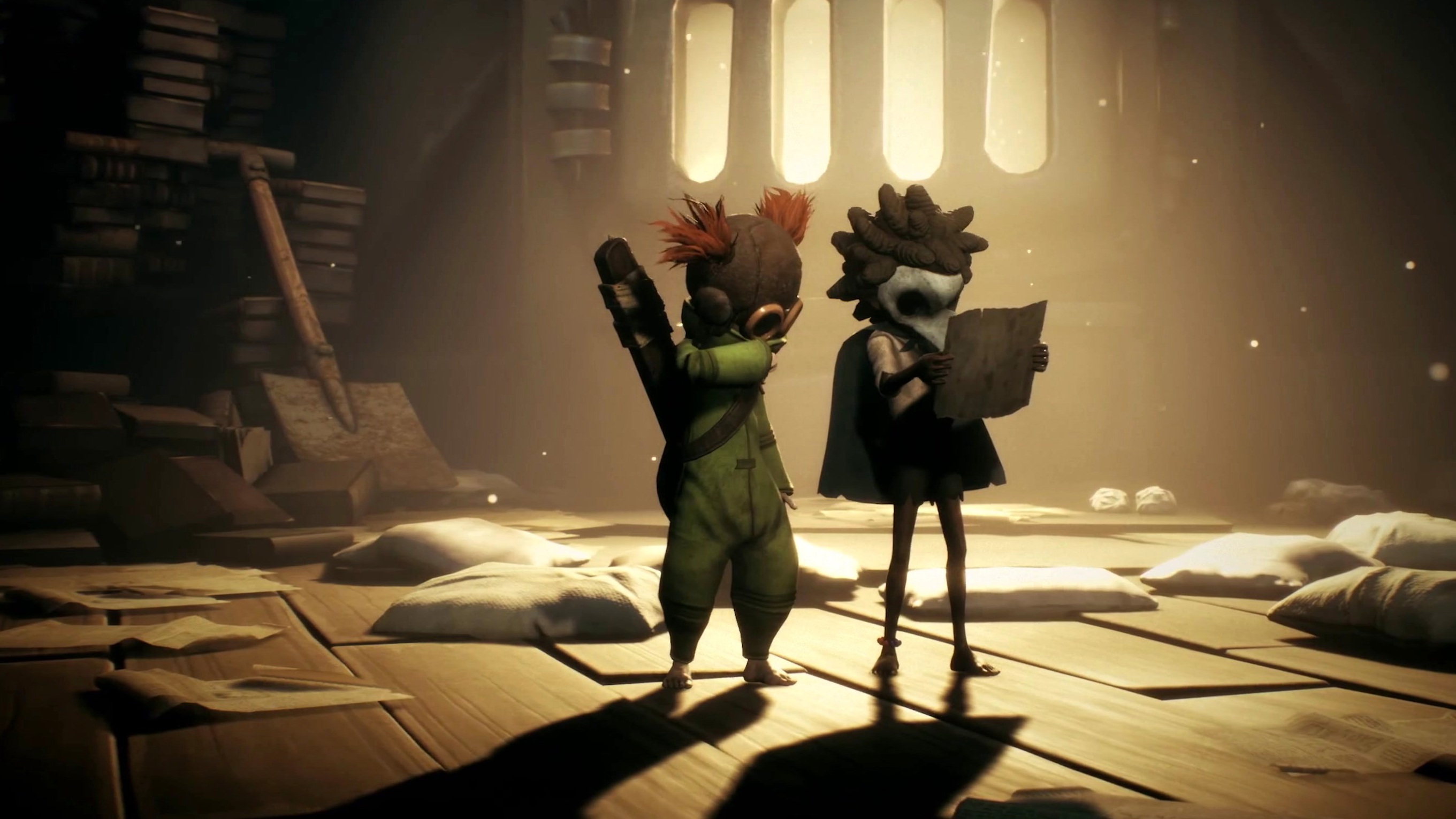
To determine if your PC can run Little Nightmares III, you need to compare your system’s specifications with the game’s minimum and recommended requirements:
ข้อกำหนดขั้นต่ำ (for basic play)
- ระบบปฏิบัติการ: Windows 11 (64 บิต)
- โปรเซสเซอร์: Intel Core i5-6500 or AMD Ryzen 3 1200
- ความทรงจำ: 8 GB RAM
- กราฟิก: Nvidia GeForce GTX 1060 or AMD Radeon RX 580
Recommended Requirements (for high settings)
- ระบบปฏิบัติการ: Windows 11 (64 บิต)
- โปรเซสเซอร์: Intel Core i5-8400 or AMD Ryzen 5 1600
- ความทรงจำ: 12 GB RAM
- กราฟิก: Nvidia GeForce RTX 2080 (8 GB) or AMD RX 6800
If your PC meets or exceeds the recommended specs, you can enjoy Little Nightmares III at high settings with smooth performance. Even if your system only meets the minimum requirements, the game should still run at 1080p with low settings and around 60 FPS.
How to Enhance Gameplay Experience with XMOD?
เอ็กซ์เอ็มโอดี is a versatile platform that helps you get the most out of Little Nightmares III by providing a range of tools beyond standard gameplay. With XMOD, you can access cheats, trainers, and mods immediately after the game’s release, all fully compatible and regularly updated.
- ม็อด: Improve graphics, tweak textures, adjust the UI, or add new gameplay features to increase immersion.
- ผู้ฝึกสอน: Modify in-game values like health, stamina, or abilities to make progression smoother or experiment with different strategies.
- สูตรโกง: Unlock items, skip difficult sections, or spawn objects instantly, allowing you to focus on exploration and puzzle-solving.
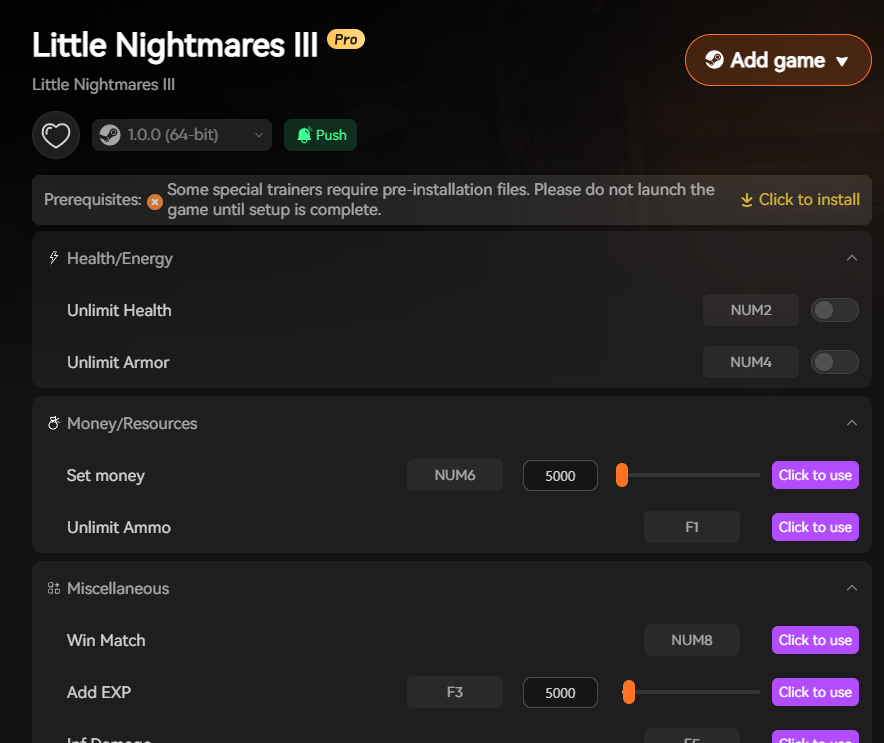
Additionally, XMOD offers quality-of-life enhancements such as FPS boosters, translation tools for international players, and DLC unlockers. Whether you want to optimize performance, discover hidden content, or customize your gameplay, XMOD gives you full control over how you enjoy Little Nightmares III.
สรุป
Little Nightmares III delivers a suspenseful and immersive horror-puzzle experience, combining eerie environments with clever challenges. Ensuring your PC meets the minimum or recommended system requirements will allow you to enjoy smooth gameplay, while optimization tips can help low-end systems run the game more effectively. Using tools like เอ็กซ์เอ็มโอดี further enhances the experience, offering mods, trainers, cheats, and performance boosters to customize gameplay and improve performance. By following these guidelines, you can fully enjoy the dark, atmospheric world of Little Nightmares III.
ฉันเป็นเกมเมอร์และนักเขียนที่มีความหลงใหลที่ XMODhub มุ่งมั่นที่จะนำเสนอข่าวสารเกมล่าสุด เคล็ดลับ และข้อมูลเชิงลึกให้กับคุณ.
ติดต่อฉัน:
โปรไฟล์ LinkedIn ↗

 แคทเธอรีน ฮู

 แนนซี่ มิลเลอร์

