สรุป: Kingmakers is a strategy game with specific system requirements to ensure smooth gameplay. This guide covers minimum and recommended PC specs and tips for optimal performance.
Kingmakers is an immersive strategy game that challenges players to build empires, manage resources, and engage in tactical battles.
Before diving in, it’s important to understand the system requirements to ensure smooth performance on your PC.
This guide covers the minimum and recommended specs, explains how to determine if your system can run the game—even on low-end hardware—and highlights ways to enhance gameplay using เอ็กซ์เอ็มโอดี.
Whether you’re a new player or a seasoned strategist, these tips will help you get the most out of your Kingmakers ประสบการณ์.
สารบัญ
- คือ Kingmakers?
- System Requirements for Kingmakers: Minimum and Recommended
- Can You Run Kingmakers on a Low-End PC?
- Can My PC Run Kingmakers?
- How to Enhance Gameplay Experience with XMOD?
- สรุป
What is Kingmakers?
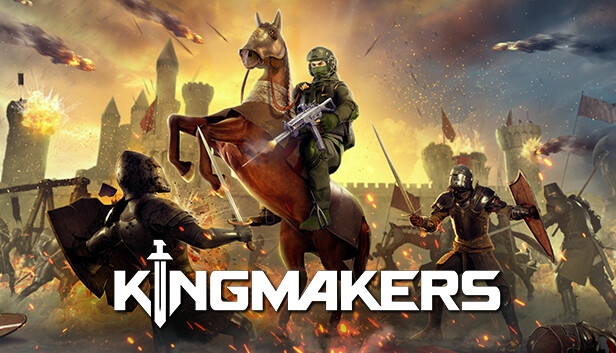
Kingmakers is an upcoming action-strategy game developed by Redemption Road and published by tinyBuild. Set to release on October 8, 2025, the game offers a unique blend of medieval warfare and modern weaponry. Players are thrust into an alternate history scenario where they travel back 500 years to medieval England to alter the course of a bloody war and potentially stave off an impending apocalypse. The game features real-time, large-scale battles with thousands of soldiers, each controlled by advanced AI, and allows players to wield modern firearms, vehicles, and airstrikes in a medieval setting.
h2: System Requirements for Kingmakers: Minimum and Recommended
Before diving into Kingmakers, it’s essential to know whether your PC can handle the game. Here are the minimum and recommended system requirements:
Minimum Requirements:
- ระบบปฏิบัติการ: Windows 10 (64 บิต)
- โปรเซสเซอร์: 64-bit CPU required
- Memory, Graphics, Storage: Specific details not fully disclosed, but a standard mid-range PC is suggested
Recommended Requirements:
- ระบบปฏิบัติการ: Windows 10 (64 บิต)
- โปรเซสเซอร์: 64-bit CPU required
- Memory, Graphics, Storage: Optimized for smooth gameplay on a modern PC
These requirements indicate that Kingmakers is designed for PCs running 64-bit Windows 10, and while exact specs for memory and GPU aren’t fully confirmed, modern mid-range systems should handle the game comfortably.
Can You Run Kingmakers on a Low-End PC?
Kingmakers is designed to run on 64-bit Windows 10 systems, which means even PCs with modest specifications may be able to launch the game. However, because the game features large-scale real-time battles with thousands of soldiers, AI-controlled units, and modern weapons in a medieval setting, low-end PCs may struggle with performance, especially in high-intensity scenarios.
To improve performance on a lower-spec system, you can:
- Lower in-game graphics settings such as texture quality, shadows, and particle effects.
- Limit resolution to 720p or 1080p depending on your hardware.
- Close background applications to free up CPU and RAM resources.
While the game may be playable on low-end PCs, for the best experience—including smooth frame rates during massive battles—a mid-range or higher-spec system is recommended.
Can My PC Run Kingmakers?
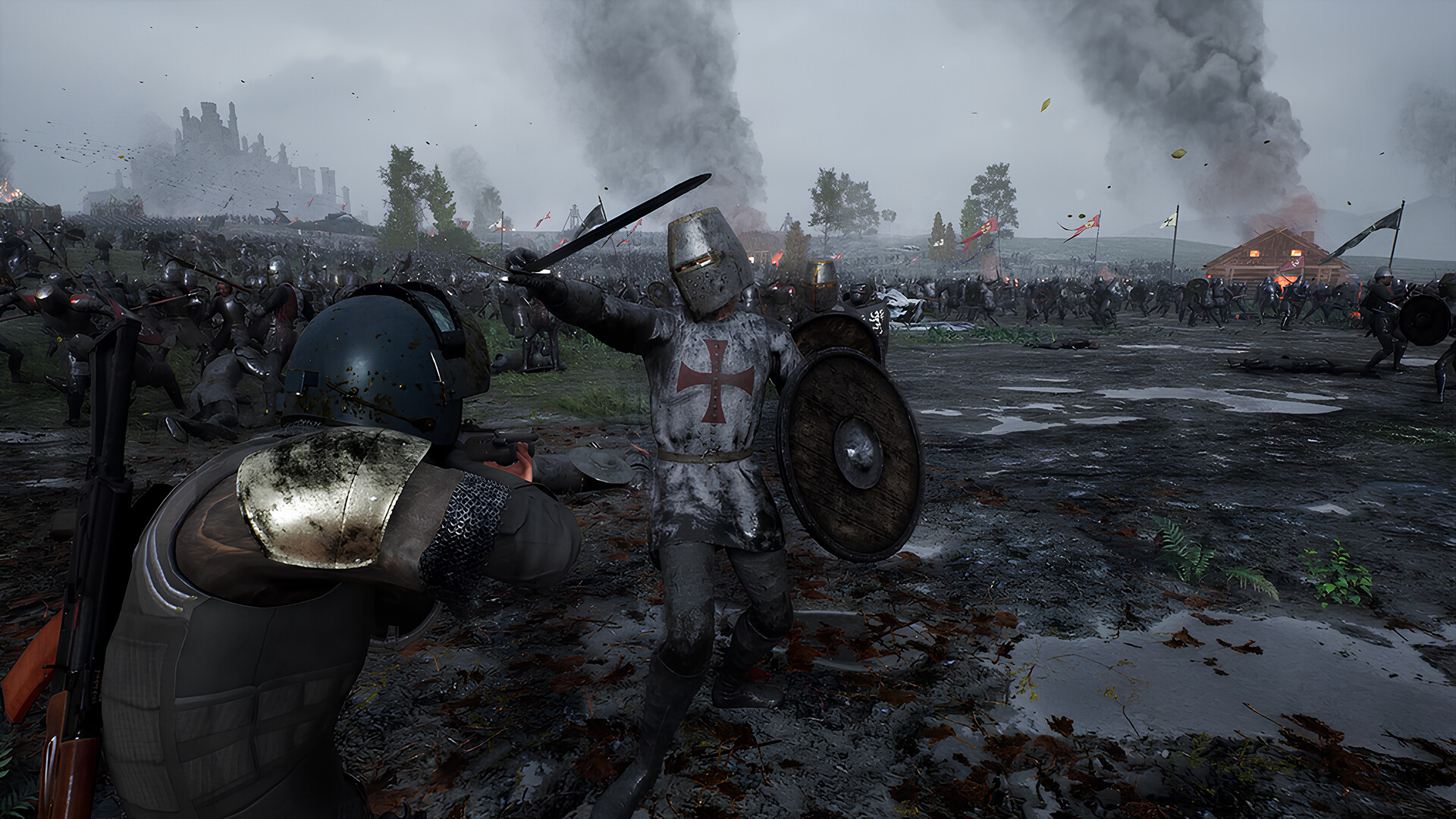
To determine if your PC can run Kingmakers, compare your system’s specifications with the game’s minimum and recommended requirements. Ensure you have:
- Operating System: Windows 10 (64 บิต)
- 64-bit Processor
- Sufficient RAM and modern GPU (exact specs remains unknown)
If your system meets or exceeds the recommended specs, you can expect smooth performance even during large-scale battles with thousands of units. PCs closer to the minimum specs may experience lower frame rates and might need reduced graphics settings for stable gameplay.
For precise evaluation, you can use tools like คุณสามารถรันมันได้หรือไม่ or check your hardware against the confirmed specs once they are fully released.
How to Enhance Gameplay Experience with XMOD?
เอ็กซ์เอ็มโอดี is a versatile platform that lets players customize and optimize Kingmakers gameplay beyond standard settings. With XMOD, you can access mods, trainers, and cheats that are compatible from launch and regularly updated to enhance performance and fun.
- ม็อด: Improve visuals, tweak UI elements, adjust unit behavior, or add new gameplay features for a more immersive experience.
- ผู้ฝึกสอน: Modify in-game values like soldier stats, resources, or cooldowns to experiment with strategies or make progression smoother.
- สูตรโกง: Instantly unlock equipment, deploy special weapons, or skip challenging battles to focus on story and tactics.

XMOD also offers quality-of-life enhancements such as FPS boosters, translation tools for international players, and DLC unlockers. Whether you want smoother performance, easier battles, or full control over gameplay mechanics, XMOD gives you the tools to fully tailor your Kingmakers ประสบการณ์.
สรุป
Kingmakers offers an exciting blend of medieval strategy and modern weaponry, delivering large-scale battles and alternate history scenarios for strategy fans. Understanding the system requirements ensures your PC can handle the game smoothly, while เอ็กซ์เอ็มโอดี provides additional tools to enhance gameplay, from mods and trainers to quality-of-life features. Whether you’re aiming for a full tactical experience, experimenting with strategies, or optimizing performance, these tips and tools help you make the most of your Kingmakers การผจญภัย.
ฉันเป็นเกมเมอร์และนักเขียนที่มีความหลงใหลที่ XMODhub มุ่งมั่นที่จะนำเสนอข่าวสารเกมล่าสุด เคล็ดลับ และข้อมูลเชิงลึกให้กับคุณ.
ติดต่อฉัน:
โปรไฟล์ LinkedIn ↗

 แคทเธอรีน ฮู

 แนนซี่ มิลเลอร์

