
 แนนซี่ มิลเลอร์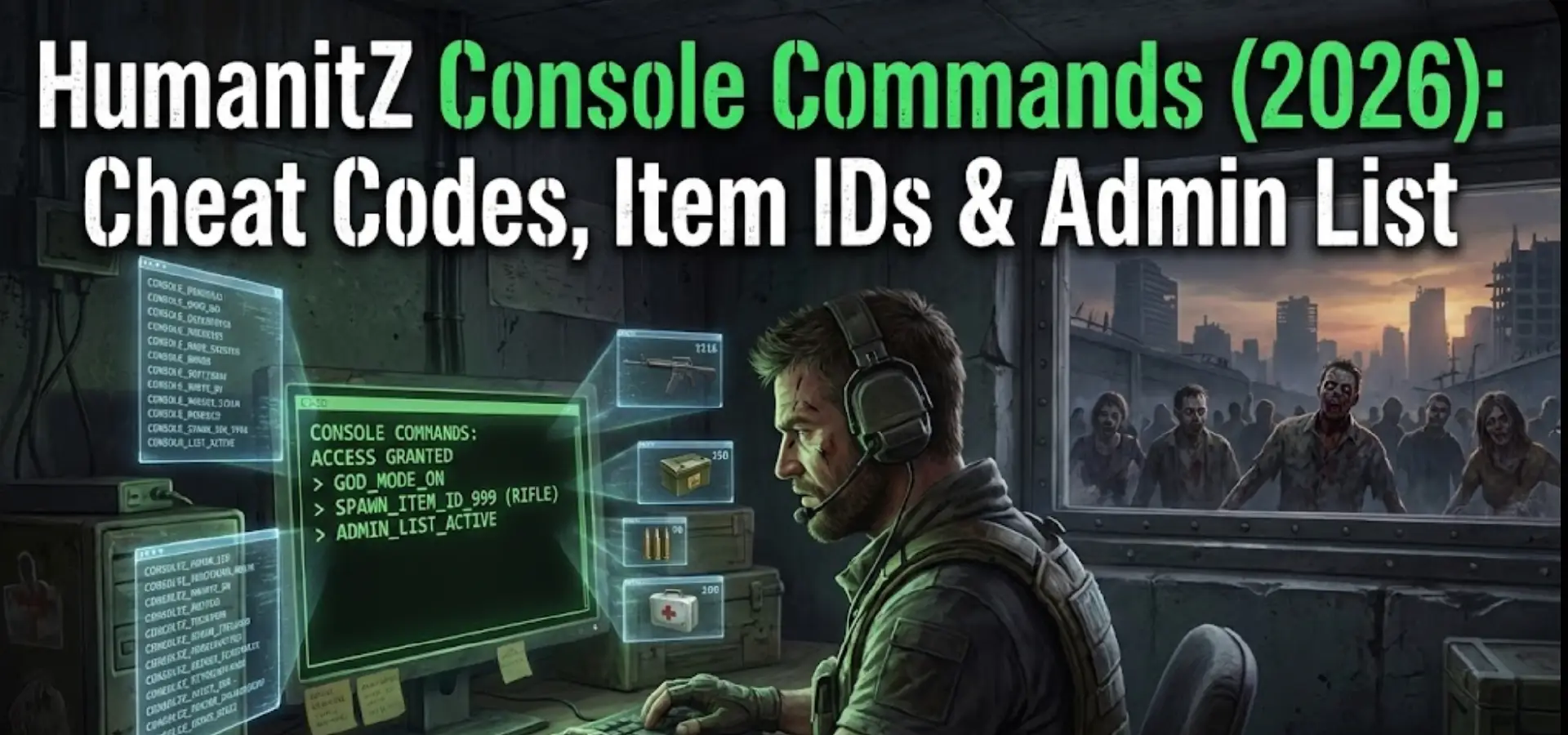
However, as an Early Access title running on Unreal Engine, accessing the developer debug menu in HumanitZ is notoriously difficult for standard players.
Below is the complete, honest guide on the current status of forcing the console open, the theoretical command list players are searching for, the difference between admin and single-player cheats, and the much safer alternative to cheat without corrupting your save data.
คุณอาจสนใจ: cheat engine alternative
Editor’s Note: The Truth About Cheating in HumanitZ Right Now
“Many players ask: ‘How do I open the console in HumanitZ?’ The honest answer for the current Early Access build is: You likely can’t, and probably shouldn’t try.“
The developers have heavily restricted access to the native debug console to maintain stability. While advanced users might try third-party tools like ‘Universal Unreal Unlockers’ to force it open, these methods are highly unstable, often break with small patches, and risk corrupting your save files. At XMODhub, we recommend using a dedicated, stable memory trainer instead.
— แคทเธอรีน ฮู, ผู้เชี่ยวชาญอาวุโสด้านการปรับแต่งเกม ที่ XMODhub
How to Enable the Console in HumanitZ (The Hard Way)
If you are determined to try the old-school route, be warned that standard methods usually fail in the current version.
Method A
Standard Keys
Pressing Tilde (~), F1, or Insert during gameplay is disabled by default.
Method B
การแก้ไขการตั้งค่า
Trying to manually bind a console key in the game’s .ini files in the AppData folder is risky and often resets.
Method C
Third-Party Tools
Using generic Unreal Engine unlockers is the only semi-reliable method, but it is technically complex and prone to crashing the game.
(Skip the headache. Scroll down to the XMODhub Solution for a guaranteed working method.)
รายการคำสั่งคอนโซลที่จำเป็น
If you are a server admin or manage to force the command line open using advanced tools, these are the most commonly requested Unreal Engine cheats for survival:
พระเจ้าor godmode onGrants complete invincibility against zombies and environmental damage.addammo [amount]Refills ammunition for your current weapon.flyor noclipAllows movement through walls and flying to explore the map.slomo [value]Changes game speed (e.g., slomo 2 for double speed, slomo 0.5 for slow motion).settime [0-24]Instantly changes the time of day (useful for skipping night).killallEliminates nearby AI enemies instantly.
Single Player Cheats vs. Server Admin Commands
It is crucial to understand the difference based on how you play:
- •
Single Player: You want god mode, infinite ammo, or no hunger just for yourself. The native console is locked. Your best option is an external trainer like XMODhub. - •
Multiplayer Server Admin: If you rent a private server, you have access to a different set of Admin Commands via the server control panel (not the in-game tilde console) to manage players, kick/ban users, or force server restarts. These do not work for personal cheating in someone else’s game.
HumanitZ Item IDs List Status
Players often search for lists of Item IDs to use with “give” commands to spawn high-tier loot like Sniper Rifles, tactical backpacks, or building resources.
×
ปัญหา:
In Early Access survival games, internal Item IDs change frequently with updates. Maintaining a working text list is nearly impossible.
(Solution: Stop guessing outdated IDs. The XMODhub Trainer features a built-in visual Item Spawner menu—just find the item name and click “Add”.)
The Problem: Why Console Commands Are Risky
Even if unlocked, using raw developer commands comes with high costs:
Save Corruption (High Risk)
Spawning bugged items or forcing quest states can permanently break your survival save, wasting dozens of hours.
Achievement Lock
Activating debug cheats usually flags your session, disabling Steam Achievements.
Inconvenience
Re-typing complex codes every session is tedious.
The Better Alternative: XMODhub Trainer (The Easy Way)
Stop fighting locked consoles. XMODhub bypasses the need for the debug menu entirely by injecting cheats safely into memory via a clean visual interface.
| คุณสมบัติ | คำสั่งคอนโซล | XMODhub เทรนเนอร์ |
|---|---|---|
| Accessibility | Locked/Hidden in Early Access | Instant Access (Always Works) |
| วิธีการ | Typing complex text codes | One-Click Hotkeys / Visual Menu |
| บันทึกความปลอดภัย | High Risk of Corruption | Safer Memory Injection |
| Item Spawning | Requires guessing Item IDs | Visual Item Browser/Spawner |
| อัปเดต | Breaks with small patches | อัปเดตอัตโนมัติผ่านคลาวด์ |
How to Use XMODhub for HumanitZ
Use XMODhub trainer to enhance your gaming experience:
- Download and Launch XMODhub.

- It automatically detects HumanitZ. Click “Play”.


- Use the overlay or mobile app to toggle cheats instantly.
- Done. No version matching, no broken pointers.
คำถามที่พบบ่อย
Q: Can I use HumanitZ console commands in public multiplayer?
A: No. Console commands are server-side. You cannot use them on public servers. XMODhub is also strictly designed for Single Player use only. Cheating in multiplayer ruins the fun and risks a ban.
Q: How do I get infinite health if the console is locked?
A: Since the god command is inaccessible for most, the easiest and safest way is to use the “God Mode” toggle in the XMODhub trainer.
Q: Are there Unreal Engine unlockers for HumanitZ?
A: Yes, generic Unreal Engine tools exist, but they are complex to set up and often cause HumanitZ to crash due to its specific anti-tamper configurations. Trainers are a much more stable solution.
สรุป: ฉลาดโกง
While classic console commands are nostalgic, they are fundamentally broken for the average player in modern Early Access titles like HumanitZ. Don’t risk your progress or waste time trying to hack open a developer menu. XMODhub offers the safe, visual, and reliable alternative to customize your apocalypse.

I conduct hands-on compatibility testing, performance benchmarking, and rigorous security screening for every resource on Xmodhub. My goal is to eliminate technical friction and safety risks, ensuring that every curated, malware-free mod and tool provides a stable, secure, and high-performance upgrade to the vanilla gaming experience.





 แคทเธอรีน ฮู