สรุป: This guide covers the essential half sword system requirements, how to check if your PC can run the game, and tips to enhance your gaming experience with XMOD.
If you’re preparing to dive into the ultra-realistic medieval combat simulator ครึ่งดาบ, it’s important to know whether your PC can handle its demanding physics and detailed graphics. This article breaks down the minimum and recommended system requirements สำหรับ ครึ่งดาบ, helping you achieve the best gameplay experience possible.
Whether you’re looking to run the game smoothly or push it to its visual limits, read on for a full breakdown of what your system needs.
สารบัญ
What Is Half Sword?
Half Sword System Requirements: Minimum and Recommended
Can You Run Half Sword on a Low-End PC?
Can My PC Run Half Sword
How to Enhance Half Sword Gaming Experience with XMOD?
สรุป
อะไรคือ ครึ่งดาบ?
ครึ่งดาบ is a physics-based first-person medieval combat game that emphasizes realism and immersion. Players control their character’s limbs individually using physics, offering deep control over movement and combat mechanics. It stands out for its unique combat system and attention to anatomical detail, making it a hit among fans of experimental fighting games and realistic simulations.
Because of its detailed physics simulation and dynamic interactions, ครึ่งดาบ can be more demanding on your system than a typical indie title.
Half Sword System Requirements:Minimum and Recommended
This guide outlines the minimum and recommended Half Sword system requirements to help you determine if your PC can run the game smoothly.
Half Sword Minimum Requirements
If you’re looking to play ครึ่งดาบ on lower settings, here’s what you’ll need at the very least:
Additional Notes: A keyboard and mouse are strongly recommended due to the precision-based controls.
These specs are good enough to run the game at lower resolutions and medium-to-low settings, but expect occasional frame drops during intense physics interactions.
Half Sword Recommended Requirements
For the best gameplay experience with higher frame rates and better visuals, the developer recommends the following:
Additional Notes: A gaming mouse with customizable DPI and a controller (for alternate play styles) may enhance gameplay.
These specs will allow you to enjoy smoother physics simulations, higher visual fidelity, and better responsiveness, especially in chaotic combat scenarios.
Can You Run Half Sword on a Low-End PC?
It is possible to run ครึ่งดาบ on a low-end or older PC, but performance may be limited. You can improve playability by:
Lowering resolution to 720p or 1080p
Disabling shadows and post-processing effects
Limiting background applications
Updating your GPU drivers regularly
Still, because the game heavily relies on real-time physics calculations, a modern processor and decent GPU are highly recommended.
Can My PC Run Half Sword?
Here’s a step-by-step guide: Check If Your PC Can Run ครึ่งดาบ
Check Your System Specs: On Windows, go to Settings > System > About for CPU and RAM.
ใช้ Device Manager > Display adapters for GPU info.
Compare Against Requirements: Match your components to both minimum and recommended specs above.
Use Online Tools: Sites like “Can You Run It” (SystemRequirementsLab) can auto-detect your specs and check compatibility.
Benchmark with Similar Games: If your PC runs physics-heavy games like Blade & Sorcery หรือ Totally Accurate Battle Simulator smoothly, you likely can run ครึ่งดาบ as well.
How to Enhance Half Sword Gaming Experience with XMOD?
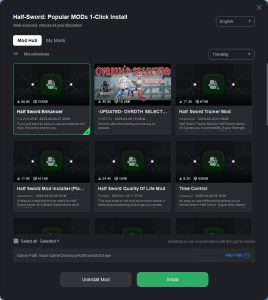
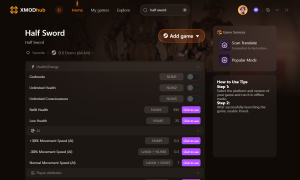
To boost your single-player experience in Half Sword, try using XMOD. This tool lets you access cheats and trainers that can enhance your gameplay. Here’s how to get started:
4.Activate your preferred mods to enjoy a tailored and improved gaming experience.
ครึ่งดาบโกง
การใช้ เอ็กซ์เอ็มโอดี is an easy and effective way to customize and enhance your Half Sword gameplay with cheats and mods.
สรุป
In conclusion, knowing the system requirements and enhancing ครึ่งดาบ with tools like XMOD can significantly improve your overall gameplay experience. Make sure your PC is ready, and enjoy the game at its best.
Solasta 2 Dungeon Maker Guide: Best Custom Campaigns & How to Play (2026)
You finally beat the main campaign of Solasta 2. You maxed out your party, rolled the credits, and now you have that post-RPG emptiness. The good news? The game is just getting started.…
Top 20 Best Solasta 2 Mods (UI, Classes & Custom Maps) | XMODhub
Let’s speak Dungeon Master to player. Solasta 2 is a phenomenal CRPG that faithfully translates the Dungeons & Dragons 5th Edition (5e) ruleset onto your screen. The grid-based tactical combat, the verticality, and…

 แคทเธอรีน ฮู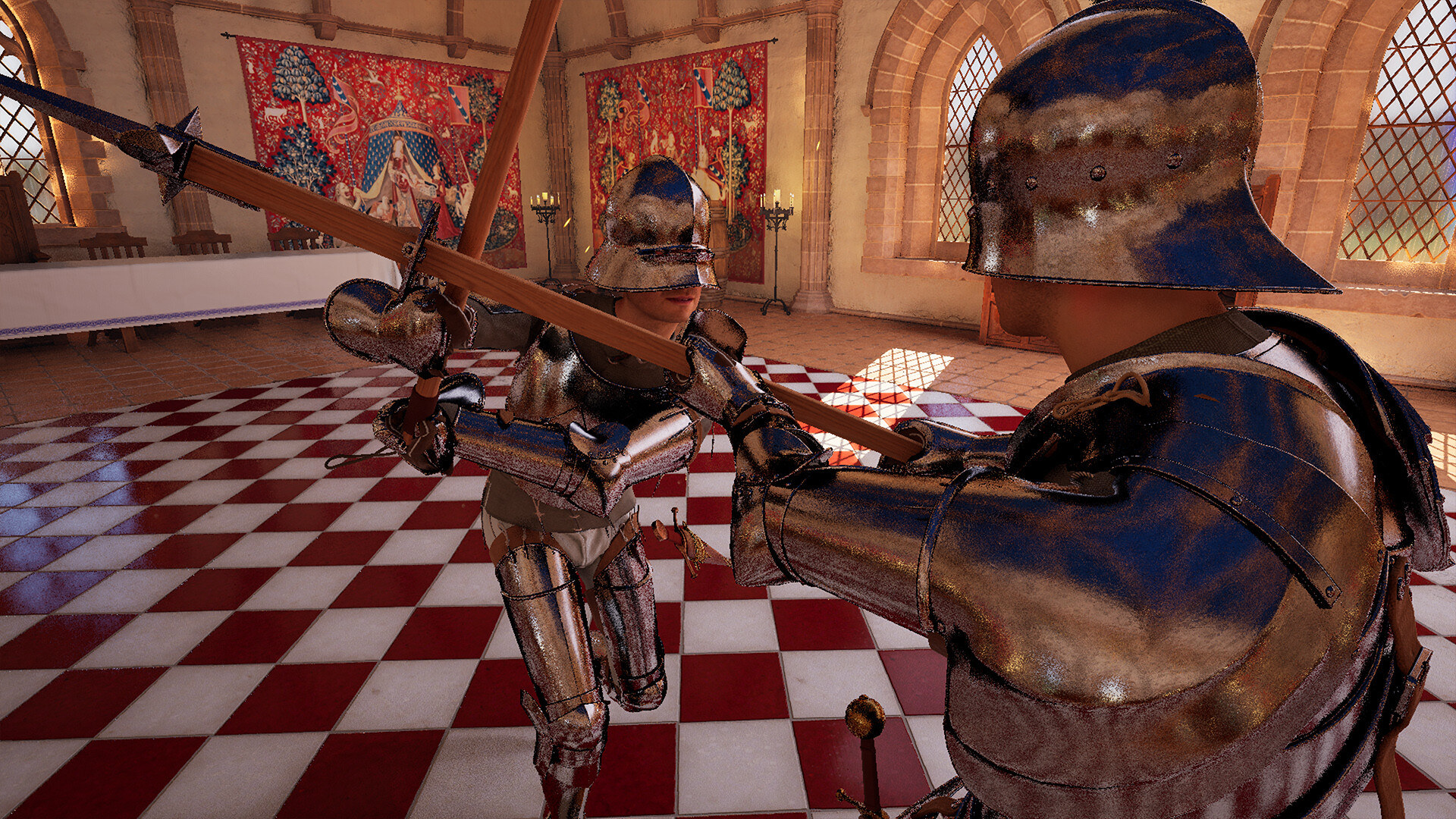

 แนนซี่ มิลเลอร์