สรุป: Explore the detailed system requirements for Seafarer: The Ship Sim, including minimum and recommended specs for CPU, GPU, RAM, storage, and OS to ensure smooth gameplay on your PC.
Seafarer: The Ship Sim is an immersive naval simulation game that lets players captain ships, explore vast oceans, and manage maritime adventures with realistic mechanics.
To enjoy a smooth gaming experience, it’s important to know the game’s system requirements, including both minimum and recommended specs.
This guide will help you determine if your PC—whether high-end or low-end—can run the game, and how tools like เอ็กซ์เอ็มโอดี can further enhance your gameplay.
By the end, you’ll have a clear understanding of what’s needed to set sail in Seafarer: The Ship Sim.
สารบัญ
- คือ Seafarer: The Ship Sim?
- System Requirements: Minimum and Recommended
- Can You Run Seafarer: The Ship Sim on a Low-End PC?
- Can My PC Run Seafarer: The Ship Sim?
- How to Enhance Gameplay Experience with XMOD?
- สรุป
What is Seafarer: The Ship Sim?
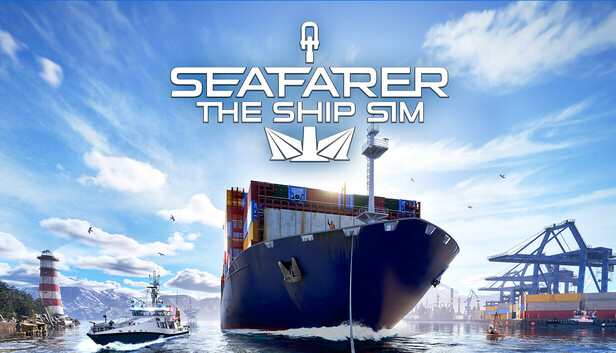
Seafarer: The Ship Sim is a realistic naval simulation game that lets players take control of various ships, navigate open waters, and manage all aspects of maritime life. The game combines detailed ship mechanics, environmental challenges, and strategic decision-making, offering both solo adventures and multiplayer experiences. Players can explore ports, trade goods, complete missions, and experience the thrill of sailing with lifelike physics and immersive visuals.
System Requirements: Minimum and Recommended
To start enjoying Seafarer: The Ship Sim, your PC must meet these minimum specifications. Meeting these requirements ensures the game runs at a playable level, though some graphics and performance settings may need adjustment:
- ระบบปฏิบัติการ: Windows 10 64-bit
- โปรเซสเซอร์: Intel Core i3-12100F (3.3 GHz) or AMD Ryzen 3 3100 (3.6 GHz)
- ความทรงจำ: แรม 16 GB
- กราฟิก: NVIDIA GeForce GTX 1060 (6 GB) or AMD Radeon RX 580 (8 GB)
- DirectX: เวอร์ชัน 12
- การเก็บรักษา: พื้นที่ว่าง 40 GB
- Notes: Requires a 64-bit processor and operating system
Recommended System Requirements
For the best experience with higher graphics settings and smoother gameplay, your PC should meet the recommended specifications. These specs allow you to fully enjoy the game’s detailed visuals, realistic physics, and expansive environments:
- ระบบปฏิบัติการ: Windows 10 64-bit
- โปรเซสเซอร์: AMD Ryzen 9 7900 (12-core) or Intel equivalent
- ความทรงจำ: 64 GB RAM
- กราฟิก: NVIDIA GeForce RTX 4070 (12 GB) or AMD Radeon RX 7000 (16 GB)
- DirectX: เวอร์ชัน 12
- การเก็บรักษา: พื้นที่ว่าง 40 GB
- Notes: Requires a 64-bit processor and operating system
Can You Run Seafarer: The Ship Sim on a Low-End PC?
Yes, you can run Seafarer: The Ship Sim on a low-end PC, but there are important considerations to ensure a playable experience.
The minimum requirements—16 GB RAM, an Intel Core i3-12100F or AMD Ryzen 3 3100, and a GTX 1060 or RX 580—represent the baseline for running the game. If your system is below these specs, you may still be able to launch the game, but you will likely encounter:
- Lower frame rates and occasional stuttering
- Reduced graphical quality and simplified textures
- Longer loading times in complex environments
To improve performance on a low-end PC, you can:
- Lower in-game graphics settings (shadows, textures, draw distance)
- Disable background applications to free up CPU and RAM
- Use optimization tools like เอ็กซ์เอ็มโอดี, which can boost FPS, stabilize gameplay, and enhance overall performance
Running the game on a low-end system is possible, but for the smoothest experience, meeting at least the minimum requirements is recommended.
Can My PC Run Seafarer: The Ship Sim?
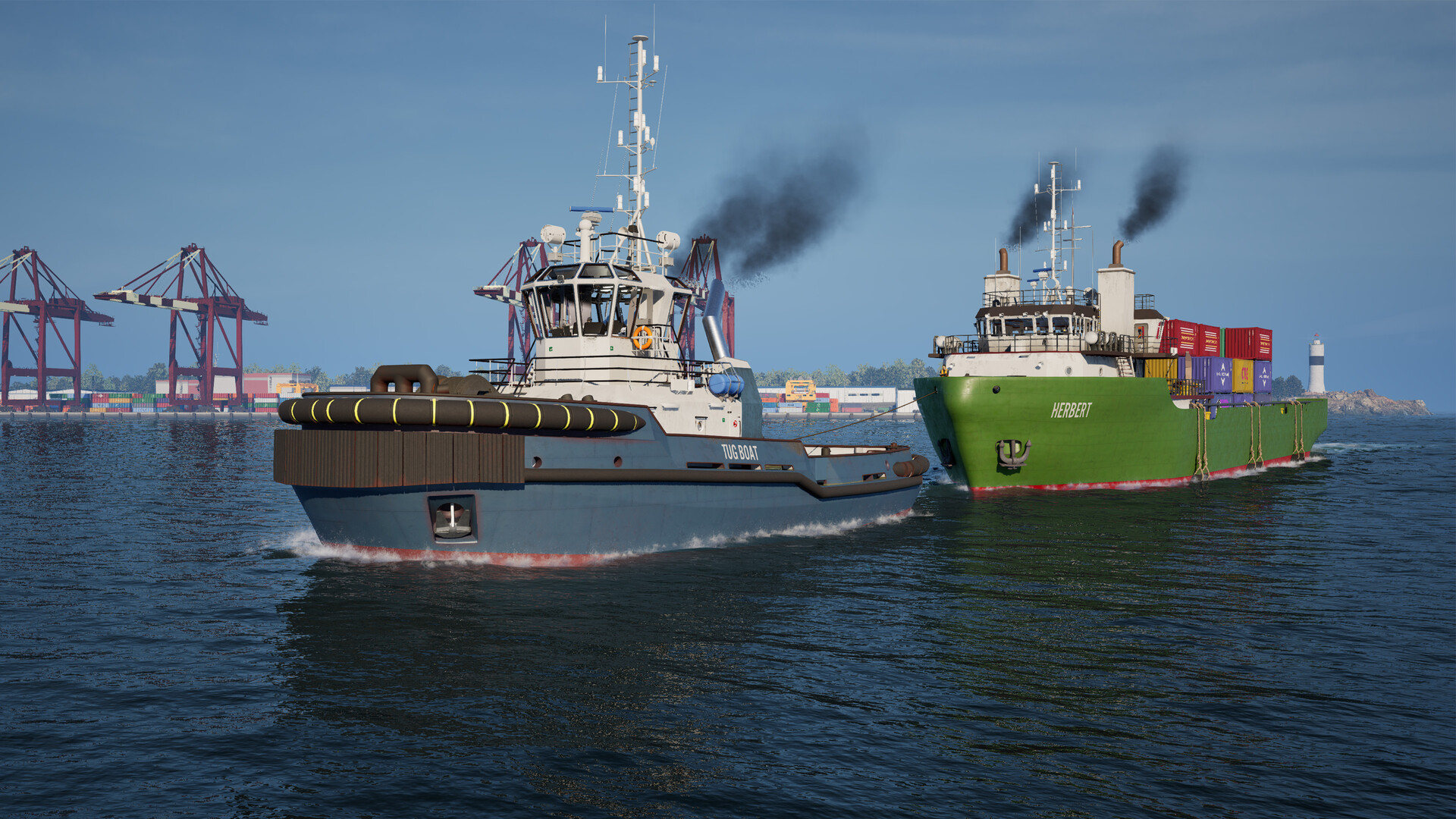
To determine if your PC can run Seafarer: The Ship Sim, you need to compare your system’s specifications with the game’s requirements:
Key Specs to Check
- Operating System: Must be Windows 10 64-bit
- Processor (CPU): Minimum – Intel Core i3-12100F or AMD Ryzen 3 3100; Recommended – AMD Ryzen 9 7900 or Intel equivalent
- Memory (RAM): Minimum – 16 GB; Recommended – 64 GB
- Graphics Card (GPU): Minimum – GTX 1060 (6 GB) or RX 580 (8 GB); Recommended – RTX 4070 (12 GB) or RX 7000 (16 GB)
- การเก็บรักษา: At least 40 GB of free space
- DirectX Version: 12
How to Check Your PC Specs
- วินโดว์ส: สื่อมวลชน
Win + R, ,พิมพ์ ดีเอ็กซ์ดีไอเอ็ก, and press Enter. This opens the DirectX Diagnostic Tool, showing CPU, GPU, RAM, and DirectX version.
- การเก็บรักษา: Open File Explorer → This PC → check available space on your main drive.
How to Enhance Gameplay Experience with XMOD?
เอ็กซ์เอ็มโอดี is a versatile PC tool designed to improve performance and gameplay in demanding games like Seafarer: The Ship Sim. By using XMOD, you can optimize both graphics and mechanics for a smoother, more immersive experience.

Key Benefits of XMOD
- Performance Boosts
-
- Increase FPS and reduce stuttering, especially on low- or mid-range PCs.
- Stabilize gameplay during complex scenes, like stormy seas or crowded ports.
- Graphics Optimization
-
- Adjust visual effects, textures, and draw distance without manually tweaking in-game settings.
- Reduce unnecessary visual load to improve frame rates.
- Gameplay Enhancements
-
- Customize game mechanics to suit your playstyle.
- Unlock certain features or hidden content safely without affecting game integrity.
- Convenience Tools
-
- Streamline controls and UI elements for easier navigation.
- Enable quick-access shortcuts to improve efficiency during long sailing sessions.
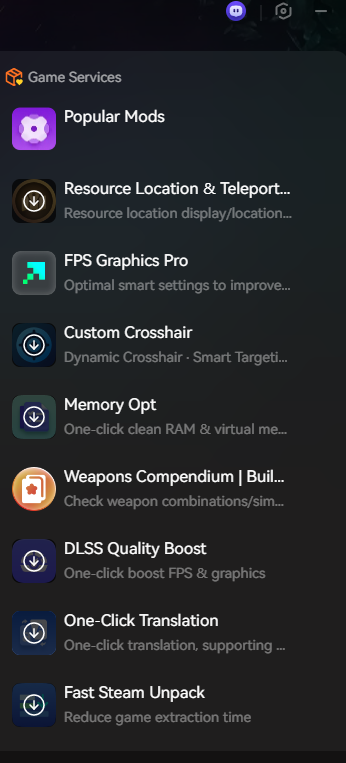
By combining XMOD with your PC’s specs, you can enjoy Seafarer: The Ship Sim even on lower-end systems, and fully leverage higher-end hardware for an optimal, immersive maritime adventure.
สรุป
Seafarer: The Ship Sim offers an immersive naval experience with realistic ship mechanics, strategic gameplay, and expansive oceans to explore. By understanding the game’s minimum and recommended system requirements, you can ensure your PC delivers smooth performance. Low-end PCs can still run the game with optimized settings or tools like เอ็กซ์เอ็มโอดี, while higher-end systems allow for the full visual and gameplay experience. With the right setup, you’re ready to set sail and enjoy everything this detailed ship simulation has to offer.
ฉันเป็นเกมเมอร์และนักเขียนที่มีความหลงใหลที่ XMODhub มุ่งมั่นที่จะนำเสนอข่าวสารเกมล่าสุด เคล็ดลับ และข้อมูลเชิงลึกให้กับคุณ.
ติดต่อฉัน:
โปรไฟล์ LinkedIn ↗

 แคทเธอรีน ฮู
Wonderful article! This is the type of info that are meant to
be shared across the net. Disgrace on the search engines for not
positioning this put up upper! Come on over and visit my website .
Thanks =)