สรุป: Get a complete overview of Daemon X Machina: Titanic Scion system requirements, covering minimum and recommended PC specs to ensure smooth and optimized gameplay.
Daemon X Machina: Titanic Scion is the latest entry in the high-octane mech combat series, combining fast-paced battles, customizable mechs, and immersive open-world gameplay.
Before jumping into the action, it’s important to understand the game’s ข้อกำหนดของระบบ, including minimum and recommended specs, to ensure your PC can handle it smoothly.
This guide also explores whether the game is playable on low-end systems, how to check your PC’s compatibility, and tips on enhancing your gameplay experience using เอ็กซ์เอ็มโอดี for optimal performance and customization.
สารบัญ
- คือ Daemon X Machina: Titanic Scion?
- System Requirements for Daemon X Machina: Minimum and Recommended
- Can You Run Daemon X Machina on a Low-End PC?
- Can My PC Run It?
- How to Enhance Gameplay Experience with XMOD?
- สรุป
What is Daemon X Machina: Titanic Scion?

Daemon X Machina: Titanic Scion is an action-packed mech combat game where players pilot highly customizable mechs called Arsenals. Set in a war-torn futuristic world, the game combines fast-paced battles, strategic combat, and open-world exploration. Players can upgrade and personalize their Arsenals, engage in missions against formidable enemies and colossal bosses, and participate in both single-player and multiplayer modes for a dynamic mech warfare experience.
System Requirements for Daemon X Machina: Minimum and Recommended
Before diving into the intense mech combat of Daemon X Machina: Titanic Scion, it’s important to ensure your PC meets the necessary system requirements. Meeting these specifications will help you enjoy smooth gameplay and fully experience the game’s graphics and mechanics.
Minimum Requirements:
- ระบบปฏิบัติการ: Windows 10 (64 บิต)
- โปรเซสเซอร์: Intel Core i5-10400
- ความทรงจำ: แรม 16 GB
- กราฟิก: NVIDIA GeForce GTX 1050
- DirectX: เวอร์ชัน 12
- การเก็บรักษา: 50 GB available space
- Additional Notes: SSD recommended
These minimum specs allow you to run the game at a playable level, though higher settings may be limited.
Recommended Requirements:
- ระบบปฏิบัติการ: Windows 10 (64 บิต)
- โปรเซสเซอร์: Intel Core i7-12700
- ความทรงจำ: 32 GB RAM
- กราฟิก: NVIDIA GeForce RTX 3070
- DirectX: เวอร์ชัน 12
- การเก็บรักษา: 50 GB available space
- Additional Notes: SSD recommended
With these recommended specifications, you can enjoy the game at its best, experiencing detailed graphics, smoother frame rates, and optimal performance throughout your missions.
Can You Run Daemon X Machina on a Low-End PC?
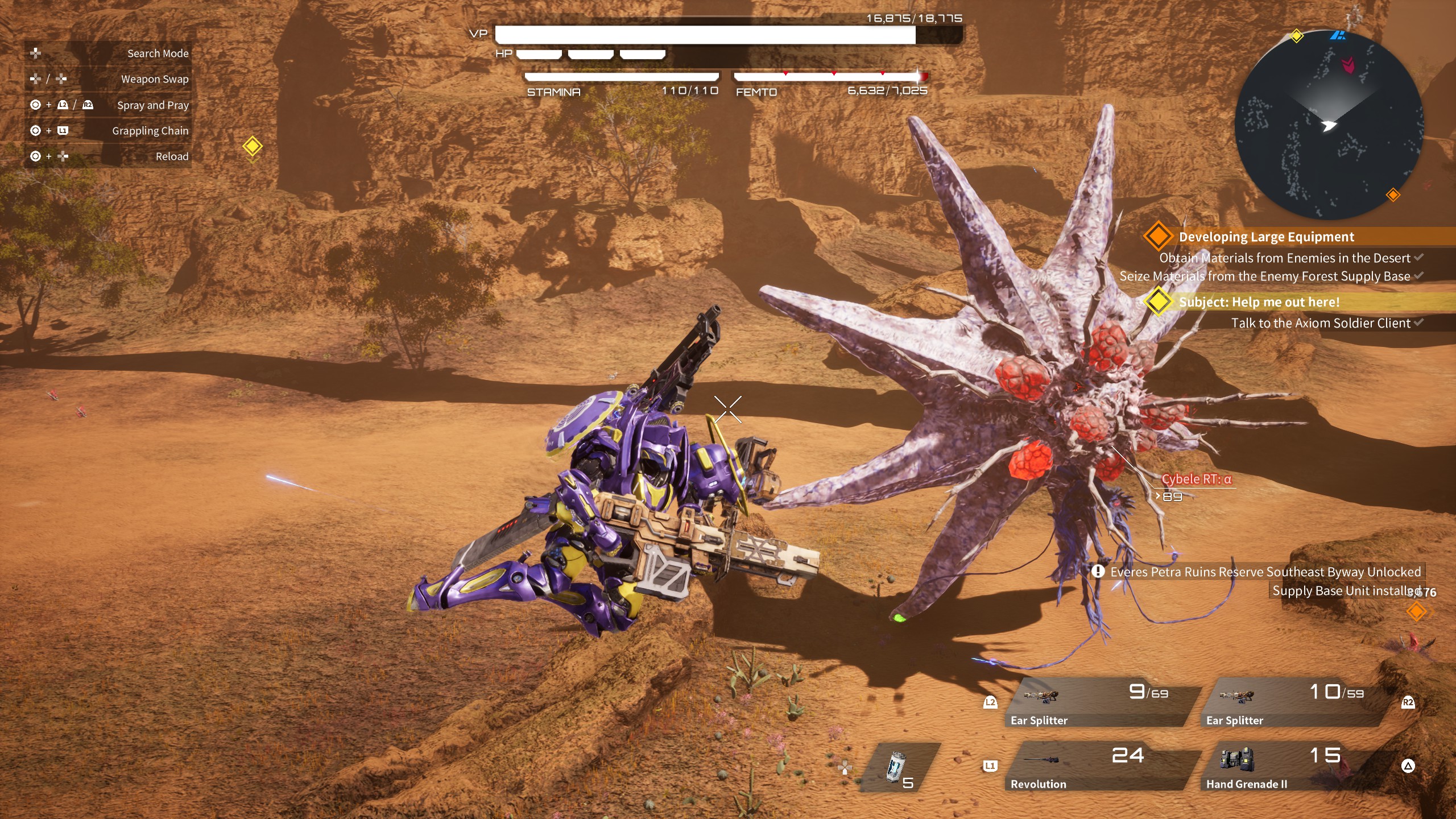
Yes, you can run Daemon X Machina: Titanic Scion on a low-end PC if it meets the minimum requirements: Windows 10 (64-bit), Intel Core i5-10400, 16 GB RAM, NVIDIA GTX 1050, DirectX 12, and 50 GB storage. On such a setup, the game runs at 1080p with low to medium settings. Performance can be improved by lowering graphics, updating drivers, closing background apps, or enabling GPU performance modes.
Can My PC Run It?
To check if your PC can run Daemon X Machina: Titanic Scion, compare your system specs with the game’s minimum and recommended requirements:
- Minimum: Windows 10 (64-bit), Intel Core i5-10400, 16 GB RAM, NVIDIA GTX 1050, DirectX 12, 50 GB storage.
- Recommended: Windows 10 (64-bit), Intel Core i7-12700, 32 GB RAM, NVIDIA RTX 3070, DirectX 12, 50 GB storage.
If your PC meets or exceeds the minimum specs, you can play the game at lower settings; meeting the recommended specs ensures smooth gameplay with higher graphics quality. You can also use tools like คุณสามารถรันมันได้หรือไม่ or Steam’s built-in system check to quickly verify compatibility.
How to Enhance Gameplay Experience with XMOD?
เอ็กซ์เอ็มโอดี is a powerful platform built to enhance your gaming experience by providing tools that go beyond standard gameplay. For Daemon X Machina: Titanic Scion, XMOD offers cheats, trainers, and mods right from launch, with frequent updates to maintain compatibility. With access to a library of over 5,000 free and premium trainers and mods, players can tailor their gameplay to suit their preferred style.
- ม็อด: Improve graphics, update textures, customize the UI, or add new gameplay features to boost immersion.
- ผู้ฝึกสอน: Modify in-game stats such as health, stamina, ammo, or skill points for smoother progression or experimentation.
- สูตรโกง: Instantly unlock items, bypass difficult sections, or spawn weapons and vehicles to focus on exploration and story.
Beyond cheats and trainers, XMOD also provides practical tools like translation features for international players, FPS boosters for smoother performance, DLC unlockers, and other quality-of-life enhancements. Whether you want to simplify challenges, uncover hidden content, or optimize performance, XMOD gives you complete control over your gaming experience.
สรุป
Daemon X Machina: Titanic Scion delivers thrilling mech combat, deep customization, and expansive exploration, appealing to both new and returning players. Ensuring your PC meets the system requirements—whether minimum or recommended—guarantees smooth gameplay, while low-end PCs can still enjoy the game at reduced settings. Tools like เอ็กซ์เอ็มโอดี further enhance the experience by offering performance boosts, customizable controls, mods, and trainers, giving players more control and flexibility. With these tips and optimizations, you can fully immerse yourself in the action-packed world of Titanic Scion and enjoy every battle to its fullest.
ฉันเป็นเกมเมอร์และนักเขียนที่มีความหลงใหลที่ XMODhub มุ่งมั่นที่จะนำเสนอข่าวสารเกมล่าสุด เคล็ดลับ และข้อมูลเชิงลึกให้กับคุณ.
ติดต่อฉัน:
โปรไฟล์ LinkedIn ↗

 แคทเธอรีน ฮู