แคทเธอรีน ฮู
You have waited months to hit the gritty streets of Tyndalston, pre-loaded the files, and cleared your schedule to settle your debts. You click “Play,” and… nothing. Or worse, a cryptic Unreal Engine “Fatal Error” pops up. Launch day issues are incredibly frustrating, but they are rarely unfixable.
Whether you are facing a black screen, random crashes to desktop (CTD) during brutal street brawls, missing DLL files, or unplayable frame rates when driving through the industrial wasteland, this guide covers the most effective solutions to get you back into the action.
 You may also like:
Samson Cheat Engine Table vs. XMODhub: Best Free Trainer (2026)
Editor’s View: The “Day One” Curse
“I remember trying to launch Sifu on release day. It crashed every time the developer logo appeared. I almost refunded it.
Before you give up on Samson and let your Daily Quota expire, realize that 90% of these crashes are caused by three simple things: corrupted texture downloads for the massive open-world districts, missing C++ libraries, or overlay conflicts messing with Unreal Engine 5’s rendering pipeline. I have tested the methods below on my own rig (RTX 4070 / Win 11), and Method 2 was the one that finally solved the fatal startup error for me.”
— Catherine Hu, Tech Support Lead at XMODhub
Check First: Samson System Requirements
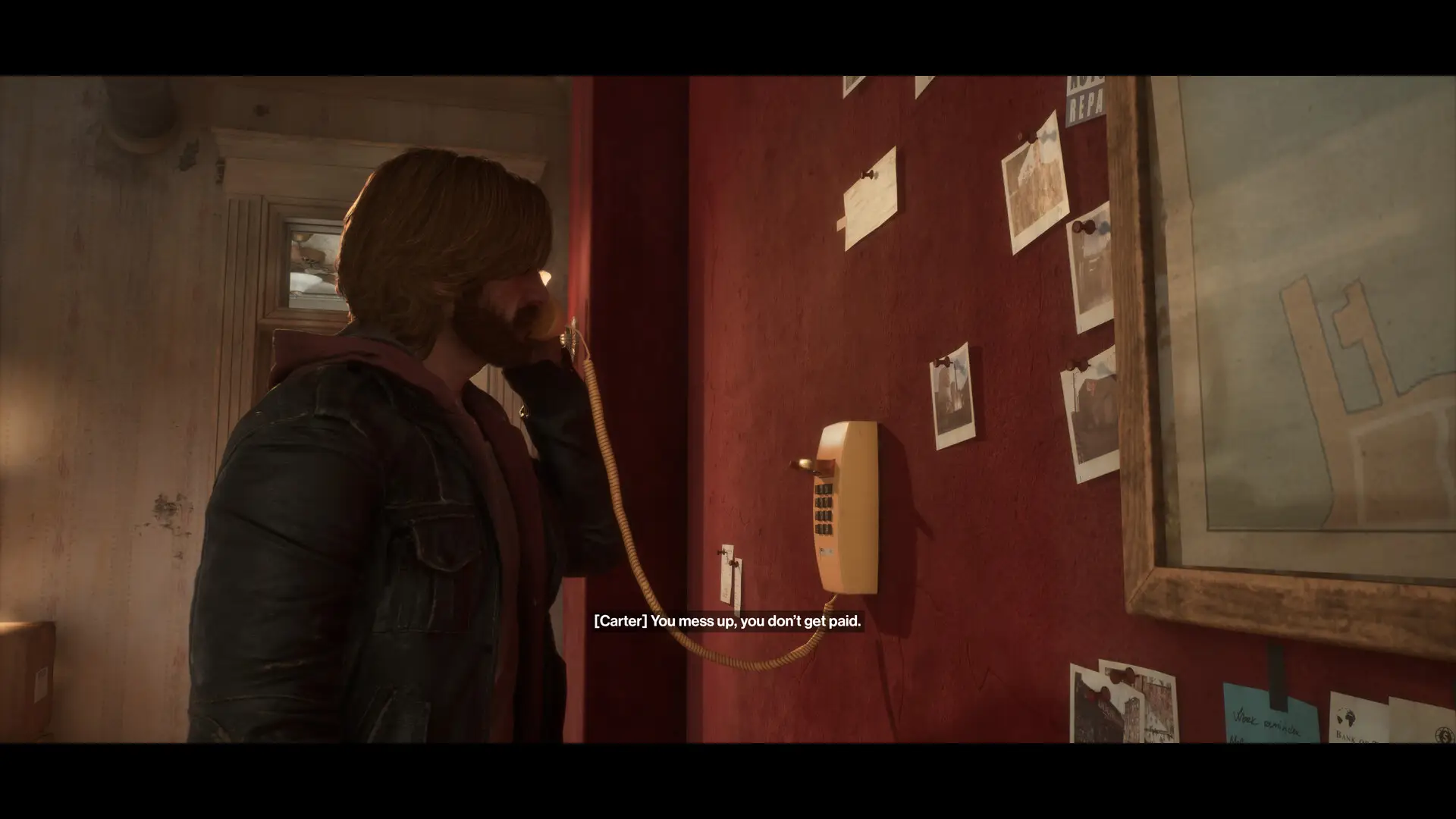
Before debugging, ensure your PC can actually run the game. Rendering the dense, fluorescent-lit alleys of Tyndalston and calculating vehicle collision physics requires solid hardware. Trying to run Samson on below-minimum specs is the most common cause of “silent crashes” (where the game closes directly to your desktop without an error code).
| องค์ประกอบ | ข้อกำหนดขั้นต่ำ | Recommended Specifications |
|---|---|---|
| ระบบปฏิบัติการ | Windows 10/11 (64 บิต) | Windows 10/11 (64 บิต) |
| ซีพียู | Intel Core i5-10505 / AMD Ryzen 5 3600 | Intel Core i5-11400 / AMD Ryzen 5 5600X |
| RAM | แรม 16 GB | แรม 16 GB |
| GPU | NVIDIA GTX 1070 8GB / AMD RX 5600 6GB | NVIDIA RTX 3060 Ti 8GB / AMD RX 6700 XT 8GB |
| การจัดเก็บ | 15 GB SSD | 15 GB NVMe SSD |
Method 1: Verify Game Files (Steam/Epic)
Corrupted installation files—especially broken UI elements or missing audio banks for the heavy brawler combat—are the #1 cause of Samson crashing on startup.
For Steam Users:1Right-click Samson in your Library.
2เลือก Properties > Installed Files.
3คลิก “Verify integrity of game files”.
4Wait for the process to finish (it may re-download some missing environment assets).
For Epic Games Users:1Go to your Library, and click the three dots (…) on the game card.
2เลือก Manage > Verify.
Method 2: Update Drivers & Visual C++ Redistributables
Samson runs on Unreal Engine 5, which strictly requires updated software environments to handle dynamic Lumen lighting and Nanite geometry smoothly.
✦
GPU Drivers: Update your NVIDIA (Game Ready Driver) or AMD (Adrenalin) drivers to the latest version. Outdated drivers will crash the moment the game tries to render the rain reflections on Tyndalston’s streets.
✦
Visual C++ รวมทุกอย่างไว้ในหนึ่งเดียว: If you get errors like MSVCP140.dll missing หรือ VCRUNTIME140.dll not found, you need to reinstall the Microsoft Visual C++ Redistributables (install both x86 and x64 versions).
✦
DirectX: Ensure DirectX 12 is fully updated via Windows Update.
Method 3: Fix Black Screen & Overlay Issues
If you hear the ambient sound of city traffic but see a black screen, or the game closes instantly, it is likely a conflict with background apps trying to hook into the game window.
🔥
Disable Overlays: Turn off the Steam Overlay, Discord Overlay, and NVIDIA ShadowPlay/Overlay completely.
🔥
Fullscreen Optimization:
- ➤Right-click the game’s
.exefile in your Steam or Epic installation directory > คุณสมบัติ. - ➤ไปที่ ความเข้ากันได้ แท็บ.
- ➤Check “Disable fullscreen optimizations”.
- ➤Check “Run this program as an administrator”.
Method 4: Common Error Codes & Fixes (DLL / DX12)
Here are specific solutions for the most common error messages players are reporting while exploring Liquid Swords’ new crime drama:
Error 0xc0000005 (Access Violation)
Usually caused by strict antivirus software blocking the engine from accessing your RAM. Whitelist the Samson installation folder in Windows Defender or run the game as Administrator.
“Out of Video Memory” Error
Your GPU VRAM is full. This is common on Intel 13th/14th Gen CPUs when the game compiles UE5 shaders. Try lowering “Texture Quality” and “Shadow Quality” to Medium before launching, or underclock your CPU slightly using Intel XTU.
“DX12 is not supported on your system”
Right-click the game in Steam > Properties > Launch Options. Type -dx11 หรือ -d3d11 to force DirectX 11 mode. This disables some advanced ray-tracing features but massively improves stability on older hardware.
EXCEPTION_ACCESS_VIOLATION
This is often a RAM instability issue triggered during high-speed driving sequences. Disable XMP profiles in your BIOS temporarily or close high-memory background apps like Chrome.
Method 5: Fix Low FPS & Stuttering
Is your brutal street fight running like a slideshow when multiple enemies surround you?
✨
Lower Shadows/Volumetrics: Dynamic lighting and fog consume the most GPU power in Unreal Engine 5. Set Global Illumination to Medium.
✨
Enable DLSS/FSR: Turn on Upscaling in the specific graphics settings to maintain high frame rates while driving through the open world.
✨
Set High Priority: Open Task Manager > Details > Right-click the game’s .exe > Set Priority > High.
The Workaround: Skip Laggy Areas with XMODhub
Sometimes, Samson crashes not because of your PC hardware, but because of unoptimized code during massive gang fights that overload the physics calculations.
XMODhub offers unique tools to help bypass these technical hurdles:

🚀
Speedhack: Use the trainer to slow down the game (0.5x speed) during high-load combat sequences. This gives your CPU more time to calculate hit detection and prevents fatal spikes and crashes. Alternatively, speed it up to skip slow traversal across the city.
🚀
Save Manager: Automatically backup your save file before facing a massive boss from the St. Louis crew, so you never lose your progress and default on your Daily Quota due to a random physics crash.
How to Get Started with XMODhub
Getting the ultimate toolkit for Samson is simple. Just follow these steps:
Download & Install: Get the latest version of the XMODhub Client from the Official Site.
Auto-Detect: Launch the app. It will automatically scan your PC and locate Samson in seconds.
Select Your Tools: Choose the Save Manager or enable Trainers (Infinite Cash, Max Adrenaline) to customize your brawler experience.
Launch & Play: Start the game directly from XMODhub to apply all stability changes seamlessly.
คำถามที่พบบ่อย
Q: Does Samson support Windows 10?
A: Yes, but ensure you are on version 22H2 or newer. Older Windows 10 builds lack the necessary DirectX Agility SDK updates required by modern Unreal Engine 5 games.
Q: Will reinstalling fix the crash?
A: Reinstalling should be your absolute last resort. Try “Verifying Integrity” (Method 1) first, as it does the exact same thing but repairs only the broken files much faster.
Q: Is there an optimization patch coming?
A: The developers at Liquid Swords have acknowledged the traversal lag and stuttering issues on lower-end PCs. Check the XMODhub news section for updates on upcoming performance patches.
สรุป
Launch issues are painful, but they are temporary. By verifying your files, updating your C++ libraries, forcing DX11 mode, and optimizing your drivers, you should be able to fix the Samson crash on startup error and get back to clearing your debt.
If the game is still suffering from poor optimization or bugs when Tyndalston’s streets get crowded, XMODhub can help bridge the gap. Use Game Speed adjustments to bypass sluggish combat encounters and Auto-Backups to secure your progression until the official patch arrives.

XMODhub is more than just a tool for one game—it is a comprehensive gaming platform supporting over 5,000+ titles. Whether you are mastering Samson or exploring similar action-brawler hits like
XMODhub ensures you always have the ultimate toolkit (Trainers, Mods, and Tools) ready at your fingertips.
Don’t let bugs keep you from fighting back. Play smarter.

ฉันเป็นเกมเมอร์และนักเขียนที่มีความหลงใหลที่ XMODhub มุ่งมั่นที่จะนำเสนอข่าวสารเกมล่าสุด เคล็ดลับ และข้อมูลเชิงลึกให้กับคุณ.
ติดต่อฉัน:
โปรไฟล์ LinkedIn ↗
 แนนซี่ มิลเลอร์