
 แคทเธอรีน ฮู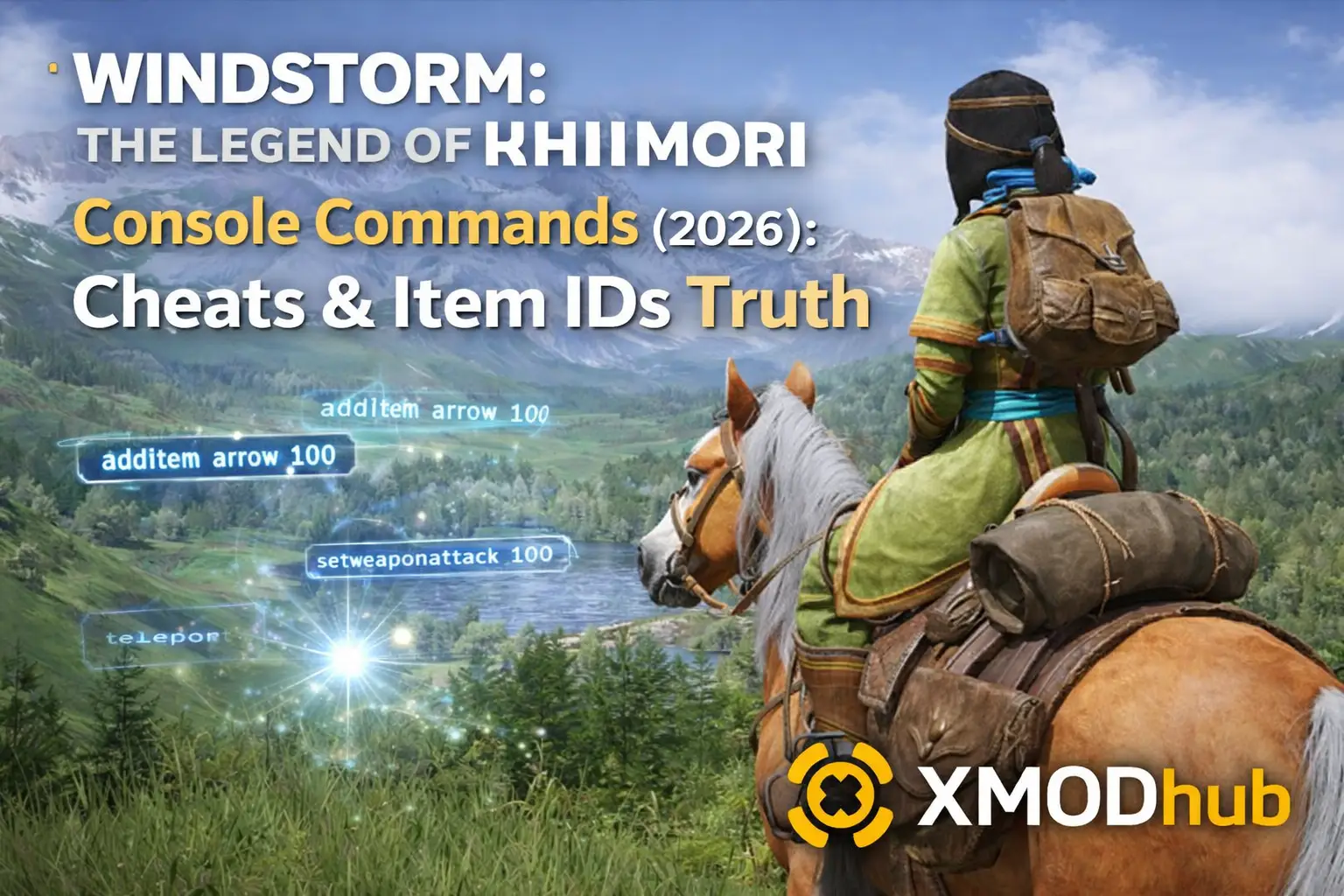
Editor’s Note: Can You Cheat in Windstorm: The Legend of Khiimori?
While you can try forcefully injecting third-party unlockers to bring up the command line, modern UE5 games do not use simple cheat codes like ‘god mode’ or ‘infinite money’. At XMODhub, we highly recommend using an external memory trainer to inject equestrian cheats—like Infinite Horse Stamina—safely and visually.”
การเชี่ยวชาญ Windstorm: The Legend of Khiimori can be a brutal but beautiful experience. Whether you are stuck in a severe blizzard on a difficult Yam courier route, struggling to tame a wild horse, or simply want to experiment with the game’s survival mechanics without worrying about resource meters, using console commands is a popular way to bypass the grueling grind.
However, accessing the developer debug menu in modern Unreal Engine 5 games is not as straightforward as pressing a single key. Below is the complete guide on the truth behind the console, the actual UE5 command list, and the safer alternative to cheat without corrupting your nomad save data.
คุณอาจสนใจ:
Windstorm: The Legend of Khiimori Cheat Engine Table vs. XMODhub Trainer: Best Free Alternative (2026)
How to Enable the Console in Windstorm: The Legend of Khiimori
Because Aesir Interactive locked the engine’s shipping build, standard Steam launch options will not work. To access a command line, you must use a modding workaround:
- The Modding Route:
You need to download a tool called Universal Unreal Unlocker (UUU). Launch the game, open UUU, select the game’s executable process, and click “Inject DLL”. Once successfully injected, press the Tilde (~) key to open the command line overlay. - The Easy Route:
Skip the complicated DLL file injections entirely. Download a memory trainer (like XMODhub) that bypasses the need for a developer console. (Skip to the XMODhub Solution below if you prefer this).
Essential UE5 Console Commands List
If you manage to open the injected UE5 console, be aware that traditional “cheat codes” do not exist. You can only use underlying engine commands. Here are the most useful ones for exploring the Mongolian steppes:
World & Exploration Commands
Slomo 0.5– Slows down the speed of the game. Gives you cinematic slow-motion for screenshots.Slomo 2– Speeds up the game, helping you cross empty desert plains faster. (TypeSlomo 1to return to default).Teleport– Teleports your character to wherever your camera crosshair is pointing. Great for getting unstuck from rocks.Stat FPS– Displays your current frame rate and rendering metrics on-screen.สลับกล้องดีบัก– Detaches the camera from your character so you can fly around the map and scout for rare wild horses or campsites.
The Truth About Item IDs & Blueprint Spawning
If you are looking for simple codes like give_item wood 100, you are out of luck. Unreal Engine 5 uses complex Blueprint path references, not simple numeric IDs.
To spawn an item via the console, you would need to type something extremely complicated, such as:
Summon Blueprint'/Game/Core/Items/Survival/BP_Campfire.BP_Campfire'
These internal paths change frequently with game updates and are rarely shared publicly. Furthermore, forcing an item into the world via Blueprints can cause instant fatal crashes.
(Tired of guessing Blueprint paths and risking crashes? The XMODhub Visual Spawner has a built-in menu with icons, so you do not need to memorize a single string of code to get crafting materials.)
ปัญหา: ทำไมคำสั่งคอนโซลถึงปิดการใช้งานความสำเร็จ
Using an injected developer console comes with a massive cost in simulation games:
- ล็อกความสำเร็จ: Forcing a DLL injection into the game usually flags your save file, permanently disabling Steam/Xbox Achievements.
- บันทึกการทุจริต: Teleporting into areas that haven’t properly loaded or forcing weather changes can permanently break the game’s quest triggers.
- ความไม่สะดวก: You have to run the unlocker tool and re-type complex UE5 codes every single time you launch the game.
ทางเลือกที่ดีกว่า: XMODhub Trainer (ไม่ต้องพิมพ์)
Stop memorizing Blueprint paths and messing with third-party unlockers. XMODhub acts as a visual overlay that bypasses the need for the developer console entirely, offering cheats specifically tailored for equestrian survival.
| คุณสมบัติ | Console Commands / UUU | XMODhub เทรนเนอร์ |
|---|---|---|
| วิธีการ | DLL Injection & Typing text | ปุ่มลัดคลิกเดียว |
| Equestrian Cheats | Not Available | Infinite Horse Stamina & Trust |
| ความสำเร็จ | ผู้พิการ (ความเสี่ยงสูง) | ปลอดภัย (งานความสำเร็จ) |
| Item Spawning | Manual Blueprint Lookup | Visual Dropdown Menu |
| เวอร์ชันเกม | หยุดชั่วคราวพร้อมการอัปเดต | อัปเดตอัตโนมัติผ่านคลาวด์ |
How to Use XMODhub Trainer for Windstorm: The Legend of Khiimori
Do not waste time extracting mod files just to survive the harsh winter. Here is how to use XMODhub in 3 simple steps:
ดาวน์โหลด: Get the free XMODhub Client from our official site.

เปิดตัว: Open XMODhub—it automatically detects your installed copy of Windstorm: The Legend of Khiimori.

เปิดใช้งาน: Click the toggles for Infinite Horse Stamina, Max Bond, or Infinite Resources, and enjoy the journey across Mongolia.
คำถามที่พบบ่อย
Q: Can I use console commands in Windstorm: The Legend of Khiimori Multiplayer?
No. The Legend of Khiimori is a single-player experience. However, any trainer or console injection is strictly for offline, client-side use.
Q: What is the cheat code for infinite horse stamina?
Because the native UE5 console is locked and lacks specific gameplay cheat codes, you cannot simply type a text command for horse stamina. The XMODhub Trainer’s hotkeys are your only working option to safely freeze stamina depletion.
สรุป: ฉลาดโกง
While classic console commands are nostalgic, they are virtually nonexistent and highly risky in modern Unreal Engine 5 titles like Windstorm: The Legend of Khiimori. Forcing Blueprint commands can destroy your 40-hour save file. XMODhub offers a safer, visual, and achievement-friendly way to customize your nomad experience.
รองรับเกมที่คล้ายกัน
Windstorm: The Legend of Khiimori is just the beginning. XMODhub supports more than 5,000+ games, including similar equestrian and open-world titles like Battle Brothersเอ็กซ์คอม 2Jagged Alliance 3
Whether you are exploring massive open worlds or managing complex survival mechanics, XMODhub covers your entire library with a single platform.

ฉันเป็นเกมเมอร์และนักเขียนที่มีความหลงใหลที่ XMODhub มุ่งมั่นที่จะนำเสนอข่าวสารเกมล่าสุด เคล็ดลับ และข้อมูลเชิงลึกให้กับคุณ.
ติดต่อฉัน:
โปรไฟล์ LinkedIn ↗