แนนซี่ มิลเลอร์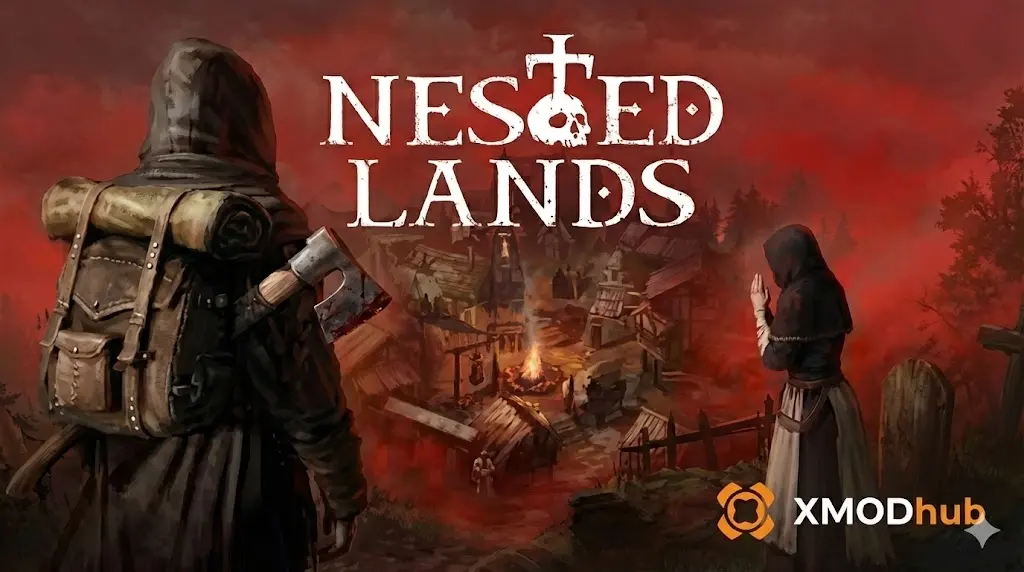
Want to test out the endgame Masterwork Steel Broadsword early? Or maybe you accidentally dropped your last Plague Cure and your entire village is doomed? Using console commands to spawn items is a staple of PC gaming freedom.
Below is the most comprehensive, categorized list of Item IDs and spawn codes for Nested Lands, thoroughly tested and updated for the latest patch.
คุณอาจสนใจ: Nested Lands Cheat Engine Alternative – XMODhub Trainer
Editor’s View: The “Typo” Nightmare
“Typing spawn Item_Resource_StoneBlock 500 is fine if you do it once. But if you are building a massive Tier 3 medieval fortress and need to re-type codes for iron, wood, clay, and thatch repeatedly? It’s incredibly repetitive, and one wrong character means a frustrating ‘Syntax Error’.
While the datamined lists below are fully verified by our team, I personally abandoned the console for the XMODhub Visual Spawner. Seeing the item icon and just clicking ‘Add Max’ is how modern, stress-free sandbox gaming should feel.”
— Nancy, Content Lead
ข้อมูลอ้างอิงด่วน: 10 อันดับบัตรประจำตัวที่ต้องการมากที่สุด
Don’t want to scroll through massive datamined tables? Here are the console codes for the most essential survival and progression items you need right now.
Building Materials & Resources IDs
Resource gathering in Nested Lands is notoriously grindy. Use these codes to instantly construct your dream settlement
Weapon & Armor IDs List
Equip yourself and your village guards with the best gear to fend off bandit raids.
Melee & Ranged Weapons
Armor Sets
Ammo & Consumables IDs
Never run out of arrows or starve to death during a harsh winter. Tip: Always spawn ammo in quantities of 50 or more.
Perks, Skills & Traits IDs
Instead of items, you can use the console to instantly learn survival skills. Command Format: add_perk [Perk ID]
New: Nested Lands NPC Spawn List (Enemies & Villagers)
Want to test your combat skills or quickly populate your village? Use the spawn_npc [Character ID] command.
Friendly NPCs
Hostile Entities
The Easy Way: XMODhub Visual Spawner (No Typing Required)
Typing case-sensitive, long string IDs completely breaks your immersion. If you misspell Item_Weapon_Sword_Steel_Legendary, you get nothing.
XMODhub includes a native Visual Spawner overlay designed specifically for Nested Lands.
01Icon-Based UI
See the 3D render of the weapon or resource before you spawn it.
02Smart Search Bar
Just type “Cure” in the overlay and click the exact variant you want.
03Batch Spawning
Get 999x of Wood, Stone, and Iron with a single click. No typing required.
XMODhub: More Than Just a Visual Spawner
XMODhub is your ultimate all-in-one toolkit for PC single-player gaming. Supporting over 5,000+ games (including Medieval Dynasty, Valheim, and Enshrouded), XMODhub provides God Mode Trainers, Interactive Maps, and One-Click Translations.
How to Use XMODhub for Nested Lands:
- Download and Install การ XMODhub client safely from our official site.

- ค้นหา “Nested Lands”.

- เลือก the Visual Spawner or Trainer tool.
- เปิดตัว the game directly from the client and enjoy your enhanced gameplay!
การแก้ไขปัญหา: เหตุใดคำสั่งจึงล้มเหลว
If your cheats aren’t executing in the 2026 build, check these common issues:
×
“Command not found”: You likely forgot to enable the console. Ensure you added -คอนโซล to your Steam Launch Options, or you may need to install a script hook like BepInEx depending on your mod loadout.
×
“Invalid Item ID”: You made a typo. IDs are strictly formatted. Check for missing underscores (_).
×
Modded Items: The IDs listed here are for the Vanilla Base Game. If you want to spawn items added by Nexus Mods, the manual ID will change based on your load order. (We highly recommend using XMODhub to auto-detect modded items instead).
คำถามที่พบบ่อย
Q: Are these Item IDs case-sensitive?
A: In the current engine version of Nested Lands, IDs are usually case-sensitive. It is highly recommended to type them exactly as shown above (e.g., Item_Currency_Gold, not item_currency_gold).
Q: Will spawning items disable my Steam achievements?
A: Yes. Opening the developer console and injecting items flags your save file, disabling achievements permanently for that character. If you care about achievements, use the XMODhub Trainer, which works via memory injection and bypasses achievement locks.
ถาม: ฉันสามารถสร้างไอเทมในโหมดผู้เล่นหลายคนได้หรือไม่?
A: No. These console commands are restricted to Single-Player/Local instances. Using them on a dedicated server will not work and may result in an automated ban.
สรุป
Using Nested Lands Item IDs is the fastest way to experiment with builds and test out different settlement layouts. Bookmark this page so you can easily find the codes when you need them in a pinch.
However, if you want a smoother experience where you don’t need to memorize complex strings like Item_Weapon_Sword_Steel_Legendary, the XMODhub Visual Spawner is the superior choice.
Browse items visually. Spawn instantly.

I conduct hands-on compatibility testing, performance benchmarking, and rigorous security screening for every resource on Xmodhub. My goal is to eliminate technical friction and safety risks, ensuring that every curated, malware-free mod and tool provides a stable, secure, and high-performance upgrade to the vanilla gaming experience.

 แคทเธอรีน ฮู