
 แคทเธอรีน ฮู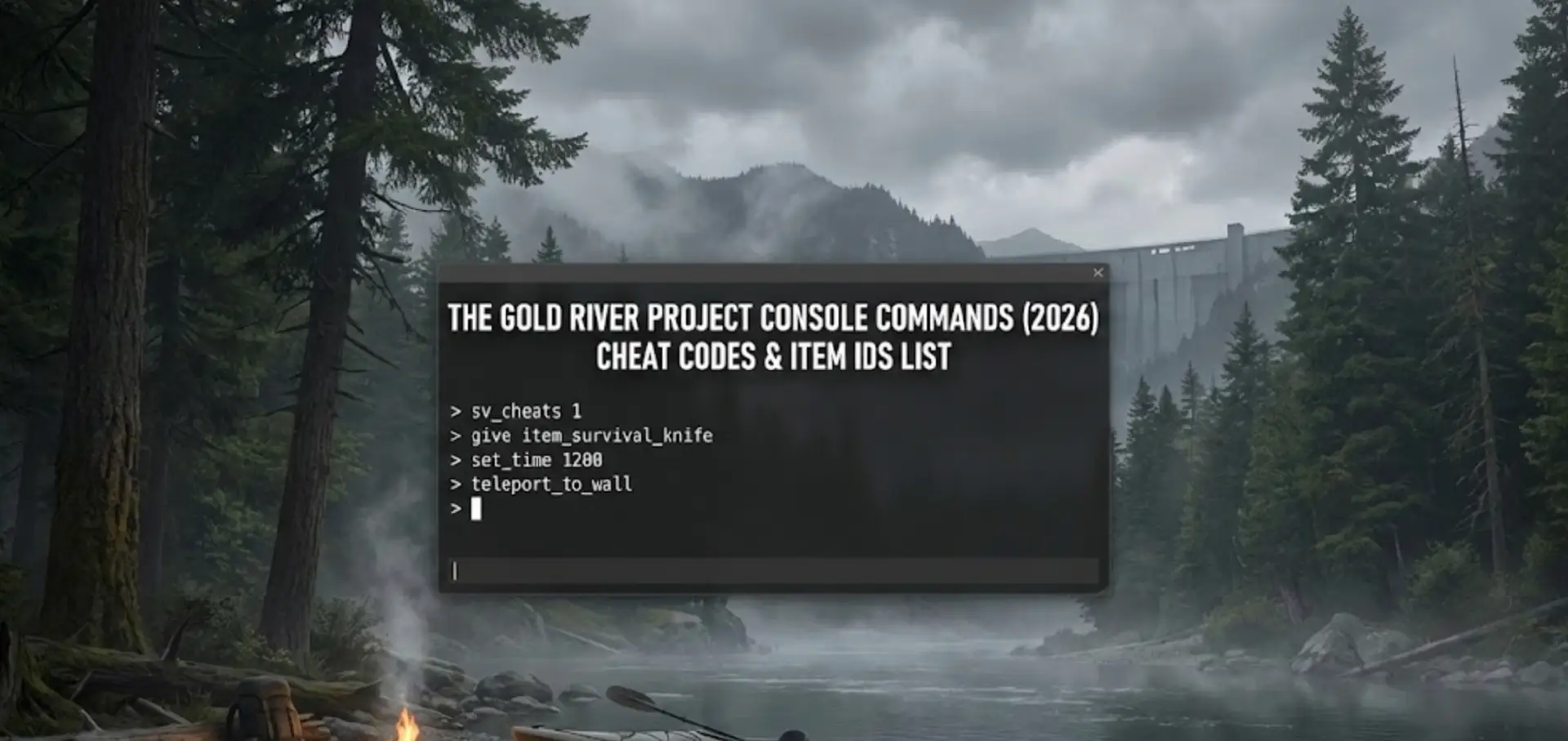
การเชี่ยวชาญ โครงการโกลด์ริเวอร์ is brutal. Whether you are stuck trying to afford the Heavy Excavator, dealing with a truck glitching into a rock, or simply want to experiment with the mining mechanics in a “Creative” sandbox mode, using The Gold River Project console commands is a popular way to bypass the grind.
However, accessing the developer debug menu isn’t always straightforward because the game runs on Unreal Engine 5 with the console hidden by default.
Below is the complete guide on how to force the console open, the known command list, and the safer alternative to cheat without corrupting your save data.
คุณอาจสนใจ:
โครงการโกลด์ริเวอร์: เทียบระหว่าง Cheat Engine Table กับ XMODhub Trainer (ทางเลือกฟรีที่ดีที่สุด)
Editor’s Note: Can You Cheat in The Gold River Project?
“โครงการโกลด์ริเวอร์ runs on Unreal Engine 5. In the current Early Access build, the developers have hidden the console key to prevent players from accidentally breaking the physics engine.
If you press Tilde (~) and nothing happens, your game isn’t broken—it’s locked. While you can try using third-party tools like ‘Universal Unreal Unlocker’ (UUU) to force it open, this often causes stability issues. At XMODhub, we recommend using an external memory trainer to inject ‘Add Money’ cheats safely.”
— Catherine Hu, Game Writer at XMODhub
How to Enable the Console in The Gold River Project
To access the debug menu, try these standard methods. Note that Method C is often required for this specific game.
- วิธี A (ค่าเริ่มต้น): Press the Tilde key (~), F1, or F10 during gameplay.
- วิธี B (ตัวเลือกการเปิดตัว):
Right-click The Gold River Project in Steam > Properties.
ในตัวเลือกการเปิดตัว ให้พิมพ์:-คอนโซลหรือ-debug. - Method C (The Injector – Advanced): Download the Universal Unreal Engine 5 Unlocker, launch the game, and inject the DLL. This forces the console to appear when you press ~.
(If you don’t want to mess with DLL injectors, skip to the XMODhub Solution below.)
รายการคำสั่งคอนโซลที่จำเป็น
If you manage to open the command line, here are the most useful cheats for miners.
Player & Survival Cheats
พระเจ้า– Grants invincibility (No hunger, thirst, or fall damage).Currency_Add [Amount]– Instantly adds Cash to your wallet. (Example:สกุลเงิน_เพิ่ม 50000).ผี– Noclip mode. Fly through walls and terrain (Essential for fixing stuck vehicles).เดิน– Disables Noclip and returns you to walking mode.
คำสั่งระดับโลกและระบบ
Slomo [Value]– Change the speed of the game.
Slomo 5: Speeds up time (Great for waiting on wash plants).
Slomo 1: Restores normal speed.Teleport– Teleports player to the location you are looking at.Stat FPS– Displays your current frame rate.
The Gold River Project Item IDs List
เพื่อใช้ Summon command, you need the specific internal Blueprint Class Names. These act as Item IDs in Unreal Engine 5:
ทรัพยากร
BP_Item_ทองคำก้อน_ขนาดใหญ่_C(High Value Gold)BP_Item_GoldIngot_C(Refined Bar)
Vehicles & Tools
BP_Vehicle_Excavator_Heavy_C(Top Tier Digger)BP_ยานพาหนะ_ATV_C(Quad Bike)BP_Tool_Shovel_Tier3_C(Pro Shovel)
(Tired of typing Summon BP_Vehicle_Excavator_Heavy_C and getting a syntax error? The XMODhub Trainer has a built-in item spawner menu, so you don’t need to memorize codes.)
ปัญหา: ทำไมคำสั่งคอนโซลถึงปิดการใช้งานความสำเร็จ
Using the developer console comes with a cost:
- Physics Explosions: Spawning a vehicle inside another object (or yourself) using the console often causes the physics engine to launch your truck into the stratosphere.
- บันทึกการทุจริต: Spawning quest items before you unlock the license can break the tutorial progression.
- ความไม่สะดวก: You have to re-inject the console unlocker every time you restart the game.
ทางเลือกที่ดีกว่า: XMODhub Trainer
Stop memorizing Blueprint paths. XMODhub acts as a visual overlay that bypasses the need for the developer console entirely.
| คุณสมบัติ | คำสั่งคอนโซล | XMODhub เทรนเนอร์ |
|---|---|---|
| วิธีการ | การพิมพ์ข้อความด้วยตนเอง | ปุ่มลัดคลิกเดียว |
| Money Cheat | Requires Injector | “Add $50k” Button |
| Item Spawning | Manual ID Lookup (BP_…) | Visual Dropdown Menu |
| เวอร์ชันเกม | หยุดชั่วคราวพร้อมการอัปเดต | อัปเดตอัตโนมัติผ่านคลาวด์ |
How to Use XMODhub Trainer for The Gold River Project
Don’t waste time editing config files. Here is how to use XMODhub in 3 simple steps:
- ดาวน์โหลด: รับฟรี XMODhub ลูกค้า.

- เปิดตัว: Open XMODhub—it automatically detects your installed copy of The Gold River Project.
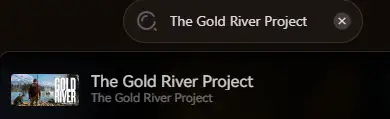
- เปิดใช้งาน: Click the cheats and enjoy the game.
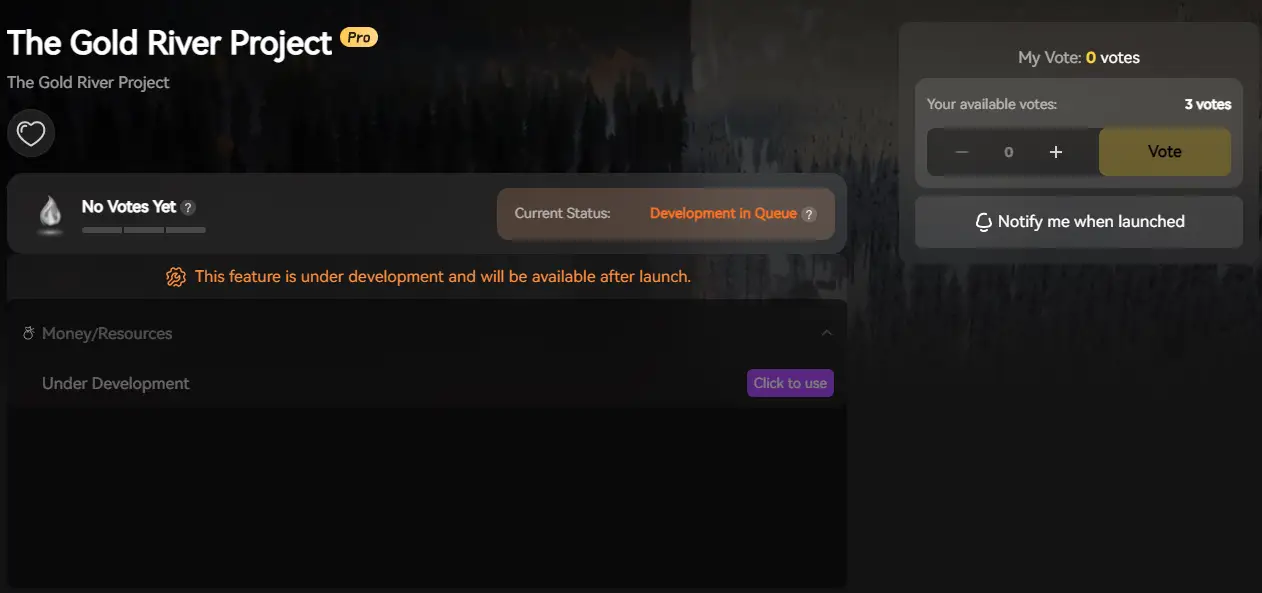
คำถามที่พบบ่อย
Q: Can I use console commands in Multiplayer Co-op?
A: No. Console commands are client-side. If you try to spawn a vehicle as a Client, the Host server will not recognize it, and it will likely disappear or crash the session. XMODhub works best in Single Player.
Q: What is the cheat for infinite Money?
A: If you have unlocked the console, try สกุลเงิน_เพิ่ม 100000. If the console is locked, the XMODhub Trainer is your only working option.
สรุป: ฉลาดโกง
While classic console commands are nostalgic, they are often risky and clunky in modern UE5 games like The Gold River Project. XMODhub offers a safer, visual, and achievement-friendly way to customize your mining experience.
รองรับเกมที่คล้ายกัน
The Gold River Project is just the beginning.

XMODhub supports more than 5,000+ games, including similar simulation titles like Frostpunkพวกเขาเป็นพันล้านซารไวฟ์ มาร์ส.
Whether you are digging for gold or managing crops, XMODhub covers your entire library with a single subscription.

ฉันเป็นเกมเมอร์และนักเขียนที่มีความหลงใหลที่ XMODhub มุ่งมั่นที่จะนำเสนอข่าวสารเกมล่าสุด เคล็ดลับ และข้อมูลเชิงลึกให้กับคุณ.
ติดต่อฉัน:
โปรไฟล์ LinkedIn ↗