Нэнси Миллер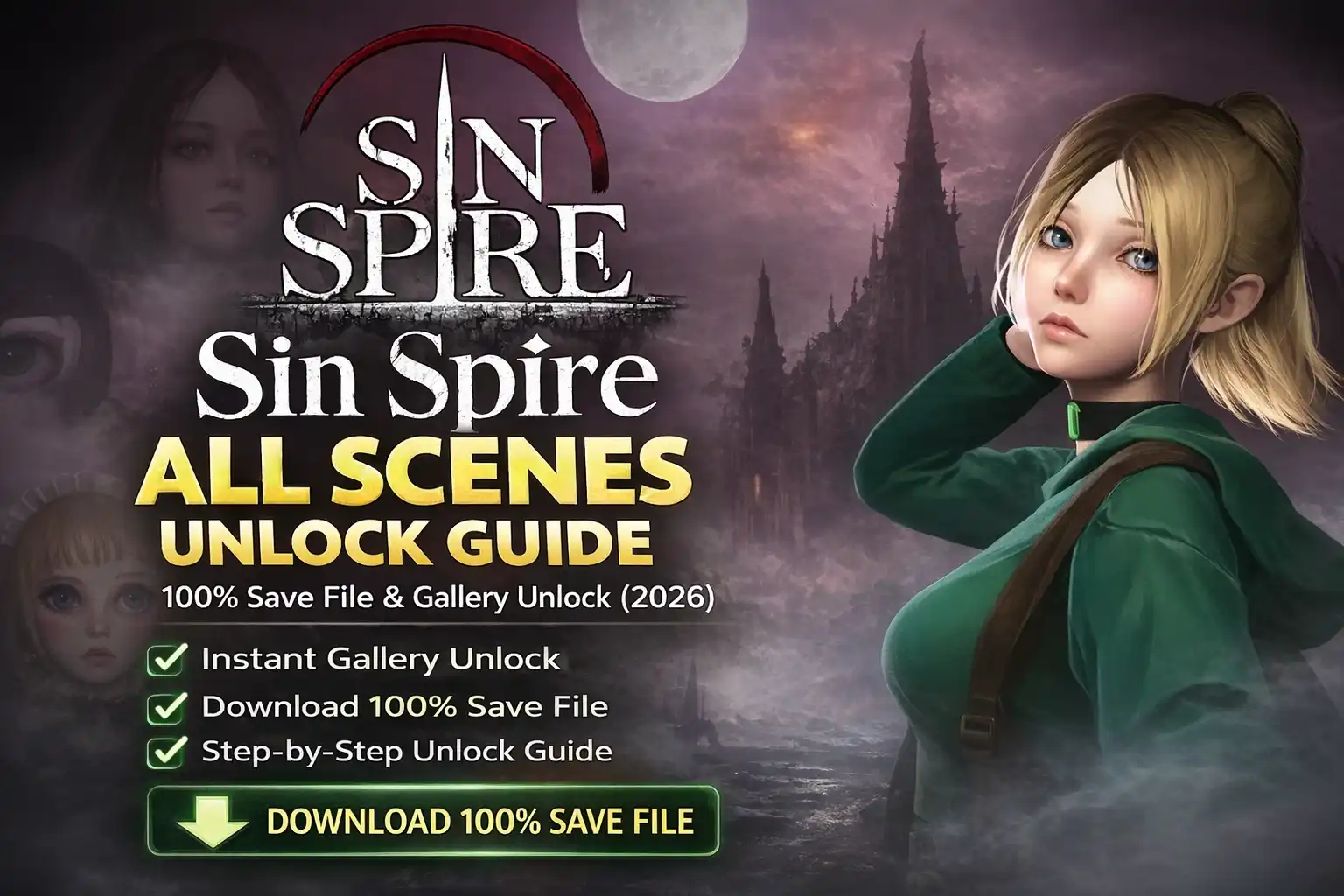
I’ve spent over 40 hours grinding through the punishing levels of Sin Spire, and I know the frustration of missing a crucial event trigger by a single turn. As a roguelike that relies heavily on RNG, seeing every cinematic in the gallery can feel like a full-time job. Whether you’re a completionist or just want to see the ‘True Ending’ content without another 50 runs, this guide covers everything I’ve learned about unlocking the full gallery.
Quick Answer
To unlock all scenes in Sin Spire, replace your current сохранённая игра data with a 100% completed save file located in the AppData folder, or use the XMODHUB trainer to toggle “Unlock Gallery” instantly. Save replacement takes less than 2 minutes, while the trainer method is instant and preserves your personal progression.
Основные выводы
- Fastest Method – Save replacement instantly unlocks 100% of the gallery.
- Safest Option – XMODHUB trainer unlocks scenes without overwriting your save data.
- Location – Save files are hidden in the AppData/LocalLow directory.
- Backup Required – Always copy your “User” folder before replacing files.
Давайте разберемся в деталях ниже.
How to Unlock All Scenes in Sin Spire
The fastest manual method is replacing your User folder data with a community-shared 100% save file. This process bypasses the need to grind through multiple roguelike runs to trigger every specific event. I prefer this method when I just want to see the art assets without worrying about my win/loss ratio.
For players who prefer to earn scenes legitimately through gameplay, check our Sin Spire walkthrough cheats which cover boss strategies and event triggers.
Using a Sin Spire 100% Save File
Follow these steps to replace your save file safely. This method will overwrite your current progress, so ensure you have a backup.
- Download a verified 100% save file from a trusted community source (Nexus Mods or Steam Guides).
- Extract the ZIP file using 7-Zip or WinRAR to access the
Userfolder. - Navigate to your game’s AppData directory (see location guide below).
- Заменить the existing files with the downloaded ones. Confirm any overwrite prompts.
- Запуск Sin Spire and check the Gallery menu to confirm all scenes are unlocked.
Manual Config Editing vs. Save Replacement
Some players attempt to edit the configuration file or registry keys to toggle unlocks. In my testing with the 2026 release, I found that Sin Spire encrypts its progression flags in a binary format, making simple text editing ineffective. Unlike older Unity games where you could just change “false” to “true” in a text file, this game requires a proper hex editor or a complete file replacement.
Where is the Sin Spire Save File Location?
Sin Spire saves are typically located in the AppData LocalLow directory. Finding this folder is the first step to managing your saves or installing a 100% unlock file.
C:/Users/[YourUsername]/AppData/LocalLow/UnknownDeveloper/Sin SpireNavigating to the AppData Folder
The AppData folder is a hidden directory by default on Windows to prevent accidental deletion of system files. To access it quickly, press Windows Key + R, type %appdata%, and press Enter. Then, navigate up one level to the “AppData” folder and open “LocalLow”.
Backing Up Your Sin Spire User Data
Warning
Always create a backup before replacing save files. If the new file is corrupted or incompatible, you will lose your original progress permanently without a backup.
I learned the hard way that simply dragging and dropping files can lead to disaster if the versions don’t match. Simply copy the entire “Sin Spire” folder and paste it to your Desktop or a “Backups” folder. This ensures you can restore your original run if the 100% save doesn’t work as expected.
Understanding Gallery Progression Mechanics
Sin Spire uses a persistent data system that tracks “Global Flags” across all your runs. When you unlock a scene, the game writes a specific boolean value to your global_save.dat file. This is separate from your active run data.
This distinction is important because it means you can technically download a “Gallery Only” save file that preserves your current run while unlocking the memories menu. However, most community saves bundle both files together. If you are comfortable with file management, you can try replacing only the global_save.dat file, though I recommend replacing the whole folder to avoid compatibility conflicts.
Unlock Sin Spire Gallery with XMODHUB
XMODHUB offers a one-click solution to unlock the gallery without manipulating system files or risking save corruption. This is the preferred method for players who want to see all content while keeping their own gameplay stats intact.
⏱️ Unlock Gallery
Instantly unlocks all scenes and cinematics in the gallery menu without completing the game.
❤️ Бесконечное здоровье
Prevents damage during runs so you can trigger specific endings without dying.
💰 Max Gold
Gives you unlimited currency to buy necessary items for unlocking scenes.
Эти моды - только начало. Неважно, хотите ли вы пропустить утомительное измельчение, поэкспериментировать с различными игровыми стилями или ускорить прохождение, Полный набор инструментов XMOD предлагает десятки дополнительных опций, подходящих для вашего игрового стиля.
How the Sin Spire Gallery Unlocker Works
The XMODHUB trainer injects code into the game’s memory while it runs, flipping the boolean flags that tell the game which scenes have been viewed. Unlike save replacement, this doesn’t touch your hard drive files, meaning your save remains clean.
Instant Access Without File Manipulation
The biggest advantage of the trainer method is safety. You don’t need to hunt down hidden folders or risk deleting your progress. You simply launch the game, press the hotkey, and the gallery opens up.

Common Mistakes When Unlocking Content
Version mismatches between the game patch and the save file are the most common cause of errors. If you download a save file from 2025 for the 2026 version of Sin Spire, it may fail to load.
Why the Sin Spire Save File Might Not Load
Пар Cloud Sync can sometimes revert your manual changes. Before replacing files, right-click Sin Spire in Steam, go to Properties, and disable Steam Cloud. This ensures your new 100% save file isn’t immediately overwritten by the cloud backup.
Fixing Corrupted Gallery Data
If the game crashes upon opening the gallery, delete the User folder and restore your backup. Crashes usually indicate that the save file contains data for scenes or items that don’t exist in your current version of the game.
Does Sin Spire Have Multiple Endings?
Yes, Sin Spire features multiple endings determined by specific scene triggers throughout the roguelike run. Unlocking these naturally requires meeting complex conditions in a single playthrough.
Understanding the requirements for specific endings is easier with our guide to beating the game, which details the branching paths.
Triggers for Specific Sin Spire Scenes
Some scenes only trigger if you have low health, high corruption, or specific items in your inventory. Using a 100% save allows you to view these “Bad Endings” or “Secret Endings” without intentionally sabotaging a good run. For example, the “Corrupted Soul” ending requires you to reject every purification item, which makes the final boss nearly impossible without cheats.
Viewing All Endings in Gallery Mode
Once unlocked, access the “Memories” or “Gallery” option from the main menu. You can replay any cinematic scene. Note that some interactive scenes may play out as a movie file rather than being playable.
Related Guides for Sin Spire
Часто задаваемые вопросы
Готовы улучшить свой игровой процесс?

Я создаю контент для Xmodhub, где я курирую и делюсь игровыми модами, инструментами и другими ресурсами. Моя цель - помочь игрокам найти отличные дополнения, получить более плавный опыт и больше удовольствия.