Кэтрин Ху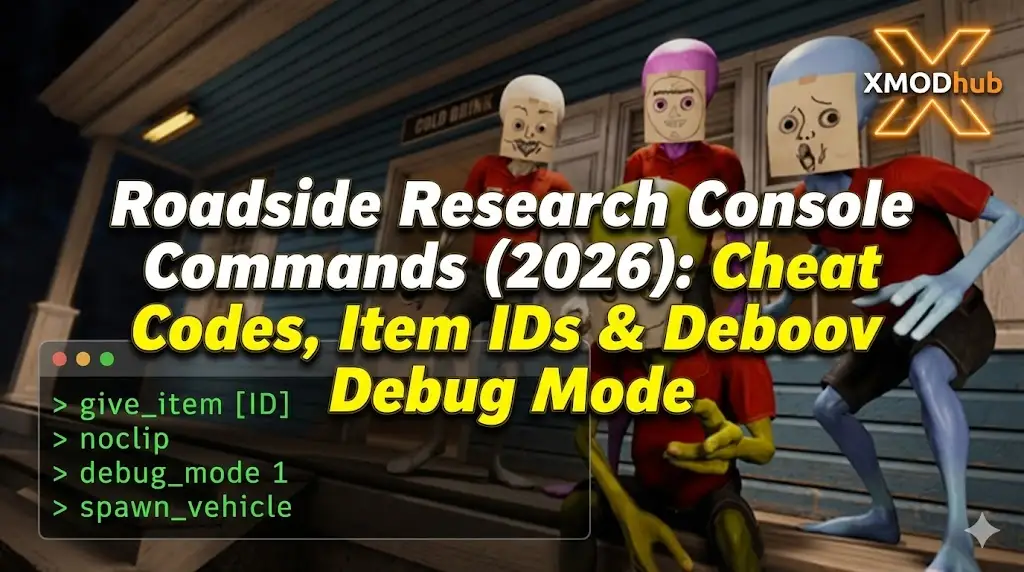
Editor’s Note: Can You Cheat in Roadside Research?
While you can try using third-party mods like UnityExplorer to inject a console, this often causes the UI to glitch or crash. At XMODhub, we recommend using an external memory trainer to inject cheats like ‘Infinite Funding’ safely without modifying game files.”
Mastering the scientific anomalies in Roadside Research can be brutal. Whether you are stuck waiting for a 48-hour data analysis to finish, running out of grant funding, or simply want to experiment with rare artifacts in Sandbox mode, using Roadside Research console commands is a popular way to bypass the academic grind.
However, accessing the developer debug menu isn’t straightforward in this Unity-based simulation. Below is the complete guide on how to force the console open, the known command list, and the safer alternative to cheat without corrupting your save data.
Вам также может понравиться:
Roadside Research Cheat Engine Table vs. XMODhub Trainer: Best Free Alternative (2026)
How to Enable the Console in Roadside Research
To access the debug menu, standard methods vary depending on the game version:
- Method A (Standard): Press the Tilde key (
~),F1, илиF10during gameplay. (Note: This usually only works in Beta Dev builds). - Method B (Launch Options): Right-click Roadside Research in Steam > Properties. In Launch Options, type:
-консольили-dev. - Method C (Modding): Install BepInEx and a console enabler plugin. This is complex and risks breaking your save.
(If none of these work, the console is hard-locked. Skip to the XMODhub Solution below for a working method.)
Essential Console Commands List
If you manage to open the command line (via mod or dev build), here are the most useful cheats for managing your lab.
Funding & Management
| Команда | Эффект |
|---|---|
| add_funding [amount] | Instantly adds cash to your research grant (e.g., add_funding 50000). |
| research_finish_all | Instantly completes all active research projects. |
| unlock_all_tech | Unlocks the entire technology tree immediately. |
| set_game_speed [value] | Changes time speed (e.g., set_game_speed 5 for 5x speed). |
Survival & Exploration
- god: Grants invincibility against environmental hazards.
- infinite_fuel: Never refuel your rover or generator.
- noclip: Fly through terrain to find hidden artifact nodes.
- teleport [x] [y] [z]: Teleport to specific coordinates.
Roadside Research Item IDs List
To use the spawn [ID] [amount] command, you need the specific internal naming conventions. These change frequently with updates:
Resources & Samples
- Res_Organic_Sample_01
- Res_Mineral_Crystal_Rare
- Res_Electronics_Scrap
Tools & Upgrades
- Tool_Scanner_Mk2
- Tool_Geiger_Counter_Adv
- Upgrade_Rover_Engine_V3
(Tired of guessing IDs like Res_Min_02_b? The XMODhub Trainer has a built-in “Inventory Editor” dropdown, so you don’t need to memorize code names.)
The Problem: Why Console Commands Disable Achievements
Using the developer console comes with a cost:
- Achievement Lock: Typing cheats usually flags your save file as “Cheated,” permanently disabling Steam Achievements like “Master Scientist.”
- Save Corruption: Spawning quest items (like the ‘Alpha Artifact’) before the story requires them can break the mission script.
- Inconvenience: You have to re-type
add_fundingevery time you load the game.
Лучшая альтернатива: XMODhub Trainer (без типизации)
Stop memorizing codes and modifying DLL files. XMODhub acts as a visual overlay that bypasses the need for the developer console entirely.
| Характеристика | Команды консоли | XMODhub Trainer |
|---|---|---|
| Метод | Typing text manually | Горячие клавиши одним нажатием |
| Achievements | Disabled (High Risk) | Safe (Achievements Work) |
| Research Cheat | Command: research_finish | Instant Research Toggle |
| Item Spawning | Manual ID Lookup | Visual Dropdown Menu |
| Game Version | Breaks with updates | Auto-Updated via Cloud |
How to Use XMODhub Trainer for Roadside Research
Don’t waste time editing config files. Here is how to use XMODhub in 3 simple steps:
1. Download: Получите бесплатный Клиент XMODhub safely.

2. Launch: Open XMODhub—it automatically detects your installed copy of Roadside Research.

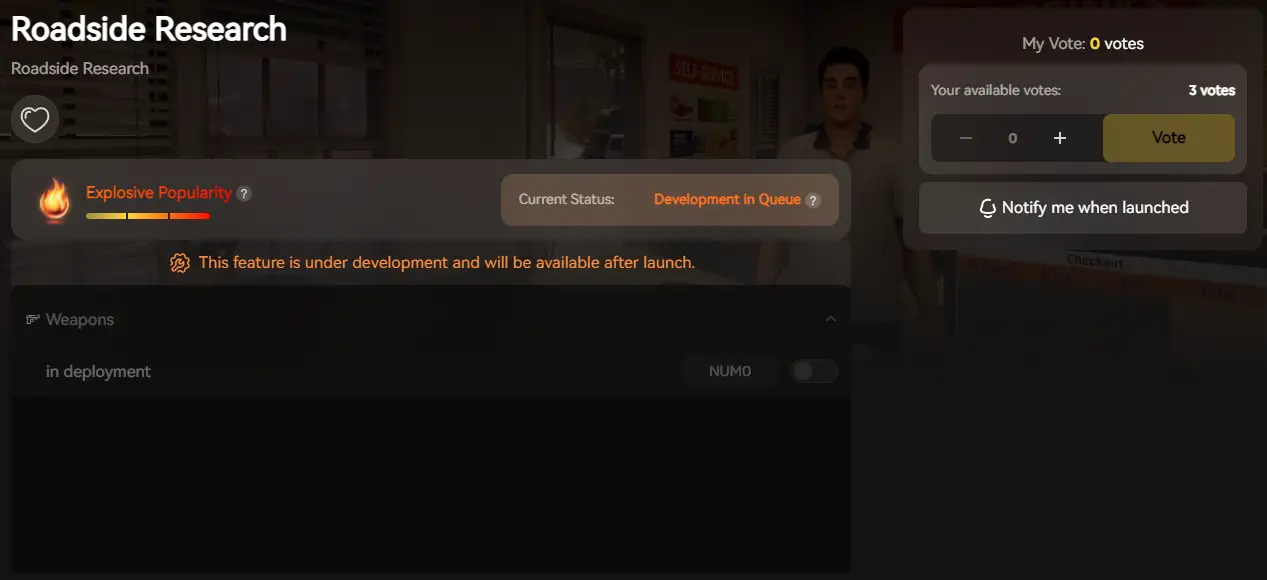
3. Activate: Click “Infinite Funding” or “Instant Build” and enjoy the simulation.
ЧАСТО ЗАДАВАЕМЫЕ ВОПРОСЫ
Q: Can I use console commands in Roadside Research Multiplayer?
A: No. If the game has multiplayer features, console commands are server-side disabled. XMODhub works client-side for visual and resource tweaks in single-player.
Q: What is the cheat for infinite funding?
A: You can try typing add_funding 1000000, but if the console is locked, the XMODhub Trainer is your only working option to get rich instantly.
Q: Is there a debug menu hotkey?
A: In Unity games, F1 or Backquote are standard, but developers disable this before release. You likely need a BepInEx plugin to restore it.
Заключение: Обманывать умнее
While classic console commands are nostalgic, they are often risky and clunky in modern Unity simulations like Roadside Research. XMODhub offers a safer, visual, and achievement-friendly way to customize your scientific journey.
Fund your lab, skip the wait times, and discover every anomaly.

Я страстный геймер и писатель XMODhub, который стремится предоставить вам самые свежие игровые новости, советы и мнения.
Свяжитесь со мной:
Профиль LinkedIn


 Нэнси Миллер