Кэтрин Ху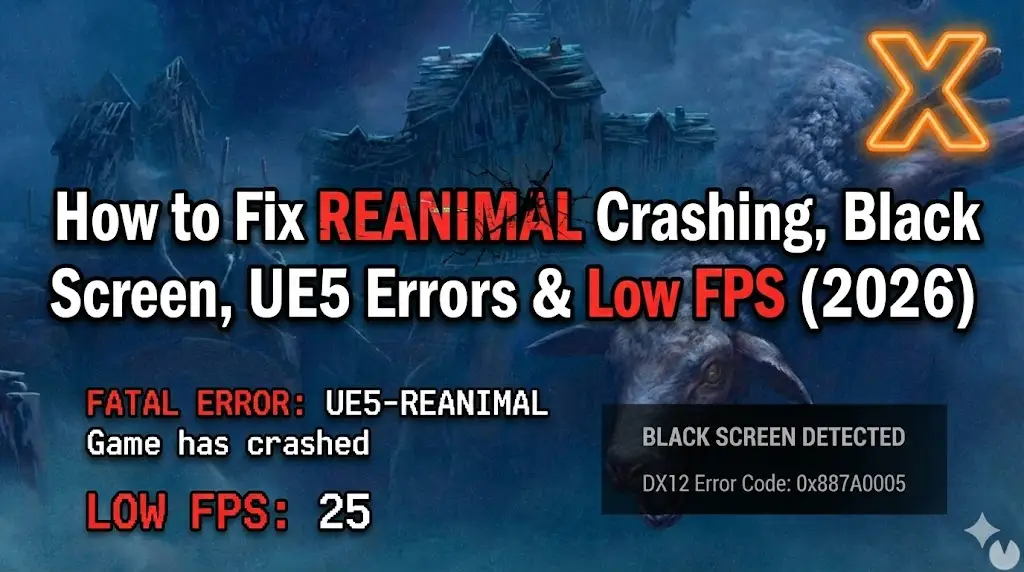
Editor’s View: The “UE5” Reality Check
“I’ve played every Tarsier Studios game since Little Nightmares. While REANIMAL looks stunning, the jump to Unreal Engine 5 comes with a cost.
In my testing, 90% of ‘Crash on Startup’ reports for REANIMAL are caused by outdated C++ Redistributables or GPUs struggling with DirectX 12. If you are on an older GTX 10-series card, Method 4’s launch option trick might be your only way in.”
You and your co-op partner have been waiting for the next nightmare from Tarsier Studios. You load up REANIMAL, ready to face the grotesque horrors, but instead of the title screen, you get a “Fatal Error” or a silent crash to desktop.
Launch issues in high-fidelity Unreal Engine 5 titles like REANIMAL are frustrating. Whether you are facing a black screen, persistent DirectX 12 Errors, or the game stutters unplayably during chase sequences, this guide covers the most effective solutions to get you back into the nightmare.
Вам также может понравиться:
REANIMAL Cheat Engine Table vs. XMODhub Trainer: Best Free Alternative (2026)
Check First: REANIMAL System Requirements
Before debugging, ensure your PC can handle UE5 features like Lumen and Nanite. Trying to run REANIMAL on a PC without AVX2 support or DX12 will cause an instant crash.
| Компонент | Минимальные требования | Рекомендуемые характеристики |
|---|---|---|
| OS | Windows 10 (64-bit, v22H2) | Windows 11 (64-бит) |
| CPU | Intel Core i5-8400 / Ryzen 5 2600 | Intel Core i7-11700K / Ryzen 7 5800X |
| RAM | 8 ГБ ОПЕРАТИВНОЙ ПАМЯТИ | 16 GB RAM (Dual Channel) |
| GPU | GTX 1060 (6GB) | RTX 3070 / RX 6700 XT |
| DirectX | Version 12 (Required) | Version 12 Ultimate |
| Хранение | 30 GB SSD (Recommended) | NVMe M.2 SSD |
Method 1: Verify Game Files (Steam & Epic)
Corrupted asset files are the #1 cause of crashes during the initial loading screen or specific cutscenes.
For Steam Users:
- Щелкните правой кнопкой мыши на . REANIMAL in your Library.
- Выберите Свойства > Установленные файлы.
- Нажмите “Проверьте целостность игровых файлов”.
- Wait for the process to finish. Steam will re-download any corrupted shader caches.
For Epic Games Users:
- Go to Library, click the three dots (…) on the game card.
- Выберите Manage > Verify.
Метод 2: Обновление драйверов и Visual C++ Redistributables
REANIMAL requires the latest environment to run its physics and lighting engines.
- Драйверы GPU: Update your NVIDIA (Game Ready Driver) or AMD (Adrenalin) drivers. New drivers often include specific “Game Ready” optimizations for UE5 titles.
- Visual C++ All-in-One: If you get errors like
MSVCP140.dll missingor a generic “Fatal Error”, download and reinstall the Microsoft Visual C++ Redistributable 2015-2022. Install both x86 and x64 versions.
Method 3: Fix Black Screen & Overlay Issues
If you hear the atmospheric audio but see a black screen, it is likely an overlay conflict disrupting the rendering pipeline.
Disable Overlays:
Turn off Discord Overlay, Steam Overlay, and NVIDIA GeForce Experience Overlay.
Fullscreen Optimization:
- Щелкните правой кнопкой мыши на .
REANIMAL.exe> Properties. - Перейдите к Совместимость вкладка.
- Check “Disable fullscreen optimizations”.
- Check “Run this program as an administrator”.
Метод 4: Общие коды ошибок и их исправление
“Out of Video Memory” / “D3D Device Lost”
- Причина: Your VRAM is full, often due to high texture settings in UE5.
- Фикс: Lower “Texture Quality” to Medium via GeForce Experience before launching, or verify your Page File size in Windows is set to “System Managed”.
“DX12 is not supported on your system”
- Фикс: Right-click REANIMAL in Steam > Properties > Launch Options. Type
-d3d11или-dx11. Note: This might disable some graphical features but can force the game to launch on older cards.
Co-op Disconnects “Connection Lost”
- Фикс: This is often a P2P sync issue. Ensure both players have the game allowed through Windows Defender Firewall and are playing on the same region setting in Steam or Epic.
Method 5: Fix Low FPS & Stuttering
Is the game stuttering every time a new area loads? This is common “Shader Compilation Stutter” in UE5.
- Wait it out: The first time you load a level, wait 1-2 minutes for shaders to compile.
- Enable DLSS/FSR: Turn on Upscaling in the graphics settings. Set it to “Quality” or “Balanced”.
- Lower Global Illumination: Lumen (Global Illumination) is heavy. Set “Lighting Quality” to Medium to significantly boost FPS.
The Workaround: Skip Laggy Areas with XMODhub
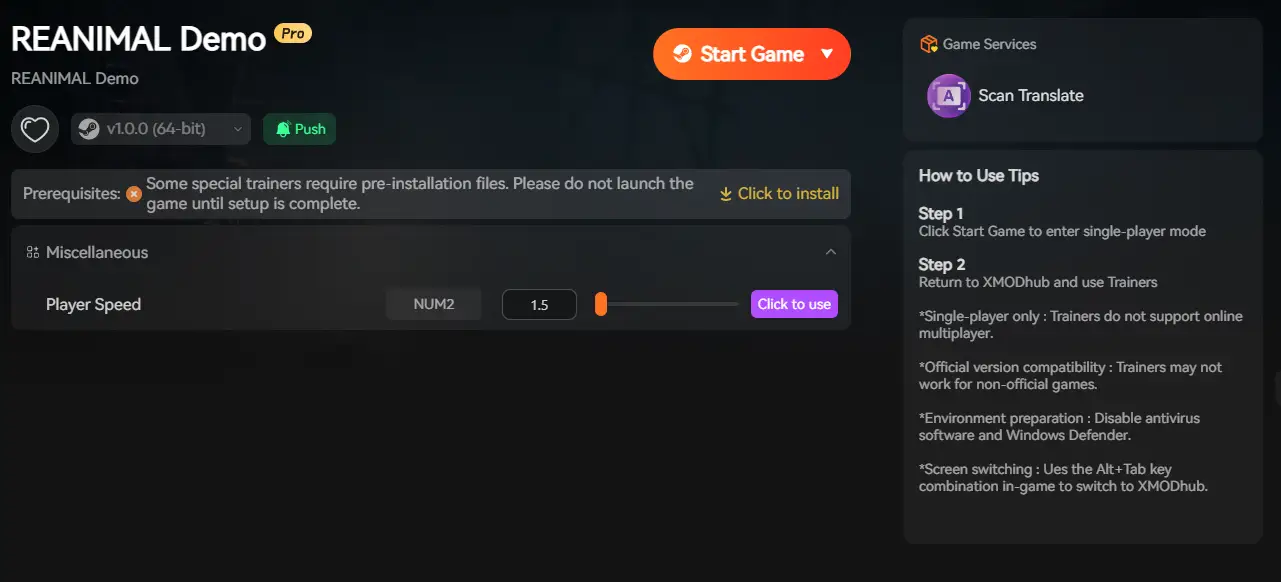
Sometimes, specific scripted chase sequences in REANIMAL are poorly optimized and cause crashes regardless of your hardware. XMODhub offers tools to bypass these technical hurdles:
- Спидхак: Slow down the game logic (0.5x speed) during high-intensity scenes to reduce CPU load and prevent physics crashes.
- Save Manager: Automatically backup your save before a “Crash Zone,” so you never lose your progress due to a fatal error.
How to Get Started with XMODhub
- Загрузите и установите: Get the latest XMODhub Client (Official Site).

- Auto-Detect: Launch the app to scan for REANIMAL.

- Secure: Enable “Auto-Backup” in the Save Manager tab to protect your checkpoint data.
ЧАСТО ЗАДАВАЕМЫЕ ВОПРОСЫ
Q: Does REANIMAL support Windows 7 or 8?
A: No. Unreal Engine 5 games strictly require Windows 10 (Build 1909 or newer) or Windows 11.
Q: Why does my game crash when the monster grabs me?
A: This is a known physics bug. Try capping your FPS to 60. High frame rates can sometimes break the physics calculations in UE5 games.
Вопрос: Исправит ли переустановка “фатальную ошибку”?
A: Rarely. Updating your Visual C++ Redistributables (Method 2) is usually the correct fix for generic Fatal Errors.
Заключение
Launch issues are terrifying, but they shouldn’t stop you from enjoying REANIMAL. By verifying your files, updating your drivers, and ensuring your PC meets the DX12 requirements, you should be able to fix the crash on startup.
If the game is still unstable due to optimization issues, XMODhub can help bridge the gap. Use Game Speed adjustments to bypass crash-prone sections and Auto-Backups to secure your survival progress.
Don’t let a bug end your nightmare early. Play smarter.

Я страстный геймер и писатель XMODhub, который стремится предоставить вам самые свежие игровые новости, советы и мнения.
Свяжитесь со мной:
Профиль LinkedIn

 Нэнси Миллер