Summary: Learn how to efficiently organize and delegate tasks with the Management Clipboard in Schedule 1—boost productivity and streamline your in-game operations.
Сайт Management Clipboard в Schedule 1 is a powerful tool designed to help you oversee your operations with greater control and efficiency.
In this guide, we’ll walk you through exactly how to use the Management Clipboard in Schedule 1, so you can simplify micromanagement and focus on maximizing your growth success.
Let’s take a deep dive into it step by step and also learn how to ensure an enhanced gameplay experience with Xmod.
schedule 1 management clipboard
Оглавление
How to Use Management Clipboard in Schedule 1 Step-by-Step
How to Ensure Schedule 1 Gaming with Xmod?
Заключение
How to Use Management Clipboard in Schedule 1: Step-by-Step
Use Management Clipboard in Schedule 1
To get started, follow these step-by-step instructions. By doing so, you’ll be able to use the clipboard effectively и, as a result, maximize overall efficiency.
Open the Management Clipboard
Press the hotkey assigned to the Management Clipboard (default: 9).
A clipboard icon with a pen will appear on your screen, indicating that the menu is open.
Select a Worker to Manage
Look at the worker whose management tab you want to access.
Нажмите “E” while looking at them.
Сайт management menu will open, displaying their current assignments and options.
Assign a Bed to a Worker
Откройте Management Clipboard and select the worker.
Перейдите в раздел bed assignment вариант.
Click on the available bed to assign it to the selected worker.
The worker will now automatically return to this bed at the end of their shift.
Assign Tasks to Workers
Each worker must be assigned a role to contribute to the business. Follow these steps to allocate tasks:
Откройте Management Clipboard.
Select the worker you want to assign a task to.
Choose one of the following job roles:
Cleaners – Keep the workspace clean and remove trash.
Handlers (Logistics Workers) – Transport materials and manage packaging.
Chemists – Operate chemistry stations to produce products.
Botanists – Grow and maintain plant-based resources.
Confirm the selection, and the worker will begin performing their assigned task.
Set Up Supply Routes
To ensure materials are properly transported, follow these steps:
Откройте Management Clipboard.
Select the worker responsible for logistics.
Click the pencil icon next to their assignment.
Choose the storage rack or workstation from which they should collect materials.
Confirm the selection, and the worker will now follow the assigned supply route.
Manage Employee Payments
Откройте Management Clipboard.
Перейдите в раздел payment section.
Ensure each worker is receiving their wages.
If workers are unpaid, adjust salaries to keep them working efficiently.
How to Ensure Schedule 1 Gaming with Xmod
If you want to optimize and customize your gameplay in Schedule 1, Xmod is the perfect tool. With Xmod, you can access various mods and enhancements to streamline your experience, automate tasks, and improve overall efficiency.
Steps to Use Xmod with Schedule 1:
Xmod lets you optimize Schedule 1 with automation, resource management, and gameplay enhancements. Follow these steps to customize your experience:
Download & Install Xmod – Get the latest version from a trusted source and complete the installation.
xmod скачать
Search for Schedule 1 – Open Xmod, use the search bar, and select the game.
Schedule 1
Launch Through Xmod – Click “Launch” to start Schedule 1 with Xmod running in the background.
Активировать мод – Open the Xmod overlay, choose enhancements like automation, resource optimization, or custom settings, and activate them.
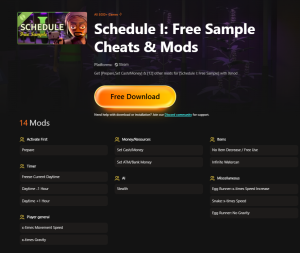
Schedule I: Free Sample Cheats & Mods
With the help of Xmod, you can streamline operations, automate tasks, and tailor Schedule 1 to your playstyle. As a result, you’ll enjoy a smoother, more efficient, and ultimately more satisfying gameplay experience.
Заключение
Schedule 1 is a dynamic strategic planning game that challenges players to optimize schedules, resources, and decision-making. Moreover, with the integration of Xmod, players can elevate their gameplay through advanced automation, AI-driven optimizations, and customized strategies. In addition, by utilizing key tools like the Management Clipboard, players can efficiently manage their workforce, assign tasks, and streamline operations.
Consequently, with Xmod’s enhancements, Schedule 1 becomes an even more engaging and immersive experience, allowing players to fine-tune their strategies, automate tedious processes, and maximize efficiency. Whether competing against AI или collaborating with others, Schedule 1—powered by Xmod—offers the ultimate strategic planning experience, ultimately ensuring that every decision counts toward building a thriving business.
Я страстный геймер и писатель XMODhub, который стремится предоставить вам самые свежие игровые новости, советы и мнения.
Свяжитесь со мной:
Профиль LinkedIn
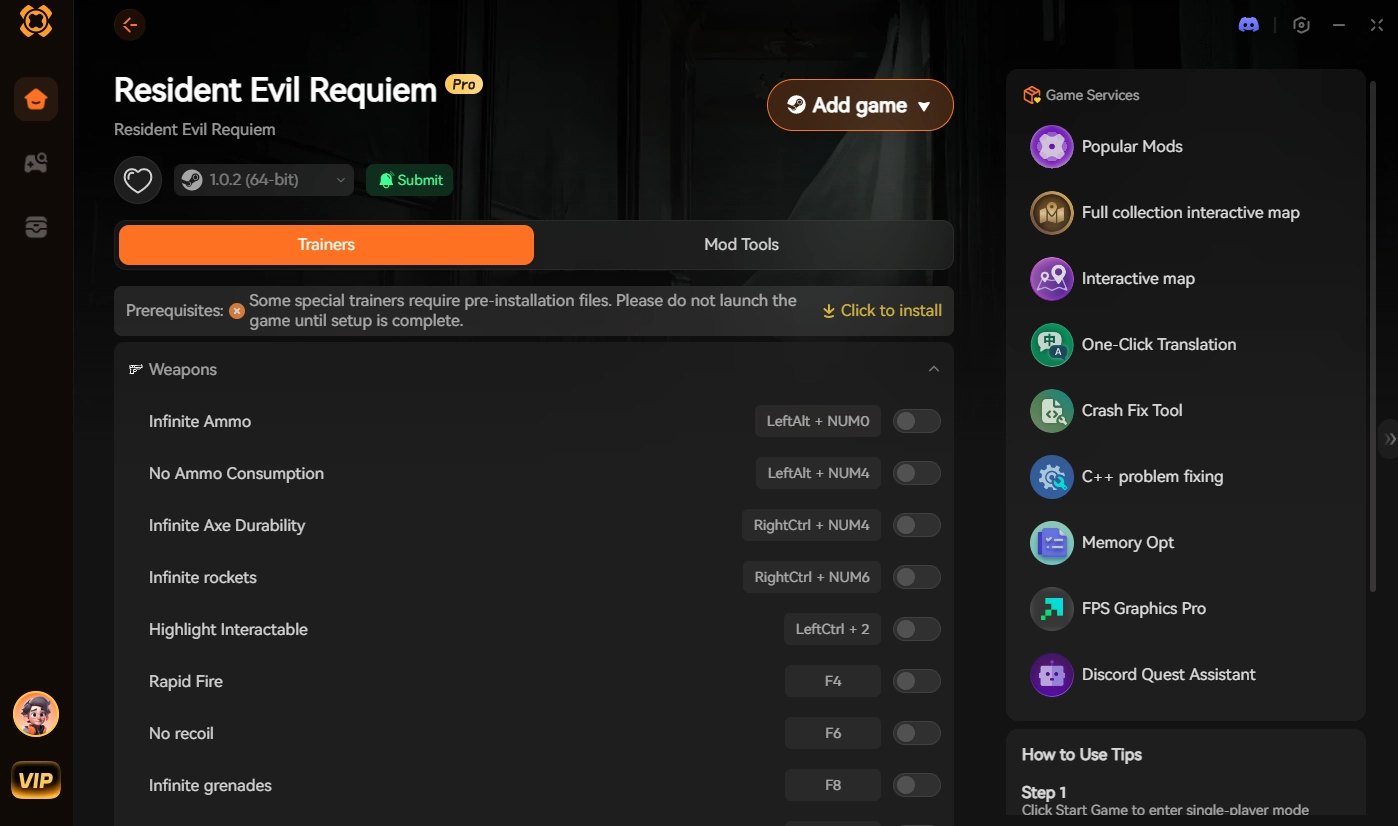
Resident Evil Requiem PC Mods Guide: How to Install & Best Mods
Quick Answer Resident Evil Requiem PC Mods are community-created files that alter gameplay, visuals, or mechanics in the latest survival horror title. To install them safely, download Fluffy Mod Manager, select the game…
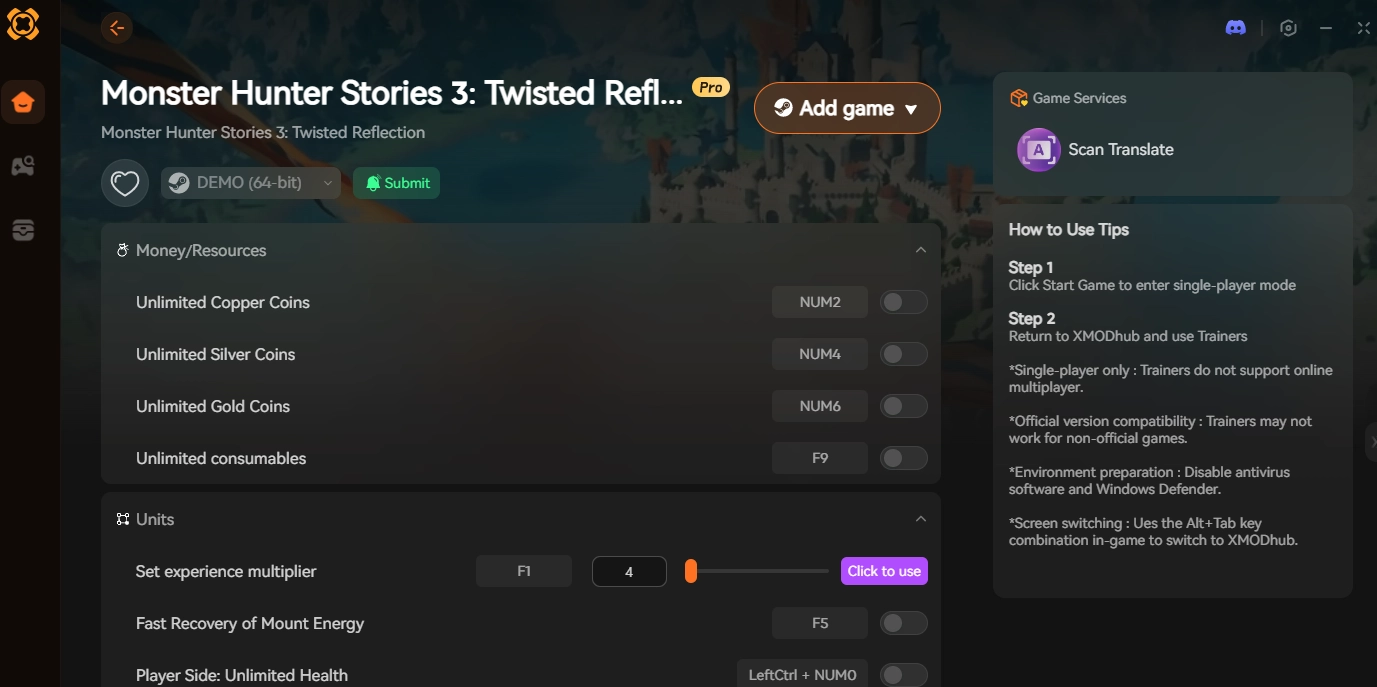
Mod Install: How to Install .pak Mods for Monster Hunter Stories 3 Safely | XMODhub
We have all been there. You are browsing NexusMods, you see an absolutely incredible 4K texture overhaul for the Rathalos armor, you download it, drop it into your game folder, and… Fatal D3D…

 Кэтрин Ху




 Нэнси Миллер