
 Кэтрин Ху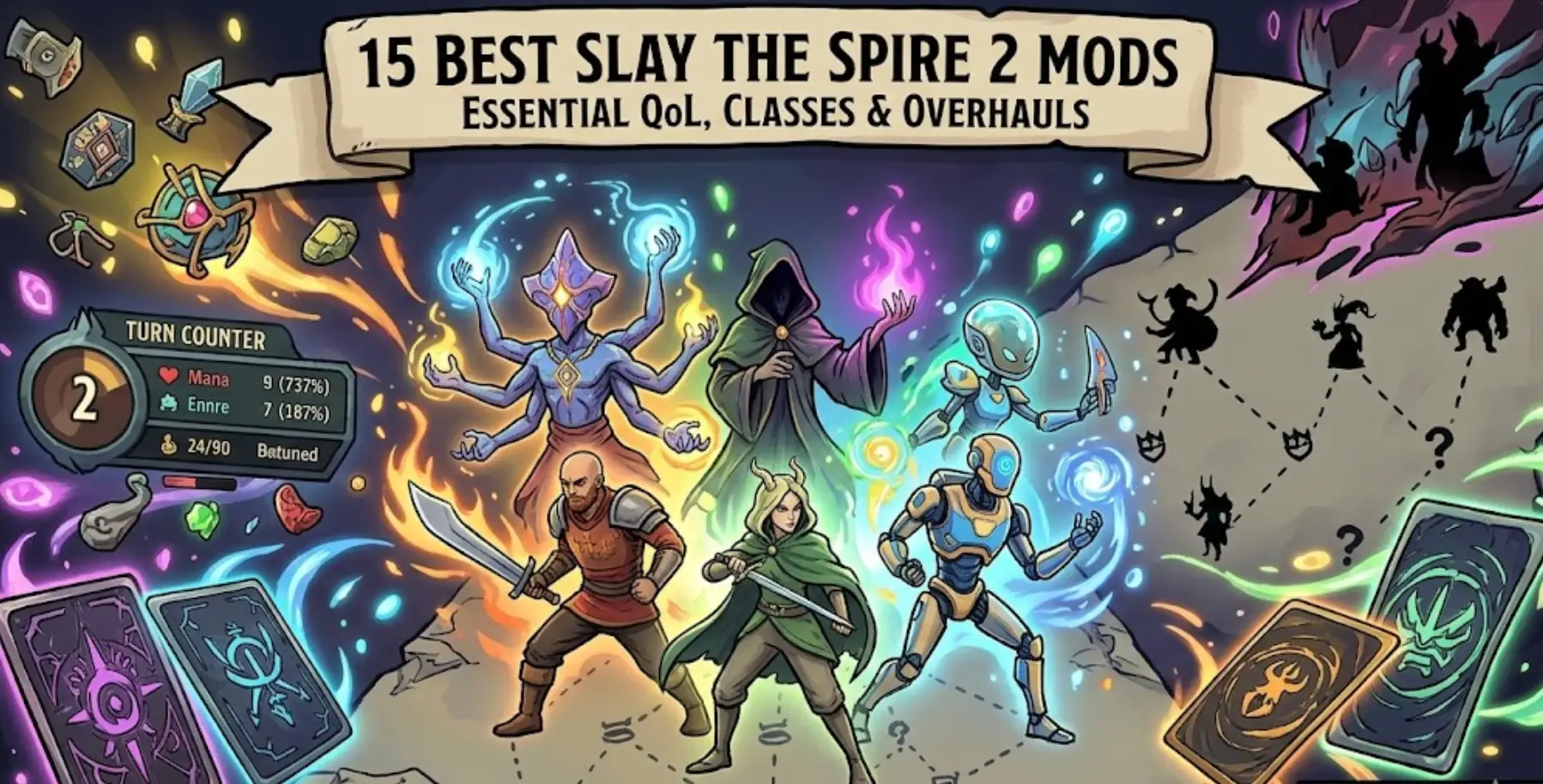
Slay the Spire 2 has finally hit Early Access. While Mega Crit has provided us with an incredible foundation featuring the Ironclad, Silent, Defect, Necrobinder, and Regent, the true longevity of any deckbuilder lies in its modding community.
In a massive shift from the first game, Slay the Spire 2 was built entirely on the open-source Godot Engine rather than Java/LibGDX. This architectural change means modders have incredibly powerful, lightweight tools at their disposal. As the community races to port legacy favorites and build new expansions, the Steam Workshop is about to explode with content.
Here at XMODhub, we are tracking the most anticipated and essential Day-One mods you need to install to perfect your climb.
Вам также может понравиться:
Slay the Spire 2: Cheat Engine Table vs. XMODhub Trainer (Best Free Alternative)
1. Quick Answer: How to Install Slay the Spire 2 Mods
If you want to start customizing your game immediately, you no longer need to mess with complex third-party mod loaders. Here is exactly how to get started:
- Official Support: Slay the Spire 2 fully supports modding natively through the Steam Workshop.
- Installation Step 1: Open your Steam Library, click on Slay the Spire 2, and navigate to the “Workshop” tab.
- Installation Step 2: Browse for a mod and click the green “Subscribe” button to download it.
- Activation: Launch the game. In the main menu, click the “Mods” menu and check the box next to your downloaded mod to enable it.
- Restart: Restart the game client for the Godot engine to compile and apply the changes.
2. Essential Quality of Life (QoL) Mods (Top 1-5)
These are the mods that don’t fundamentally break the game’s balance but remove friction from your daily runs. Because they are lightweight, these are the first mods actively being ported to the Godot engine:
- Minty Spire 2 (Port): The legendary QoL mod from the first game is the community’s top priority. It highlights overlapping relics, warns you before you end your turn with unspent energy, and adds visual cues for boss relics.
- Super Fast Mode: While the base game has a “Fast Mode,” this mod removes the artificial delay between card plays entirely, making infinite draw decks play out in seconds.
Best Slay the Spire 2 FPS Settings: Fix Lag & Stuttering (2026)
- Relic Stats: Ever wonder exactly how much damage your Pen Nib or Letter Opener has dealt over an entire run? This mod adds a tooltip to every relic showing its exact mathematical contribution to your success.
- Colored Map Nodes: Replaces the monochromatic map icons with vibrant, color-coded symbols, making it much easier to plot your path through Elites and Merchants at a quick glance.
- Always Skip Rewards: Adds a massive, hotkeyed “Skip” button to the post-combat reward screen, preventing you from accidentally clicking and ruining a minimalist deck run.
3. UI & Information Mods (Top 6-10)
Information is power in the Spire. These mods help you calculate lethal damage and plan your turns without needing a calculator.
- Block Reminder: A simple UI tweak that hovers over your character, calculating exactly how much block you will have at the end of the turn after passive effects resolve.
- Draw Pile Predictor: An overlay that calculates the percentage chance of drawing a specific card next turn based on your current draw pile.
- Boss Indicator on Map: You no longer need to scroll all the way to the top of the map to see which Act Boss you are facing. This mod pins the Boss icon to the top right of your screen at all times.
- Better Potion UI: Highlights potions in your belt that would save your life against lethal damage, preventing those frustrating moments where you die with a full potion belt.
- Detailed Intentions: Expands the enemy intent icons to show exact math. If an enemy is doing a multi-attack, it will display the exact total damage (e.g., 4×3 = 12) rather than making you do the math in your head.
4. Total Overhauls & Custom Character Classes (Top 11-15)
Once you have mastered the Necrobinder and the Regent, these are the massive community-driven projects that add hundreds of hours to your playtime.
(Note: Overhaul mods will take a few months of Early Access to fully develop on the new engine).
- The Downfall Expansion (Godot Port): The most famous mod from StS1 is actively being rebuilt. It allows you to play as the Spire Bosses and defend the Spire from the heroes.
- The Hermit (Port): A community-favorite custom class focusing on a “Dead On” mechanic (cards having different effects if they are precisely in the middle of your hand).
- Act 4 Expanded: Modifies the ending of the game to include brand-new elite encounters and a completely redesigned Corrupt Heart fight for masochistic players.
- Together in Spire (Co-Op Overhaul): While Slay the Spire 2 has official 4-player Co-Op, this mod expands the lobby size, adds PVP duels, and introduces custom multiplayer-only relics.
Is Slay the Spire 2 Crossplatform? Crossplay & Cross-Save Guide
- Endless Tower Mode: Removes the Act structure entirely. Enemies infinitely scale in health and damage, and your goal is to see how high you can climb before your deck inevitably collapses.
5. Steam Deck Mod Compatibility
A massive influx of players search for sts2 steam deck mods compatibility. The good news is that because the Steam Deck runs on SteamOS (Linux) and utilizes the Steam Workshop, almost all UI and QoL mods will work flawlessly on your handheld.
When you subscribe to a mod on your PC, Steam Cloud will automatically sync that subscription to your Steam Deck. Just ensure you launch the game, go to the “Mods” menu, and verify they are enabled on the handheld device. However, be cautious with massive Overhaul mods (like Downfall), as heavily scripted custom assets can occasionally cause memory crashes on the Deck’s APU.
6. XMODhub Trainer vs. Steam Workshop Mods
While Steam Workshop mods are incredible for adding new content, they often conflict with each other and can break whenever Mega Crit pushes a new Early Access patch.
If you are looking to quickly test a specific deck build, skip the grind, or bypass a frustrating boss without managing a load order of 20 different mods, the XMODhub Trainer is your best alternative.
How to theory-craft in Single-Player with XMODhub:

Unlike Workshop mods, the XMODhub client operates independently of the game files. It safely injects features like Infinite Gold, God Mode, and Infinite Energy directly into your active session. It is crash-proof, updates automatically, and requires zero setup.
Slay the Spire 2: Cheat Engine Table vs. XMODhub Trainer (Best Free Alternative)
7. Frequently Asked Questions (FAQ)
Q: Why are my StS1 mods not working in StS2?
A: Slay the Spire 2 was built on the Godot engine, while the original game was built in Java. No mods from the first game will work out of the box; they must be completely rewritten from scratch by their creators for the sequel.
Q: Do mods disable Steam Achievements in Slay the Spire 2?
A: Yes. By default, launching the game with any active Steam Workshop mod will disable achievement tracking to maintain competitive integrity. If you are hunting for 100% completion, you must play the vanilla game.
Q: Can I use mods in 4-Player Co-Op?
A: Only if all 4 players have the exact same mods installed and loaded in the exact same order. If there is a mismatch, the lobby will immediately desync and crash.
8. Conclusion
The transition to the Godot engine guarantees that Slay the Spire 2 will have one of the most vibrant and technically impressive modding communities in PC gaming. Whether you are installing simple QoL trackers like Minty Spire 2 to calculate your block, or waiting for massive overhauls like Downfall, the Steam Workshop is your gateway to endless replayability.

Keep an eye on the Workshop as Early Access progresses, ensure your mods are updated after every official patch, and don’t hesitate to use the XMODhub Trainer if you want to experiment with God Mode and Infinite Energy without the hassle of mod load orders. Happy climbing!

Я страстный геймер и писатель XMODhub, который стремится предоставить вам самые свежие игровые новости, советы и мнения.
Свяжитесь со мной:
Профиль LinkedIn

 Нэнси Миллер