Резюме: This guide covers the complete system requirements for Firefighting Simulator: Ignite, detailing the minimum and recommended PC specs to ensure smooth and immersive gameplay.
Firefighting Simulator: Ignite is a realistic firefighting simulation game that immerses players in high-stakes rescue missions and dynamic fire emergencies.
Designed with detailed fire behavior, authentic equipment, and cooperative multiplayer, the game challenges players to think strategically while saving lives.
In this guide, we’ll explore the system requirements, helping you determine if your PC can handle the game on low or high settings.
We’ll also cover tips for enhancing gameplay using XMOD, ensuring a smoother and more customizable firefighting experience.
Оглавление
- Что такое Firefighting Simulator: Ignite?
- Системные требования для Firefighting Simulator: Ignite: Минимальные и рекомендуемые
- Можешь ли ты бежать Firefighting Simulator: Ignite на ПК низкого класса?
- Может ли мой компьютер работать Firefighting Simulator: Ignite?
- Как улучшить игровой процесс с помощью XMOD?
- Заключение
What is Firefighting Simulator: Ignite?
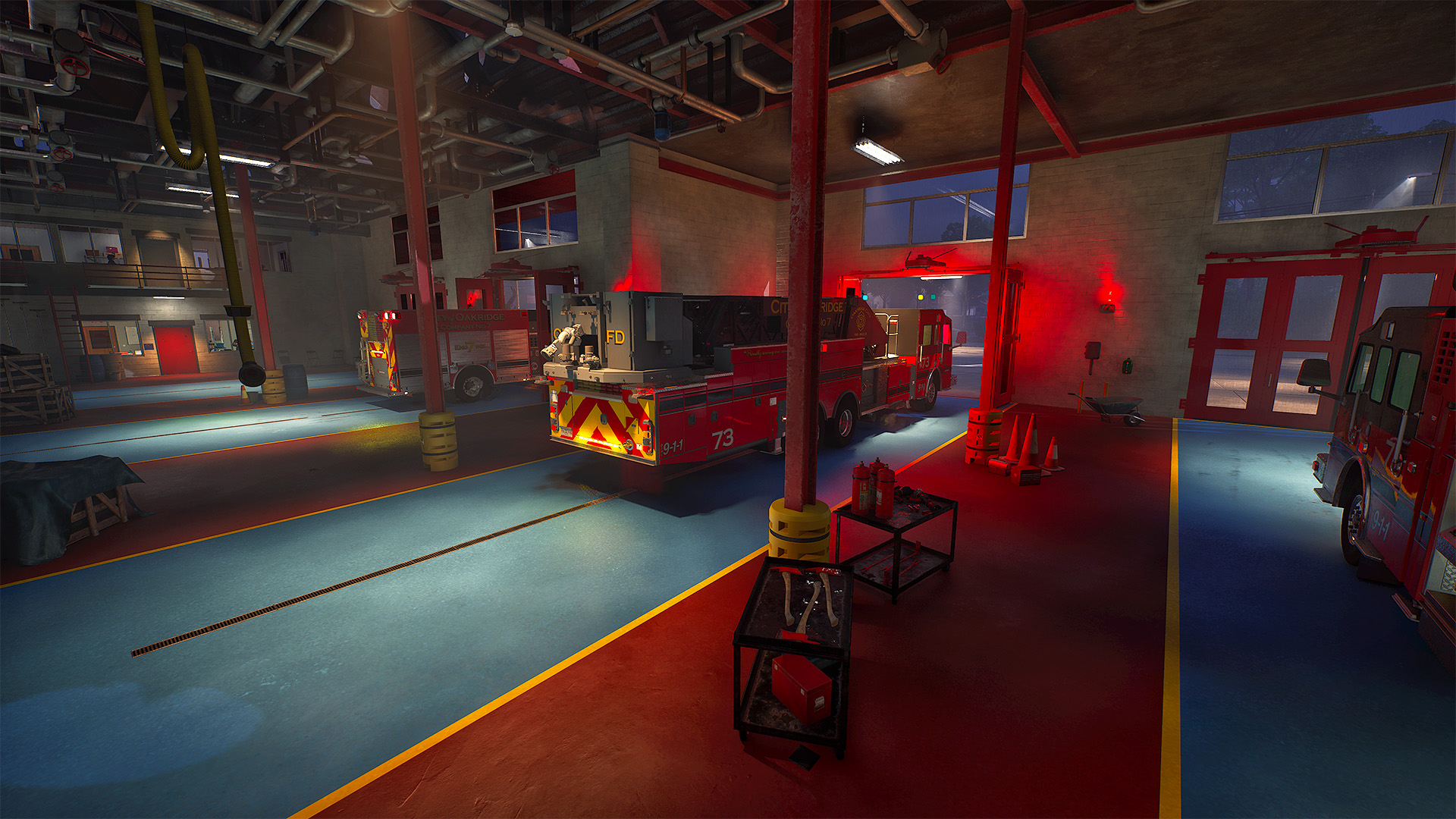
Firefighting Simulator: Ignite is an immersive simulation game that puts players in the role of a firefighter, responding to emergencies in a bustling Midwestern city. Players experience realistic fire dynamics, including spreading flames, smoke, heat, and water physics, all powered by Unreal Engine 5. The game features both single-player and cooperative multiplayer modes, allowing players to tackle fires, rescue civilians, and manage equipment strategically. With authentic vehicles, tools, and emergency scenarios, it offers a highly engaging and realistic firefighting experience.
System Requirements for Firefighting Simulator: Ignite: Minimum and Recommended
Before diving into the action-packed firefighting scenarios, it’s important to ensure your PC can handle the game. Below are the minimum и recommended system requirements for Firefighting Simulator: Ignite, helping you determine the optimal settings for smooth gameplay.
Минимальные системные требования
These specs allow the game to run at low to medium settings, providing a playable experience:
| Компонент |
Требование |
| OS |
Windows 10 (64-бит) |
| Процессор |
AMD Ryzen 5 3700 / Intel Core i7-9700 |
| Память |
8 ГБ ОПЕРАТИВНОЙ ПАМЯТИ |
| Графика |
NVIDIA RTX 2060 Super 8GB / AMD RX 5700 XT 8GB |
| DirectX |
Версия 12 |
| Хранение |
45 GB available |
Рекомендуемые системные требования
For the best visual experience and smooth performance, aim for these specs:
| Компонент |
Требование |
| OS |
Windows 10 (64-бит) |
| Процессор |
AMD Ryzen 7 5700X / Intel Core i7-12700K |
| Память |
16 ГБ ОПЕРАТИВНОЙ ПАМЯТИ |
| Графика |
NVIDIA RTX 3070 12GB / AMD RX 6800 8GB |
| DirectX |
Версия 12 |
| Хранение |
45 GB available |
With these specs in mind, you can ensure your system is ready to handle the dynamic fire physics, realistic smoke, and detailed environments of Firefighting Simulator: Ignite.
Can You Run Firefighting Simulator: Ignite on a Low-End PC?
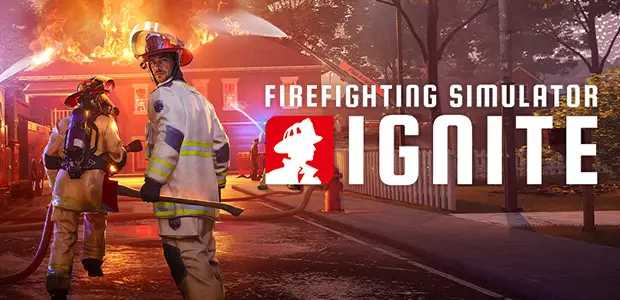
Бег Firefighting Simulator: Ignite on a low-end PC may present challenges due to its demanding graphics and physics, especially during large-scale fire scenarios. While the game’s minimum system requirements include an AMD Ryzen 5 3700 or Intel Core i7-9700 processor, 8 GB RAM, and an 8GB VRAM GPU like the NVIDIA RTX 2060 Super or AMD RX 5700-XT, players with older hardware may experience performance issues such as stuttering and frame drops. For instance, a user with a Ryzen 5 2600X and RTX 2060 reported significant frame drops and stutters
h2: Can My PC Run Firefighting Simulator: Ignite?
Wondering if your PC can handle Firefighting Simulator: Ignite? This popular firefighting game combines action-packed missions with realistic simulation, and knowing if your system can run it smoothly is key.
Most modern PCs should be able to run the game, but higher-end hardware will deliver better graphics and smoother performance. Want to be sure? Check your processor, RAM, and graphics card against the game’s requirements to see how well it will perform.
Optimize your experience: Updating drivers and closing background apps can help you get the best performance in Firefighting Simulator: Ignite.
Как улучшить игровой процесс с помощью XMOD?
XMOD is a powerful tool that helps gamers get more out of their favorite games. Whether you’re looking to optimize performance, customize controls, or access mods, trainers, and cheats, XMOD can significantly enhance your gaming experience.
Here’s how XMOD can help:
- Оптимизация производительности – Improve your game’s frame rates for smoother gameplay.
- Custom Controls – Remap buttons, adjust sensitivity, and create control setups that fit your playstyle.
- Моды – Add new content, levels, or features to your games with safe, community-tested mods.
- Трейнеры – Gain helpful in-game adjustments like unlimited resources, skill boosts, or easier progression.

- Читы – Access advanced cheats to explore new strategies or experiment in the game.
Using XMOD responsibly lets you enjoy games in ways that suit your preferences without affecting other players. It’s a handy tool for casual fun or testing strategies before committing to them in competitive gameplay.
Заключение
XMOD is a versatile tool that can take your gaming experience to the next level. From boosting performance and customizing controls to accessing mods, trainers, and cheats, it offers gamers the flexibility to play the way they want. By using XMOD responsibly, you can enjoy smoother, more engaging gameplay and unlock new ways to experience your favorite games.
Я страстный геймер и писатель XMODhub, который стремится предоставить вам самые свежие игровые новости, советы и мнения.
Свяжитесь со мной:
Профиль LinkedIn

 Кэтрин Ху