Резюме: This guide outlines the minimum and recommended system requirements for Echoes of the End to help ensure smooth gameplay on your PC.
If you’re excited to play Echoes of the End, it’s important to make sure your PC meets the game’s system requirements.
Knowing these specs helps you avoid performance issues like lag or crashes.
В этом руководстве, we’ll cover the minimum and recommended hardware and software requirements so you can prepare your system for the best possible gaming experience.
Оглавление
- Что такое Echoes of the End?
- Echoes of the End system requirements: Minimum& Recommended
- Может ли мой компьютер работать Echoes of the End?
- How to Enhance the Gameplay of Echoes of the End-XMOD?
- Заключение
What is Echoes of the End
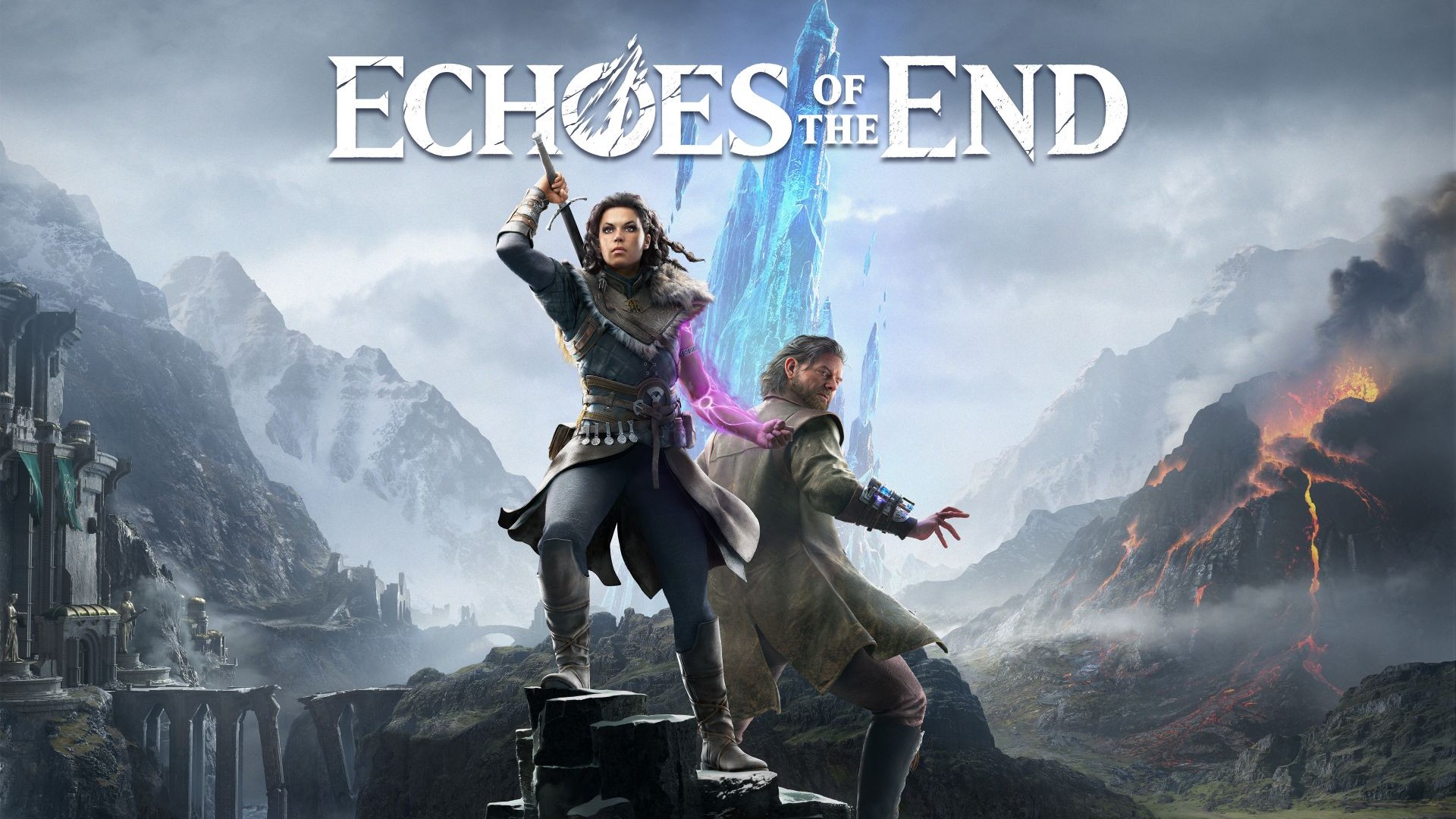
Echoes of the End is an atmospheric action-adventure game that blends rich storytelling with intense combat and exploration. Set in a beautifully crafted world filled with mystery and danger, players follow a gripping narrative while battling fierce enemies and uncovering hidden secrets. With its stunning visuals and immersive gameplay, Echoes of the End offers a compelling experience for fans of story-driven games and challenging action.
Echoes of the End system requirements: Minimum& Recommended
Here are the minimum and recommended system requirements for the game:
Минимальные системные требования
| Компонент |
Minimum Requirement |
| Операционная система |
Windows 10 (64-бит) |
| Процессор |
Intel Core i5-2400 or AMD Ryzen 3 1200 |
| Memory (RAM) |
8 GB |
| Графика |
NVIDIA GeForce GTX 660 or AMD Radeon RX 560 |
| DirectX |
Версия 11 |
| Хранение |
25 ГБ свободного места |
Рекомендуемые системные требования
| Компонент |
Recommended Requirement |
| Операционная система |
Windows 10/11 (64-бит) |
| Процессор |
Intel Core i7-7700 or AMD Ryzen 5 3600 |
| Memory (RAM) |
16 ГБ |
| Графика |
NVIDIA GeForce GTX 1060 or AMD Radeon RX 580 |
| DirectX |
Версия 12 |
| Хранение |
25 ГБ свободного места |
Can My PC Run Echoes of the End?
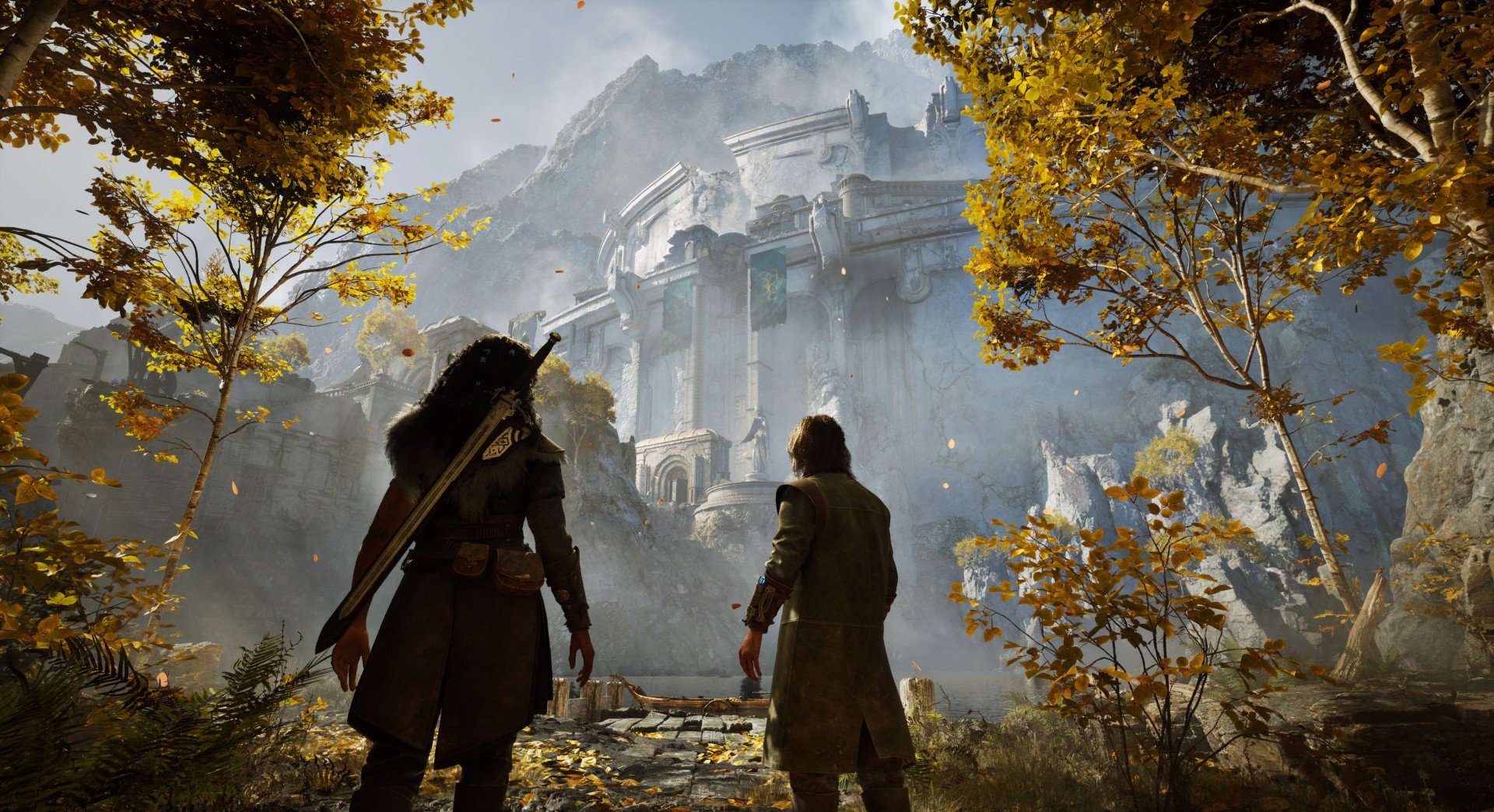
To check if your PC can run Echoes of the End, compare your computer’s specs with the game’s minimum and recommended system requirements.
- How to Check Your Specs:
- On Windows, press Win + R, type
dxdiag, and press Enter to open the DirectX Diagnostic Tool. This shows your CPU, RAM, and GPU details.
- Check available storage space in File Explorer and your OS version in Settings.
- Compare Your Specs:
- If your specs meet or exceed the recommended requirements, you can expect smooth gameplay with high settings.
- Meeting the minimum requirements means the game will run but may require lowering graphics settings.
- Below minimum specs could result in poor performance or the game not running.
- Tips:
- Upgrade hardware if possible for a better experience.
- Adjust in-game settings to improve performance on lower-end PCs.
How to Enhance the Gameplay of Echoes of the End-XMOD
XMOD is a versatile tool that can improve your Echoes of the End experience in several ways:
- Custom Mods and Enhancements Easily install mods that improve visuals, tweak controls, or add quality-of-life features tailored for Echoes of the End.
- Cheats and Trainers If you want to experiment or ease the difficulty, XMOD offers cheats like unlimited health, stamina, or resource boosts.
- User-Friendly Mod Management XMOD’s intuitive interface allows you to install, update, or remove mods effortlessly.
Getting Started:
- Download and install XMOD from the official website.

- Open XMOD and select Echoes of the End from your game list.
- Browse available mods and cheats, then install your favorites.
- Always back up your game files before applying mods.
Заключение
Ensuring your PC meets the system requirements for Echoes of the End is essential for a smooth and immersive gaming experience.
Whether your hardware aligns with the minimum or recommended specs, optimizing performance with tools like XMOD can further enhance gameplay by boosting performance and offering customization options.
Prepare your system well, dive into the captivating world of Echoes of the End, and enjoy an unforgettable adventure.
Я страстный геймер и писатель XMODhub, который стремится предоставить вам самые свежие игровые новости, советы и мнения.
Свяжитесь со мной:
Профиль LinkedIn

 Кэтрин Ху

 Нэнси Миллер