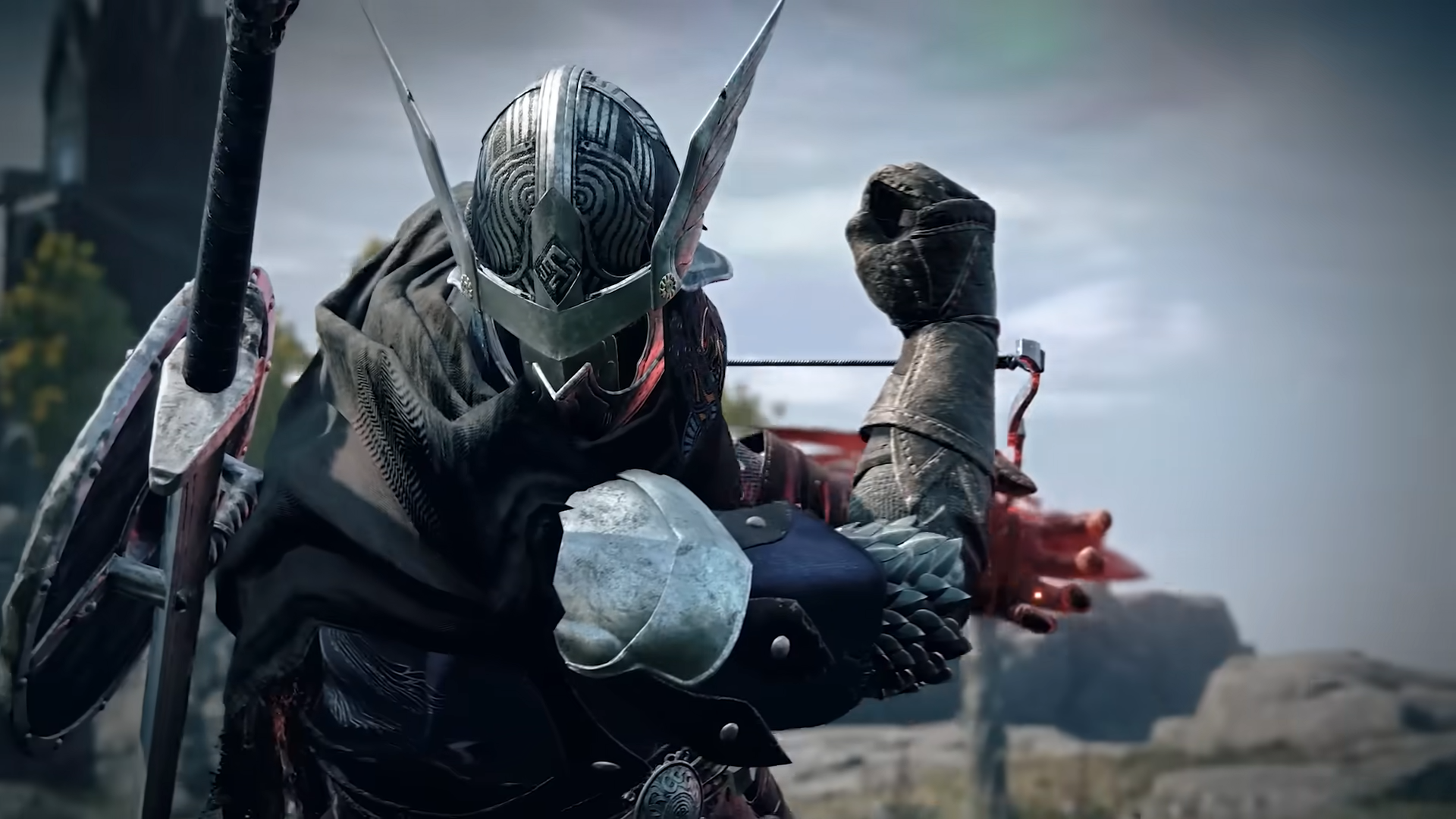
Резюме: Elden Ring: Nightreign имеет определенные системные требования, которым должны соответствовать игроки, а такие инструменты, как XMOD, помогут оптимизировать производительность и улучшить игровой процесс на менее мощных ПК.
Прежде чем погрузиться в мир Кольцо Эльден: Ночное правление, Поэтому очень важно знать, справится ли ваш ПК с этой задачей. В этой статье приведены минимальные и рекомендуемые системные требования для мода, вы сможете определить, сможет ли ваша система справиться с ним, и представите XMOD-мощный инструмент для повышения производительности и настройки игрового процесса. Независимо от того, используете ли вы высококлассную установку или скромную систему, это руководство поможет вам получить максимальную отдачу от Nightreign.
Оглавление
Системные требования Elden Ring Nightreign
Можно ли на моем компьютере запустить Elden Ring Nightreign
Как улучшить игровой опыт Elden Ring Nightreign с помощью XMOD?
Заключение
Системные требования Elden Ring Nightreign
В предвкушении Кольцо Эльден: Ночное правление, Игрокам не терпится узнать, сможет ли их текущая конфигурация ПК справиться с требовательной графикой и механикой этого масштабного фанатского мода. Независимо от того, нацелены ли вы на базовую играбельность или на высокопроизводительный опыт, понимание системных требований крайне важно.
Минимальные системные требования
Чтобы запустить Кольцо Эльден: Ночное правление на приемлемом уровне с низкими и средними настройками, ваш компьютер должен соответствовать следующим минимальным характеристикам:
Учитывая это, давайте посмотрим, сможет ли ваш компьютер запустить Elden Ring Nightreign.
Можно ли на моем компьютере запустить Elden Ring Nightreign
Чтобы узнать, может ли ваш компьютер работать Кольцо Элдена Nightreign, Сравните характеристики вашей системы с минимальными требованиями игры: процессор не ниже Intel i5-10600 или Ryzen 5 5500, 12 ГБ оперативной памяти и графический процессор GTX 1060 3 ГБ или RX 580 4 ГБ. Если ваши характеристики соответствуют или превышают их, вы сможете запустить игру.
В этом разделе мы расскажем о том, как улучшить вашу игру Elden Ring Nightreign.
Как улучшить игровой опыт Elden Ring Nightreign с помощью XMOD?
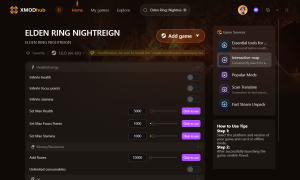
Если вы хотите расширить свои возможности в одиночной игре в Кольцо Элдена Nightreign, рассмотрите возможность использования Xmod. Этот инструмент предоставляет доступ к читам и тренерам, которые могут улучшить ваш игровой процесс.
Вот как использовать Xmod для Elden Ring Nightreign:
Загрузите и установите приложение Xmod.
xmod скачать
Откройте приложение и найдите Кольцо Элдена Nightreign.
Кольцо Элдена Nightreign
Запустите игру непосредственно через Xmod.
Моды Elden Ring Nightreign
Активируйте нужные вам моды или читы, чтобы наслаждаться более персонализированным и улучшенным игровым процессом.
С помощью Xmod вы можете настроить Кольцо Элдена Nightreign под свой игровой стиль и наслаждайтесь более захватывающими и индивидуальными приключениями.
Заключение
Подводя итог, следует убедиться, что ваш компьютер соответствует системным требованиям для Кольцо Элдена Nightreign чтобы насладиться плавным игровым процессом. Чтобы получить еще больше впечатлений, попробуйте использовать XMOD для настройки и улучшения ваших приключений.
Я страстный геймер и писатель XMODhub, который стремится предоставить вам самые свежие игровые новости, советы и мнения.
Свяжитесь со мной:
Профиль LinkedIn
How to Fix Far Far West Crash on Startup & Black Screen
There is nothing more agonizing in PC gaming than having your highly anticipated session ruined by technical failures. When Far Far West crashing issues occur, it completely kills the momentum of your team.…
Far Far West Mounts Guide: Where to Tame the Fastest Horse
The fog rolls in thick across the Weeping Canyons, and the extraction timer is flashing red on your screen. Without a reliable mount, getting caught in the open terrain of Far Far West…

 Кэтрин Ху