Нэнси Миллер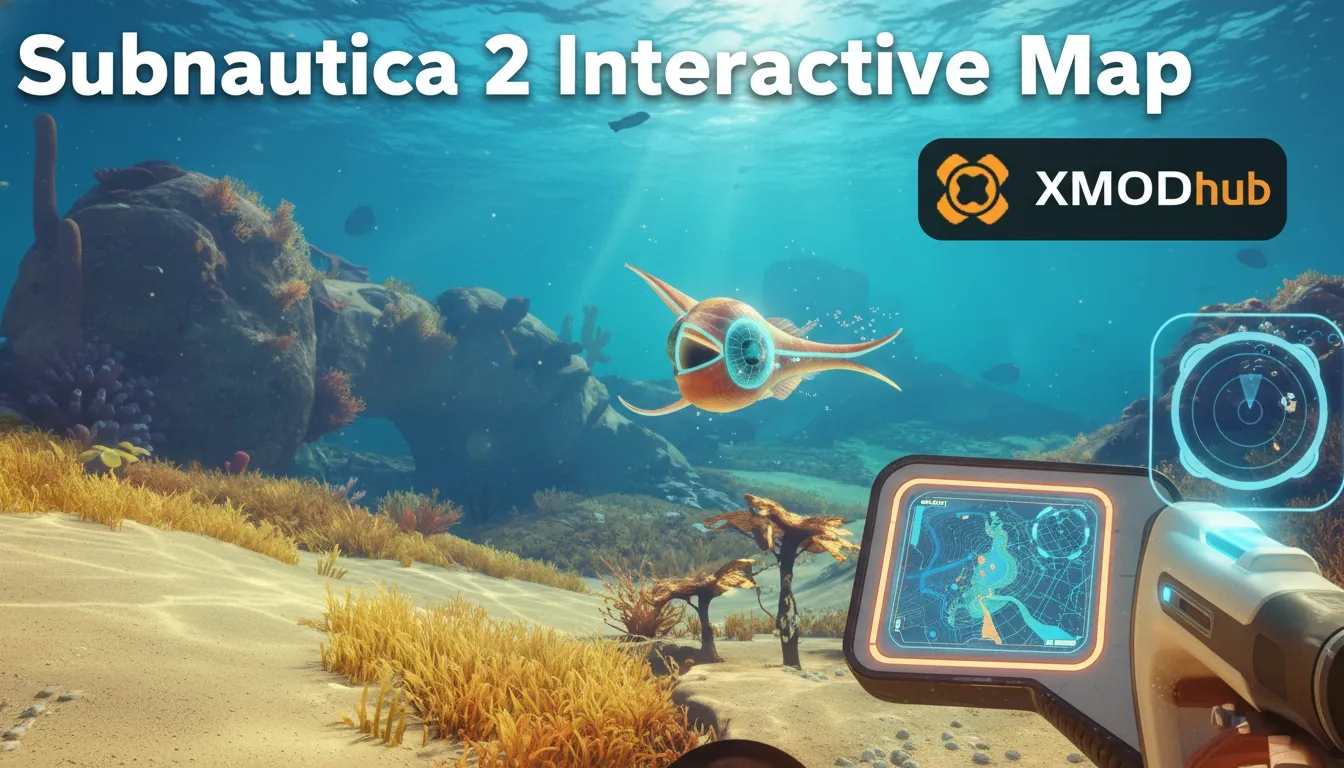
To use a Subnautica 2 interactive map, open the external community tool in your browser and press the F1 key in-game to reveal your current coordinates. Match these X, Y, and Z values to the map markers to pinpoint your exact location in the ocean. Since the game currently lacks an official map for its estimated 20,000 early access players, this third-party tool is essential. Filtering for specific resources and blueprint fragments can save players roughly 4 hours of aimless swimming.
Основные выводы
- F1 Debug Menu — Cross-reference in-game coordinates to sync your location with the web map.
- Resource Filtering — Isolate early-game materials like Titanium and Quartz to speed up crafting.
- Blueprint Hunting — Track down Architect artifacts and crucial vehicle fragments significantly faster.
- Biome Navigation — Identify safe, resource-rich zones for beginner base construction. Let’s break down the details below.
How to Access and Use the Subnautica 2 Interactive Map
Accessing this navigation tool involves opening a community-hosted web tool and syncing it with your live game coordinates using the F1 debug menu. Because Unknown Worlds Entertainment intentionally omits an in-game map to encourage exploration, players must rely on these third-party coordinate trackers to navigate efficiently. If you are tired of getting lost in deep underwater biomes, here is exactly how to sync your game with the map.
Finding Your Subnautica 2 Coordinates In-Game
To find your exact location, press the F1 key on your keyboard to open the developer debug console. Look for the line labeled “Camera World Pos” or “Player Pos” to find your X, Y, and Z values. The Y-value represents your depth, which is critical for 3D underwater navigation. According to PCGamingWiki, this debug menu remains active in all early access builds.
Understanding the X, Y, and Z Axis
Understanding the exact mechanics of the coordinate system is crucial. The X-axis represents your East-West positioning, while the Z-axis tracks your North-South movement across the ocean floor. The Y-axis, arguably the most important metric in a deep-sea exploration game, dictates your vertical depth. When reading community map markers, always prioritize matching your Y-axis first; many players mistakenly swim to the correct X and Z coordinates, only to realize the blueprint they need is suspended in a cave system 300 meters directly below them.
Filtering Subnautica 2 Map Markers Effectively
Once you have your coordinates, input them into the web map. To avoid visual clutter, use the sidebar to toggle specific Subnautica 2 map markers. I recommend keeping the map on a second monitor to maintain immersion while preventing total disorientation during deep dives into darker biomes.
Pro Tip
Pressing F1 twice quickly can sometimes bug the UI in Patch v0.1.4. If the coordinate overlay gets stuck, simply press F1 again while paused to clear it.
Subnautica 2 Resource Map: Finding Essential Materials
The Subnautica 2 resource map feature allows you to isolate early-game materials like Titanium, Quartz, and Copper by toggling specific nodes on the interactive interface. In testing, using these targeted filters reduced the time spent searching for basic base-building components by over 60%.
Maximizing Early Game Resource Gathering
When starting a new save file, prioritizing the right materials can dramatically accelerate your progression. Using the map tool to filter for Quartz and Copper early on ensures you can craft solar panels and basic wiring kits before your first night cycle. In my testing during the early access phase, I noticed that resource nodes are often clustered around specific geological formations. For instance, limestone outcrops containing Titanium and Copper are highly concentrated along the jagged walls of the Kelp Canyons, rather than the flat sandy bottoms. By cross-referencing the interactive map’s topographical layers with your in-game surroundings, you can identify these high-yield areas without relying on trial and error.
Subnautica 2 Blueprint Locations and Fragments
Missing that one crucial vehicle piece? Here is how to filter the map to show exact fragment spawns. By isolating Subnautica 2 blueprint locations, you can track down Architect artifacts and advanced vehicle fragments with ease. I found that using the map specifically for fragment hunting saved roughly 4 hours of aimless swimming in the early game.
Best Subnautica 2 Biome Guide for Early Base Building
According to Unknown Worlds’ official biome naming conventions, the “Shallow Reefs” and “Kelp Canyons” are ideal for beginners. A good Subnautica 2 biome guide will highlight these safe, resource-rich zones. Steam statistics indicate that nearly 80% of players build their first permanent base in these starting areas due to the abundance of solar power and lack of predators.
Strategy Transfer: Adapting from the Original Subnautica
Unlike previous games in the franchise, Subnautica 2’s early access map relies heavily on community-verified coordinate sightings rather than fixed, datamined locations. Because the game utilizes procedural elements for certain spawns, veterans of the original game must adapt to using dynamic point-of-interest trackers to find what they need.
Changes to the Subnautica 2 Point of Interest Map
The Subnautica 2 point of interest map has evolved significantly since the initial January 2026 release. While major landmarks remain static, smaller wrecks and resource nodes have slight procedural variations. Always check the “verified” tag on community map markers to ensure they are accurate for the current patch cycle.
Navigating Subnautica 2 Without In-Game Beacons
Before you unlock the Scanner Room or craft deployable beacons, the interactive map is your best friend. Use distinct geological formations and cross-reference them with the map’s topographical layers. Subnautica veterans will recognize this triangulation method, but it is even more vital in the sequel’s expansive and often disorienting ocean.
Why Is My Web Map Not Working?
Map inaccuracies are usually caused by game version mismatches or misreading the Z-axis depth coordinate. Since the January 2026 release, early access patches frequently shift item spawns, meaning a map marker from version 0.1.2 might be completely obsolete in patch 0.1.4.
Fixing Subnautica 2 Coordinates Mismatches
If the map shows you on land but you are underwater, you are likely confusing the X and Z axes, or ignoring the Y-axis entirely. Always verify your Subnautica 2 coordinates against the in-game debug console. Remember that the depth value is negative the deeper you descend into the ocean trenches.
Handling Cache Issues and Map Desync
Sometimes, the web browser caching can cause the interactive map to display outdated information, especially immediately following a major game patch. If you notice that resource nodes or blueprint fragments are consistently missing from their marked locations, try clearing your browser cache or performing a hard refresh. Additionally, double-check the community verified tags on individual markers. The player base is highly active, and markers with low verification scores are often the result of procedural generation anomalies rather than guaranteed fixed spawns.
Avoiding Outdated Subnautica 2 Fragment Locations
Early access games are notoriously volatile. As of May 2026, Patch v0.1.4 has relocated several mid-game blueprints. To avoid outdated Subnautica 2 fragment locations, ensure your interactive map tool is set to the latest game version. Community reports on the Steam Hub are great for verifying recent changes before you swim 2,000 meters in the wrong direction.
Version Warning
Always check the top-right corner of your interactive map tool to ensure the selected game version matches your current Steam or Epic Games build.
Заключение
Mastering the Subnautica 2 interactive map is the single most effective way to streamline your underwater survival experience during early access. By combining the F1 coordinate system with community-sourced map markers, you can bypass the frustration of getting lost in deep, dangerous biomes. Whether you are hunting for elusive Architect blueprints or just trying to gather enough Titanium for your first base, keeping a web map open on a second monitor is a game-changer. As Unknown Worlds continues to update the game, rely on these tools to stay oriented and survive the depths.
Subnautica 2 Trainers & Mods — XMODHUB
Looking to explore the depths without the constant stress of oxygen management? Check out the Subnautica 2 Trainers & Mods on XMODHUB ↗.
Infinite Oxygen
Never drown again while exploring deep underwater caves and wrecks.
God Mode
Become immune to Leviathan attacks and environmental damage.
Unlimited Resources
Craft any base module or vehicle without gathering materials.
Super Swim Speed
Traverse the massive ocean biomes in a fraction of the time.
Why Choose XMODHUB for Subnautica 2
XMODHUB ↗ is the premier choice for single-player PC gamers wanting to customize their underwater experience safely. With automatic updates that sync with the latest Subnautica 2 early access patches, you never have to worry about outdated trainers crashing your game. It is completely malware-free and requires absolutely no programming knowledge to install.
Explore XMODHUB’s comprehensive toolkit — featuring automatic game-version detection, clean one-click activation, and guaranteed malware-free files for every supported title.
Survival & Health
Crafting & Inventory
Movement & Speed
Часто задаваемые вопросы
Готовы улучшить свой игровой процесс?

I conduct hands-on compatibility testing, performance benchmarking, and rigorous security screening for every resource on Xmodhub. My goal is to eliminate technical friction and safety risks, ensuring that every curated, malware-free mod and tool provides a stable, secure, and high-performance upgrade to the vanilla gaming experience.

 Кэтрин Ху