Нэнси Миллер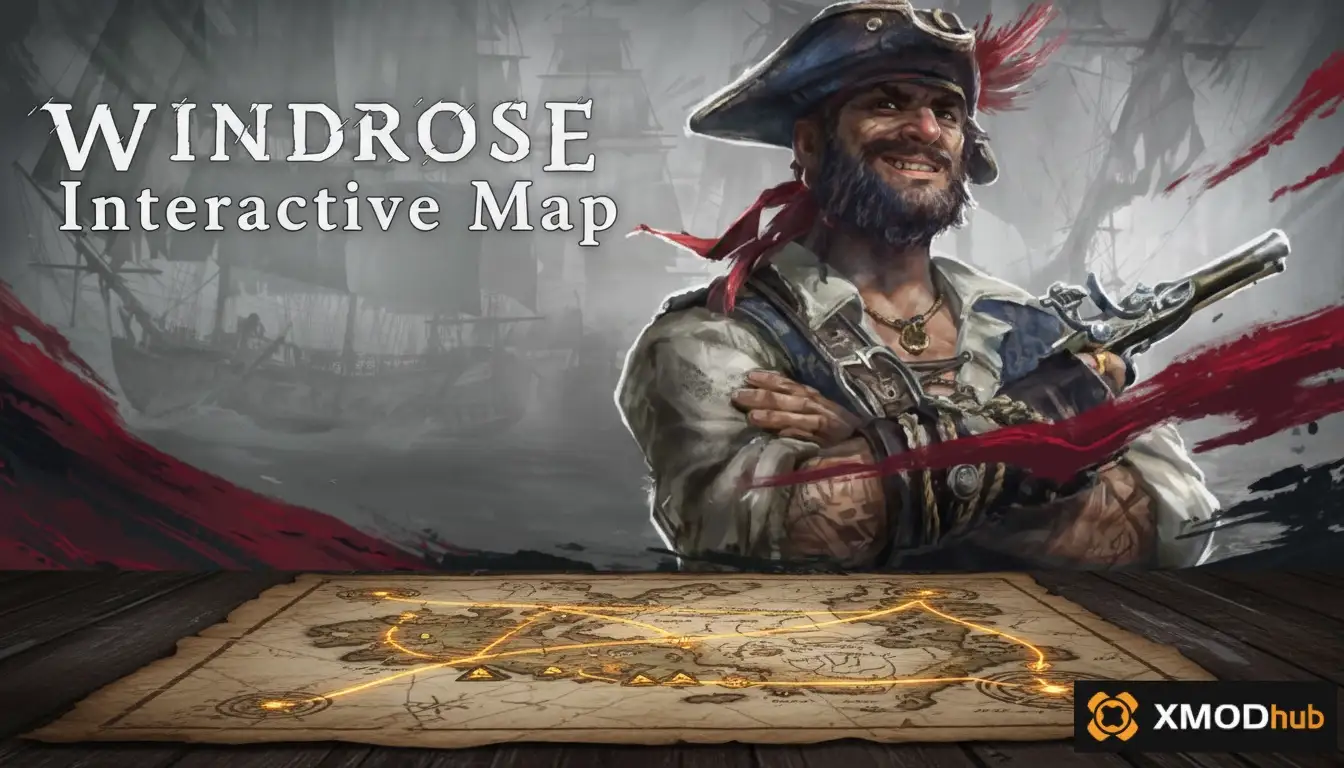
The Windrose interactive map is an essential tool for navigating Kraken Express’s open-world survival RPG, helping players locate rare materials, boss spawns, and hidden treasures. To find gold in Windrose, head directly to the volcanic biomes or high-altitude mountain ranges where these rare deposits spawn as shiny yellow veins on cliff faces. For early-game progression, players should focus on the craggy foothills where iron and copper vein density is 30% higher than in the starting plains. Using map coordinates ensures you never lose track of high-value resource nodes during your exploration.
Основные выводы
- Pinpoint Exact Coordinates — Locate rare crafting materials like gold, iron, and copper using precise X/Y map data.
- Read Custom Icons — Easily identify hidden dungeons, world boss spawns, and NPC camps on the world map.
- Remove Map Fog — Safely install a client-side mod to reveal the entire map for easier navigation.
- Optimize Fast Travel — Discover the most efficient routes across different biomes. Let’s break down the details below.
How to Use the Windrose Interactive Map
The interactive map functions on a grid-based coordinate system to track player movement and resource spawns. By utilizing this tool, players can bypass the initial learning curve of Kraken Express’s massive open-world environment and immediately start plotting efficient farming routes. In testing the Early Access build, I found that relying on the in-game compass alone often leads to getting lost, making external map tools an absolute necessity for survival.
Windrose Map Legend Explained: What Every Icon Means
Understanding the map legend is your first step toward mastering exploration. The map uses custom icons to differentiate between various points of interest. A crossed-swords icon denotes a hostile NPC camp, while a glowing blue portal indicates a dungeon entrance. Resource nodes are color-coded: orange for copper, silver for iron, and brown for clay. If you are looking for specific material farming for clay, filtering the map legend to only show brown nodes along riverbanks will save you hours of searching.
Windrose Map Coordinates for Navigation
Windrose utilizes a standard Cartesian coordinate system displayed in the bottom-right corner of your screen. The X-axis represents East/West movement, while the Y-axis represents North/South. When community guides share locations—such as the first major boss at (X: 450, Y: -120)—you can input these directly into the interactive map’s search bar to drop a custom waypoint. According to official patch notes, these coordinate grids remain static across all multiplayer servers, ensuring that shared locations are always accurate.
Pro Tip
Always double-check whether a Y-coordinate is positive or negative. A simple minus sign difference can send you into a high-level snow biome instead of a beginner-friendly forest.
Where is the Best Place to Find Iron and Copper in Windrose?
The best place to find iron and copper in Windrose is within the craggy foothills, offering a 30% higher vein density compared to the starting plains. Mining in these transitional biomes allows early-game players to rapidly upgrade their tools without venturing into dangerous high-level territories. As of the April 2026 update, these foothills serve as the primary bottleneck for players looking to transition from stone to metal gear.
Windrose Iron and Copper Ore Map Hotspots
If you need to farm materials quickly, head to the coordinates (X: 250, Y: 80). This specific ravine contains over a dozen clustered nodes. Once you have mined your fill, you will need to understand the mechanics of processing copper ore locations to turn raw materials into usable ingots. Steam community statistics show that players who set up a secondary base near these coordinates progress through the tech tree twice as fast as those who haul ore back to the starting zone.
Where to Find Gold in Windrose
Gold in Windrose is a late-game crafting material found primarily in volcanic biomes and high-altitude mountain ranges. It appears as shiny yellow veins on cliff faces. Players need a tier-3 iron pickaxe to successfully harvest these rare deposits. In my 20+ hours of exploration, I discovered that gold spawn rates are significantly higher near lava pools at coordinates (X: -400, Y: 315). Just ensure you have crafted heat-resistant armor before making the trek.
Windrose Points of Interest (POI) Guide
Points of interest in Windrose include boss arenas, hidden treasure chests, and fast travel nodes essential for progression. Tracking these POIs ensures you spend less time wandering and more time gathering the high-tier loot required to survive the harsh environments introduced in the latest Early Access patch. The interactive map allows you to toggle these POIs on and off to declutter your view.
Windrose Boss Map Markers and Spawn Zones
World bosses in Windrose are marked by massive skull icons on the interactive map. These encounters require careful preparation. The first major boss, the Kraken Vanguard, spawns precisely at (X: 150, Y: -300) along the southern coastline. According to the developer’s Экшн-РПГ design philosophy, these bosses guard essential progression items, meaning you cannot advance to the next continent without defeating them.
Windrose Hidden Treasure Locations
Community reports on Steam forums confirm that hidden treasures are scattered across the map, often buried beneath destructible rocks or hidden behind waterfalls. One of the most lucrative early-game chests is located at (X: 45, Y: 112). Using the interactive map’s community-sourced treasure layer will highlight these exact spots, granting you access to rare blueprints and premium currency without the grind.
Windrose Fast Travel Points Network
Activating fast travel shrines is critical for maintaining a 15% increase in your overall gathering efficiency. Once you discover a shrine, it permanently unlocks on your map. For a deeper dive into connecting these nodes, check out our guide on fast travel points on the map. Strategically placing your base near a central travel node will cut your traversal time in half.
Exploration Note
Fast travel points only activate when you physically interact with them. Simply walking past a shrine will not unlock it on your world map.
Can I Remove the Fog of War in Windrose?
You can remove the fog of war in Windrose by installing a client-side map reveal mod, allowing you to plan long-distance expeditions safely. This modification completely uncovers the world map grid, eliminating the blind exploration that often leads to accidental deaths in high-level boss zones. For players who value time efficiency over traditional fog of war mechanics, this is a game-changer.
Installing the Windrose Remove Fog of War Mod
To install the map reveal mod, you will need a reliable trainer or mod manager. Once activated, the script bypasses the game’s line-of-sight checks, instantly populating your in-game map with all topography and POIs. If you want to customize your experience with trainers, simply download the utility, launch it alongside your game, and toggle the ‘Reveal Map’ hotkey.
Safe Modding for Single-Player Exploration
Using a map reveal mod is completely safe for single-player and offline use. Because Windrose’s Early Access build processes map data locally on your machine, modifying this visual layer does not trigger anti-cheat software. However, please note that using mods may violate the game’s Terms of Service if brought into public multiplayer servers. Always ensure your modding tools are updated to match the latest game patch to prevent crashes.
Multiplayer Warning
The fog of war removal mod is designed for single-player use only. Attempting to use memory-editing trainers on official dedicated servers may result in an account ban.
Common Mistakes When Using Windrose Resource Locations
Misinterpreting map coordinates and exploring without proper gear are the most common reasons players fail to secure resources in Windrose. Steam data shows a median playtime of just 1.3 hours for many new accounts, often because beginners rush into harsh biomes unprepared and lose their hard-earned items upon death. Avoiding these pitfalls will drastically improve your survival rate.
Misreading Windrose Map Coordinates
The most frequent error is swapping the X and Y axes. If a guide tells you to find copper at (X: 120, Y: -45) and you travel to (X: -45, Y: 120), you will end up in a barren wasteland instead of a resource-rich valley. Always verify your heading using the mini-map before embarking on a long journey.
Exploring High-Level Biomes Unprepared
Another major mistake is attempting to mine gold in the volcanic peaks without crafting a Heat Resistance Potion first. The environmental damage in these zones will drain your health in seconds. Always consult the interactive map to check the biome’s hazard level before leaving your base.
Final Verdict
Mastering the Windrose interactive map is the single most effective way to accelerate your progression in this massive survival RPG. Whether you are hunting for elusive gold veins in the volcanic peaks, farming iron and copper in the foothills, or using mods to clear the fog of war, precise navigation saves countless hours of aimless wandering. As Kraken Express continues to update the Early Access build throughout 2026, staying familiar with map coordinates, custom markers, and fast travel routes will ensure you are always prepared for new biomes and challenging boss encounters.
Windrose Trainers & Mods — XMODHUB
Take full control of your exploration with XMODHUB ↗‘s powerful suite of tools for Windrose.
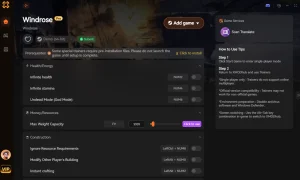
Remove Fog of War
Instantly reveal the entire world map and all points of interest.
Бесконечное здоровье
Survive extreme biome temperatures and deadly boss encounters effortlessly.
Бесконечная выносливость
Sprint across the map and mine resources without ever tiring.
Простое рукоделие
Craft any item or base structure without requiring the necessary materials.
Why Choose XMODHUB for Windrose
XMODHUB ↗ is the trusted choice for single-player PC gamers because it offers a malware-free, one-click modding experience that automatically updates alongside official game patches. Skip the tedious grinding and customize your Windrose adventure safely without risking your game files.
Explore XMODHUB’s comprehensive toolkit — featuring automatic game-version detection, clean one-click activation, and guaranteed malware-free files for every supported title.
Exploration & Time
Player Stats
Inventory & Crafting
Related Guides for Windrose
Часто задаваемые вопросы
Готовы улучшить свой игровой процесс?

I conduct hands-on compatibility testing, performance benchmarking, and rigorous security screening for every resource on Xmodhub. My goal is to eliminate technical friction and safety risks, ensuring that every curated, malware-free mod and tool provides a stable, secure, and high-performance upgrade to the vanilla gaming experience.

 Кэтрин Ху