Кэтрин Ху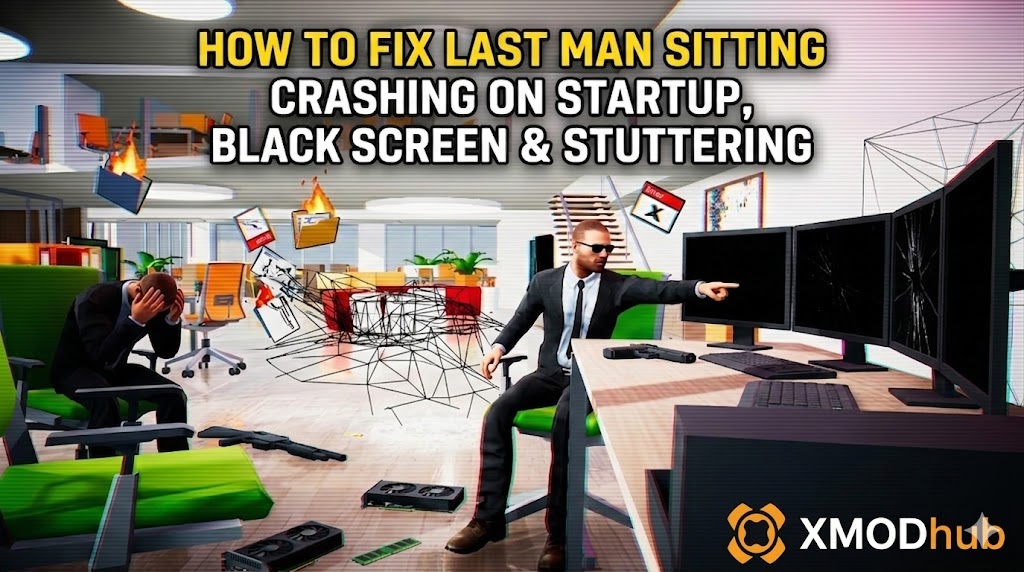
You have waited months to finally jump into Last Man Sitting, pre-loaded the files, and cleared your schedule to blast some office chairs with a shotgun. You click “Play,” and… nothing. Or worse, a cryptic Unity “Fatal Error” pops up. Launch day issues are frustrating, but they are rarely unfixable.
Whether you are facing a black screen, random crashes to desktop (CTD) when the physics engine overloads, missing DLL files, or unplayable frame rates during explosions, this guide covers the most effective solutions to get you into the game.
Вам также может понравиться: Last Man Sitting Cheat Engine Table vs. XMODhub Trainer: The Best Free Alternative
Editor’s View: The “Day One” Curse
“I remember trying to launch Human Fall Flat on release day. It crashed every time the logo appeared, and my physics engine just gave up. I almost refunded it. Before you give up on Last Man Sitting, realize that 90% of these crashes are caused by three simple things: corrupted Unity engine downloads, missing C++ libraries, or overlay conflicts. I’ve tested the methods below on my own rig (RTX 4070 / Win 11), and Method 2 was the one that finally solved the silent crashes for me.”
Check First: Last Man Sitting System Requirements
Before debugging, ensure your PC can actually run the game. While the graphics look simple, the intense ragdoll physics require decent processing power. Trying to run Last Man Sitting on below-minimum specs is the most common cause of “silent crashes” (the game closes without throwing an error).
Метод 1: Проверка файлов игры (Steam)
Corrupted installation files are the #1 cause of Last Man Sitting crashing on startup. Because it relies heavily on Unity assets, a single missing file will break the launch sequence.
For Steam Users:
- Right-click Last Man Sitting in your Library.
- Выберите Свойства > Установленные файлы.
- Нажмите “Проверьте целостность игровых файлов”.
- Wait for the process to finish (it may re-download some missing IL2CPP or asset files).
Метод 2: Обновление драйверов и Visual C++ Redistributables
Last Man Sitting runs on the Unity Engine, which strictly requires updated software environments to render its physics calculations correctly.
- Драйверы GPU: Update your NVIDIA (Game Ready Driver) or AMD (Adrenalin) drivers to the latest version.
- Visual C++ All-in-One: If you get errors like
MSVCP140.dll missingилиVCRUNTIME140.dll not found, you need to reinstall the Microsoft Visual C++ Redistributables (install both x86 and x64 versions). - DirectX: Ensure DirectX 11/12 is fully updated via Windows Update.
Method 3: Fix Black Screen & Overlay Issues
If you hear the menu audio but see a black screen, or the game closes instantly upon rendering the office level, it is likely a conflict with background apps trying to hook into the game.
- Disable Overlays: Turn off Steam Overlay, Discord Overlay, and NVIDIA ShadowPlay/Overlay.
- Fullscreen Optimization:
- Right-click the game’s
LastManSitting.exefile > Properties. - Перейдите к Совместимость вкладка.
- Check “Disable fullscreen optimizations”.
- Check “Run this program as an administrator”.
- Right-click the game’s
Method 4: Common Error Codes & Fixes (UnityPlayer.dll / DX11)
Here are specific solutions for the most common error messages players are reporting with this Unity title:
- UnityPlayer.dll caused an Access Violation (0xc0000005): Usually caused by strict antivirus blocking the engine from allocating memory. Whitelist the Last Man Sitting installation folder in Windows Defender or run the game as Administrator.
- “Out of Video Memory” Error / Crash on Explosion: Your GPU VRAM is full, or the physics engine tried to render too many particle effects at once. Try lowering “Texture Quality” or “Physics Quality” to Medium before launching the main mode.
- Black Screen on Startup (Force DX11): Unity games sometimes struggle with DX12 on older graphics cards. Right-click the game in Steam > Properties > Launch Options. Type
-force-d3d11to force DirectX 11 mode. - “Unhandled Exception: EXCEPTION_ACCESS_VIOLATION”: This is often a RAM instability issue. Disable XMP profiles in your BIOS temporarily, or close high-memory apps like Chrome in the background.
Method 5: Fix Low FPS & Stuttering
Is Last Man Sitting running like a slideshow when 10 office chairs explode simultaneously?
- Lower Shadows/Physics Steps: These settings consume the most CPU and GPU power in Unity physics games.
- Set High Priority: Open Task Manager > Details > Right-click
LastManSitting.exe> Set Priority > High. - Cap Frame Rate: If your GPU is overheating trying to render 300 FPS in the menu, turn on V-Sync or cap the FPS to 60 in your GPU control panel.
The Workaround: Skip Laggy Areas with XMODhub
Sometimes, Last Man Sitting crashes not because of your PC, but because of unoptimized code in specific chaotic waves or modes.
XMODhub offers unique tools to help bypass these technical hurdles:
- Спидхак: Use the trainer to slow down the game (0.5x speed) during high-load explosion sequences to prevent CPU/GPU spikes and Unity crashes.
- Save Manager: Because Unity local saves (stored in
AppData/LocalLow) corrupt easily during a hard crash, XMODhub automatically backs up your save before entering a “danger zone,” so you never lose progress.
How to Get Started with XMODhub
Getting the ultimate toolkit for Last Man Sitting is simple. Just follow these steps:
- Загрузите и установите: Get the latest version of the XMODhub Client from the Official Site.

- Auto-Detect: Launch the app. It will automatically scan your PC and locate Last Man Sitting in seconds.
- Select Your Tools: Choose the Save Manager or enable Trainers to customize your gameplay resources and physics speed.
- Launch & Play: Start the game directly from XMODhub to apply all changes seamlessly.
ЧАСТО ЗАДАВАЕМЫЕ ВОПРОСЫ
Q: Does Last Man Sitting support Windows 10?
A: Yes, but ensure you are on version 22H2 or newer. Older builds may cause compatibility errors with the engine.
Q: Will reinstalling fix the crash?
A: Reinstalling should be your last resort. Try “Verifying Integrity” (Method 1) first, as it does the exact same thing but much faster.
Q: Is there a patch coming to fix the physics lag?
A: The developers usually push small patches to optimize Unity asset loads. Check the XMODhub news section for updates on the latest hotfixes.
Заключение
Launch issues are painful, but they are temporary. By verifying your files, updating your C++ libraries, and forcing DX11 on older systems, you should be able to fix the Last Man Sitting crash on startup error.
If the game is still suffering from poor optimization or physics-induced stuttering, XMODhub can help bridge the gap. Use Game Speed adjustments to bypass sluggish sections and Auto-Backups to secure your progression until the official optimization patch arrives.
XMODhub is more than just a tool for one game—it is a comprehensive gaming platform supporting over 5,000+ titles. Whether you are mastering Last Man Sitting or exploring similar physics-sandbox hits like Human Fall Flat и Goat Simulator 3, XMODhub ensures you always have the ultimate toolkit (Trainers, Mods, and Tools) ready at your fingertips.

Я страстный геймер и писатель XMODhub, который стремится предоставить вам самые свежие игровые новости, советы и мнения.
Свяжитесь со мной:
Профиль LinkedIn

 Нэнси Миллер