
 Кэтрин Ху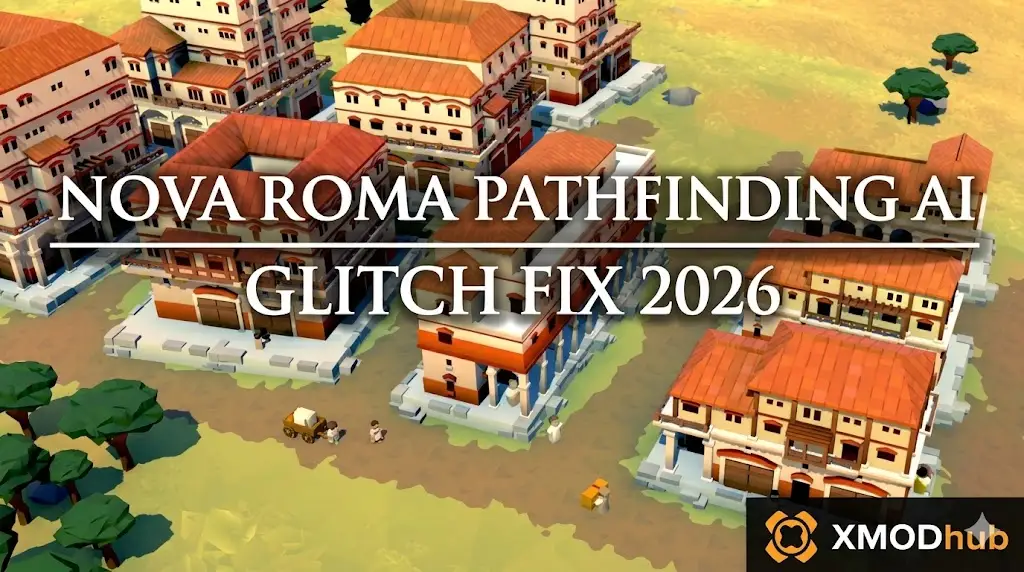
To apply the Nova Roma pathfinding AI glitch fix, you must pause the game, delete the specific segment of road directly underneath the stuck citizens or ox-carts, and rebuild it to force the Unity Engine to recalculate their navigation mesh.
If workers are still frozen with a “No Path” warning, check for zoning overlaps where a building’s invisible hitbox blocks the street. Because the game lacks a native developer console to manually reset NPCs, players dealing with permanently bugged logistics can use the XMODhub PC Client to speedhack the engine and force an AI logic refresh.
In this guide, we will show you how to manually unstick your workers, optimize your road networks to prevent future gridlocks, and use external memory tools to keep your city moving when the simulation breaks entirely.
Вам также может понравиться: How to Increase Storage Limit in Nova Roma 2026
Editor’s View: The Invisible Wall Trap
“During my 50-hour mega-city build, I encountered a catastrophic AI loop. I had placed a massive Bathhouse, but the entrance slightly clipped into a dirt road. The visual 3D model looked fine, but the Unity engine’s invisible collision box created an impassable wall.”
“Hundreds of Plebeians got stuck walking endlessly into the side of the Bathhouse, unable to path to their jobs. My iron production completely halted. Simply deleting and repaving the road fixed it instantly.”
“However, when an entire trade caravan permanently glitched into a mountain texture and I couldn’t reach them, I had to use a spawner tool to bypass the gridlock and keep my supply lines alive.”
Method 1: The “Replace the Road” Trick (Soft Reset)
When a citizen or cart is frozen in place, the game’s internal navigation array has lost their exact X/Y coordinates on the grid. You need to manually force the game to redraw their path.
Here is the fastest way to unstick them:
- Pause the Simulation: Press the spacebar immediately so the traffic jam does not worsen while you work.
- Select the Demolition Tool: Grab the road deletion tool from your build menu.
- Delete the Tile: Delete the exact tile of road the stuck entity is standing on. (You will see the NPC visually drop onto the raw dirt).
- Rebuild the Road: Place a new road tile in the exact same spot.
- Unpause the Game: The Unity engine will instantly be forced to draw a new pathfinding line for that specific tile, and the NPC will resume walking.
Method 2: Eliminate Dead Ends and Zoning Overlaps
If the red “No Path to Destination” icon is flashing above a production building, your workers physically cannot reach their workplace, even if a road is nearby.
How to optimize your urban layout:
- Check Building Entrances: Every building has a specific entry point, usually marked by a small stone path or stairs. Ensure this specific point connects directly and cleanly to a valid road.
- Avoid Decoration Overlaps: In Nova Roma, placing decorative items (like statues, trees, or small shrines) too close to a tight intersection can alter the underlying “nav-mesh.” Move decorations at least one tile away from busy corners.
- Create Traffic Loops: Avoid dead-end streets in your heavy industrial zones. Always build your roads in circular loops. If one path is temporarily blocked by heavy cart traffic, the AI can seamlessly recalculate an alternate route around the block.
Method 3: Upgrade to Paved Stone Roads (Collision Fix)
The base game’s dirt paths have notoriously messy collision detection, especially when placed on uneven, hilly terrain. Upgrading your infrastructure is a permanent fix for many pathing snags.
- Unlock Paved Stone Roads in your Senate Administration tech tree.
- Prioritize upgrading your primary industrial highways first—the routes connecting your quarries and mines to your central storehouses.
- Stone roads have a much cleaner, rigidly defined grid structure in the engine. This severely reduces the chance of an ox-cart getting snagged on a stray terrain polygon and permanently freezing.
Method 4: The Developer Console Myth (Unity Engine Facts)
When a vital merchant ship gets stuck clipping through your Trade Port and refuses to dock, veteran players often search for a cheat console to type commands like reset_ai или teleport_npc.
Because Nova Roma is compiled on a highly secure Unity Engine build, Lion Shield has not provided an exposed developer console. There is no hidden text box. Pressing the tilde key (~) will not allow you to manually debug the AI.
Furthermore, attempting to edit your binary save files located in %userprofile%\AppData\LocalLow\Lion Shield\Nova Roma to manually alter NPC coordinates will instantly corrupt the file, destroying your city. To manipulate the frozen simulation safely, you must use a verified memory injector.
The Ultimate Solution: Force AI Resets with XMODhub
If your city has grown so massive (past 10,000 citizens) that the Unity engine is simply dropping pathfinding calculations due to CPU overload, you do not have to abandon your save file. The XMODhub PC Client gives you the power to force the engine to correct itself.
How XMODhub Unblocks Your City:
- Simulation Speedhack: When the AI logic hangs, use the XMODhub Speedhack tool. Accelerate the game’s processing speed to 5x or 10x for just a few seconds. This forces the engine to rapidly cycle through its logic ticks, often “jolting” stuck citizens back into their proper pathing routines.
- Instant Material Spawner: If a bugged ox-cart is preventing crucial Iron from reaching your Smelter, bypass the cart entirely. Open the XMODhub in-game overlay and instantly inject 1,000 Iron directly into the destination Storehouse, preventing an economic collapse.
- Safe Save Manager: If a massive traffic glitch permanently corrupts a crucial road network, use our Save Manager to instantly roll back to your previous clean autosave without losing your architectural progress.
How to Get Started:
- Download XMODhub: Grab the secure, ad-free PC client directly from our official website.

- Auto-Detect Game Path: Launch the app. It will automatically detect your Nova Roma installation and map out the Unity memory addresses.
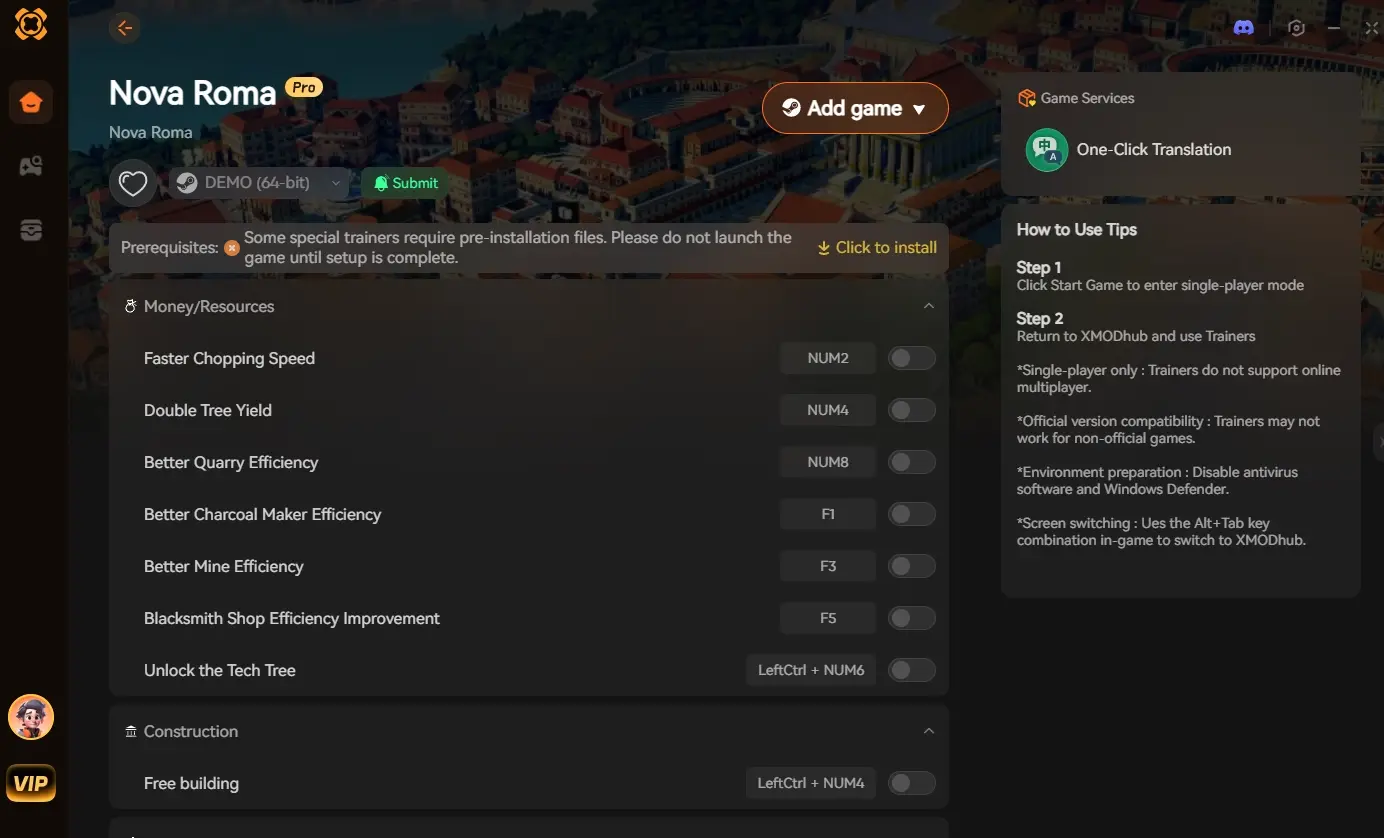
- Activate the Trainer: Launch the game through the XMODhub dashboard. Once your city loads, use our custom hotkeys to trigger the Speedhack or inject resources to bypass any broken AI logic.
Frequently Asked Questions (FAQ)
Q: Why do my citizens stop walking and just spin in circles in Nova Roma?
A: This happens when the destination they were walking to (like a Market or a Workplace) is suddenly destroyed, altered, or becomes completely full while they are in transit. The AI becomes trapped in a recalculation loop. Deleting the road beneath them breaks the loop.
Q: Do bridges cause pathfinding bugs?
A: Yes. If a bridge is not perfectly snapped to the riverbanks on both sides, citizens will walk to the edge, realize the nav-mesh is broken, and stop. Always ensure the bridge foundation highlight turns green before placing it.
Q: Is there a console command to kill stuck NPCs?
A: No. The release build of Nova Roma does not feature a developer console to delete specific citizens. You must use an external tool like XMODhub to inject resources or speedhack the engine to resolve the blockage.
Заключение
Watching a perfectly planned Roman economy crumble because one ox-cart forgot how to turn left is incredibly frustrating. By mastering the road-replacement soft reset, eliminating dead-end zoning, and upgrading to Paved Stone Roads, you can effectively apply the Nova Roma pathfinding AI glitch fix and keep your supply chains flowing smoothly.
However, if the engine’s limitations are ruining your massive endgame metropolis, you do not have to sit there and watch your citizens starve. The XMODhub PC Client provides a frustration-free bypass, letting you speedhack the engine to force logic resets or instantly spawn the materials you need. Take back control of your simulation and build without limits.
Think Bigger: XMODhub is the ultimate gaming companion for PC simulation enthusiasts. With native support for over 5,000 titles, we provide industry-leading Visual Spawners, safe Save Managers, and performance optimizers to ensure you always play by your own rules.

Я страстный геймер и писатель XMODhub, который стремится предоставить вам самые свежие игровые новости, советы и мнения.
Свяжитесь со мной:
Профиль LinkedIn

 Нэнси Миллер