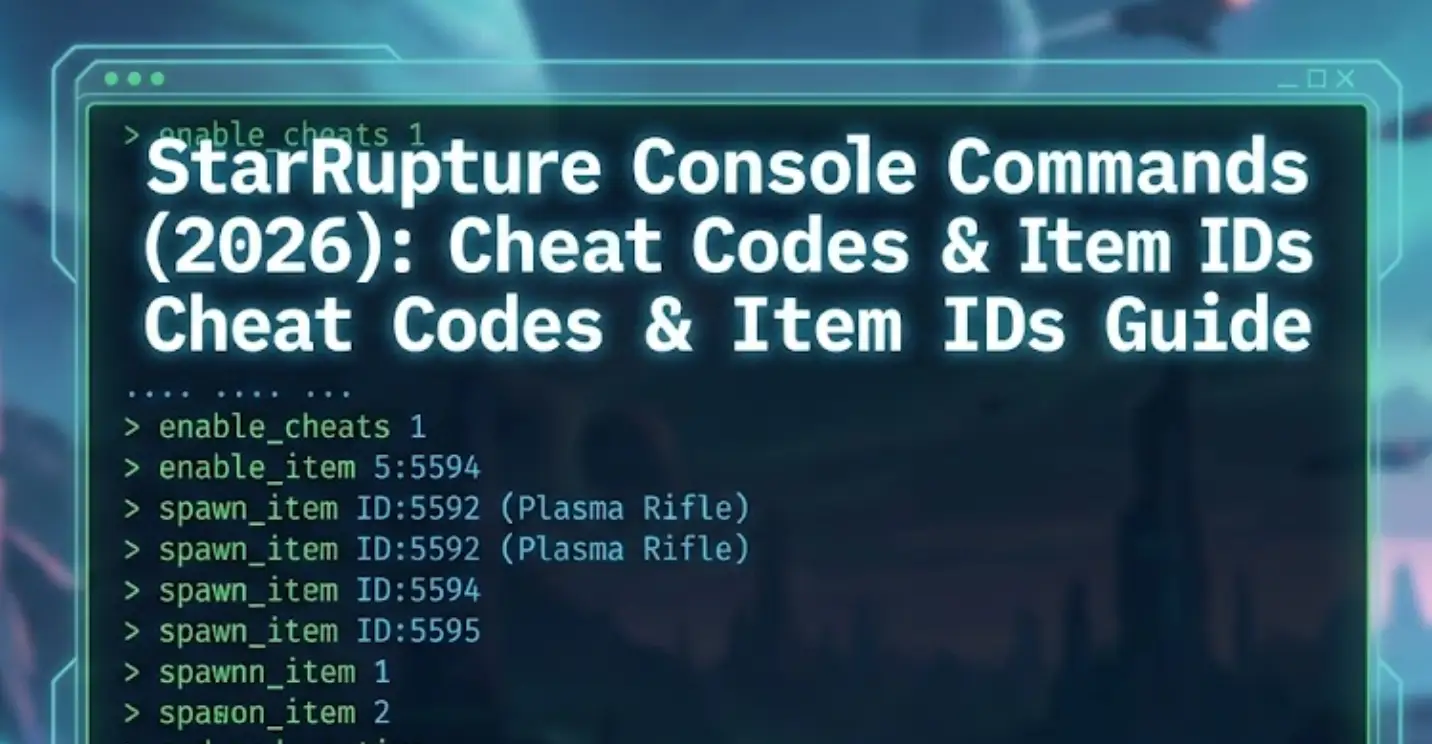
Survival on a chaotic planet full of insectoid swarms is tough. Whether you are defending your base against a massive “Ruptura” event or just want to build creatively without limits, using StarRupture console commands can save your game.
However, accessing the developer debug menu isn’t always straightforward in Unreal Engine 5 games.
Below is the complete guide on how to force the console open, the known command list, and the safer alternative to cheat without corrupting your save data.
Оглавление
Editor’s Note: Early Access & Console Locks
How to Enable the Console in StarRupture
Essential Console Commands (God Mode & FPS)
How to Find Item IDs (The “Dump” Method)
The Problem: Why Console Commands Disable Achievements
“StarRupture runs on Unreal Engine 5. In many Early Access builds, developers disable the standard Tilde (~) console key to prevent bug reports caused by user cheats.
If standard methods fail, you are likely playing a ‘Shipping Build’ where the console is stripped out. In this case, XMODhub Trainer is the only working method to enable cheats like God Mode without modifying game files.”
— Catherine Hu, Senior Modding Specialist and Game Writer at XMODhub
How to Enable the Console in StarRupture
To access the debug menu, try these standard UE5 methods in order:
Method A (Default): Нажмите ~ (Tilde), F1, или F10 during gameplay.
Method B (Launch Options):
Right-click StarRupture in Steam > Свойства.
На сайте Launch Options, type: -console -debug
Method C (Input.ini Config):
Перейти к %LOCALAPPDATA%\StarRupture\Saved\Config\WindowsNoEditor\
Открыть Input.ini and add:
Ini, TOML
[/Script/Engine.InputSettings]
ConsoleKey=Tilde
Essential Console Commands List
If the console opens (a small black bar at the bottom), try these commands to control the game world.
Survival & Combat
бог или режим бога 1 – Invincibility against aliens and lava.
infinite_stamina 1 – Run and mine forever without fatigue.
ghost – Fly through walls (Noclip).
walk – Return to normal walking mode.
killall – Eliminates all enemies in render distance.
A: No. Console commands are server-side. If you are not the host, they won’t work. XMODhub works client-side for visual and inventory tweaks.
Q: What is the command to skip time?
A: Try slomo 10 to speed up time by 10x, or set_time [hour] if available in your build.
Q: Why does the console say “Command not recognized”?
A: This means either the command was removed in the latest patch, or you made a typo. Commands are often case-sensitive.
Conclusion: Cheat Smarter, Not Harder
В то время как режим бога 1 is a classic way to survive, relying on outdated console commands in StarRupture often does more harm than good. The risk of disabling Steam Achievements, corrupting your save files with invalid Item IDs, or simply breaking the game’s physics isn’t worth the hassle.
XMODhub offers a modern solution: safe, visual, and achievement-friendly cheating that lets you focus on building the ultimate industrial base.
One Trainer, Thousands of Worlds
StarRupture is just the beginning. XMODhub supports more than 5,000+ games, ensuring you have the tools you need for your entire library.
Green Hell: Also by Creepy Jar? We have cheats for that too.
The Riftbreaker: Love base defense? Optimize it with our trainer.
Satisfactory: Build factories without limits using our resource mods.
Whether you are surviving in the Amazon jungle or automating a sci-fi planet, XMODhub covers your entire gaming journey with a single subscription.
Я страстный геймер и писатель XMODhub, который стремится предоставить вам самые свежие игровые новости, советы и мнения.
Свяжитесь со мной:
Профиль LinkedIn
How to Fix Far Far West Crash on Startup & Black Screen
There is nothing more agonizing in PC gaming than having your highly anticipated session ruined by technical failures. When Far Far West crashing issues occur, it completely kills the momentum of your team.…
Far Far West Mounts Guide: Where to Tame the Fastest Horse
The fog rolls in thick across the Weeping Canyons, and the extraction timer is flashing red on your screen. Without a reliable mount, getting caught in the open terrain of Far Far West…

 Кэтрин Ху