
 Catarina Hu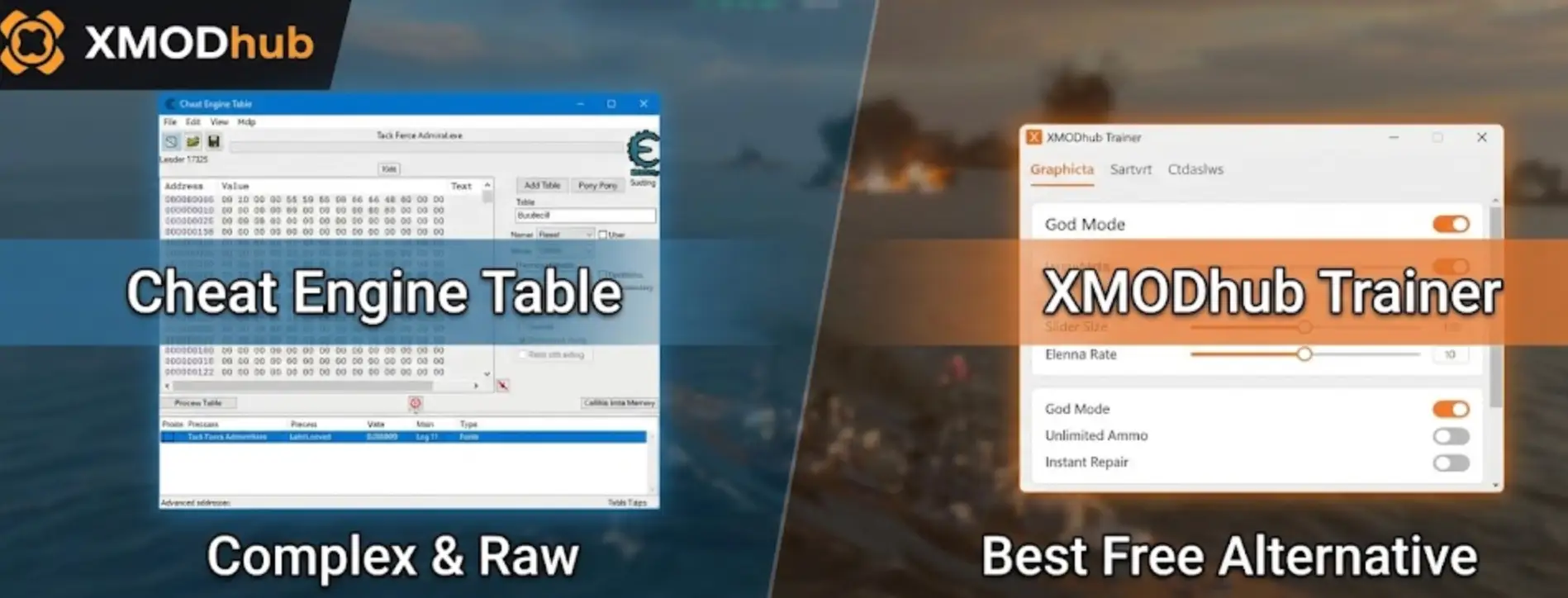
You have spent the last hour plotting a perfect intercept course in Task Force Admiral, only for the game to update and break your Cheat Engine table (.ct file). Now your “Infinite Fuel” script is causing the entire simulation to crash to the desktop.
The era of manually searching for floating memory addresses in complex naval simulators is over.
Today, we break down why the XMODhub Trainer is the safer, smarter evolution of Cheat Engine for Task Force Admiral players who want to command the seas without the technical headache.
You may also like:
Task Force Admiral – Vol.1 Console Commands (2026): Cheats, Fog of War & Camera Codes
Editor’s View: The “Update” Nightmare
“I used to rely on Cheat Engine for naval sims. But Task Force Admiral is built on Unreal Engine, and the memory pointers for things like ‘Air Wing Status’ or ‘Fog of War’ shift every time the developers release a hotfix.
I switched to XMODhub because it automatically maps these pointers. I don’t have to spend 20 minutes fixing a script just to remove the Fog of War; I just click a button. It lets me focus on the strategy, not the code.”
— Catherine Hu, Simulation Game Writer
At a Glance: XMODhub vs. Cheat Engine Table
The “Hard Way”: How to Use a Cheat Engine Table
If you insist on using the old-school method for Task Force Admiral, here is the complex process you face:
- Download and install Cheat Engine (Risk of bloatware/adware).
- Scour forums for a .ct file that matches your exact game build version.
- Launch Task Force Admiral.
- Open Cheat Engine, click the “PC Icon”, and attach to the
TaskForceAdmiral.exeprocess. - Load the table file and attempt to activate scripts.
The “Easy Way”: How to Use XMODhub
Now compare that to the seamless XMODhub experience:
- Get the XMODhub client.

- Launch XMODhub.
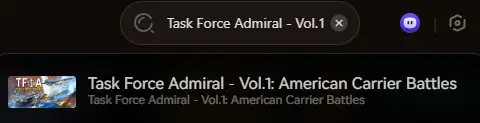
- Click “Play”.
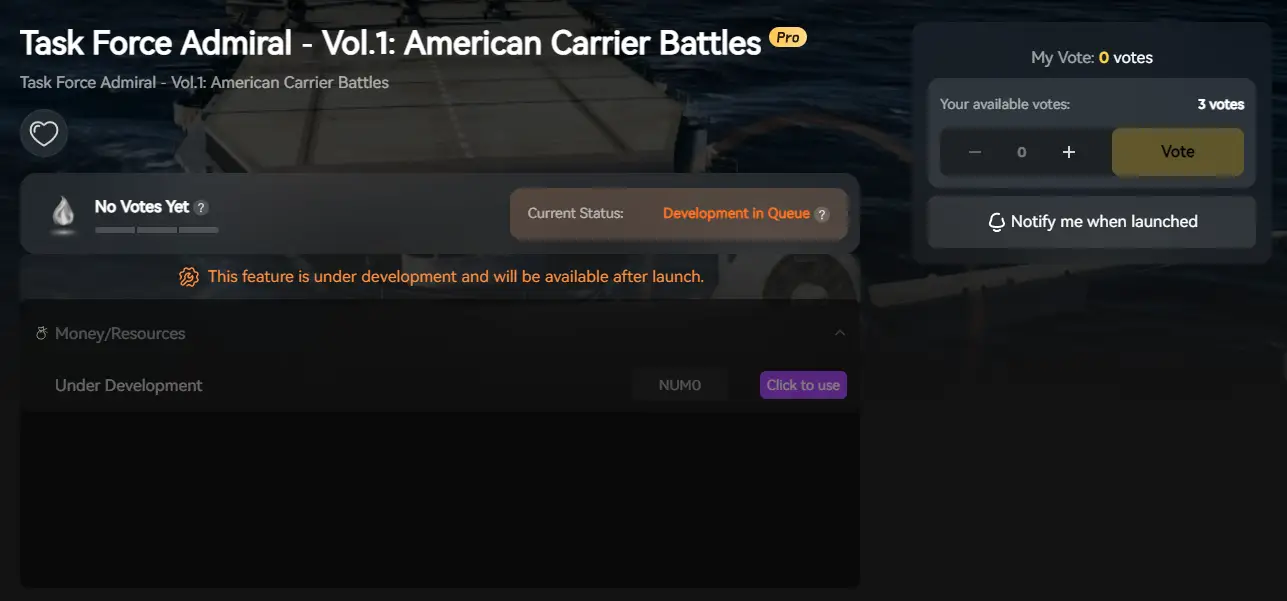
- Toggle “Infinite Ammo” for your SBD Dauntless bombers or “Reveal Map” to spot the Japanese fleet.
- Done. No attaching processes, no version matching, no broken physics.
Unreal Engine Stability: The Cheat Engine Killer
Playing Task Force Admiral on Steam?
Because this game runs on Unreal Engine, the memory structure is dynamic and complex. Cheat Engine tables often fail to locate the correct “Player Controller” versus “AI Controller,” leading to bugs where you accidentally make the enemy invincible too.
XMODhub is different.
Our engine is built to recognize Unreal Engine classes natively. We differentiate between your Task Force and the enemy fleet automatically, ensuring your cheats only apply to your ships.
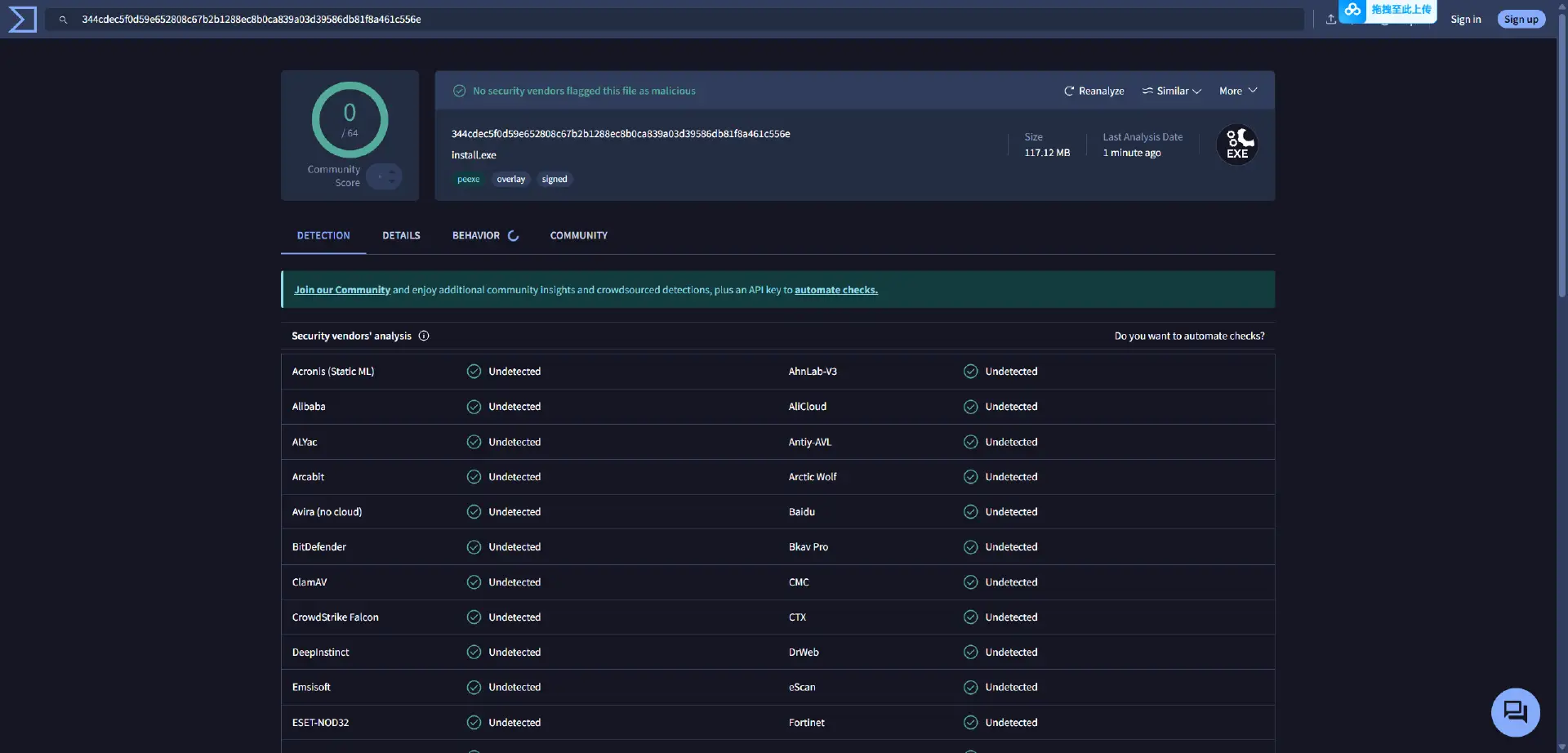
Safety Check: VirusTotal Proof
Is XMODhub safe for my PC? Yes.
Trainers are often flagged as “False Positives” because they inject code into memory (the same way an anti-virus scans files).
Unlike random forum files which may contain scripts that damage your save, XMODhub is:
- Digitally Signed.
- Bloatware Free.
- Scanned Daily.
Why is XMODhub the Best WeMod Alternative?
WeMod is the market leader, but XMODhub offers key advantages for simulation players:
- Mobile Remote is Free: In a complex sim like Task Force Admiral, your screen is cluttered with maps and gauges. XMODhub lets you toggle cheats from your phone for free, acting as a “second screen” controller. WeMod charges for this.
- No Account Required: You can use basic fleet cheats without forcing a login.
- Sim-Specific Requests: Our cheats are tailored for wargamers (e.g., “Instant Deck Service”), not just generic “God Mode.”
FAQ
Q: My Task Force Admiral Cheat Engine table says “???” on all values.
This means the table is outdated. The game has been patched, and the memory addresses have shifted. You must switch to XMODhub or wait days for a new table.
Q: Can I remove Fog of War with Cheat Engine?
It is extremely difficult to do manually because “Fog of War” is a rendering logic, not a simple number. XMODhub has a dedicated “Reveal Map” hook that handles this instantly.
Q: Can I use this in Multiplayer?
No. XMODhub is strictly designed for Single Player / Campaign use. Using it in online modes will cause de-syncs and potential bans.
Conclusão
Stop fighting with broken pointers and crashing simulations. Upgrade your command experience with the XMODhub Trainer for Task Force Admiral. It is the modern, stable alternative that ensures your fleet is ready for battle—without the technical headaches.
Remember, the XMODhub library supports over 5,000+ games.

So whether you are commanding a submarine in UBOAT, managing logistics in War on the Sea, or designing fleets in Ultimate Admiral: Dreadnoughts, we have the tools to keep you afloat.

Sou um jogador apaixonado e escritor no XMODhub, dedicado a trazer-lhe as últimas notícias, dicas e ideias sobre jogos.
Liguem-se a mim:
Perfil no LinkedIn
 Nancy Miller


 English
  Spanish
  German
  French
  Portuguese
  Italian
  Thai
Thai  Vietnamese