
 Catherine Hu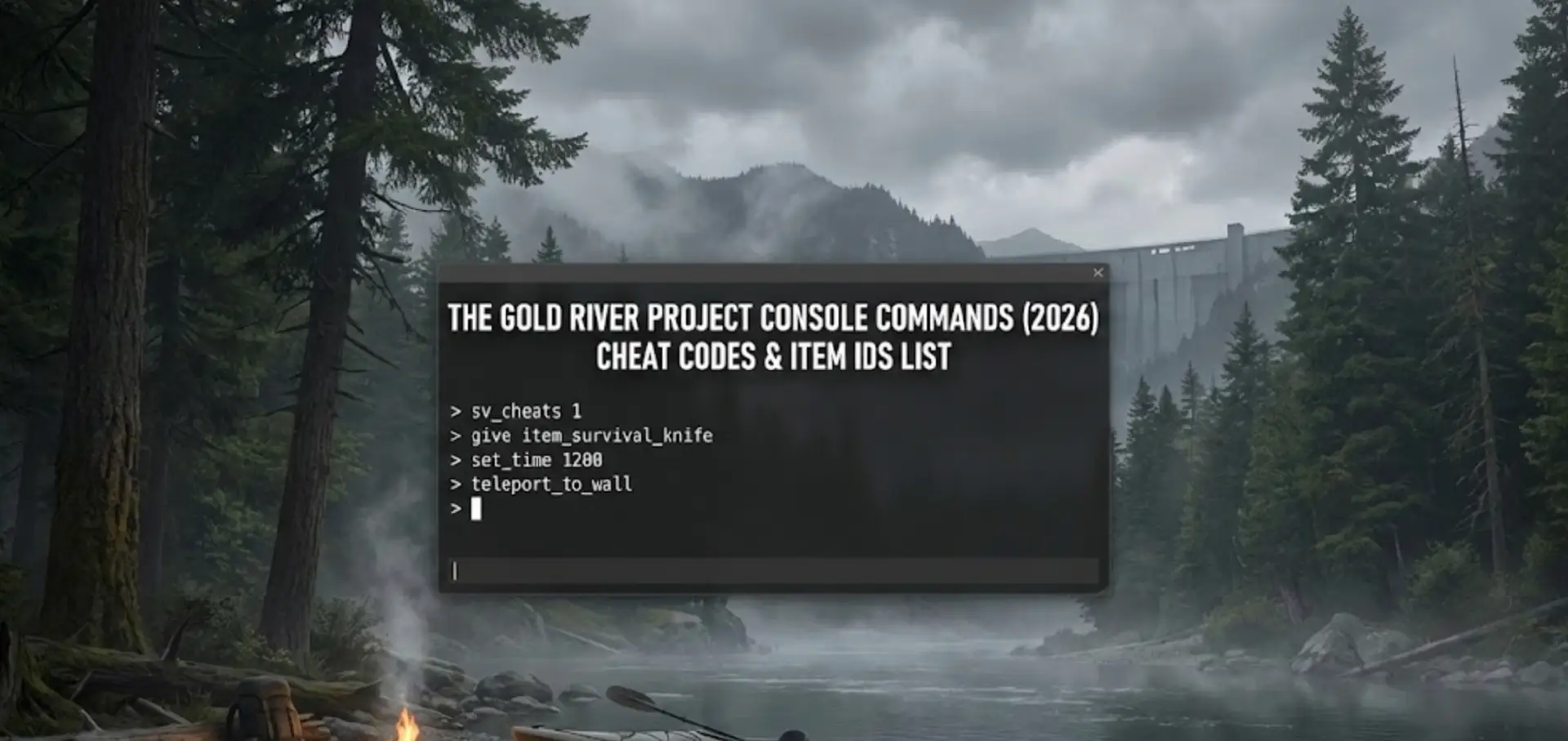
Mastering Il progetto Gold River is brutal. Whether you are stuck trying to afford the Heavy Excavator, dealing with a truck glitching into a rock, or simply want to experiment with the mining mechanics in a “Creative” sandbox mode, using The Gold River Project console commands is a popular way to bypass the grind.
However, accessing the developer debug menu isn’t always straightforward because the game runs on Unreal Engine 5 with the console hidden by default.
Di seguito trovate la guida completa su come forzare l'apertura della console, l'elenco dei comandi noti e l'alternativa più sicura per barare senza corrompere i dati di salvataggio.
Ti potrebbe interessare anche:
Il progetto Gold River: Cheat Engine Table vs. XMODhub Trainer (La migliore alternativa gratuita)
Editor’s Note: Can You Cheat in The Gold River Project?
“Il progetto Gold River runs on Unreal Engine 5. In the current Early Access build, the developers have hidden the console key to prevent players from accidentally breaking the physics engine.
If you press Tilde (~) and nothing happens, your game isn’t broken—it’s locked. While you can try using third-party tools like ‘Universal Unreal Unlocker’ (UUU) to force it open, this often causes stability issues. At XMODhub, we recommend using an external memory trainer to inject ‘Add Money’ cheats safely.”
— Catherine Hu, Game Writer at XMODhub
How to Enable the Console in The Gold River Project
To access the debug menu, try these standard methods. Note that Method C is often required for this specific game.
- Metodo A (predefinito): Press the Tilde key (~), F1, or F10 during gameplay.
- Metodo B (Opzioni di lancio):
Right-click The Gold River Project in Steam > Properties.
In Launch Options, type:-Consoleo-debug. - Method C (The Injector – Advanced): Download the Universal Unreal Engine 5 Unlocker, launch the game, and inject the DLL. This forces the console to appear when you press ~.
(If you don’t want to mess with DLL injectors, skip to the XMODhub Solution below.)
Elenco dei comandi essenziali della console
If you manage to open the command line, here are the most useful cheats for miners.
Trucchi per giocatori e sopravvivenza
Dio– Grants invincibility (No hunger, thirst, or fall damage).Currency_Add [Amount]– Instantly adds Cash to your wallet. (Example:Valuta_Aggiungi 50000).Fantasma– Noclip mode. Fly through walls and terrain (Essential for fixing stuck vehicles).Camminare– Disables Noclip and returns you to walking mode.
Comandi del mondo e del sistema
Slomo [Value]– Change the speed of the game.
Slomo 5: Speeds up time (Great for waiting on wash plants).
Slomo 1: Restores normal speed.Teleport– Teleports player to the location you are looking at.Stat FPS– Displays your current frame rate.
The Gold River Project Item IDs List
Per utilizzare la funzione Summon command, you need the specific internal Blueprint Class Names. These act as Item IDs in Unreal Engine 5:
Risorse
BP_Item_GoldNugget_Large_C(High Value Gold)BP_Item_GoldIngot_C(Refined Bar)
Vehicles & Tools
BP_Veicolo_Escavatore_pesante_C(Top Tier Digger)BP_Veicolo_ATV_C(Quad Bike)BP_Tool_Shovel_Tier3_C(Pro Shovel)
(Tired of typing Summon BP_Vehicle_Excavator_Heavy_C and getting a syntax error? The XMODhub Trainer has a built-in item spawner menu, so you don’t need to memorize codes.)
Il problema: perché i comandi della console disattivano gli obiettivi
Using the developer console comes with a cost:
- Physics Explosions: Spawning a vehicle inside another object (or yourself) using the console often causes the physics engine to launch your truck into the stratosphere.
- Save Corruption: Spawning quest items before you unlock the license can break the tutorial progression.
- Disagio: You have to re-inject the console unlocker every time you restart the game.
L'alternativa migliore: Allenatore XMODhub
Stop memorizing Blueprint paths. XMODhub acts as a visual overlay that bypasses the need for the developer console entirely.
| Caratteristica | Comandi della console | Allenatore XMODhub |
|---|---|---|
| Metodo | Digitare manualmente il testo | Tasti di scelta rapida con un solo clic |
| Money Cheat | Requires Injector | “Add $50k” Button |
| Spawning degli oggetti | Manual ID Lookup (BP_…) | Menu a discesa visuale |
| Versione del gioco | Breaks with updates | Aggiornamento automatico tramite cloud |
How to Use XMODhub Trainer for The Gold River Project
Don’t waste time editing config files. Here is how to use XMODhub in 3 simple steps:
- Scarica: Ottenere il programma gratuito Cliente XMODhub.

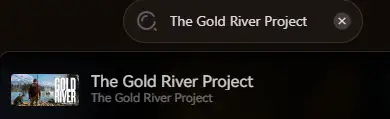
- Lancio: Open XMODhub—it automatically detects your installed copy of The Gold River Project.
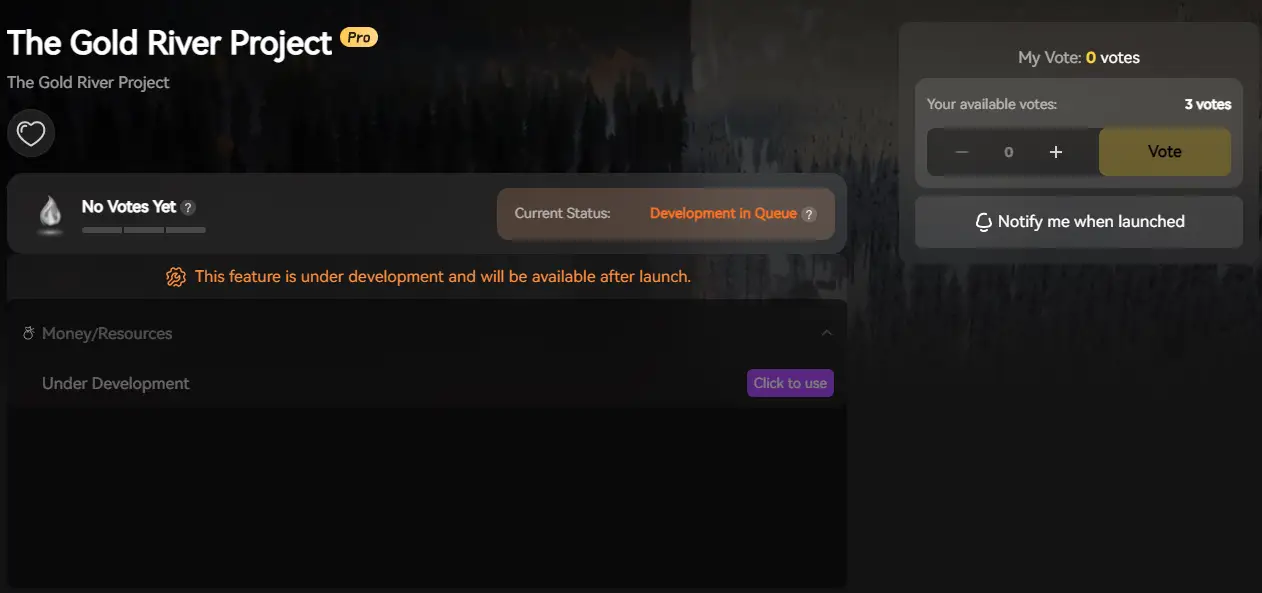
- Attivare: Fate clic sui trucchi e godetevi il gioco.
FAQ
Q: Can I use console commands in Multiplayer Co-op?
A: No. Console commands are client-side. If you try to spawn a vehicle as a Client, the Host server will not recognize it, and it will likely disappear or crash the session. XMODhub works best in Single Player.
Q: What is the cheat for infinite Money?
A: If you have unlocked the console, try Valuta_Aggiungi 100000. If the console is locked, the XMODhub Trainer is your only working option.
Conclusione: Imbrogliare in modo più intelligente
While classic console commands are nostalgic, they are often risky and clunky in modern UE5 games like The Gold River Project. XMODhub offers a safer, visual, and achievement-friendly way to customize your mining experience.
Supporta giochi simili
The Gold River Project is just the beginning.

XMODhub supports more than 5,000+ games, including similar simulation titles like FrostpunkSono miliardiSopravvivere a Marte.
Whether you are digging for gold or managing crops, XMODhub covers your entire library with a single subscription.

Sono un giocatore appassionato e uno scrittore di XMODhub, che si dedica a fornire le ultime notizie, consigli e approfondimenti sui giochi.
Collegatevi con me:
Profilo LinkedIn
 Nancy Miller