
 Catherine Hu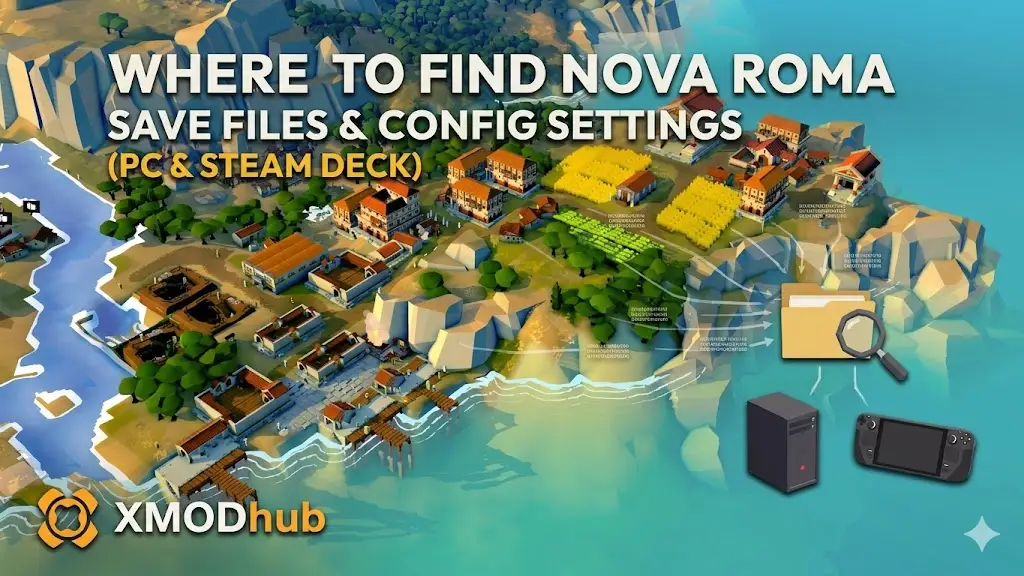
There is nothing worse than sinking 50 hours into building a glorious Roman metropolis in Nova Roma only to lose your progress to a corrupted save file, a bad mod, or a Steam Cloud sync error.
Whether you want to manually back up your playthrough, transfer your save data to a new PC, or modify the .ini config file to uncap your frame rate or disable the aggressive Unreal Engine 5 motion blur, you first need to know exactly where the game stores its data on your hard drive.
Below are the exact, verified file paths for Nova Roma across Steam, Epic Games, Xbox Game Pass, and Steam Deck, along with the safest way to automate your save backups.
Ti potrebbe interessare anche: Nova Roma Cheat Engine Table vs. XMODhub: Best Free Trainer
Expert Note: The Cloud Sync Danger
“We have all been there. You are deep into Nova Roma, finally mastering the complex water physics to power your city, and your PC crashes. When you relaunch, Steam Cloud accidentally overwrites your local save with an older version.”
“Because Nova Roma runs on Unreal Engine 5, save files are packed with dense metadata that can easily fragment during a sync error. I specifically wrote this guide because manual management is your only real insurance. Please back up your SaveGames folder right now—don’t learn this lesson the hard way after your empire sinks like Atlantis.”
Windows PC Save File Location (Steam & Epic Games)
Risposta rapida: Press Win + R, type %LOCALAPPDATA%, and look for the NovaRoma folder.
For players who purchased the game on Steam or the Epic Games Store, the save files are located in the local application data directory.
The exact file path is:
How to navigate there quickly:
- Premere il tasto Windows Key + R to open the Run dialog box.
- Type
%localappdata%and press Enter. - Scroll down and open the folder named NovaRoma.
- Aperto Saved > SaveGames. Your .sav files are located here.
Nota: If you cannot see the “AppData” folder manually, open File Explorer, click the “View” tab at the top, and check the box for “Hidden items”.
Xbox Game Pass / Microsoft Store Save Location
If you are playing Nova Roma via PC Game Pass, Microsoft encrypts the save data and stores it in a protected system folder.
The Windows Store file path is:
Inside the wgs (Windows Game Saves) folder, you will see folders with long alphanumeric strings. These are your encrypted save files. Backing these up manually is notoriously difficult because the file names do not look like standard save files.
Where to Find the Nova Roma Config File (.ini)
If you are trying to manually tweak graphics settings that are missing from the in-game menu (such as forcing V-Sync off, adjusting the internal resolution scale, or fixing FOV), you need to edit the configuration file.
The Config path is:
How to Edit: Right-click the GameUserSettings.ini o Engine.ini file and select Open with Notepad.
Attenzione: Always make a copy of the .ini file before changing values. Deleting a critical line of code in UE5 can cause the game to crash on startup.
Steam Deck / Linux Save Location
The Steam Deck uses Proton to emulate the Windows file structure. Your save files are buried inside the compatdata folder corresponding to the game’s App ID.
The Steam Deck file path is:
Tip: You can use “Protontricks” to quickly find the App ID for Nova Roma if the directory above differs on your specific build.
Troubleshooting: Steam Cloud Sync Errors
If your save file keeps disappearing or reverting to an older version:
- Right-click Nova Roma in your Steam Library and select Proprietà.
- Under the General tab, toggle Steam Cloud to OFF.
- Play the game, force a manual save, and then exit.
- You can safely turn Steam Cloud back on, and it should prompt you to upload your newest local save to the servers.
The Smarter Way: 1-Click Auto-Backups with XMODhub
Navigating through hidden %AppData% folders every time you want to secure your progress is a chore. One accidental click, and your city is deleted forever. The XMODhub PC Client features a built-in Save Manager designed specifically for games like Nova Roma.
- Automated Backups: XMODhub creates a secure backup of your save file every time you exit the game.
- Version History Rollback: Did a flood glitch ruin your playthrough? Instantly roll back to yesterday’s save state with one click.
- Game Pass Native Support: XMODhub automatically detects and manages encrypted Windows Store saves without you needing to dig through system folders.
- Visual Dashboard: Manage, name, and organize multiple character save slots visually.
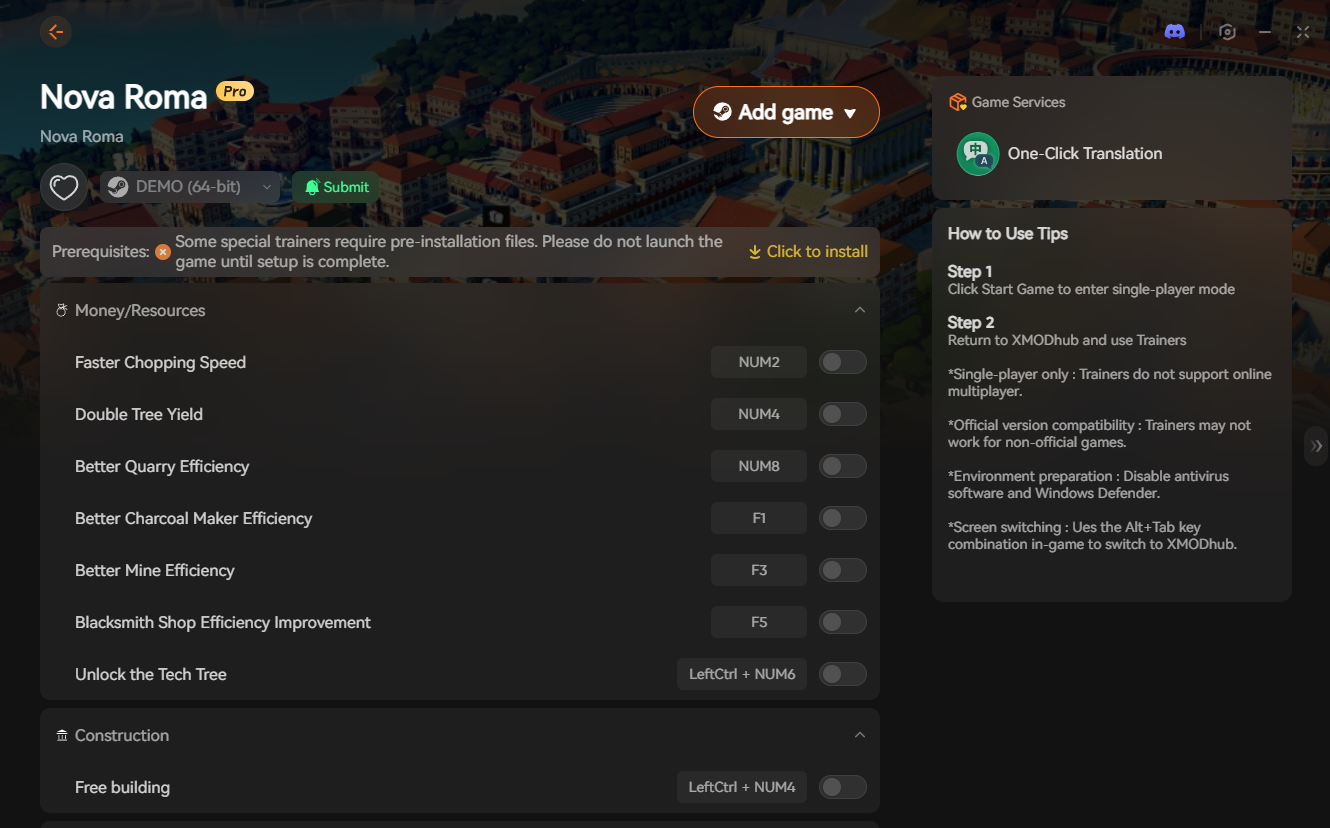
🚀 Download XMODhub to Secure Your Saves Now
Frequently Asked Questions (FAQ)
Q: Can I transfer my Nova Roma save file to another PC?
A: Yes. For Steam users, simply copy the entire contents of the SaveGames folder onto a USB drive and paste it into the exact same directory path on your new computer.
Q: What happens if I accidentally delete the config (.ini) file?
A: Don’t panic. If you delete GameUserSettings.ini, the Unreal Engine will automatically generate a brand new, default config file the next time you launch Nova Roma.
Q: Where is the Nova Roma save file on Epic Games Store?
A: It uses the same path as the Steam version: %LOCALAPPDATA%\NovaRoma\Saved\SaveGames\.
Conclusion: Protect Your Progress
Locating your Nova Roma save file is vital for recovering from game-breaking glitches, migrating to a Steam Deck, or fine-tuning .ini config files for maximum FPS. However, digging through hidden system directories is risky. If you prefer a “set it and forget it” solution, the XMODhub Save Manager automates your backups and eliminates the risk of human error.
XMODhub is far more than just a save manager—it is the ultimate PC gaming companion. With native support for over 5,000+ titles, we provide a unified ecosystem. Whether you need an auto-updating Trainer for Nova Roma, real-time translation tools, or interactive maps for similar hits like Manor Lords o Cities: Skylines II, XMODhub ensures you always have the best tools at your fingertips.

Sono un giocatore appassionato e uno scrittore di XMODhub, che si dedica a fornire le ultime notizie, consigli e approfondimenti sui giochi.
Collegatevi con me:
Profilo LinkedIn
 Nancy Miller