
 Catherine Hu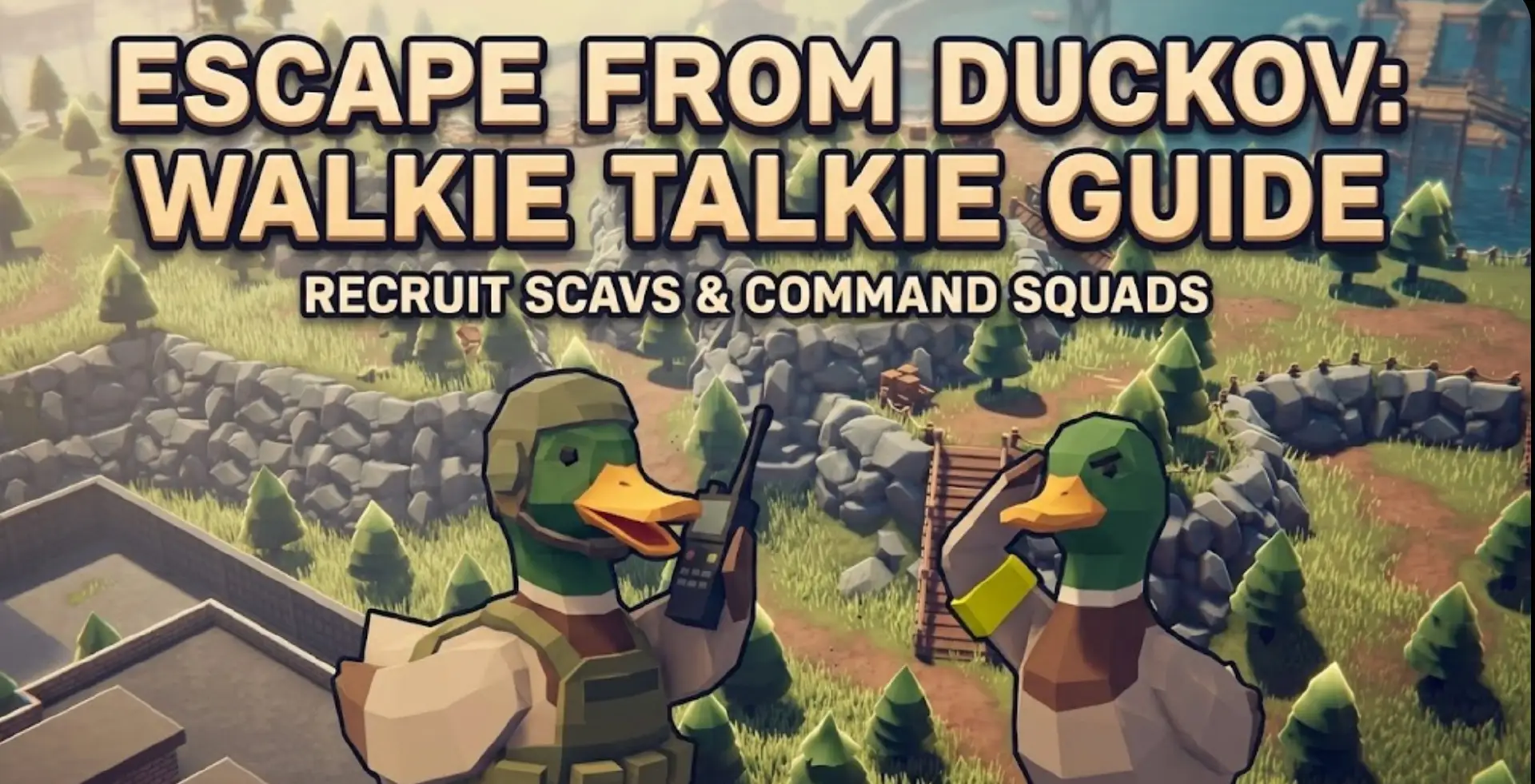
So, you just looted a “Model-T Walkie Talkie” from a dead Scav in the Industrial Zone. It takes up a precious 1×2 slot in your rig, and the Trader Mechanic Duck will buy it for a decent price. Your instinct says “sell it for quick cash,” right?
Stop.
Since the 2026 “Command & Quack” Update, the Walkie Talkie is no longer just vendor trash. It is now the primary tool for interacting with the Neutral Scav Faction. If you want to stop getting shot in the back by AI shotgunners and start building your own AI bodyguard squad, you need to master this item. Here is the definitive guide to using the Walkie Talkie in Escape from Duckov.
Ti potrebbe interessare anche:
What Does the Walkie Talkie Do? (The Quick Answer)
In Escape from Duckov, the Walkie Talkie (Model-T Radio) is a tactical utility item. It is NOT just for roleplay; it has actual gameplay mechanics attached to it.
- Recruit Neutral Scavs: Communicate with AI on specific frequencies to hire them.
- Issue Squad Commands: Order AI teammates to “Hold,” “Push,” or “Suppress” via the radio menu.
- Intercept Enemy Comms: With the Encryption Module upgrade (Level 2 Workbench), you can hear the proximity voice chat of nearby enemy players.
Nota: You must equip the radio in one of your Special Gadget Slots to turn it on. It will not function inside your backpack.
How to Recruit Scavs: The Frequency Mechanic
Using the radio requires more than just clicking a button. You need to be on the right channel and have the right reputation.
Step 1
Tune Your Frequency
Open the radio interface (hold K). You will see a frequency dial.
Channel 88.5: The default public channel (Avoid this, everyone listens here).
Channel 92.0 – 95.0: These are the designated Scav Recruitment Channels. Tune in here to find AI signals.
Step 2
Check Your Scav Karma
You cannot recruit AI if they hate you. You need a Scav Reputation of at least 1.0 with the Fence trader. If your rep is negative, Scavs will ignore your radio hails and shoot on sight.
Step 3
Issue the “Halt & Join” Command
When near a Neutral Scav (Yellow Armband), aim your radio (not your gun) at them and press Right Click. If your reputation is high enough, a dialogue wheel will appear allowing you to pay them Duck Coins to join your raid party for 15 minutes.
Battery Guide: Keeping Your Comms Alive
Unlike other items, the Walkie Talkie consumes power. If it dies mid-fight, your AI squad will disperse.
| Battery Type | Lifespan | Rechargeable? | Best Spawn Location |
|---|---|---|---|
| AA Dry Cells | 20 Mins | No | Filing Cabinets, Registers |
| D-Type Heavy | 60 Mins | No | Industrial Shelves |
| Mil-Spec Li-Ion | 3 Hours | Yes | Boss Pockets, Air Drops |
Un consiglio da professionista: Always check the battery level before a raid by right-clicking the radio and selecting “Check Power.”
Where to Find the Model-T Radio
Can’t find one? Stop checking random duffle bags. Here are the confirmed spawn locations as of the latest patch:
- Electronics Store (City Map): Check the metal shelves in the back storage room. It has a ~40% spawn rate here.
- Scav Boss Guards: The bodyguards of Pato Chapo almost always carry high-tier radios with full batteries.
- Dead PMDs (Player Ducks): Check the rig pockets of dead players. Most experienced “Chads” carry one now for squad coordination.
⚠️ The “Silent Quack” Quest Warning
Even if you don’t care about recruiting AI, keep at least 3 Walkie Talkies in your stash. You will need them for the “Silent Quack” quest given by the Trader Tech-Mallard at Level 15.
Obiettivo: Hand over 3 Found-in-Raid Walkie Talkies.
Ricompensa: Unlocks the “Scrambler” attachment (prevents others from intercepting your comms).
If you sell them early, you’ll be stuck grinding the Electronics Store for days. Trust me, I made that mistake and it cost me a week of progress.
How to Optimize Radio Controls with XMODhub
Let’s be honest: The in-game command wheel is clunky. Trying to hold ‘K’, scroll to “Flank Left,” and shoot at the same time requires three hands.
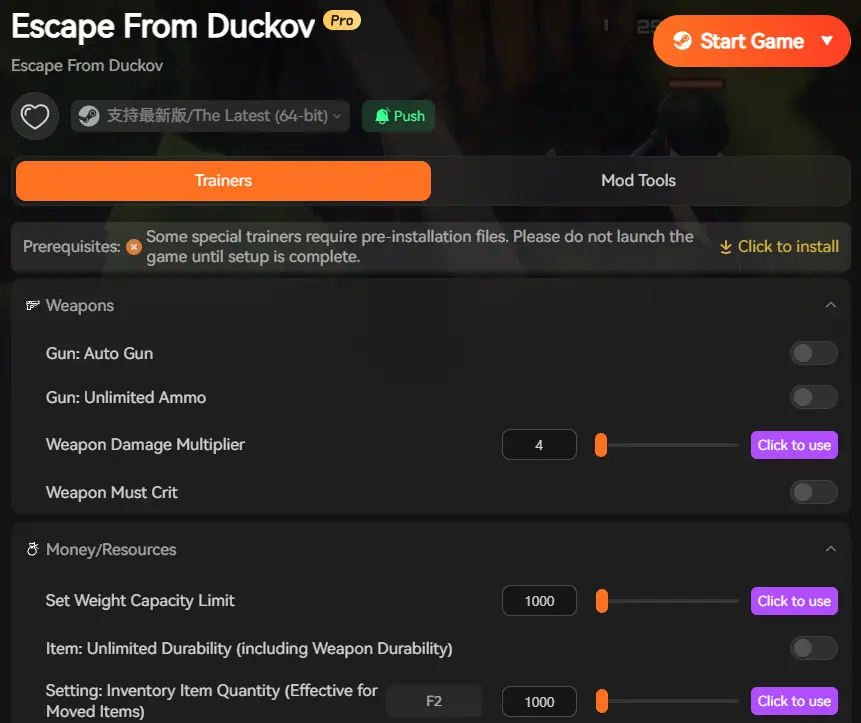
Optimize your Tactics with XMODhub:
- Macro Keybinds: The XMODhub Input Manager allows you to bind complex radio commands to your mouse side buttons. Press one button to instantly order your AI squad to “Suppressing Fire.”
- Loot Radar: Don’t waste time looting every drawer for batteries. Our overlay highlights Walkie Talkies and Mil-Spec Batteries in bright green, so you can gear up fast.
Turn your clumsy Scav squad into a disciplined tactical team.
FAQ
Can I use the Walkie Talkie to talk to other players?
Yes. Anyone tuned to your frequency (within 50 meters) can hear you via VOIP. Be careful not to leak your position on public channels!
Does the Walkie Talkie make noise?
Yes. If you receive a transmission, your character emits a static “squawk” noise that enemies can hear. Turn the volume knob down when sneaking (Stealth Mode).
Why do my recruited Scavs run away?
If your Scav Reputation drops mid-raid (e.g., you accidentally shot a friendly), your recruited AI will abandon you or turn hostile immediately.
Conclusione
The Walkie Talkie in Escape from Duckov has evolved from a junk item into a cornerstone of high-level tactical play. Whether you are a solo player looking for AI backup or a squad leader trying to coordinate a push, mastering the radio frequencies is essential for survival in 2026.
Don’t sell it to the Mechanic for pennies. Stockpile batteries, check your frequencies, and use the radio to turn the tide of battle.
Visualize radio signals and manage your squad effortlessly. Good luck out there, Operator.

Sono un giocatore appassionato e uno scrittore di XMODhub, che si dedica a fornire le ultime notizie, consigli e approfondimenti sui giochi.
Collegatevi con me:
Profilo LinkedIn

 Nancy Miller