Let’s address the elephant in the room: You are here because the “Money Cheat” you found on a wiki didn’t work — and you’re probably wondering about Cyberpunk 2077 comandi della console, which let you add money, items, and more via the debug console.
You typed player.additem (like in Skyrim), and nothing happened. Or worse, you used an old Item ID that crashed your game because that weapon doesn’t exist in the Cyberpunk 2077 Ultimate Edition (v2.13+).
As of January 2026, this guide is the only updated resource verified for the latest patch, including all Phantom Liberty DLC items.
Indice dei contenuti
Editor’s View: The “Version 2.0” Trap
Important: You Cannot Open the Console in “Vanilla”
Essential Commands (Money, Level, Perks)
Phantom Liberty & Iconic Weapon IDs (2026 Updated)
Secret Vehicle Spawn Codes (New)
Romance & Story Flag Cheats (Warning)
Emergency Bug Fixes (Console Only)
Why Manual Commands Are Becoming Obsolete
L'alternativa migliore: Allenatore XMODhub
FAQ
Conclusione
Editor’s View: The “Version 2.0” Trap
“If you are reading this, you probably tried a cheat code from a random forum post, and it didn’t work. I have been there.
The reality is that Cyberpunk 2077 underwent a massive code architecture change during the ‘Update 2.0’ migration. The developers completely renamed thousands of Item IDs. Old codes like Items.Preset_Katana_Military often fail or spawn broken items without textures in the current v2.13 Ultimate Edition.
At XMODhub, we constantly verify our database against the latest steam build. The codes below are tested to work in 2026. However, if you are tired of debugging text files and just want to enjoy Night City, I strongly suggest trying our automated trainer tool instead.”
— Catherine Hu, Senior Modding Specialist at XMODhub
Important: You Cannot Open the Console in “Vanilla”
Many guides skip this step, but it is crucial. Unlike Bethesda games, Cyberpunk 2077 does NOT have a built-in developer console enabled by default. Pressing the Tilde key (~) will do nothing.
To enter the commands below, you mosto install a plugin first:
Scarica:Cyber Engine Tweaks (CET) (Ensure you get the 2026 updated version compatible with v2.13).
Install: Drop the bin folder into your Cyberpunk 2077 root directory (\SteamLibrary\steamapps\common\Cyberpunk 2077\).
Attivare: Launch the game in “Windowed Borderless” mode first. A setup window will appear asking you to bind a key (we recommend ~ o F10).
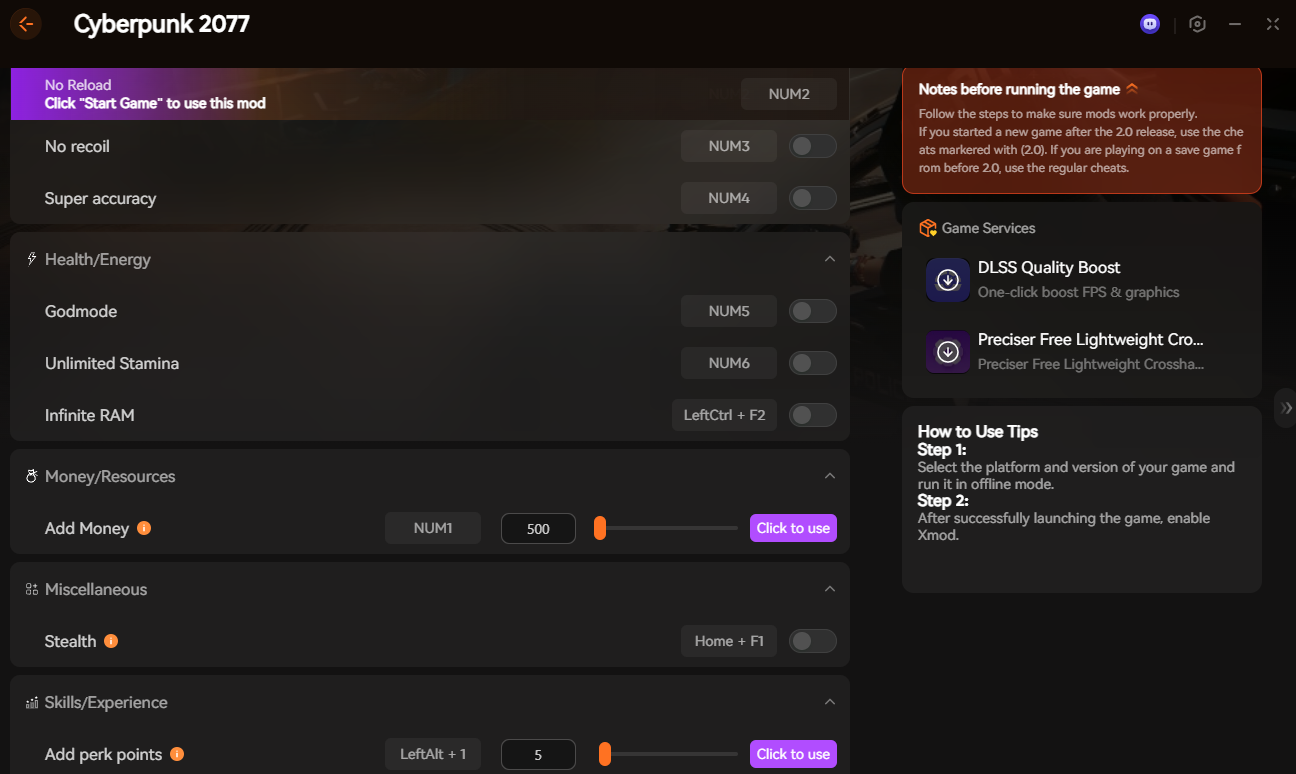
Nota: Find installing mods messy? The Allenatore XMODhub works without needing Cyber Engine Tweaks or file dragging. It injects directly into the memory safely.
Essential Commands (Money, Level, Perks)
Copy and paste these commands into the CET overlay.
Effetto
Command Code (Copy & Paste)
Add Money (Eurodollars)
Game.AddToInventory(“Items.money”, 1000000)
Max Level (Instant)
Game.SetLevel(“Level”, 60)
Max Street Cred
Game.SetLevel(“StreetCred”, 50)
Reset Attribute Points
Game.AddToInventory(“Items.PerkPointSkillbook”, 1) (Note: Adds a Shard to refund points)
Infinite Carry Weight
Game.ModStatPlayer(“CarryCapacity”, “9999”)
Modalità Dio
Game.GetPlayer():SetImmortal(true)
Phantom Liberty & Iconic Weapon IDs (2026 Updated)
The “Update 2.0” patch changed how weapons are tiered (Tier 1 to Tier 5++). To spawn a specific Iconic weapon at max tier, use these codes:
Attenzione: Do not try to spawn “Tier 6” weapons using old codes. The game caps at Tier 5++ (Orange). Forcing invalid tiers can corrupt your inventory data.
Secret Vehicle Spawn Codes (New)
Tired of spending millions of eddies at AutoFixer terminals? You can spawn vehicles directly in front of you. Unlike weapon codes, vehicle codes use the complex Game.GetVehicleSystem() command string.
Top Requested Vehicles:
Johnny’s Porsche 911:
vs = Game.GetVehicleSystem(); vs:EnablePlayerVehicle(“Vehicle.v_sport1_porsche_911turbo_player”, true, false)
Rayfield Caliburn (Black):
vs = Game.GetVehicleSystem(); vs:EnablePlayerVehicle(“Vehicle.v_sport1_rayfield_caliburn_02_player”, true, false)
Herrera Outlaw “Weiler” (Phantom Liberty):
vs = Game.GetVehicleSystem(); vs:EnablePlayerVehicle(“Vehicle.v_sport2_herrera_outlaw_player”, true, false)
Note: These commands are case-sensitive. One typo results in an error.
XMODhub Solution: Open our Trainer, go to the “Garage” tab, and click “Unlock All Vehicles”. It is much faster and error-free.
Romance & Story Flag Cheats (Warning)
Molti giocatori se lo chiedono: “Is there a console command to romance Judy as Male V?” o “How to change relationship status with Panam?”
The Truth:
While you can technically edit “Romance Flags” using Game.GetQuestsSystem():SetFactStr(), we strongly advise against doing this manually via console.
Risk: Setting a romance flag (e.g., judy_romanceable) out of order often breaks the questline scripts, causing the character to freeze or disappear forever.
The Safe Way: Il Allenatore XMODhub uses a “Safe Injection” method to modify approval ratings without breaking the quest logic triggers.
Emergency Bug Fixes (Console Only)
Sometimes, we don’t cheat to win—we cheat to fix the game. Cyberpunk 2077 still has lingering bugs in 2026 where visual effects get stuck.
1. Fix “Relic Malfunction” Screen Glitch
Is your screen permanently glitching blue even after the mission ends? Type this:
We are building the ultimate PC gaming companion. XMODhub isn’t just for Cyberpunk 2077; it is an all-in-one platform designed to modernize how you play single-player games.
Supportiamo oltre 5,000+ titles, ensuring that no matter what you play next, you have total control over your experience.
Popular Titles Supported in 2026:
The Witcher 3: Wild Hunt: Also by CDPR. Skip the Gwent grind and get unlimited Crowns instantly.
Campo stellare: Build the ultimate spaceship without worrying about credit limits or carry weight.
Anello di Elden: Respec your character unlimited times and test new builds without farming Larval Tears.
Grand Theft Auto V (Story Mode): Cause absolute chaos with God Mode and Super Jump toggles.
FAQ
Q: Can I get banned for using console commands in Cyberpunk 2077?
A: No. It is a single-player game. Neither Steam nor CDPR bans players for using console commands or trainers.
Q: Why isn’t the console opening when I press Tilde (~)?
A: You likely haven’t installed the Cyber Engine Tweaks mod, or the mod version doesn’t match your game version. Check if your game updated recently.
Q: Is there a command to skip missions?
A: Not directly. You can use commands to update “Quest Facts” (SetFactStr), but this is extremely risky and can break your save file permanently. We recommend using XMODhub’s “One Hit Kill” to speed through combat instead.
Conclusion: The Future of Modding is Automated
Stop fighting with broken text files, outdated .lua scripts, and complex installation instructions. Your time in Night City should be spent burning rubber in a Rayfield Caliburn, not debugging console syntax in a text editor.
Se volete godervi Cyberpunk 2077 on your own terms—fixing bugs instantly and bypassing the grind—XMODhub is your safest, most reliable solution.
Safe, simple, and always updated for the latest patch.
Sono un giocatore appassionato e uno scrittore di XMODhub, che si dedica a fornire le ultime notizie, consigli e approfondimenti sui giochi.
Collegatevi con me:
Profilo LinkedIn
Quick Answer A REPLACED Walkthrough cheat is a PC tool, like a trainer, designed to make the game easier by enabling features such as god mode or infinite health. For the anticipated April…
How to Change Matchmaking Region in Toxic Commando | XMODhub
John Carpenter’s Toxic Commando is a blast when you have a full squad of four, but fighting the Sludge God alone with AI bots because your regional server is empty can ruin the…

 Catherine Hu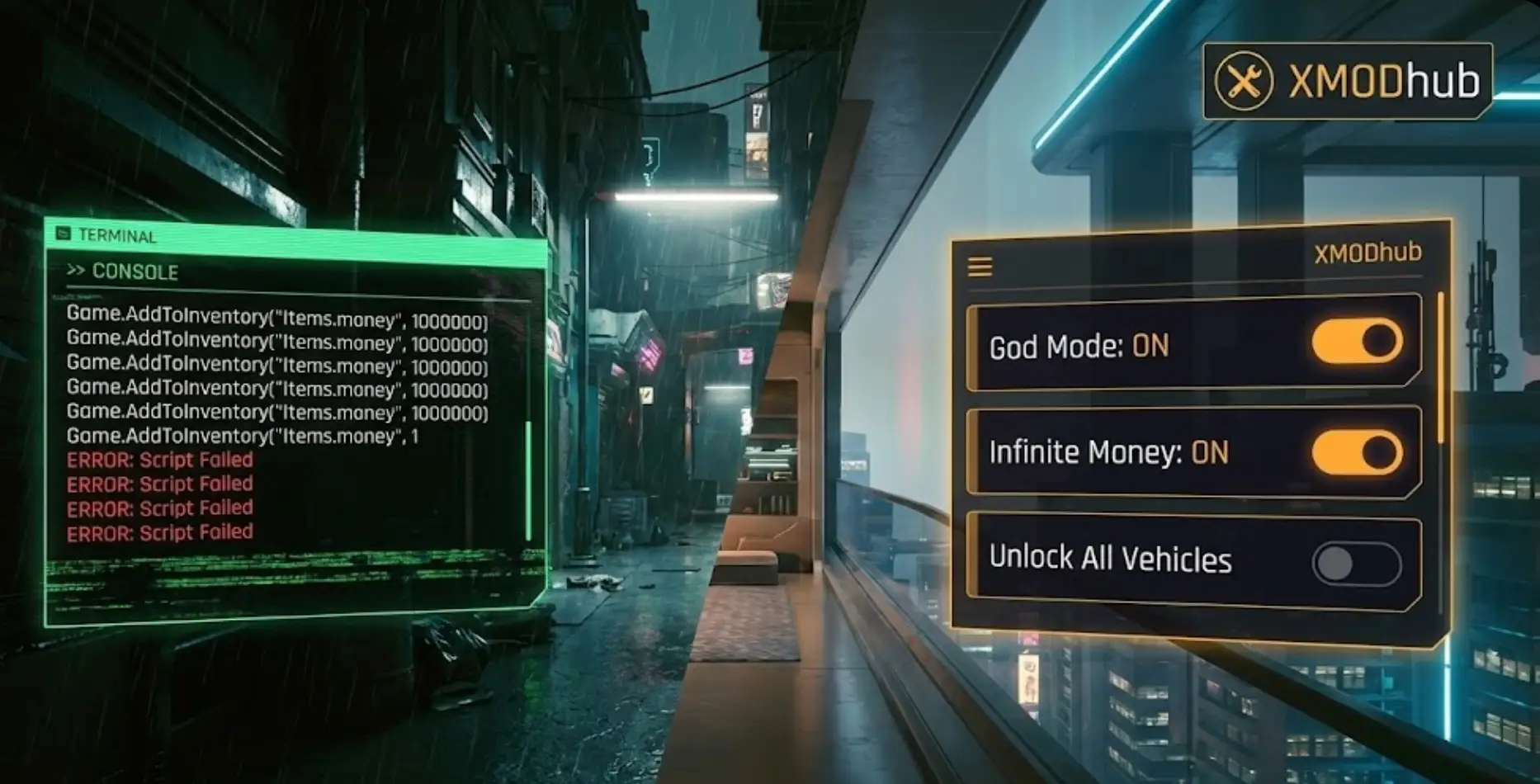




 Nancy Miller