Sintesi: XMOD is the safest and easiest Cheat Engine alternative for Borderlands 2. Unlock unlimited ammo, money, and XP with one click using secure, updated trainers — no coding or setup needed.
Borderlands 2 is packed with action, loot, and endless replayability — but some players want a faster, more flexible way to enjoy the game.
XMOD offers a safe and easy Cheat Engine alternative, letting you unlock cheats like unlimited ammo, money, XP, and one-hit kills with just one click.
It also includes mods and tools to enhance visuals, boost performance, and customize gameplay.
Whether you’re a casual player or a dedicated modder, XMOD makes improving your Borderlands 2 experience simple, secure, and fun.
Indice dei contenuti
- Perché XMOD è la migliore alternativa al Cheat Engine per Borderlands 2
- Il meglio Borderlands 2 Trucchi e mod su XMOD
- Come utilizzare XMOD per Borderlands 2 Trucchi
- Più che trucchi: Mod e strumenti di gioco XMOD
- XMOD è sicuro da usare?
- Domande frequenti su XMOD e Borderlands 2 Trucchi
- Pensieri finali
Why XMOD Is the Best Cheat Engine Alternative for Borderlands 2

Cheat Engine has been around for years, but it often comes with risks — from corrupted saves to viruses and complex manual setups. XMOD solves all these problems with a safer, easier, and more reliable approach.
Here’s why players prefer XMOD for Borderlands 2:
- Trucchi con un solo clic – No coding or editing game memory required.
- Formatori stabili e privi di virus – Every file is tested by the XMOD team.
- Thousands of supported games – Including Borderlands 2 and many other popular PC titles.
- Aggiornamenti automatici - Sempre compatibile con le ultime patch del gioco.
- Sicuro per l'uso in singolo – Designed to avoid bans and protect your data.
Whether you’re new to modding or an experienced player, XMOD provides a smooth, worry-free way to enhance your Borderlands 2 experience without the dangers of traditional Cheat Engine tools.
Best Borderlands 2 Cheats and Mods on XMOD
XMOD brings a complete suite of 22 cheats and mods designed to make Borderlands 2 more fun, faster, and fully customizable. Unlike traditional Cheat Engine tables that require manual setup, XMOD’s one-click system lets you safely activate powerful features right inside the game.
Under Money & Resources, players can instantly add or remove money (+5,000 or -5,000), gain or reset Badass Tokens, and collect premium currencies like Eridium, Seraph Crystals, e Torgue Tokens — perfect for quick upgrades and trading.
In Weapons, XMOD lets you refill ammo anytime, unlock all four weapon slots, and enjoy Munizioni infinite o No Reload for nonstop combat. Combined with Godmode e Instant Ability Cooldown from the Salute/Energia category, you’ll never have to worry about dying or waiting for skill resets again.
Il Skills & Experience section gives you control over your character’s growth — add or remove skill points e experience instantly (+1,000, +20,000, or even -1,000 XP if you want to rebalance). Meanwhile, Items mods allow you to add or remove item slots and gain Golden Keys to unlock rare chests easily.
Every mod is pre-tested for stability and verified for safety, ensuring smooth performance across Steam, Epic, and Amazon versions. With XMOD, you can enjoy all the freedom of advanced modding without the complexity or risk of using Cheat Engine.
How to Use XMOD for Borderlands 2 Cheats
Using XMOD for Borderlands 2 is simple and beginner-friendly. You don’t need to edit files or run risky scripts — everything works through XMOD’s clean interface. Here’s how to get started:
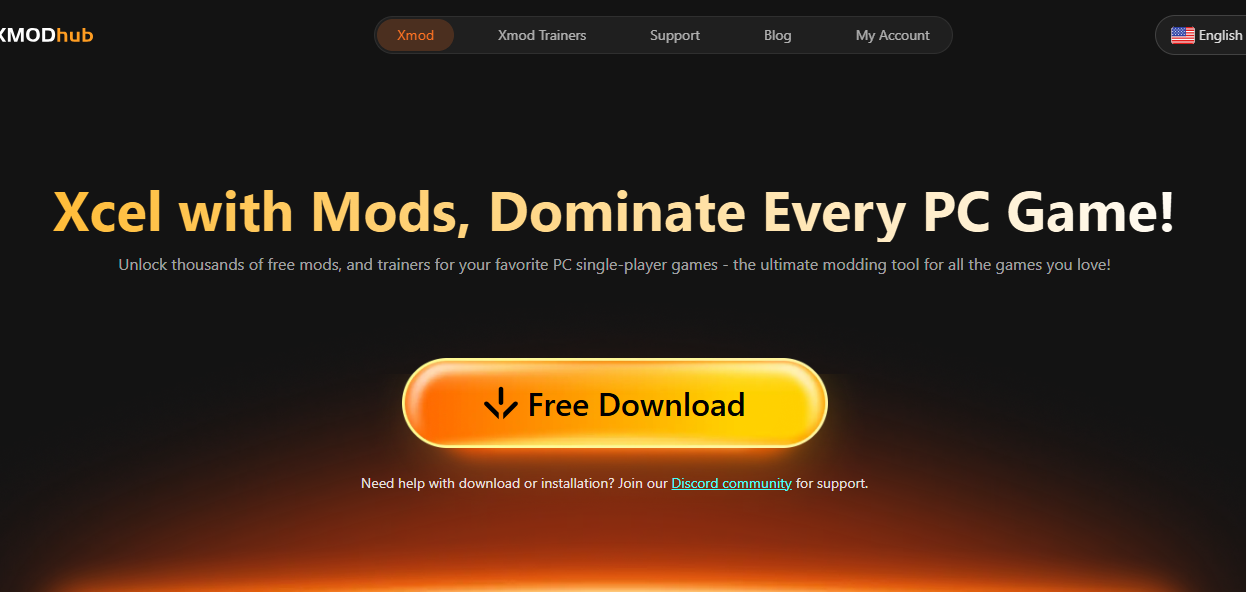
- Scaricare e installare XMOD – Visit the official XMOD website and download the tool for free. Install it on your PC and launch the app.
- Add Borderlands 2 to XMOD – Click “Add Game” and select Borderlands 2 from your game library (it supports Steam, Epic, and Amazon versions).
- Open the Trainer or Mods Tab – You’ll see categories like Salute/Energia, Denaro/Risorse, e Capacità/Esperienza.
- Activate Cheats – Toggle on the cheats you want, such as Godmode, Munizioni infinite, o +5,000 Money. Some options, like “Add Cash” or “Max Shield,” let you adjust values using sliders.
- Launch the Game Normally – Start Borderlands 2 from within XMOD, and your selected cheats will be active automatically.
That’s it — no coding, no setup, and no Cheat Engine required. You can turn cheats on or off anytime during gameplay for a fully flexible experience.
Più che trucchi: Mod e strumenti di gioco XMOD

XMOD isn’t just for activating cheats — it’s a complete platform designed to enhance your entire PC gaming experience. Beyond unlocking unlimited resources or boosting stats in Borderlands 2, XMOD gives players access to a wide range of mods, utilities, and performance tools that make gameplay smoother and more enjoyable.
Con XMOD è possibile:
- Easily install game mods – Add visual upgrades, gameplay tweaks, or special effects that improve immersion.
- Use powerful trainers safely – Adjust resources, skills, or cooldowns without risking corrupted save files.
- Access exclusive gaming utilities – Take advantage of features like DLSS Quality Boost, FPS Graphics Pro, and a built-in One-Click Translation tool for multilingual support.
- Enjoy automatic updates – All mods and trainers stay compatible with the latest Borderlands 2 patches and DLCs.
This all-in-one system saves time, enhances stability, and provides tools that go far beyond cheats — making XMOD an essential companion for both casual players and dedicated modders.
XMOD è sicuro da usare?
Sì - XMOD is designed with user safety and reliability in mind. Every trainer, mod, and tool available on the platform is tested and verified by the XMOD team to ensure it’s free from viruses, malware, or corrupted files. Unlike Cheat Engine, which can expose your system to security risks or unstable scripts, XMOD offers a clean, pre-tested environment that’s safe for both beginners and advanced players.
Additionally, XMOD is built for single-player use, ensuring fair play and preventing any interference with online or multiplayer gameplay. With McAfee authentication, regular updates, and a large, trusted user base, XMOD provides a secure and dependable way to enhance your Borderlands 2 experience without compromising your system or game integrity.
FAQs About XMOD and Borderlands 2 Cheats
1. Che cos'è XMOD?
XMOD is a safe and easy tool that lets you use cheats, trainers, and mods for Borderlands 2 without any coding or setup.
2. Is XMOD free?
Yes, XMOD has a free version. Some advanced features are available in the premium plan.
3. Can I get banned for using XMOD?
No. XMOD is safe to use in offline or single-player mode, but it’s not meant for online play.
4. Does XMOD work with all Borderlands 2 versions?
Yes. It supports Steam, Epic Games, and Amazon versions and updates automatically with new patches.
5. What cheats can I use?
You can activate cheats like Infinite Ammo, Godmode, Add XP, Add Cash, and Instant Cooldown — all in one click.
6. Is XMOD safe?
Yes. All trainers and mods are virus-free, tested, and verified by the XMOD team.
7. Do I need Cheat Engine?
No. XMOD replaces Cheat Engine — everything works automatically.
8. Can I use it on consoles?
No, XMOD is for PC only.
9. How do I turn off cheats?
Open XMOD and switch them off anytime.
10. Who should use XMOD?

Pensieri finali
XMOD is the best and safest Cheat Engine alternative for Borderlands 2, offering one-click cheats, stable trainers, and automatic updates that keep everything running smoothly. It removes the need for coding or risky file edits, letting you focus on having fun.
Whether you want unlimited ammo, fast leveling, or performance boosts, XMOD gives you full control over your gameplay in a secure and easy way. For anyone who enjoys exploring, experimenting, or just relaxing in Borderlands 2, XMOD is the ultimate tool to enhance your single-player experience.
Sono un giocatore appassionato e uno scrittore di XMODhub, che si dedica a fornire le ultime notizie, consigli e approfondimenti sui giochi.
Collegatevi con me:
Profilo LinkedIn

 Catherine Hu

 Nancy Miller

