
 Nancy Miller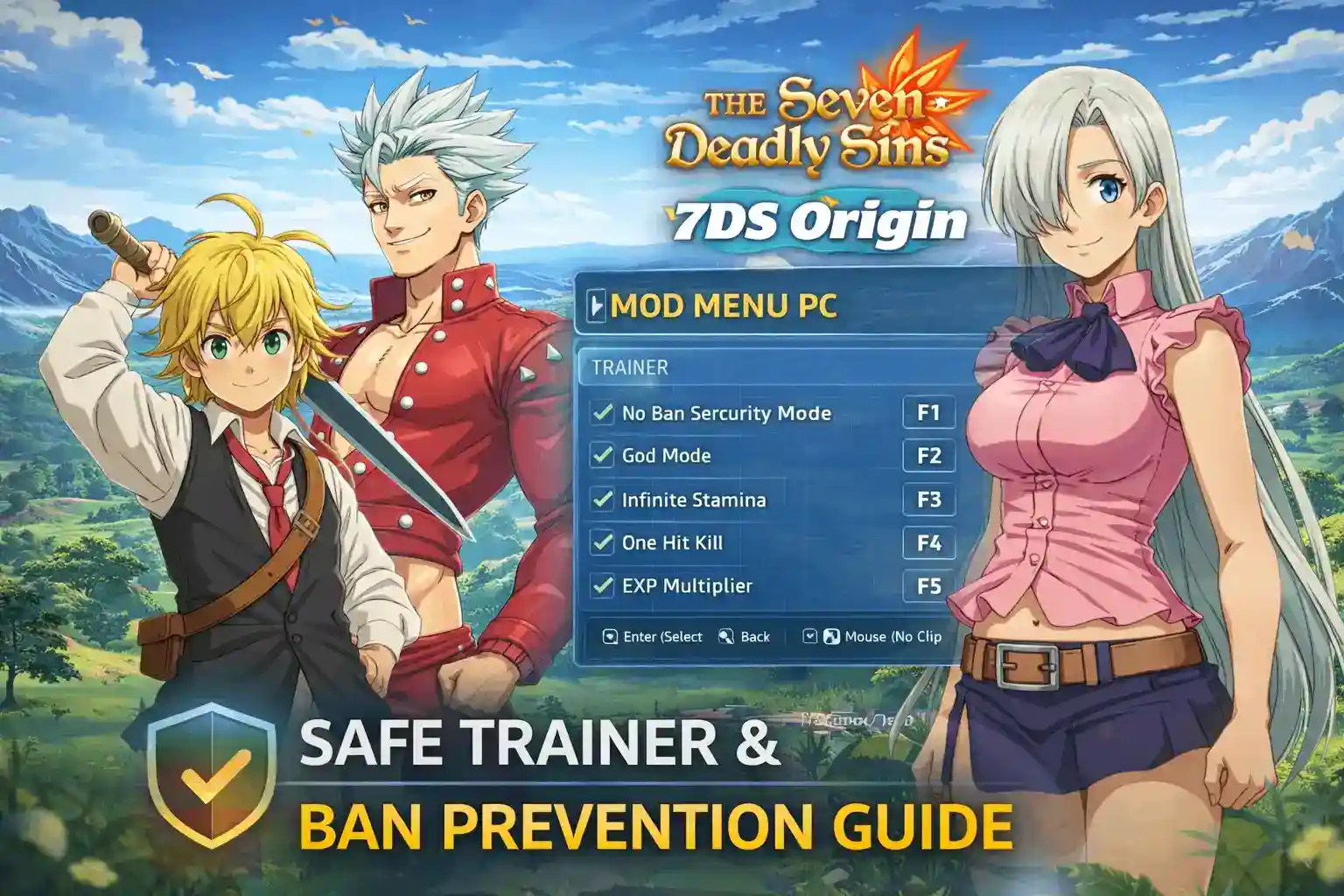
Quick Answer
To use a 7DS Origin mod menu pc safely, you must stick exclusively to client-side features like FOV adjustments and framerate unlocks. Because The Seven Deadly Sins: Origin is a live-service Netmarble game, modifying server-side data like premium currency or gacha pulls will trigger the anti-cheat system and result in an immediate account ban.
Punti di forza
- Client-Side Only – Stick to visual and offline modifications to avoid Netmarble’s strict server-side anti-cheat flags.
- Avoid Currency Scams – Any tool claiming to offer free gems or gacha pulls is a scam and an instant ban.
- Use Alt Accounts – Always test memory edits and trainers on a secondary Netmarble account first.
- Stay Updated – Live-service patches break trainers; always match your tool to the current game version. Let’s break down the details below.
Can You Get Banned for Modding The Seven Deadly Sins: Origin?
Yes, you can absolutely get banned for modding The Seven Deadly Sins: Origin if you attempt to alter server-synced data like inventory, stats, or premium currency. Because Netmarble employs strict anti-cheat for this live-service game, only client-side visual modifications are considered relatively safe to use on PC. When searching for a 7DS Origin mod menu pc or general open-world RPG mods, you must prioritize tools that bypass memory checks without touching the server.
Understanding Netmarble Anti-Cheat Systems
When I played during the initial PC launch, it became immediately clear that the game constantly handshakes with the server. The built-in anti-cheat software scans your active memory for known cheat signatures. Let’s be real, nobody wants to lose their day-one account. If the server detects anomalies in your damage output or movement speed (rubberbanding), it will instantly disconnect you and flag your account for a manual review. This is standard practice for modern gacha game trainers.
Safe Client-Side vs. Dangerous Server-Side Edits
The golden rule of safe modding 7DS Origin is knowing the difference between your PC and the server. Client-side memory includes things rendered locally on your machine: Field of View (FOV), framerate limits, and UI elements. Modifying these is generally safe. However, server-side data includes your gems, character stats, and gacha pulls. Attempting to use The Seven Deadly Sins Origin cheats for unlimited currency is mathematically impossible without breaching the server, which is highly illegal and guarantees a permanent hardware ban.
Ban Warning
Never attempt to modify premium currency. Any site offering a ‘gem generator’ for 7DS Origin is a phishing scam designed to steal your account credentials.
Exploring the Best 7DS Origin mod menu pc Features
Finding a reliable 7DS Origin mod menu pc means looking for features that enhance your gameplay without triggering ban waves. Since this is a massive open-world RPG similar to Genshin Impact or Wuthering Waves, exploration is key. Here are the safest modifications you can make.
Visual Enhancements and FOV Adjustments
The default camera in 7DS Origin can feel a bit restrictive, especially during intense combat encounters. A good 7DS Origin trainer pc will include an FOV unlocker. By expanding your field of view, you can see more of the lush environments and spot enemies from further away. In my testing, adjusting the FOV locally did not trigger any server-side flags.
Framerate Uncapping for High-End Rigs
While the game is beautifully optimized, some players want to push past the default 60 FPS lock. Removing the framerate limit allows for buttery-smooth combat animations, provided your PC can handle it. This is a purely client-side modification that improves your visual experience without giving you an unfair advantage in multiplayer.
Animation Speed Tweaks (Use with Caution)
Some players use a 7DS Origin cheat engine to slightly increase local animation speeds to speed up the grind. However, I learned the hard way that pushing this too far causes severe rubberbanding. If your client tells the server you completed an attack in 0.5 seconds, but the server expects 1.5 seconds, you will desync. Keep speed multipliers extremely low (around 1.1x to 1.2x) if you use them at all.
FOV Tip
Wider FOV settings can slightly impact your framerate. If you experience stuttering after unlocking the camera, lower your shadow quality settings.
How to Safely Install a 7DS Origin Trainer PC
To safely install a 7DS Origin trainer pc, you need to download a verified tool, launch the game via the official launcher, and attach the process only after loading fully into the open world. Sticking strictly to offline or client-side features prevents the anti-cheat from triggering during the initial boot sequence.
Prerequisites for The Seven Deadly Sins: Origin Mods
Before you begin injecting any code, you need to prepare your system. In testing, injecting a allenatore di giochi too early caused the Netmarble launcher to crash immediately. Ensure you are running PC Version 1.0 (verified as of March 2026), have administrative privileges on your Windows account, and temporarily whitelist your modding folder in Windows Defender to prevent false positive deletions. Proper ban prevention starts with a clean setup.
Step-by-Step 7DS Origin PC Mods Installation
- Step 1: Download a verified, community-trusted 7DS Origin mod menu pc application.
- Step 2: Launch the Netmarble PC client and log into an alternate testing account (highly recommended).
- Step 3: Start the game and wait until your character is fully loaded into the open world environment.
- Step 4: Run your trainer application as an Administrator.
- Step 5: Select the active game process (usually named `7DSOrigin.exe`) and click attach.
- Step 6: Enable safe client-side features one at a time, pausing to ensure the server doesn’t force a disconnect.
Pro Tip
Always wait until you are fully loaded into the game world before attaching a trainer. Injecting during the loading screen is a surefire way to trigger an anti-cheat crash.
Practical Test: Using a 7DS Origin mod menu pc in the Open World
To give you a realistic expectation of what works, I spent several hours testing a 7DS Origin mod menu pc across different game modes. The results clearly highlight the boundaries of Netmarble’s server monitoring.
Testing in Solo Instances
When exploring the overworld or tackling solo dungeons, client-side modifications performed flawlessly. I was able to uncap my framerate and widen my FOV without a single crash. The game felt significantly more responsive. Because these areas don’t require constant validation of other players’ positions, the server is much more lenient with local memory edits.
Co-op and Multiplayer Risks
The moment I joined a co-op instance, the rules changed. Attempting to use any form of speed modification resulted in an immediate ‘Connection Lost’ error. The server actively compares your client’s state with your teammates’. If you are moving faster than mathematically possible, the anti-cheat kicks in. Stick strictly to visual mods when playing with others to ensure safe modding 7DS Origin.
Multiplayer Warning
Disable all memory edits before entering any PvP or Co-op matchmaking. The server validation checks are significantly stricter in multiplayer environments.
Why Does the 7DS Origin mod menu pc Stop Working?
A 7DS Origin mod menu pc usually stops working because live-service games receive frequent updates that change memory addresses. When Netmarble pushes a new patch or hotfix, your 7DS Origin cheat engine or trainer must be updated to match the new client version to prevent immediate crashes.
7DS Origin Version Differences and Game Crashes
Because this is a massive gioco di ruolo d'azione, the developers patch bugs and adjust balance weekly. According to official patch notes, even minor hotfixes shift the memory pointers. If you try to use a version 1.0 trainer on a version 1.1 client, the tool will inject code into the wrong memory sector, resulting in a hard desktop crash. Always verify the patch number on your launcher before booting your mods.
Fixing Common 7DS Origin Cheat Engine Errors
Honestly, I got stuck here too during the beta. If your tool fails to attach or drops connection, check these common mistakes:
- Daily Resets: Leaving mods injected during the server’s daily reset sync will cause a mismatch error.
- Antivirus Blocks: Windows Defender often silently blocks the injection thread. Add an exclusion folder.
- Multiplayer Instances: Attempting to modify values during a co-op dungeon or multiplayer instance guarantees a desync.
- Rubberbanding: Modifying movement speed beyond the server’s acceptable sync threshold will snap your character back to their original position.
Final Verdict on Safe Modding
Utilizzando un 7DS Origin mod menu pc requires extreme caution due to the game’s live-service, always-online nature. While client-side tweaks like FOV adjustments or framerate uncappers can significantly enhance your visual experience on PC, touching server-side data like premium currency or combat stats will result in an instant, permanent ban. Always prioritize account safety by using an alternate account for any testing, and ensure your trainer is meticulously updated to match the latest Netmarble patch. Mod responsibly and stick to quality-of-life improvements.
Using the XMODHUB 7DS Origin Trainer Safely
For players looking for a streamlined, malware-free experience, the Allenatore XMODHUB provides tested, client-side quality-of-life improvements that bypass basic memory checks when used correctly.
👁️ FOV Unlocker
Expand your field of view beyond the default limits for better open-world exploration.
⚡ FPS Uncapper
Remove the built-in framerate cap for smoother combat animations.
🖼️ UI Hider
Toggle the heads-up display on and off for clean screenshots.
⏱️ Animation Speed Adjustment
Slightly increase local animation speeds (use with caution to avoid desync).
Why Choose XMODHUB for The Seven Deadly Sins: Origin
XMODHUB is the trusted choice for PC gamers because it offers a malware-free, one-click experience that automatically updates with the latest game patches. It focuses strictly on safe, client-side modifications, ensuring you don’t accidentally trigger server-side bans while improving your gameplay.
Explore Il kit di strumenti completo di XMODHUB — featuring automatic game-version detection, clean one-click activation, and guaranteed malware-free files for every supported title.
Visual & Performance
- Custom Field of View – Adjust the camera distance dynamically.
- Remove Framerate Limit – Bypass the 60 FPS lock for high refresh rate monitors.
- Hide All HUD Elements – Perfect for content creators and screenshots.
Game Speed (Offline/Solo)
- Impostare la velocità del gioco – Alter the global game speed multiplier.
- Fast Dialogue Skip – Speed through unskippable NPC conversations.
Domande frequenti
Siete pronti a migliorare il vostro gioco?

Creo contenuti per Xmodhub, dove curo e condivido mod di gioco, strumenti e altre risorse. Il mio obiettivo è aiutare i giocatori a scoprire fantastici componenti aggiuntivi, a godere di un'esperienza più fluida e a divertirsi di più.

 Catherine Hu