Sintesi: The King Is Watching is a decision-based medieval strategy game that runs smoothly on most PCs, including low-end systems.
The King Is Watching is a unique strategy game that combines dark fantasy storytelling with intense resource management and decision-making.
Whether you’re a seasoned player or new to the genre, knowing if your PC can handle the game smoothly is essential.
In this guide, we’ll break down the minimum and recommended system requirements for The King Is Watching, help you determine if it can run on a low-end PC, and share tips on enhancing your gameplay experience using Xmod.
Let’s dive in and ensure your setup is ready to face the challenges ahead!
Indice dei contenuti
- What Is The King Is Watching
- The King Is Watching Requirements: Minimum and Recommended
- Can You Run The King Is Watching on a Low-End PC?
- Can My PC Run The King Is Watching
- How to Enhance The King Is Watching Gaming Experience with Xmod?
- Conclusione
Che cos'è The King Is Watching?
The King Is Watching is a narrative-driven decision-making game where you, as a royal advisor, must manage resources, navigate palace politics, and keep the kingdom stable—all under the constant scrutiny of a mysterious king. Every choice matters. Will your loyalty be rewarded, or will your fate be sealed by a wrong move?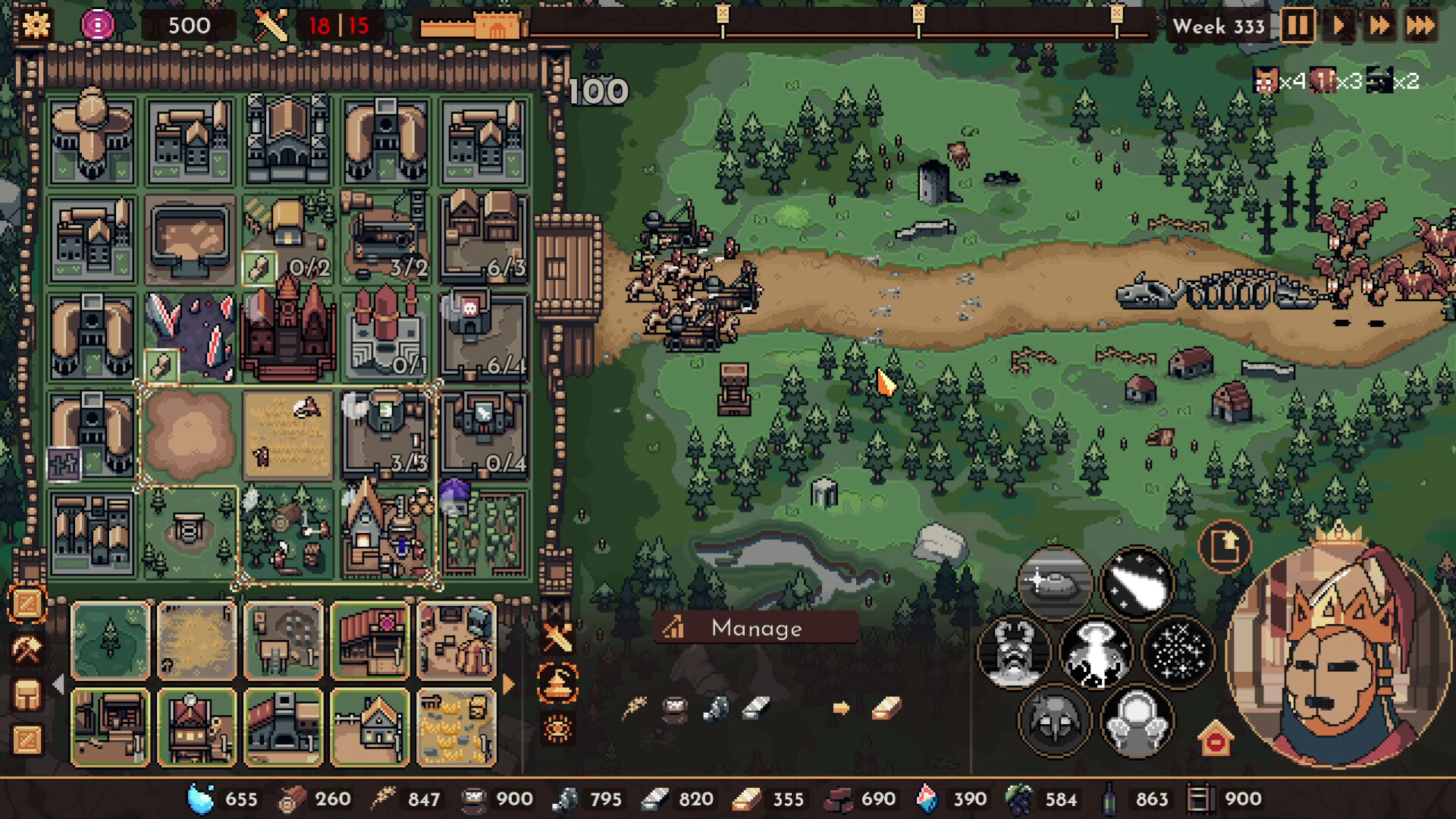
The game features:
- Pixel-style visuals with dark medieval themes
- A branching story based on player choices
- Morality systems and hidden consequences
- Light strategy and time-based events
Whether you’re new to this genre or a seasoned fan of games like Reigns o Yes, Your Grace, The King Is Watching offers a rich, replayable experience.
The King Is Watching Requirements: Minimum and Recommended
To ensure a smooth gaming experience, it’s important to meet the system requirements. Here are the official PC specs:
| Requisiti minimi di sistema |
| OS: Windows 7 / 8 / 10 (64-bit) |
| Processore: Intel Core i3 (3rd Gen) or equivalent |
| Memoria: 4 GB RAM |
| Grafica: Intel HD Graphics 4000 or better |
| Immagazzinamento: 2 GB available space |
| Requisiti di sistema consigliati |
| OS: Windows 10 (64-bit) |
| Processore: Intel Core i5 or AMD Ryzen 5 |
| Memoria: 8 GB RAM |
| Grafica: NVIDIA GTX 660 or equivalent |
| Immagazzinamento: SSD with 2 GB available |
With its low-poly pixel art style and light simulation mechanics, The King Is Watching is fairly accessible to most modern PCs.
Can You Run The King Is Watching on a Low-End PC?
Yes, and that’s one of the game’s key advantages. Even laptops with integrated graphics can run The King Is Watching smoothly, especially if you meet the minimum RAM and processor requirements. Lower your resolution and disable background apps for a performance boost.
Tips for Low-End Systems:
- Set graphics to “Low” or “Fastest.”
- Play in windowed mode to reduce load
- Close browsers and other memory-heavy apps while playing
- Use an SSD if possible for faster loading
Can My PC Run The King Is Watching?
To quickly check, you can:
- Compare your PC’s specs with the requirements above
- Use websites like Can You RUN It to analyze your hardware
- Open Task Manager while gaming to monitor RAM and CPU usage
If your machine is older but still has 4 GB of RAM and a modern browser, chances are high that you’ll be able to enjoy the game without major issues.
Come migliorare The King Is Watching Gaming Experience with Xmod?
While The King Is Watching is already an engaging and replayable game, using third-party tools like Xmod can significantly enhance your gameplay experience. Whether you’re a completionist looking to unlock every ending or a casual player who wants to make the game a bit more accessible, Xmod offers a powerful suite of customization and optimization features.
Getting started with Xmod is simple. Here’s a quick step-by-step guide:
- Download and Install Xmod. Visit the official Xmod website and download the latest version for your operating system.

- Launch Xmod and Locate the Game. Open the Xmod client and search for The King Is Watching in the supported games library.
- Enable Enhancements and Tweaks Toggle on the features you want—like auto-backups, visual mods, or performance optimizers.
- Start the Game Through Xmod Lancio The King Is Watching via the Xmod interface to apply your chosen settings automatically.
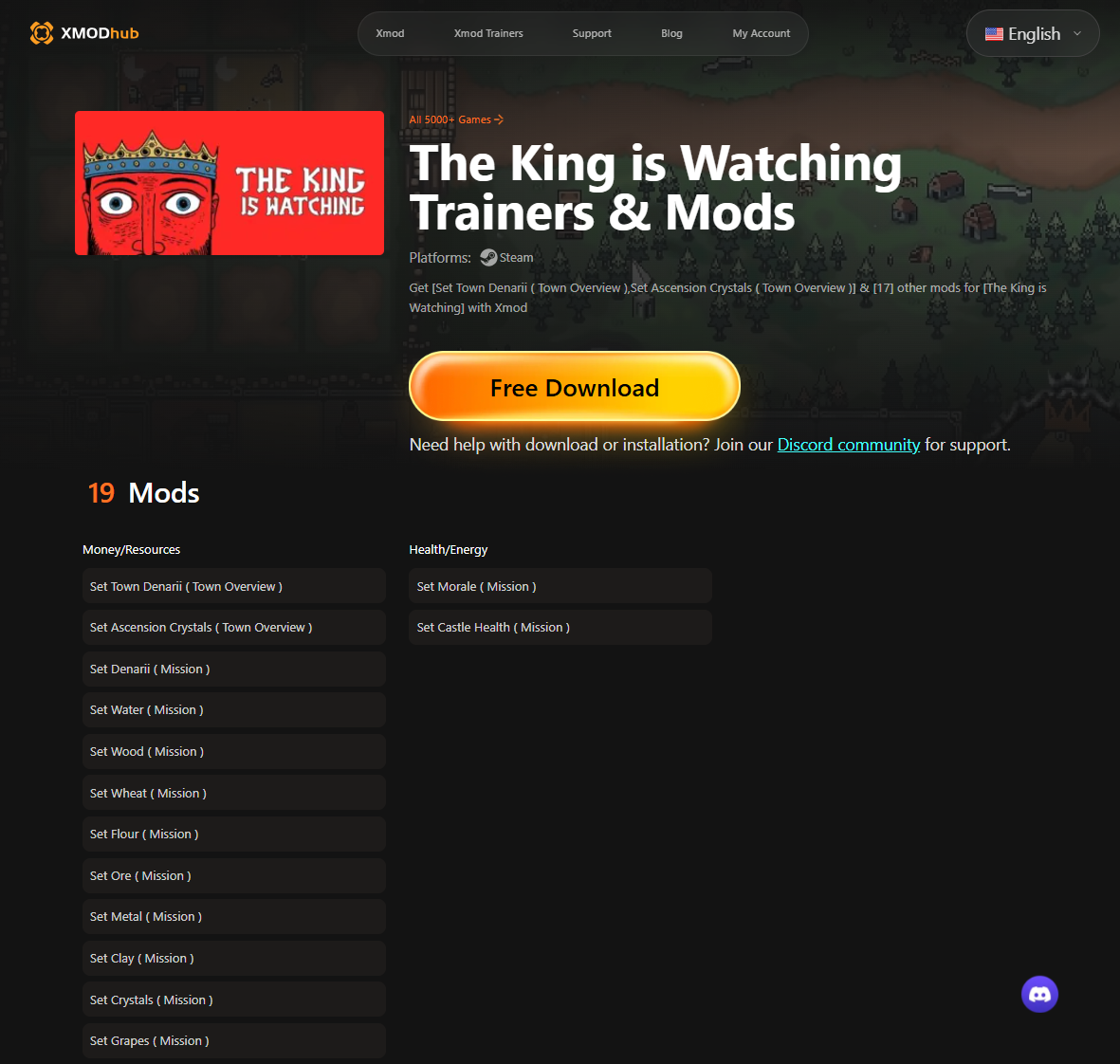
- Customize On-the-Fly Xmod also supports in-game hotkeys and a floating overlay to tweak options mid-game without restarting.
Conclusione
The King Is Watching is a gem for fans of choice-based storytelling and medieval politics, all while being friendly to low-end PCs. Whether you’re strategizing your way to loyalty or plotting rebellion, the game rewards thoughtful decision-making.
To enhance your experience, meet the recommended specs—or use , Xmod for customization and optimization. No matter how you play, remember: the king is watching.
Sono un giocatore appassionato e uno scrittore di XMODhub, che si dedica a fornire le ultime notizie, consigli e approfondimenti sui giochi.
Collegatevi con me:
Profilo LinkedIn

 Catherine Hu

 Nancy Miller