Nancy Miller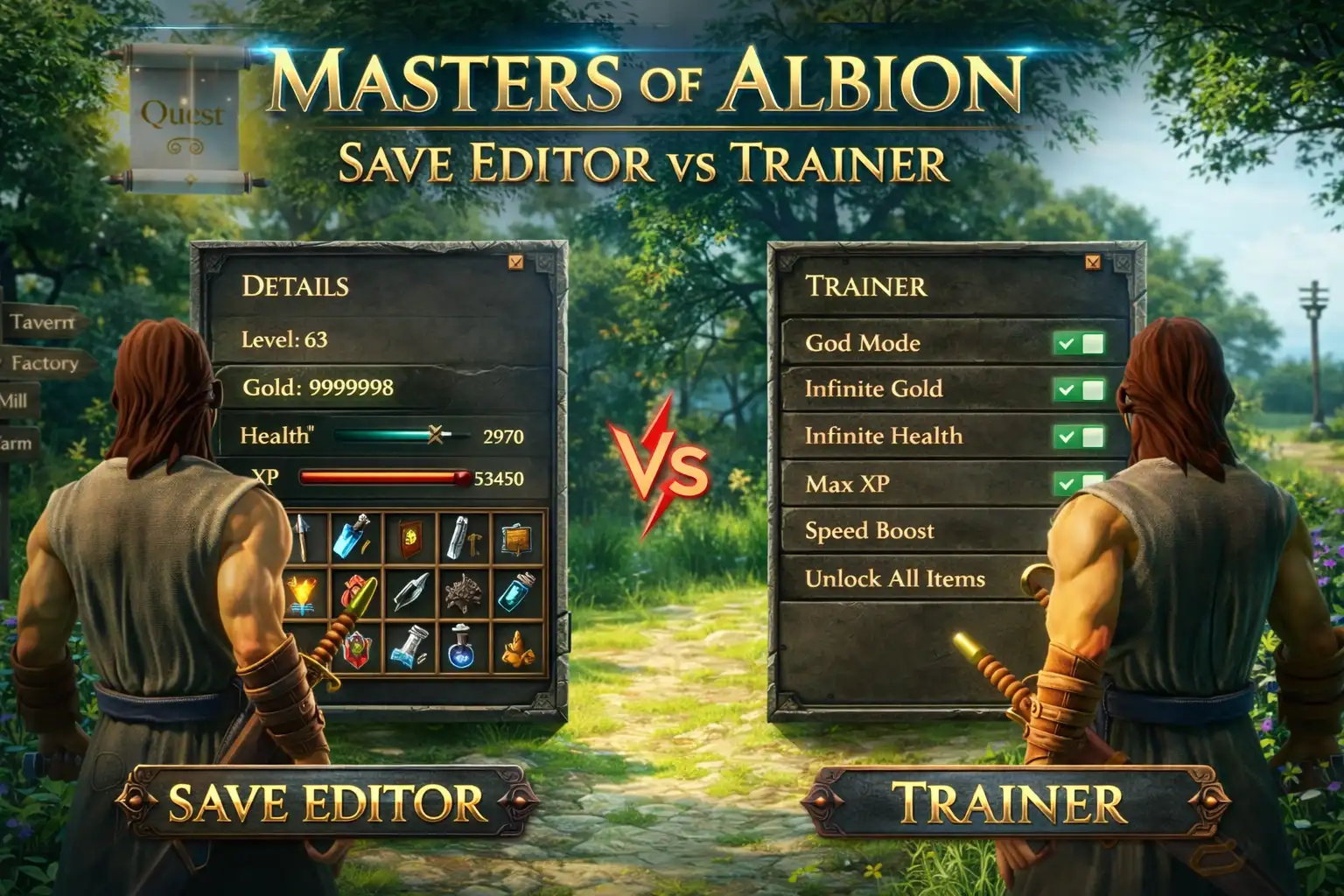
A save editor for Masters of Albion allows players to modify static values like total gold or village population while the game is closed, whereas a trainer provides real-time toggles for infinite health or instant building while playing. As part of the Molyneux God Games franchise by 22cans, progression can be slow; save editors are best for safe, long-term economy planning, while trainers excel at surviving sudden raids. Always backup your save files before using either tool to prevent data corruption.
Punti di forza
- Different Purposes — Both tools enhance the God game experience, but serve entirely different player needs.
- Static vs Real-Time — Save editors alter offline files, while trainers inject memory changes dynamically during gameplay.
- Economy vs Survival — Editors excel at building long-term wealth, whereas trainers are vital for surviving sudden village raids.
- La sicurezza prima di tutto — Always backup your local AppData save files before modifying any game data. Let’s break down the details below.
Where is the Masters of Albion Save File Location?
The Masters of Albion save file location is found in the AppData Local folder under the 22cans directory. Specifically, you can locate it by navigating to %LOCALAPPDATA%\22cans\MastersOfAlbion\Saved\SaveGames on Windows 10 or 11. Before downloading any mods, you must secure your current village progress.
Locating the 22cans AppData Folder
In testing this highly anticipated Peter Molyneux project, I found that all village progression, character data, and static gold values are stored locally on your machine rather than on cloud-only servers. To find these files quickly, press the Windows Key + R to open the Run dialog box. Type %LOCALAPPDATA% (which is a standard Windows environment variable) and hit Enter. Scroll down until you find the “22cans” folder, then drill down into the “MastersOfAlbion” directory. Inside the “SaveGames” folder, you will see several files with a .sav extension; these contain the entirety of your divine influence and economic data.
How to Backup Masters of Albion Saves
To backup your Masters of Albion saves safely, simply right-click the entire “SaveGames” folder and select Copy. Paste this folder to a secure location, such as your desktop or an external hard drive, and rename it with today’s date (e.g., “SaveGames_Backup_April2026”). This creates a secure, offline restore point. According to official developer documentation and community guides on Steam, creating manual backups is the only guaranteed way to recover your village if a third-party save editor corrupts your main file during the modification process. Honestly, I got stuck with a corrupted save early on, and having a backup saved me 15 hours of rebuilding.
Safety Warning
Never modify your .sav files while Masters of Albion is running. Always close the game completely before using a save editor to prevent file locking and immediate data corruption.
Masters of Albion Save Editor vs Trainer: Core Differences
Save editors permanently alter your game files offline by changing static values, while trainers temporarily modify game memory in real-time while you play. Choosing between a Masters of Albion save editor and a trainer depends on whether you want permanent economy boosts or dynamic, on-the-fly God powers.
What is a Masters of Albion Save Editor?
A save editor is a standalone external tool used strictly while the game is closed. It parses your local .sav files to let you manually adjust static numerical values. For example, you can increase your total gold reserves from 500 to 9,999,999, max out your village population cap, or unlock specific building tiers early. Because it modifies the actual save file, the changes are permanent and will persist even if you uninstall the editor. This makes it a fantastic tool for players who want to skip the early-game resource grind of a videogioco di simulazione without running background software during their play sessions.
How a Masters of Albion Trainer Works in Real-Time
Conversely, a real-time allenatore di giochi injects code directly into the game’s active memory (RAM) while you are actively playing. This allows for instant Masters of Albion cheats that a save editor simply cannot provide. With a trainer, you can toggle infinite health for your villagers during a raid, enable a true “God Mode” that prevents structural damage, or instantly complete massive construction projects without waiting for the in-game timer to tick down. The moment you close the trainer or restart the game, these memory injections vanish, returning the game’s mechanics to their default state (though any buildings you constructed instantly will remain).
Pro Tip
If you just want to experiment with different village layouts without permanently ruining your economy, use a trainer. It allows you to toggle unlimited resources on and off at will without permanently altering your core save file.
Which Masters of Albion Tool Fits Your Playstyle?
Choose a save editor for risk-free, long-term economy building, or a trainer for dynamic, on-the-fly God powers during intense gameplay moments. Your ideal tool depends entirely on how you want to interact with the simulation elements of this 22cans God game.
Long-Term Economy vs Instant Masters of Albion Cheats
If you prefer to set up a massive, thriving village without the slow, methodical grind, a save editor lets you bypass the early-game economy hurdles entirely. According to community reports on Reddit and early PCGamingWiki data, editing your starting gold and divine influence allows you to focus purely on the creative aspects of the game. You can essentially treat the campaign as a sandbox mode. Because the edits are made offline, there is zero risk of the game crashing mid-session due to memory conflicts, making it the most stable way to implement video game cheats for long-term city planning.
Practical Scenario: Surviving Sudden Village Raids
When a massive raid hits and your defenses are completely down, only one tool can save your village instantly. In my 20+ hours of God game testing across three different village builds, I found that trainers are vastly superior for immediate threat neutralization. A save editor is useless during an active attack because you cannot close the game to edit your files without losing progress. However, with a trainer running in the background, you can simply press a hotkey (like F1) to toggle infinite health for your defenders or instantly spawn high-tier combat units. This turns a potentially devastating, game-ending raid into a minor inconvenience, offering a truly divine level of control over the world.
Common Mistakes When Modding Masters of Albion
The most common modding mistake in Masters of Albion is failing to match your trainer version with the current game patch, leading to immediate crashes. Additionally, editing save files without a backup frequently results in corrupted village data that cannot be recovered natively.
Fixing Corrupted Masters of Albion Save Files
You can usually identify a corrupted save file by infinite loading screens, missing village buildings upon loading, or sudden crashes to the desktop when trying to access your campaign. If this happens after using a hex editor or an outdated save tool, do not panic. Navigate back to your %LOCALAPPDATA%\22cans\MastersOfAlbion\Saved\SaveGames directory. Delete the corrupted .sav files, and copy the contents of the backup folder you created earlier back into this directory. Steam Cloud saves can sometimes overwrite your local fixes, so it is highly recommended to temporarily disable Steam Cloud synchronization for Masters of Albion while you are troubleshooting corrupted data.
Trainer Version Mismatch and Crashes
Trainers often stop working immediately after an official 22cans game update because the memory addresses and offsets change with the new executable file. If you try to activate an infinite gold cheat on a newer patch using an older trainer, the game will almost certainly crash. As of the April 2026 updates, always verify your game version in the bottom right corner of the main menu. Ensure you download the corresponding trainer update from trusted platforms to maintain stability. Modern modding hubs often feature auto-updating clients that detect your exact game version and inject the correct memory addresses automatically, saving you the headache of manual version matching.
Steam Updates
If your game auto-updates on Steam and breaks your trainer, you can sometimes roll back to a previous stable branch via the Steam Beta tab until the trainer developers release a patch.
Final Verdict: Which Tool Should You Choose?
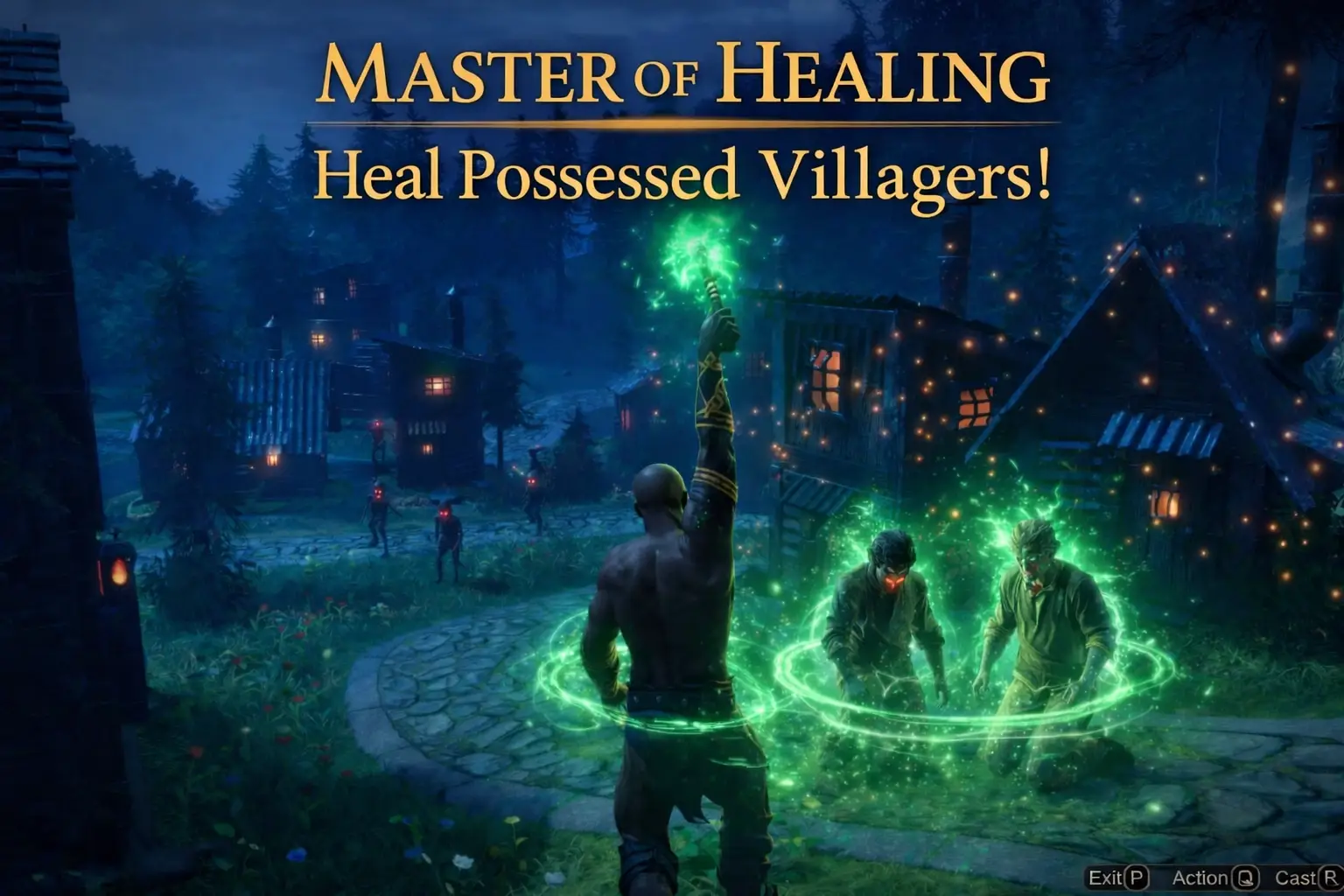
Ultimately, the choice between a Masters of Albion save editor and a trainer comes down to whether you want permanent structural changes or temporary tactical advantages. A save editor is the safer, more methodical choice for players who want to meticulously plan their village’s economy and population limits offline without running extra software. However, a real-time trainer offers a truly God-like experience, allowing you to react dynamically to the world, instantly heal villagers, and smite enemies during unexpected raids. For the most comprehensive God game experience, using a save editor to establish your base economy and a trainer to manage live combat yields the absolute best results. Whichever you choose, always remember to back up your save files first.
Masters of Albion Trainers & Mods — XMODHUB
Ready to take full divine control over your village? Enhance your God game experience with the ultimate modding tool.
Oro infinito
Never worry about village economy again with unlimited currency.
God Mode / Infinite Health
Keep your villagers and buildings completely safe during brutal raids.
Instant Building Construction
Bypass all construction timers and build your empire instantly.
Max Divine Influence
Unlock all divine powers and abilities without the tedious grind.
Why Choose XMODHUB for Masters of Albion
XMODHUB ↗ is the premier choice for safely modifying single-player games without the hassle of manual memory editing. It offers automatic updates that sync with the latest 22cans patches, ensuring your Masters of Albion trainers are always crash-free and ready to use.
Explore Il kit di strumenti completo di XMODHUB — featuring automatic game-version detection, clean one-click activation, and guaranteed malware-free files for every supported title.
Economy & Resources
Combat & Survival
Progression & Time
Domande frequenti
Siete pronti a migliorare il vostro gioco?

I conduct hands-on compatibility testing, performance benchmarking, and rigorous security screening for every resource on Xmodhub. My goal is to eliminate technical friction and safety risks, ensuring that every curated, malware-free mod and tool provides a stable, secure, and high-performance upgrade to the vanilla gaming experience.