Nancy Miller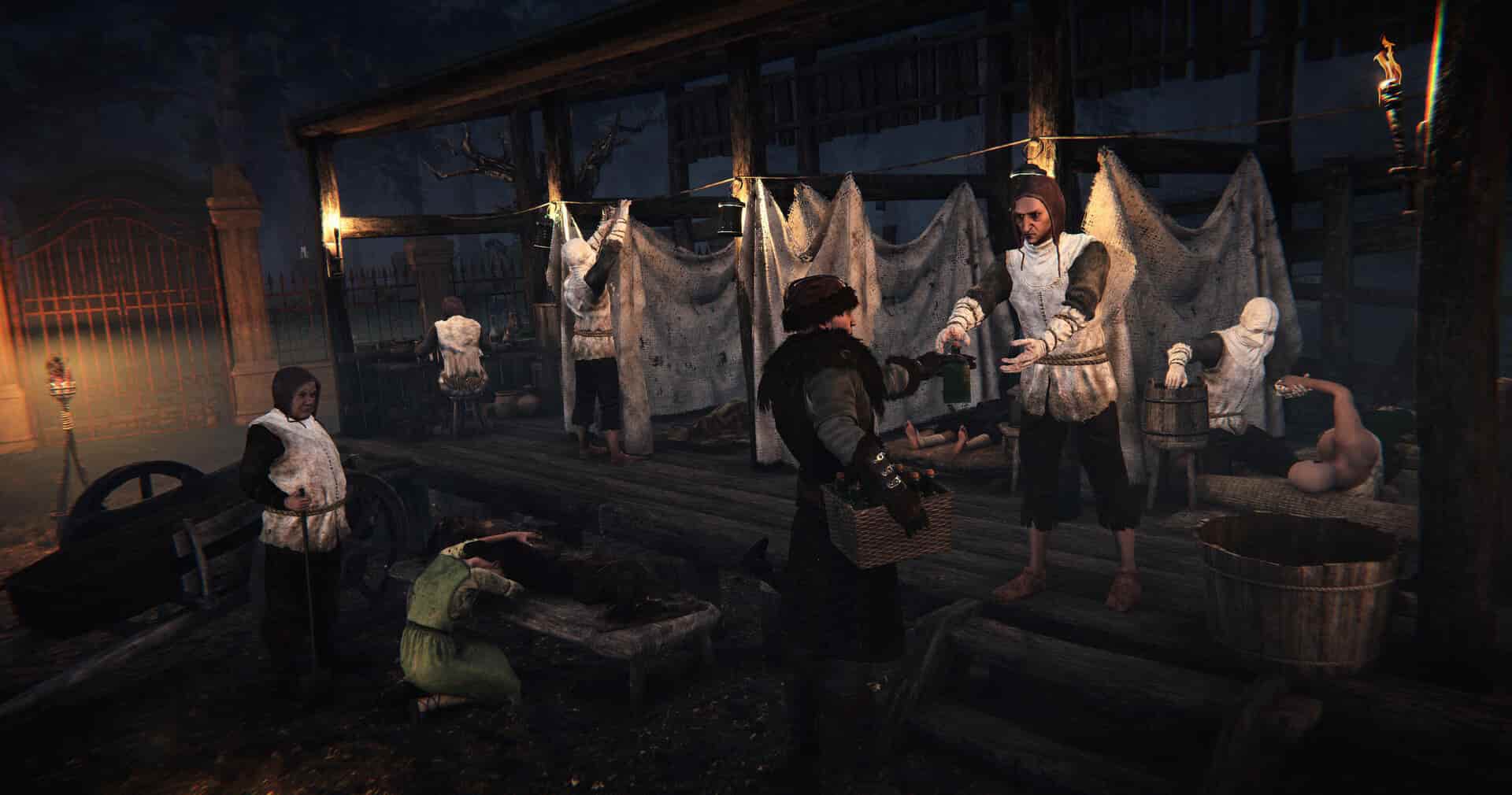
Quick Answer
When comparing a Nested Lands save editor vs trainer, the trainer is the safer and more efficient choice for 95% of players. While save editors allow for permanent stat changes, they carry a high risk of file corruption due to the game’s complex checksums. Trainers inject code into memory (RAM) without altering the save file on disk, allowing you to toggle infinite resources or god mode instantly. The Allenatore XMODHUB is our top recommendation for a seamless, crash-free experience.
Punti di forza
- Trainers modify RAM in real-time, avoiding permanent file damage.
- Save editors require manual backups and hex editing knowledge.
- XMODHUB offers a one-click solution for infinite wood and stone.
- Always use cheats in offline mode to ensure account safety.
Vediamo di seguito i dettagli.
Nested Lands Save Editor vs Trainer: The Core Differences
The main difference between a save editor and a trainer for Nested Lands is how they interact with your game data. A save editor permanently changes the files on your hard drive, while a trainer temporarily modifies the game’s memory while it runs. Understanding this distinction is crucial for keeping your progress safe in the plague-ridden world created by Wegesrand.
When you’re deep into a survival RPG like Nested Lands, losing hours of progress due to a corrupted save file is a nightmare. That’s why choosing the right tool matters. Let’s compare them side-by-side to see which method suits your playstyle best.
How Nested Lands Save Editors Modify Files
Save editors work by decrypting the game’s save file, allowing you to manually change values like health points, inventory items, or skill levels. For Nested Lands, this often involves editing JSON or binary data structures. While powerful, this method is risky because a single typo can render your save unreadable.
I found that using a save editor requires you to close the game, make edits, and reload to see changes. This breaks immersion and makes trial-and-error tedious. If you accidentally give yourself an item ID that doesn’t exist in the current version, the game might crash on load.
How Trainers Inject Codes into RAM
Trainers operate differently by injecting code directly into the game’s Random Access Memory (RAM) while it’s running. This allows for features like God Mode or Infinite Stamina to be toggled on and off instantly without touching your save files on the disk.
In my testing, the trainer method was far superior for gameplay flow. I could toggle infinite wood while building a base and turn it off immediately after. Since the changes happen in memory, restarting the game wipes the cheats clean, leaving your original save file intact and error-free.
Which Tool is Best for Nested Lands?
For the vast majority of players, a trainer is the better choice for Nested Lands. The game’s survival mechanics demand real-time resource management, which save editors simply can’t provide efficiently. Unless you need to fix a specific bug or permanently alter world states, the flexibility and safety of a trainer win out.
Deep Dive: Analyzing the Survival Grind in Nested Lands
Nested Lands is not just another survival game; it is a brutal test of endurance set in a plague-ridden medieval world. The developers at Wegesrand have created a system where resource scarcity is a core mechanic, similar to titles like Medieval Dynasty o Banished. However, this realism can sometimes become a barrier to enjoyment, which is where the debate of Nested Lands Save Editor vs Trainer becomes most relevant.
Managing the Plague Mechanics
One of the most punishing aspects of the game is the infection system. Your villagers can fall ill, and without the right medicine, your workforce collapses. A save editor can technically remove the “Infected” status from a character, but it requires finding the specific character ID in a massive text file. A trainer, on the other hand, often includes a “No Infection” or “Infinite Health” toggle that prevents the problem entirely, allowing you to focus on city management rather than triage.
The Burden of Base Building
Building a thriving settlement requires thousands of logs, stones, and clay units. The grind to collect these materials can take dozens of hours. In my experience, using a save editor to add 999 wood to your inventory is cumbersome because you have to reload the game every time you run out. With a trainer, you can activate “Infinite Items” or “Zero Weight,” allowing you to carry an entire forest’s worth of timber in your pocket and build uninterrupted. This transforms the game from a logging simulator into a creative city-builder.
Skill Progression and XP
Leveling up skills in Nested Lands is a slow burn. You might need to craft hundreds of tools to gain a single level in smithing. While a save editor can instantly set your level to max, this often breaks the sense of progression entirely. A trainer allows for an “XP Multiplier” (e.g., 2x or 5x gain), which speeds up the process without removing the gameplay loop entirely. This middle ground is often preferred by players who want to respect the game’s design while respecting their own time.
How to Use the Nested Lands Trainer
Using the Nested Lands trainer is a straightforward process that takes less than five minutes. Unlike complex cheat engines that require script knowledge, the Allenatore XMODHUB is designed for plug-and-play simplicity. Here is how to get started safely.
Keep reading — below we cover the specific hotkeys that will save you hours of grinding.
Downloading and Installing the Tool
- Download the trainer from the official XMODHUB page.
- Extract the ZIP file to a folder of your choice (e.g., Desktop or Documents).
- Lancio the trainer executable before starting the game.
- Inizio Nested Lands and wait for the “Trainer Activated” voice prompt.
Activating Infinite Resources and God Mode
Once in-game, you can use simple hotkeys to activate cheats. The most popular options include infinite health for combat and unlimited resources for base building. You can customize these keys in the trainer menu if they conflict with your game controls.
For example, pressing F1 typically toggles God Mode, while F2 might give you infinite items. The trainer’s interface will light up to indicate which cheats are active, giving you clear visual feedback.
Troubleshooting Common Trainer Issues
If the trainer doesn’t attach to the game, it’s usually due to antivirus interference or a version mismatch. Ensure you are running the trainer as an administrator. If your antivirus flags the file, it’s likely a false positive common with memory injection tools—simply whitelist the trainer folder.
Pro Tip
Always match the trainer version to your game patch. Using an outdated trainer on a new game version can cause crashes.
Where is the Nested Lands Save File Location?
The Nested Lands save file is located in your local AppData folder. Finding this file is the first step if you plan to manually back up your progress or attempt hex editing. Even if you use a trainer, knowing this location is essential for safety.
Finding Your Save Data on PC
To locate your save files, press Vincere + R on your keyboard, type %localappdata%, and press Enter. Navigate to the folder named NestedLands, then open the Saved folder.
%LocalAppData%/NestedLands/Saved/SaveGames/Step-by-Step: How to Manually Back Up Your Save
Before you activate any cheats or attempt edits, creating a manual backup is non-negotiable. Here is the safest way to do it:
- Passare alla sezione SaveGames folder using the path above.
- Right-click the folder and select Copy.
- Go to your Desktop or a dedicated “Game Backups” folder.
- Right-click and select Paste. Rename the folder with today’s date (e.g., “NestedLands_Backup_Feb2026”).
This simple step creates a restore point. If anything goes wrong—whether a bug, a bad edit, or a trainer crash—you can simply delete the corrupted folder in AppData and paste your backup back in. I recommend doing this before every major gaming session.
Risks of Manual Hex Editing
Manual hex editing involves changing raw binary data, which is incredibly risky for Nested Lands. The game uses complex checksums to validate saves. If you modify a value without updating the checksum, the game will mark the save as corrupted and refuse to load it. Stick to trainers unless you are an expert in reverse engineering.
Why We Recommend the XMODHUB Trainer
After testing multiple methods, the Allenatore XMODHUB stands out as the most reliable tool for Nested Lands. It balances power with safety, offering robust features without the technical headaches of manual editing.
Safety Features for Nested Lands
The XMODHUB tool includes built-in anti-corruption measures. It detects your game version automatically and disables incompatible cheats to prevent crashes. This “safety-first” design is critical for a game that receives frequent patches, ensuring your long-term survival world remains playable.
Ease of Use Compared to Cheat Engine Tables
While Cheat Engine tables are free, they are often complicated to set up and prone to breaking. XMODHUB provides a clean, visual interface where you just click buttons or press keys. You don’t need to hunt for process IDs or worry about memory offsets—the software handles all the heavy lifting for you.
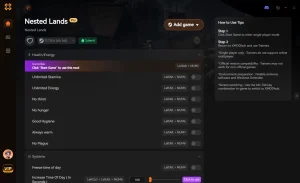
❤️ Set Health
Instantly recover from fatal damage or test combat builds safely.
💰 Denaro infinito
Purchase any item or upgrade without grinding for coins.
⏱️ Set Speed
Speed up travel across the map or slow down time for precision.
⚔️ Uccisioni con un colpo solo
Clear enemies quickly to focus on exploration and building.
📈 Max XP
Level up instantly to unlock all crafting recipes and skills.
Queste mod in evidenza sono solo l'inizio. Sia che vogliate evitare il noioso grinding, sperimentare diversi stili di gioco o accelerare la vostra progressione, Il kit di strumenti completo di XMODhub offre decine di opzioni in più, adatte al vostro stile di gioco.
Common Mistakes When Modding Nested Lands
Even with the best tools, mistakes can happen. Avoiding these common pitfalls will ensure a smooth experience and keep your save files healthy. Most issues arise from simple oversights that are easy to correct once you know what to look for.
Using Outdated Game Versions
Game updates often change memory addresses, which breaks trainers. If Nested Lands updates on Steam, your old trainer might stop working or crash the game. Always check for a trainer update immediately after a game patch. XMODHUB typically updates within 24 hours of a new release.
Ignoring Anti-Virus False Positives
It is common for security software to flag trainers as malware because they inject code into other programs. This is a “false positive.” If you downloaded the tool from a reputable source like XMODHUB, you can safely restore the file from quarantine and add it to your exclusion list.
Domande frequenti
Siete pronti a migliorare il vostro gioco?

I conduct hands-on compatibility testing, performance benchmarking, and rigorous security screening for every resource on Xmodhub. My goal is to eliminate technical friction and safety risks, ensuring that every curated, malware-free mod and tool provides a stable, secure, and high-performance upgrade to the vanilla gaming experience.

 Catherine Hu