
 Catherine Hu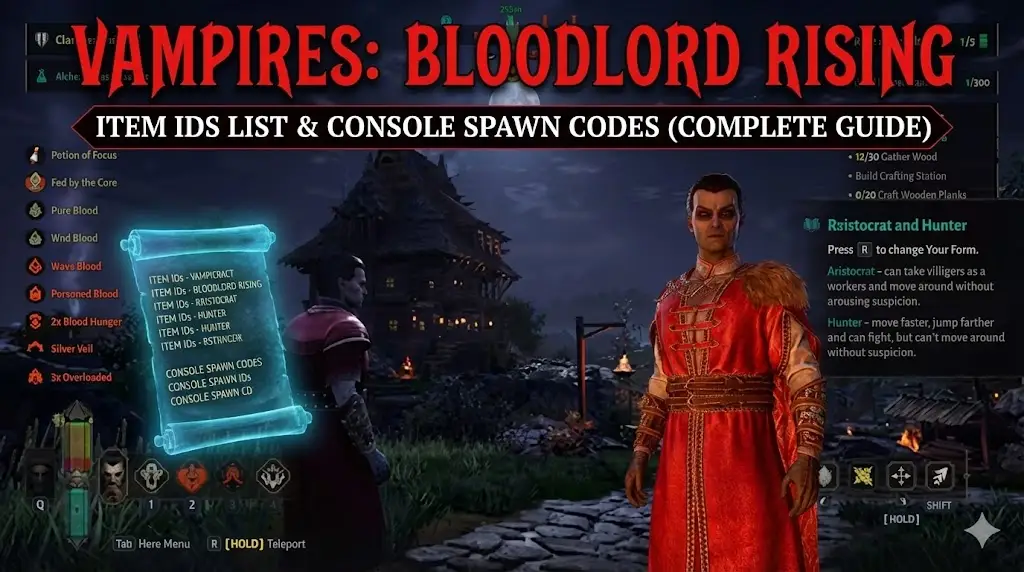
You have spent hours stalking the High Inquisitor hoping for that legendary sword drop, only to get another common iron mace. Or perhaps you’re in the middle of building your dream gothic castle, only to realize you are short 500 Stone Bricks and the sun is rising.
In survival games like Vampires: Bloodlord Rising, the grind is real. But sometimes, you just want to skip the farming and focus on the conquest. Using console commands to spawn items is a staple of PC gaming freedom.
Below is the most comprehensive, categorized list of Item IDs and codes, updated for the latest Early Access patch.
Ti potrebbe interessare anche:
Vampires: Bloodlord Rising Cheat Engine Table vs. XMODhub Trainer: Best Free Alternative (2026)
Editor’s View: The “Typo” Nightmare
“Typing give Item_Sword_Legendary_01 1 is fine if you only need it once. But when you are trying to construct a massive fortress? Typing give Res_StoneBlock 100 fifty times is repetitive, and one wrong character means ‘Invalid Object’.
While the lists below are verified, I personally switched to the XMODhub Visual Spawner. Seeing the item icon and just clicking ‘Add 1000’ is how being a Vampire Lord should feel—powerful and effortless. It saved me hours of typing during my review playthrough.”
- Catherine Hu, responsabile dei contenuti di XMODhub
Quick Reference: Top 10 Most Wanted Vampires: Bloodlord Rising IDs
Don’t want to scroll? Here are the console codes for the most essential items (Blood, Castle Hearts, Legendary Gear).
How to Enable Console & Use Commands
Before you can use the IDs below, you need to open the developer console. Note that you often need Admin privileges.
- Open Console: Press the Tilde key (
~) oF1while in-game. - Enable Cheats: Type
adminauthand press Enter to gain permission. - The Command: The standard format is:
give [Item ID] [Quantity] - Example: To spawn 500 Blood Essence, type
give Res_BloodEssence 500and press Enter.
Note: If the console does not open, verify your Key Bindings in the Options menu.
Il modo più semplice: XMODhub Spawner visivo
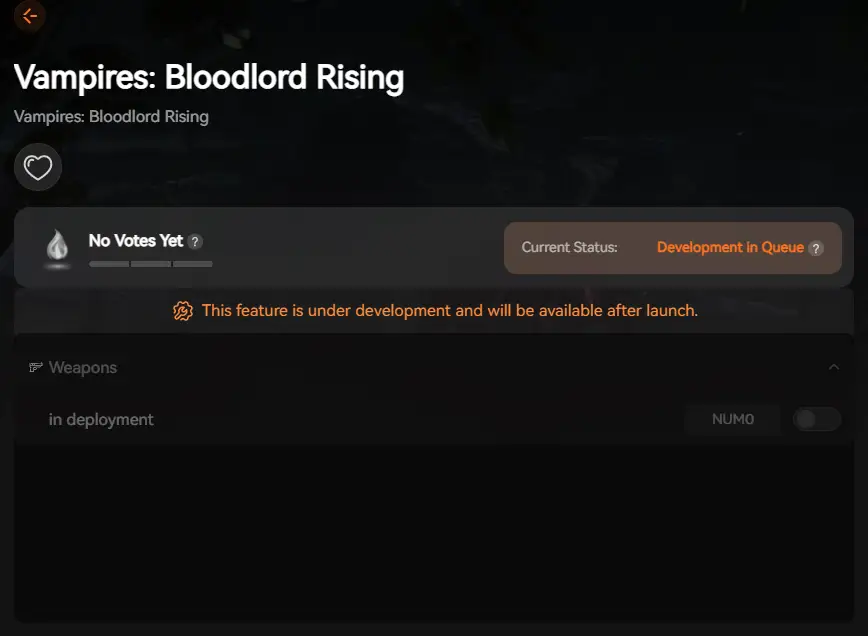
Stop Alt-Tabbing to check spreadsheets or fighting with syntax errors. Typing long, case-sensitive ID codes breaks your immersion. XMODhub includes a Visual Spawner feature specifically for Vampires: Bloodlord Rising.
Icon-Based
See exactly what the “Crimson Aegis” looks like before you spawn it.
Batch Add
Get 999x of every crafting material (Stone, Wood, Iron) with one button to speed up castle building.
XMODhub: More Than Just a Visual Spawner
XMODhub is your ultimate all-in-one toolkit for PC single-player gaming. Whether you need powerful Trainers, real-time Translation Tools, or detailed Interactive Maps, XMODhub has everything covered.
Our library supports over 5,000+ games, ensuring that whether you are playing Vampires: Bloodlord Rising, V Rising, or Valheim, you always have the best tools at your fingertips.
How to Use XMODhub for Vampires: Bloodlord Rising:
- Download and Install the XMODhub client safely.

- Search for Vampires: Bloodlord Rising in the client’s search bar.

- Select the Trainer tool.
- Launch the game directly from the client and press F2 to open the overlay menu!
Weapon IDs List (Melee & Magic)
Here are the codes for the most powerful weapons to dominate the night.
Armor & Castle Material IDs List
Building requires massive resources. Use these codes to skip the rock-hitting grind.
Blood Essence & Consumables IDs List
Keeping your blood pool full and high quality is vital for survival.
Vampire Powers, Perks & Traits IDs
You can use the console to instantly unlock V Blood carrier abilities without hunting the bosses.
Command: UnlockAbility [Ability ID]
Risoluzione dei problemi: Perché i comandi non funzionano
- “Command not found”: You likely forgot to type
adminauth. Even in single-player, the game often treats you as a “client” until you authenticate as admin. - “Invalid Item ID”: Check if you are using a modded item ID. Official IDs usually follow the
Category_Name_Tierformat. Also, Unreal Engine is often Case Sensitive. Try capitalizingGiveand the item name exactly as shown. - Square Boxes: If the console shows boxes
[][][], your game language might not support the console font. Switch the game language to English temporarily.
FAQ
Q: Are these Item IDs case-sensitive?
Yes, usually. In Unreal Engine 5 games like Vampires: Bloodlord Rising, Res_BloodEssence is different from res_bloodessence. We recommend copying them exactly as shown.
D: Posso generare oggetti in multiplayer?
Only if you are the Server Admin or Host. If you join a public official server, these commands will be disabled. XMODhub features work client-side but use them responsibly in private sessions.
Q: How do I find IDs for new patch items?
New patches often change IDs. It’s difficult to find them manually. We recommend using the XMODhub Item Browser, which automatically reads the game’s memory to list all current items, including new ones.
Conclusione
Utilizzo Vampires: Bloodlord Rising Item IDs is the fastest way to experiment with high-tier builds or recover from a save file corruption. Bookmark this page so you can find the codes when you need them.
However, if you want a smoother experience where you don’t need to memorize Wpn_Scythe_DarkSilver_T3, the XMODhub Spawner visivo is the superior choice. Browse items visually, spawn instantly, and get back to ruling your night kingdom.
[Get XMODhub Visual Spawner]

Sono un giocatore appassionato e uno scrittore di XMODhub, che si dedica a fornire le ultime notizie, consigli e approfondimenti sui giochi.
Collegatevi con me:
Profilo LinkedIn

 Nancy Miller
