
 Catherine Hu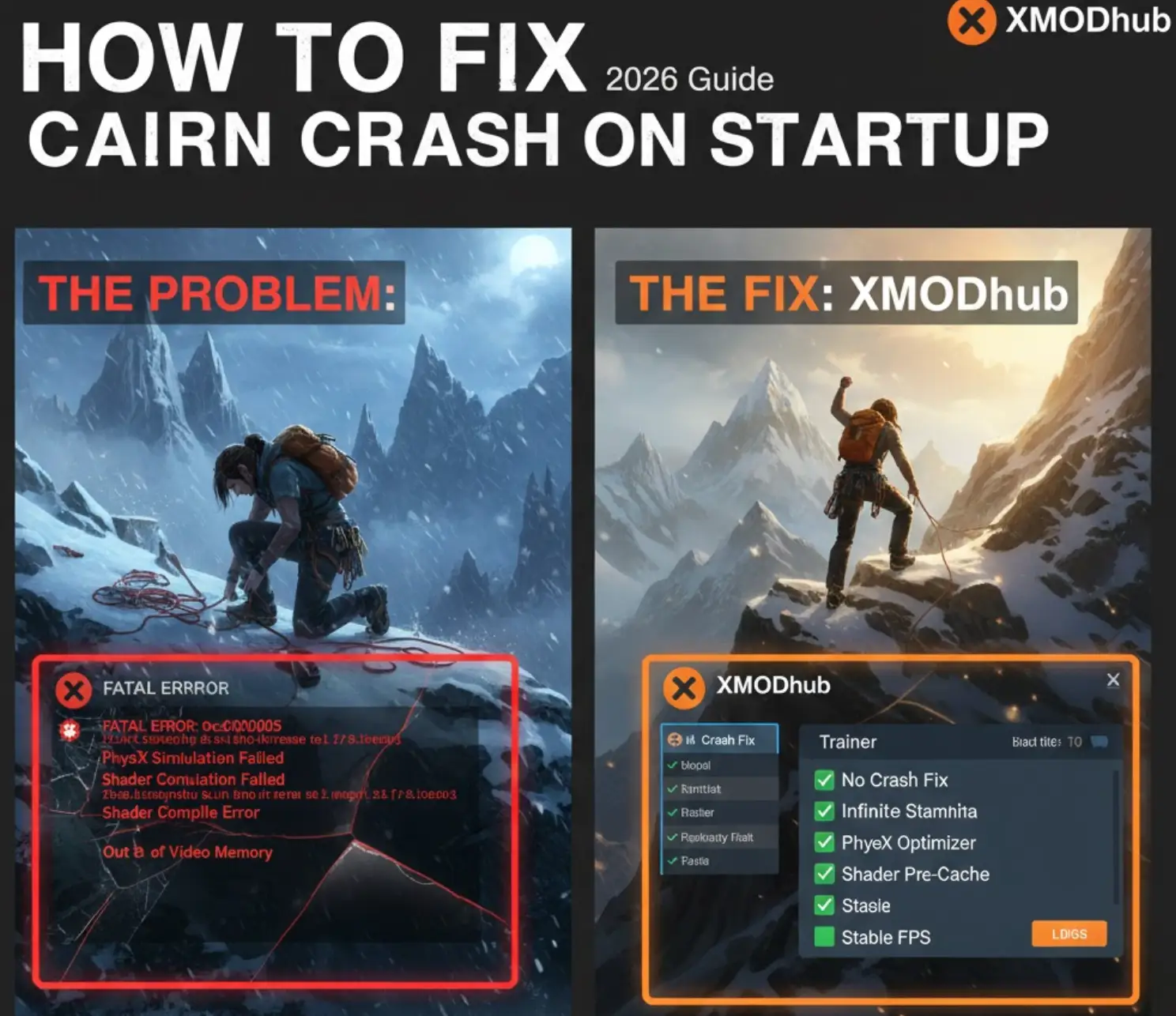
You have waited months for Cairn, pre-loaded the files, and cleared your schedule to guide Aava up the most unforgiving peaks. You click “Play,” and… nothing. Or worse, a cryptic “Fatal Error” pops up. Launch day issues are frustrating, especially when you’re itching to test the game’s realistic climbing physics, but they are rarely unfixable.
Whether you are facing a black screen, random crashes to desktop (CTD), missing DLL files, or unplayable frame rates that turn your smooth ascent into a slideshow, this guide covers the most effective solutions to get you into the game.
Cairn: Cheat Engine Table vs. XMODhub Trainer (Best Free Alternative)
Editor’s View: The “Day One” Curse
“I remember trying to launch Jusant on release day. It crashed every time the logo appeared. Before you give up on Cairn, realize that 90% of these crashes are caused by three simple things: corrupted downloads, missing C++ libraries, or UE5 shader conflicts. I’ve tested the methods below on my own rig (RTX 4070 / Win 11), and updating the C++ Redistributables was the one that finally got Aava moving for me.”
- Catherine Hu, redattrice capo presso XMODhub
Check First: Cairn System Requirements
Method 1: Verify Game Files (Steam/Epic)
Corrupted installation files are the #1 cause of Cairn crashing on startup.
- Steam: Right-click Cairn > Properties > Installed Files > Verify integrity of game files.
- Epic: Click the three dots on the game card > Manage > Verify.
Method 2: Update Drivers & C++ Redistributables
Cairn runs on a modern engine that strictly requires updated software environments.
- Driver GPU: Update your NVIDIA (Game Ready) or AMD (Adrenalin) drivers.
- Visual C++ All-in-One: If you get MSVCP140.dll missing errors, reinstall the Microsoft Visual C++ Redistributables (x86 and x64).
Metodo 3: Risolvere i problemi di schermo nero e overlay
If you encounter a black screen on launch, overlays might be the culprit. Disable Steam Overlay, Discord Overlay, and any FPS counters to resolve conflicts.
Method 4: Fix Shader Compilation & CPU Instability (UE5)
Cairn uses Unreal Engine 5, which compiles shaders on launch. If it crashes at 0% progress:
For Intel 13th/14th Gen users, use Intel XTU to lower your Performance Core Ratio by x2. This prevents “Out of Video Memory” errors during the CPU-intensive shader building process.
Method 5: Offload PhysX Simulation to GPU
Cairn’s procedural climbing is physics-heavy. If the game crashes when Aava touches the wall:
Open NVIDIA Control Panel > Configure PhysX. Set it to your GPU instead of “Auto-select” to offload the complex limb-simulation calculations from your CPU.
Method 6: Common Error Codes & Fixes (DLL / DX12)
- Error 0xc0000005: Add Cairn to your Antivirus/Windows Defender “Exclusions” list.
- “Out of Video Memory”: Lower your Texture Quality to Medium and restart.
- “DX12 not supported”: Force DirectX 11 by adding
-dx11to your Steam Launch Options.
Method 7: Fix Low FPS & Stuttering
If the game is running, but performance is poor, try disabling V-Sync and lowering Global Illumination settings.
How to Fix Cairn Stuck on Loading Screen (SSD Required)
If you are stuck on the mountain loading screen:
- Fix A: Clear the
AppData\Local\Cairn\Saved\Shadersfolder to reset the cache. - Fix B: Move the game to an SSD. Cairn uses high-speed asset streaming; HDDs will cause the engine to time out and hang during level transitions.
The Workaround: Skip Buggy Sequences with XMODhub
If Cairn keeps crashing during a specific scripted climb or physics-heavy cutscene, XMODhub can help you bypass the bottleneck:
- Speedhack: Slow down the game to 0.5x to give your CPU more time to process physics frames during heavy sequences to prevent crashes.
- Salva Manager: Automatically backup your save before entering “crash-prone” zones like the higher peaks of Mount Kami.
FAQ
Q: Why is Cairn crashing on Steam Deck?
A: You must use Proton Experimental to avoid the initial black screen and shader errors.
Q: Is there a patch for the Cairn physics bug?
A: The devs are aware. Check the XMODhub news section for the latest Patch 1.01 update notes.
Conclusione
Launch issues are painful, but they are temporary. By verifying your files and updating your C++ libraries, you’ll be back on the cliffs in no time. If the game’s optimization is still a bit rocky, XMODhub is here to bridge the gap with custom tools.

Play smarter. XMODhub supports over 5,000+ titles, including similar hits like Jusant, The Long Dark, e Death Stranding.

Sono un giocatore appassionato e uno scrittore di XMODhub, che si dedica a fornire le ultime notizie, consigli e approfondimenti sui giochi.
Collegatevi con me:
Profilo LinkedIn