Catherine Hu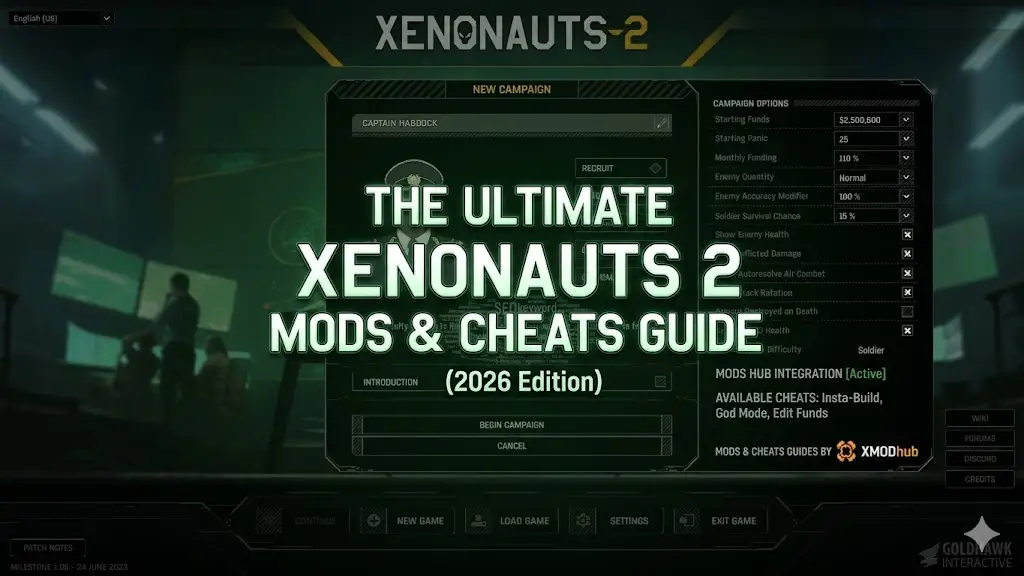
⚡ Quick Answer: What is the easiest way to mod Xenonauts 2 on PC?
The safest and fastest method to mod Xenonauts 2 is by using an automated mod manager like XMODhub. Because the game is built on the Unity engine with a locked native developer console, manual modding can be highly unstable.
The most essential mods you need right now include tactical map stuttering fixes, camera zoom unlockers, and quality-of-life trainers. Always copy and back up your Documents\My Games\Xenonauts-2\Saves\ folder before injecting any new BepInEx scripts!
🔥 Editor’s Note
Hey guys, Catherine Hu here. Let’s be real for a second—vanilla Xenonauts 2 is an absolute masterpiece of Cold War tactical strategy, but after grinding for 50 hours just to upgrade my interceptors and equip my squad with MAG weapons, I hit a massive wall. I was tired of my veteran snipers missing 95% shots and getting wiped out by a single hidden Sebillian. I wanted to bend the rules and actually have fun again. I recently sacrificed my weekend testing over 30 different Unity mods and trainers on the newest patch. Some were mind-blowing, and some completely corrupted my Ironman save file (RIP my elite squad, lesson learned the hard way 😭). To save you the tears and the headache, I’ve put together this BS-free guide. Let’s look at the mods that actually work, and how to install them without ruining your PC.
- Catherine Hu, responsable du contenu à XMODhub
Vous pouvez aussi aimer :
How to Use Cheat Engine on Xenonauts 2 (+ 1-Click Alternative) | 2026
How to Install Mods for Xenonauts 2 Safely
We’ve all been there: dragging and dropping sketchy .dll files into the \steamapps\common\Xenonauts 2\BepInEx\plugins folder, praying it hooks into the Unity engine, and getting hit with a black screen on startup. If you want a zero-stress experience, here is the exact step-by-step method I personally use:
1
Backup Your Saves (Do not skip this!): First, navigate to C:\Users\[YourUsername]\Documents\My Games\Xenonauts-2\Saves\ and copy your .json save files to a safe spot on your desktop.
2
Get the Right Tool: Download the XMODhub PC App (it handles all the messy memory injection and file paths for you).
3
Détection automatique : Open the app. It will scan your PC and lock onto your Xenonauts 2 directory within seconds.
4
Click and Play: Browse the built-in library, toggle the cheats or tweaks you want, and hit “Launch Game”. That’s it. No file digging required.
Are Xenonauts 2 Mods Safe? (Avoiding Malware)
Let’s address the elephant in the room. Googling “free Xenonauts 2 cheats” is a fantastic way to accidentally download a crypto-miner or a trojan virus. The core strategy modding community is great, but shady third-party sites are not.
If you download random executable files from unverified forums, your antivirus will likely scream at you. This is why using a curated, sandboxed environment like XMODhub is highly recommended. Our trainers are cleanly coded to inject directly into the game’s RAM without altering your system registry or permanently overwriting core game files. Always prioritize your PC’s security over a quick cheat.
Manual Modding (Workshop/Nexus) vs. XMODhub: Which Should You Use?
If you are a hardcore modder building a massive load order with 50+ conflicting files, traditional sites like Nexus Mods or the Steam Workshop are still the undisputed kings for total weapon overhauls and custom alien variants.
However, if you fall into one of these categories:
➤
You just want to activate simple cheats (Infinite Time Units, Max Funding, God Mode) and get on with defending Earth.
➤
You hate spending three hours reading Discord tutorials just to resolve Unity plugin conflicts.
➤
You are tired of your scripts breaking every single time Goldhawk Interactive drops a minor hotfix patch.
Then XMODhub is your best bet. It runs parallel to your game, meaning it doesn’t permanently overwrite your vanilla scripts. Turn it off, and your Geoscape is back to normal.
Top-Rated Xenonauts 2 Mods You Need to Try First
Based on my latest playthrough, skip the bloated lists. Here is what actually works in 2026:
A. Essential Performance & Bug Fixes
Geoscape & Tactical Stutter Fix: Let’s face it, the Unity engine’s optimization when calculating line-of-sight for 20 aliens during the “Hidden Movement” phase is incredibly rough. This mod stabilizes frametimes drastically so your PC doesn’t sound like a jet engine.
B. Xenonauts 2 Trainers and Cheats (Powered by XMODhub)
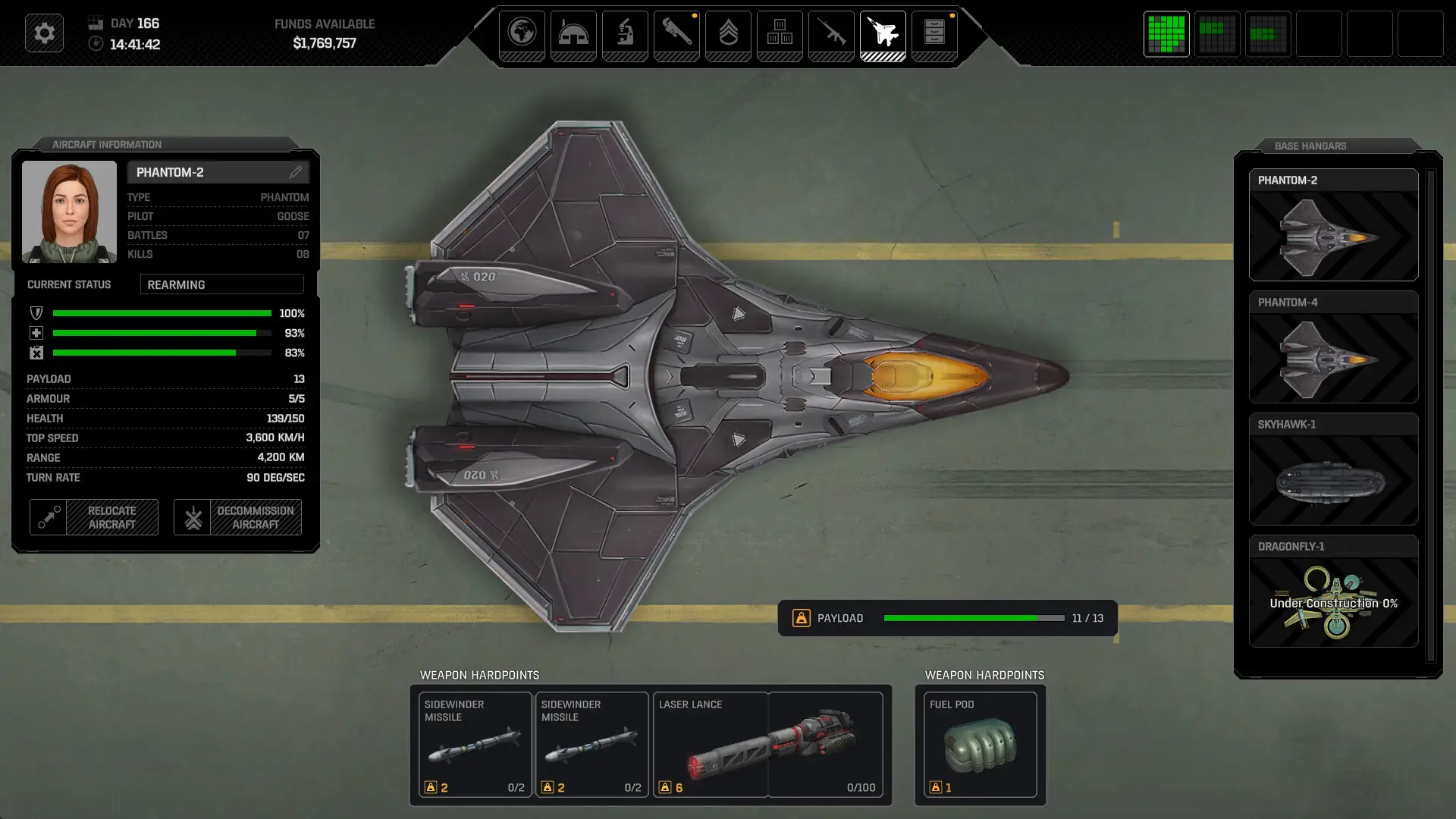
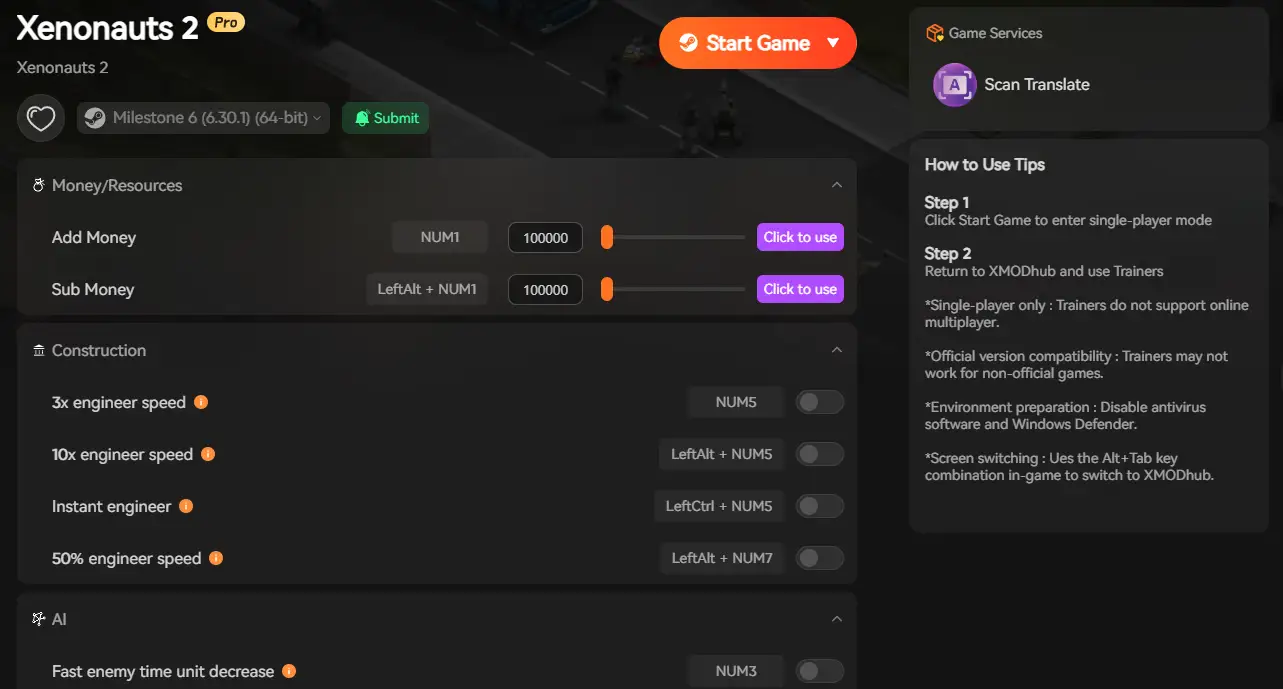
Because Xenonauts 2 lacks a native developer console in the retail build, you cannot simply type commands to spawn items. Sometimes, you just want to feel like an absolute tactical god. The XMODhub integrated trainer for Xenonauts 2 is currently undetected and offers some wild features:
✦
God Mode / Infinite Health: Face-tank any Cleaner ambush or Reaper attack without sweating.
✦
Unlimited Base Funding & Alenium: Buy all the premium dropships and Warden armor without the agonizing 20-hour Geoscape grind.
✦
Infinite Time Units (TUs): Move across the entire map and fire your weapons endlessly in a single turn. Perfect if you just want to speedrun a crashed UFO mission.
How to Use XMODhub for Xenonauts 2?

Modding on Game Pass vs. Steam
A question I get spammed with on Discord all the time: “Can Game Pass users join the fun?”
Troubleshooting: Why is my game crashing?
Nothing kills the weekend gaming vibe faster than a crash to desktop (CTD) followed by a Unity error log. If your Xenonauts 2 refuses to load:
⚠️
Check the Game Version: Did the game just update today? Manual .dll mods will instantly break. You’ll have to wait for the mod author to update their files.
🔧
Verify Integrity: Go to Steam > Properties > Installed Files > Verify. This wipes out corrupted mods and restores fresh vanilla Unity assets.
✨
The XMODhub Advantage: If you use our app, just click “Disable All”. Because we use a cloud-based system, we usually push an updated trainer patch within 24 hours of a major game update.
Frequently Asked Questions (FAQ)
Q: Do mods disable Steam achievements in Xenonauts 2?
A : Usually, yes. If the engine detects a modified assembly file, it halts achievement tracking. But because XMODhub uses memory injection rather than permanent file modification, the game rarely realizes it’s been tampered with, meaning you can often keep unlocking achievements while cheating.
Q: Can I use these cheats in Multiplayer?
A : Xenonauts 2 is a strictly single-player global defense simulator, so this does not apply here. However, as a golden rule: these trainers are strictly built for offline, single-player environments in all games. Trying to bring memory injectors into a multiplayer server will get your account permanently banned.
Q: Will installing mods drop my FPS or cause lag?
A : Massive visual mods (like 4K texture packs for alien models) will definitely impact your framerate. However, script mods and trainers like XMODhub use almost zero CPU power. You get all the tactical cheats without sacrificing a single frame.
Q: If I turn off the trainer, do I keep the items I spawned?
A : Yes! If you use XMODhub to give yourself 100,000 units of Alien Alloys, force a manual save on the Geoscape, and then close the trainer, those alloys stay in your base storage forever in your vanilla save file.
Conclusion: Keep Your Game Fresh
Modding shouldn’t require a computer science degree. Whether you are fixing annoying line-of-sight bugs, making the night-mission lighting pop, or just giving yourself unlimited funding so you can finally build that shiny endgame MAG weapon, the right tools change everything.
With XMODhub, you can skip the frustration of broken folders and get straight to the good stuff. And the best part? Once you download the app, you aren’t just getting tools for this one game. XMODhub supports over 5,000+ PC games.

So, if you had a blast modding your way through Xenonauts 2, you can seamlessly use the exact same app to load up cheats for your next tactical adventure—whether you are fighting ADVENT in XCOM 2, managing your mercenaries in Jagged Alliance 3, or trying out the wildest overhauls in Phoenix Point.

Je suis un joueur passionné et j'écris sur XMODhub, qui se consacre à vous apporter les dernières nouvelles, astuces et idées en matière de jeux.
Connectez-vous avec moi :
Profil LinkedIn

 Nancy Miller