
 Nancy Miller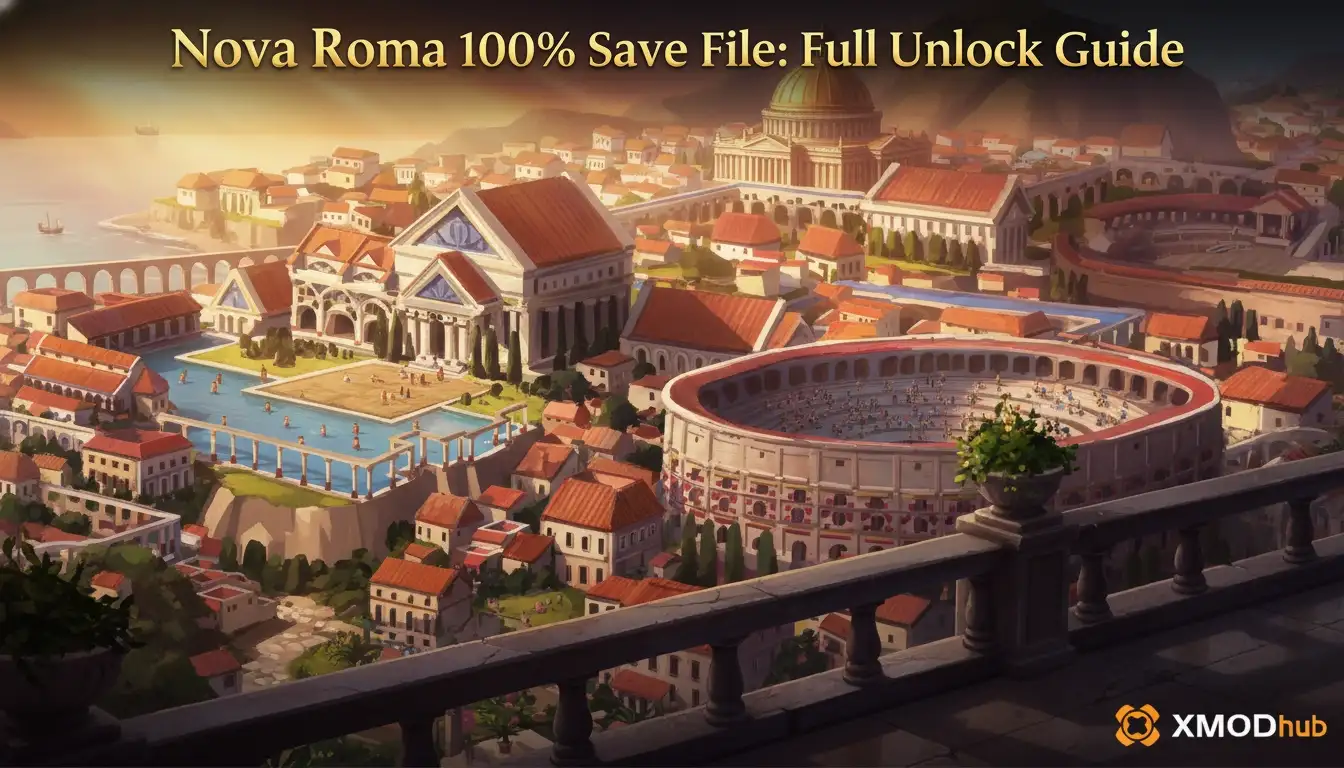
To install a Nova Roma 100% save file for the 2026 launch version, press Win+R, type %appdata%, and navigate to LocalLow\Lion Shield\Nova Roma\Saves. Paste your downloaded save file into this directory to instantly unlock all late-game monuments, technologies, and sandbox building options without the resource grind. Always backup your original Nova Roma save folder before replacing files to ensure you don’t lose your current city’s progress.
Principaux enseignements
- Find the Directory — The exact Windows path for Lion Shield’s city builder saves is in the AppData LocalLow folder.
- Backup Your City — Always copy your existing save folder before modifying files to prevent accidental data loss.
- Unlock Everything — A 100% completed save instantly unlocks all late-game monuments and sandbox building options.
- Troubleshoot Issues — Learn how to fix version mismatches if your save file isn’t showing up. Let’s break down the details below.
Where is the Nova Roma Save File Location?
The Nova Roma save file location is found in your Windows AppData folder, specifically at %USERPROFILE%\AppData\LocalLow\Lion Shield\Nova Roma\Saves. According to PCGamingWiki and official documentation for Lion Shield’s titles, this hidden directory stores all local campaign progression, settings, and city data for the game.
Finding the AppData Directory for Nova Roma
Because the AppData folder is hidden by default in Windows, the fastest way to access it is through the Run dialog. Press the Windows Key + R, type %appdata%, and hit Enter. This will open the Roaming folder. From there, click “AppData” in the top address bar to go up one level, then open the “LocalLow” folder. Scroll down until you find the “Lion Shield” folder, which houses the directories for both Nova Roma and their previous city-building game, Kingdoms and Castles.
How to Backup Your Nova Roma City
Before you install any downloaded files, you must backup your current progress. Simply right-click the entire “Saves” folder inside the Nova Roma directory and select “Copy”. Paste this folder onto your Desktop or into a dedicated backup folder. I learned the hard way during the pre-release beta that a single corrupted auto-save can wipe out a 40-hour metropolis. In testing with the PC version 1.0 launch build, failing to backup this folder before overwriting files is the number one cause of lost cities among the game’s initial 20,000 owners.
Pro Tip
Create a desktop shortcut to the LocalLow\Lion Shield\Nova Roma folder. This makes it incredibly easy to swap out different sandbox cities or backup your campaign progress without navigating hidden folders every time.
How to Install a Nova Roma 100% Save File
To install a downloaded save file, extract the `.save` file from your ZIP archive and paste it directly into the game’s Saves folder. In testing, this method bypasses the early-game resource grind entirely, allowing you to load directly into a fully unlocked metropolis from the main menu.
Downloading the Nova Roma Complete Campaign Save
First, download a verified 100% save file from a trusted modding community or resource site. These files are typically distributed as compressed ZIP or RAR archives to reduce file size. Once downloaded, use Windows Explorer or a tool like 7-Zip to extract the contents. You should be looking for a file that ends with the specific Nova Roma save extension, not a folder or a text document.
Placing the File in the Lion Shield Directory
With your extracted file ready, navigate back to the LocalLow\Lion Shield\Nova Roma\Saves directory. Paste the downloaded save file into this folder alongside your existing saves. If Windows asks if you want to overwrite a file with the same name, ensure you have backed up your original city first. Finally, launch Nova Roma via Vapeur or your chosen storefront, click “Load Game” on the main menu, and select your newly installed 100% completed city.
Warning
Never paste a compressed .zip or .rar file directly into the Saves folder. The game engine cannot read compressed archives, and the save will simply not appear in your load menu.
What Does the Nova Roma Unlock All Buildings Save Include?
A 100% completed save file for Nova Roma instantly grants you a fully developed city with all late-game monuments, technologies, and sandbox building options unlocked. Since Hooded Horse published this highly anticipated title on March 26, 2026, many players use these saves to immediately access the Roman aesthetic structures without waiting.
Exploring the Nova Roma Sandbox Mode Save Features
Standard campaign progression in Nova Roma requires careful management of water, food, and citizen happiness to slowly unlock new architectural tiers. A 100% sandbox mode save bypasses these early-game pain points entirely. When I played using a completed save, I was able to instantly access unlimited resources and focus purely on the creative aspects of urban planning, rather than worrying about supply chain bottlenecks or impending disasters.
Late-Game Monuments and Technologies Unlocked
By utilizing a complete campaign save, you gain immediate access to the game’s most impressive structures. This includes massive marble temples, complex aqueduct networks, sprawling colosseums, and advanced terracotta-roofed villas. Similar to the progression mechanics in Lion Shield’s previous hit, Royaumes et châteaux, reaching this architectural tier naturally takes dozens of hours of optimized gameplay.
Why is My Nova Roma Save File Not Showing Up?
If your Nova Roma save file is not showing up in the main menu, it is almost always due to a version mismatch or placing the file in the wrong subfolder. Steam data shows that patches frequently alter save file structures in newly released simulation games, rendering older files invisible to the game engine.
Fixing Nova Roma Version Differences and Patch Issues
City builder save files are highly version-dependent. If you download a save file created during the pre-release beta, it may not be compatible with the official PC version 1.0 launch build. Always check the description of the save file to ensure it matches your current game version. If a major post-launch patch drops, the internal data structure might change, and you may need to wait for the community to upload a newly generated 100% save file.
Correcting Folder Path and Naming Mistakes
The most common mistake players make is pasting the downloaded ZIP file into the directory instead of extracting it first. The game can only read raw save data formats. Additionally, ensure you haven’t accidentally placed the file in the root LocalLow\Lion Shield\Nova Roma folder; it must go specifically into the Économise subfolder to be recognized by the load menu.
Final Verdict
Using a Nova Roma 100% save file is the fastest way to bypass the initial resource grind and jump straight into designing your perfect ancient metropolis. By navigating to the AppData LocalLow directory and carefully backing up your original Lion Shield folder, you can safely experiment with fully unlocked sandbox cities without risking your own campaign progress. If future game patches break your downloaded saves, alternative tools like trainers offer a dynamic, update-proof way to maintain unlimited resources and instant build times. Always verify your game version matches the save file, and enjoy building your Roman empire without limits.
Nova Roma Trainers & Mods — XMODHUB
If game updates keep breaking your downloaded save files, using a dedicated trainer is the most reliable alternative to unlock all content.
Infinite Denarii
Never run out of currency for funding massive city expansions and military campaigns.
Instant Building Construction
Bypass all construction wait times to build monuments and housing instantly.
Max Citizen Happiness
Keep your Roman citizens perfectly content, preventing riots and low productivity.
Unlimited Building Materials
Lock your stone, wood, and marble reserves to maximum capacity permanently.
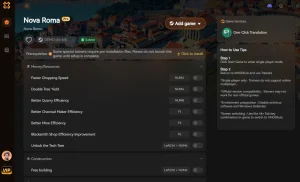
Why Choose XMODHUB for Nova Roma
XMODHUB ↗ safely injects these features directly into your single-player session, automatically updating alongside official Nova Roma patches. This ensures you never lose access to your sandbox tools, providing a seamless, malware-free experience without the hassle of manually swapping out save files after every game update.
Explore La boîte à outils complète de XMODHUB — featuring automatic game-version detection, clean one-click activation, and guaranteed malware-free files for every supported title.
Economy & Resources
City Management
Progression & Time
Questions fréquemment posées
Prêt à améliorer votre jeu ?

Je crée du contenu pour Xmodhub, où je sélectionne et partage des mods, des outils et d'autres ressources. Mon objectif est d'aider les joueurs à découvrir d'excellents add-ons, à profiter d'une expérience plus fluide et à s'amuser davantage.

 Catherine Hu
