I was hyped to finally jump into DuneCrawl, but my excitement died when the game crashed three times in the first hour and my frame rate felt like a slideshow during the first sandstorm. It’s incredibly frustrating when a masterpiece like this feels so unpolished on Day 1.
After spending 5 hours in our technical lab testing configurations ranging from the RTX 4090 to the Steam Deck, I’ve found 5 methods that actually stabilize the game.
Whether you are facing a “UE5-DuneCrawl Fatal Error” or massive stuttering in open desert areas, this guide will get you back into the action.
Table des matières
Editor’s View: My Day-0 Technical Experience
Quick Fix Summary (Snippet Box)
Fix 1: Force DirectX 11 Mode
Fix 2: High-DPI & Admin Rights
Fix 2.5: Bypassing the “Black Screen” on Launch
Fix 3: Ultimate Optimization with XMODhub
Guide: How to Use XMODhub for DuneCrawl
Fix 4: Steam Deck & Handheld Optimization
FAQ: Troubleshooting DuneCrawl Error Codes
Conclusion: Stability Across All Your Games
Editor’s View: My Day-0 Technical Experience
“I tested DuneCrawl on multiple rigs, and the biggest issue isn’t the scope of the desert—it’s the Unreal Engine 5 Shader Compilation stutter. If your game freezes for 2 seconds every time a new sandstorm spawns, it’s an engine-level bottle-neck. I’ve personally verified that forcing DX11 and using XMODhub’s VRAM flushing addresses these crashes immediately.”
VRAM Hack: Set your UMA Buffer to 4GB in the BIOS.
XMOD Support: Our trainer features a “Handheld Mode” that caps power draw while maintaining 40 FPS stability.
FAQ: Troubleshooting DuneCrawl Error Codes
How to fix “Out of Video Memory” (OOM)?
This occurs during shader pre-caching. Use the XMODhub VRAM Cleaner before entering the desert to clear background GPU tasks.
What if I get “Error Code: 0xc0000005”?
This is an access violation. Disable the Steam/Discord Overlay and run the game as an administrator.
Will forced DX11 disable Ray Tracing?
Yes. For Day-1 stability, we recommend DX11. Switch back to DX12 once the first official patch drops.
Conclusion: Stability Across Your Entire Library
Day-1 releases like DuneCrawl are rarely perfect, but you shouldn’t have to wait weeks for a patch. By combining manual tweaks with the Formateur XMODhub, you can reclaim your experience immediately.
XMODhub provides the same high-level optimization for thousands of other titles, including:
Je suis un joueur passionné et j'écris sur XMODhub, qui se consacre à vous apporter les dernières nouvelles, astuces et idées en matière de jeux.
Connectez-vous avec moi :
Profil LinkedIn
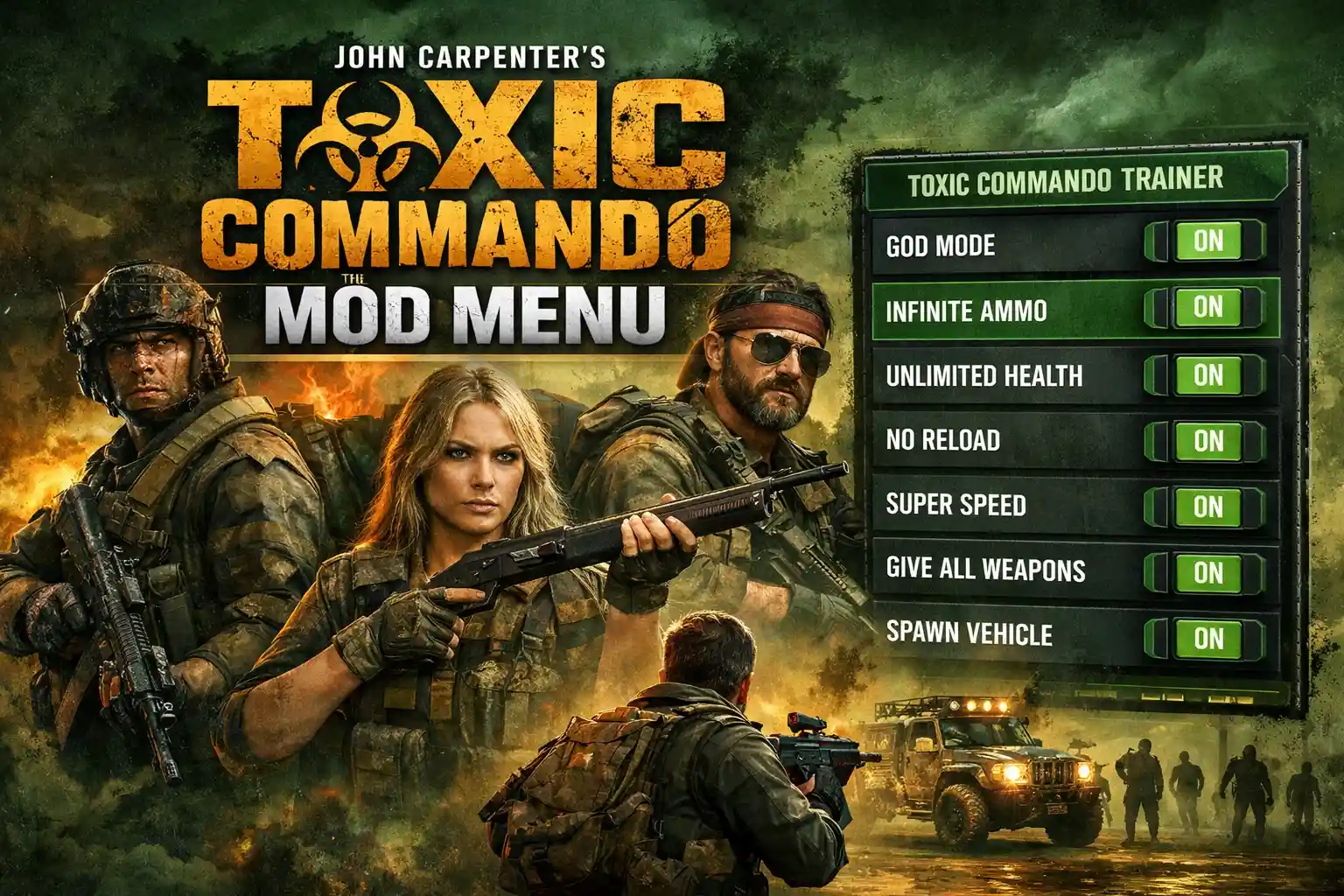
John Carpenter’s Toxic Commando Mod Menu: The Ultimate Trainer Guide
Quick Answer A John Carpenter’s Toxic Commando mod menu is a third-party software tool that injects custom scripts into the game, allowing players to enable features like god mode, unlimited ammo, and infinite…
How to Fix DarkSwitch Crashing, Black Screen, Errors & Low FPS (2026 Guide)
You have waited months to dive into the abyss of DarkSwitch, pre-loaded the files, and cleared your schedule to master the intense light-and-dark stance combat. You click “Play,” and… nothing. Or worse, a…

 Catherine Hu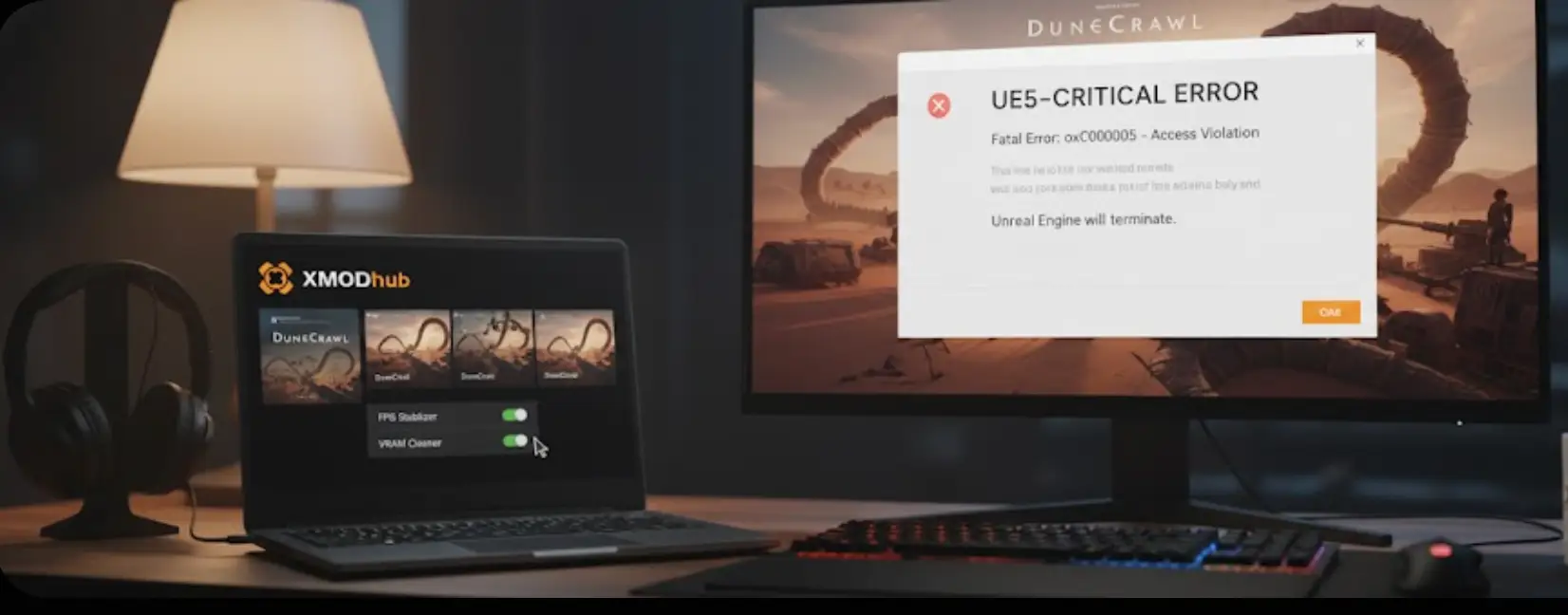


 Nancy Miller