Catherine Hu
⚡ Quick Answer
What is the easiest way to mod DarkSwitch on PC?
The safest and fastest method to mod DarkSwitch is by using an automated mod manager like XMODhub. The most essential mods you need right now include volumetric fog stuttering fixes, expanded camera zoom unlockers, and quality-of-life trainers to manage your Solium supply. Always copy and back up your AppData\LocalLow\CyberTemple\DarkSwitch\ save folder before injecting any new Unity scripts!
Editor’s Note
Hey guys, Catherine here. Let’s be real for a second—vanilla DarkSwitch is an absolute masterpiece of dark fantasy city-building, but after grinding for 50 hours just to keep my tree-city powered and my pioneers sane, I hit a massive wall. The Level 3 Shroud wave wiped out my entire upper canopy, and I wanted to bend the rules to actually have fun again. I recently sacrificed my weekend testing over 30 different BepInEx mods and trainers on the newest patch. Some were mind-blowing, and some completely corrupted my settlement’s save file (RIP my 10,000-population metropolis, lesson learned the hard way 😭). To save you the tears and the headache, I’ve put together this BS-free guide. Let’s look at the mods that actually work, and how to install them without ruining your PC.
- Catherine Hu, responsable du contenu à XMODhub
Vous pouvez aussi aimer :
DarkSwitch Cheat Engine Table vs. XMODhub Trainer: Best Free Alternative (2026)
How to Install Mods for DarkSwitch Safely
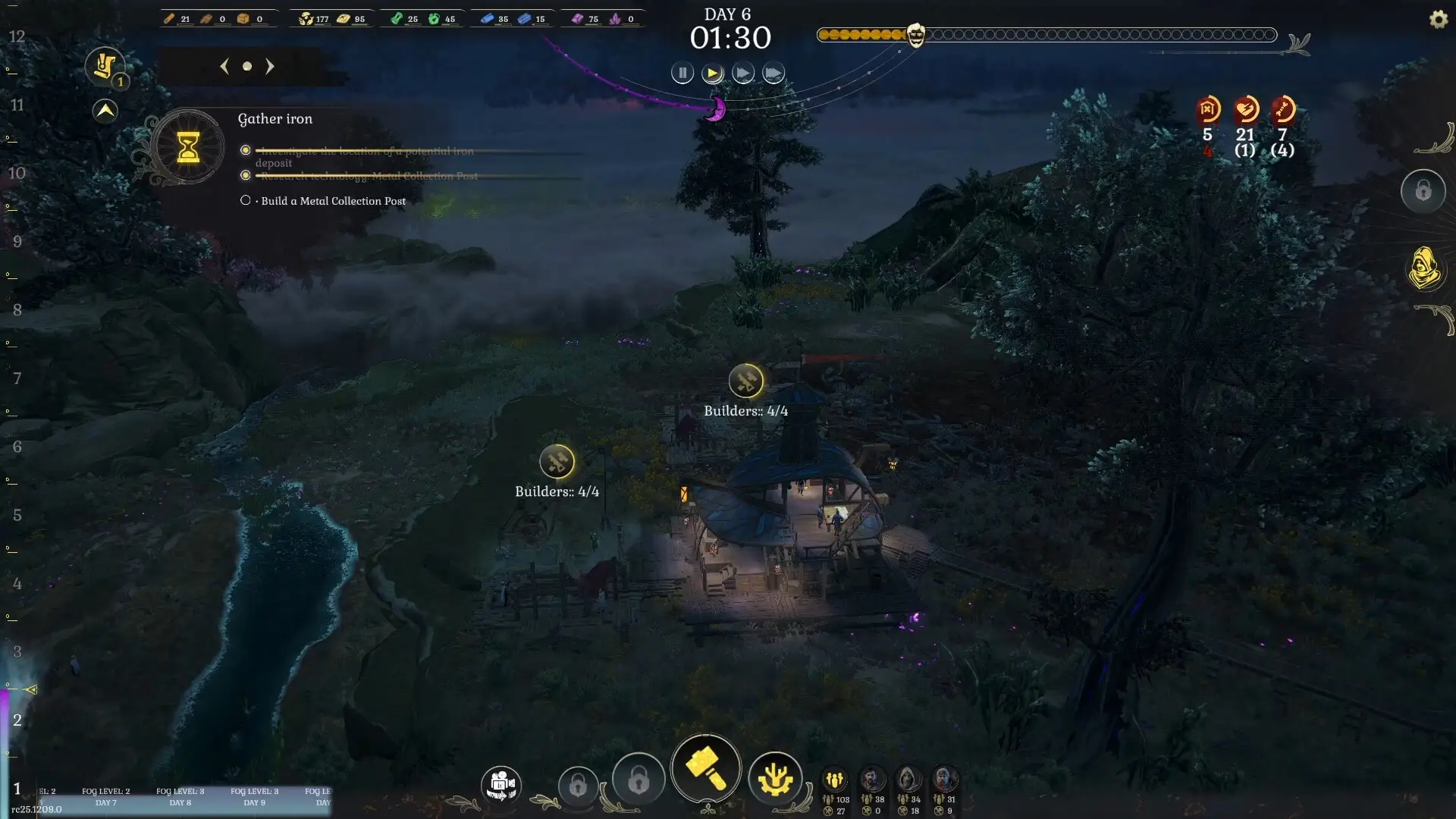
We’ve all been there: dragging and dropping sketchy .dll files into the \steamapps\common\DarkSwitch\BepInEx\plugins folder, praying it works, and getting hit with a black screen on startup because the Unity engine panicked. If you want a zero-stress experience, here is the exact step-by-step method I personally use:
1
C:\Users\YourUsername\AppData\LocalLow\CyberTemple\DarkSwitch\, and copy your .json save files to a safe spot on your desktop.2
3
4
Are DarkSwitch Mods Safe? (Avoiding Malware)
⚠️ The Google Trap
Let’s address the elephant in the room. Googling “free DarkSwitch cheats” or “infinite Solium script” is a fantastic way to accidentally download a crypto-miner or a trojan virus. The core modding community is great, but shady third-party sites hosting fake Unity injectors are not.
If you download random files from unverified forums, your antivirus will likely scream at you. This is why using a curated, sandboxed environment like XMODhub is highly recommended. Our trainers are cleanly coded to inject directly into the game’s RAM without altering your system registry or permanently overwriting core game files. Always prioritize your PC’s security over a quick cheat.
Manual Modding (Thunderstore) vs. XMODhub: Which Should You Use?
If you are a hardcore modder building a massive load order with 50+ conflicting custom building assets, traditional sites like Thunderstore (and the r2modman manager) are still the undisputed kings for total visual overhauls in Unity games.
However, if you fall into one of these categories:
➤
➤
➤
Then XMODhub is your best bet. It runs parallel to your game, meaning it doesn’t permanently overwrite your vanilla scripts. Turn it off, and your tree-city is back to normal.
Top-Rated DarkSwitch Mods You Need to Try First
Based on my latest playthrough, skip the bloated lists. Here is what actually works in 2026:
🔧 A. Essential Performance & Bug Fixes
✦
✦
⚡ B. DarkSwitch Trainers and Cheats (Powered by XMODhub)
Sometimes, you just want to feel like an absolute god of logistics. Because DarkSwitch lacks a native developer console (it is completely locked out of the retail build), you cannot just type a cheat code. The XMODhub integrated trainer is currently undetected and offers some wild features:
✨ Max Morale / No Madness
Keep your citizens perfectly sane, completely ignoring the psychological damage of the Shroud.
✨ Unlimited Solium & Wood
Build all the premium light generators and watchtowers without the agonizing 10-hour foraging grind.
✨ Instant Build & Research
Perfect if you just want to speedrun the tech tree and design a beautiful metropolis instantly.
How to Use XMODhub for DarkSwitch?

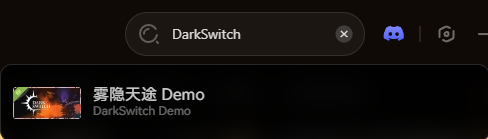
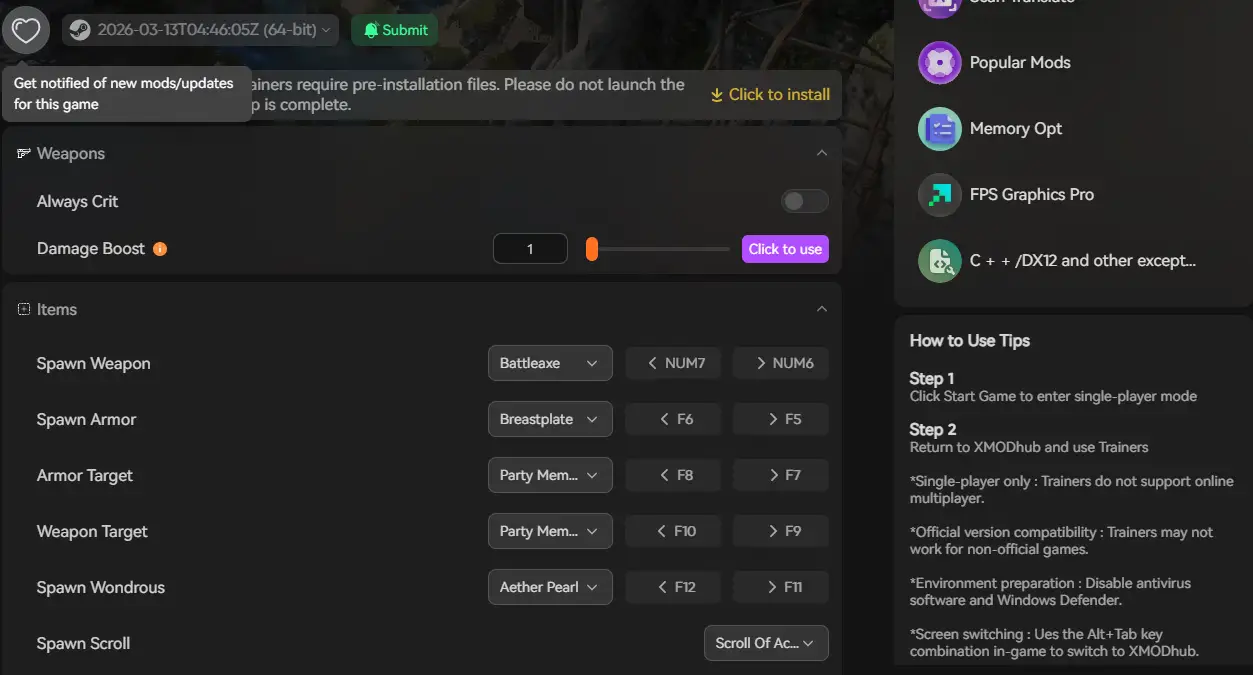
XMODhub will offer DarkSwitch mods on the release day
Modding on Game Pass vs. Steam
A question I get spammed with on Discord all the time: “Can Game Pass users join the fun?”
Steam / Epic Games:
100% moddable. The open folder structure makes setting up BepInEx a breeze.
Xbox PC Game Pass:
Historically, Windows Store games encrypt their folders (UWP protection), making manual modding a nightmare. Thankfully, memory-injection tools like XMODhub bypass this completely. You can run cheats on the Game Pass version of DarkSwitch without ever having to mess with file permissions or decryption keys.
Troubleshooting: Why is my game crashing?
Nothing kills the weekend gaming vibe faster than a crash to desktop (CTD). If your DarkSwitch refuses to load:
- ➤ Check the Game Version: Did the game just update today? Manual .dll mods will instantly break. You’ll have to wait for the mod author to update their scripts.
- ➤ Verify Integrity: Go to Steam > Properties > Installed Files > Verify. This wipes out corrupted mods and restores fresh vanilla Unity files.
- ➤ The XMODhub Advantage: If you use our app, just click “Disable All”. Because we use a cloud-based system, we usually push an updated trainer patch within 24 hours of a major game update.
Frequently Asked Questions (FAQ)
Q Do mods disable Steam achievements in DarkSwitch?
A : Usually, yes. If the engine detects a modified assembly file, it halts achievement tracking. But because XMODhub uses memory injection rather than file modification, the game rarely realizes it’s been tampered with, meaning you can often keep unlocking achievements while cheating.
Q Can I use these cheats in Multiplayer?
A : DarkSwitch is a purely single-player survival city-builder. However, as a golden rule for any game: these trainers are strictly built for offline, single-player environments. Trying to bring memory injectors into any multiplayer game will get your account permanently banned.
Q Will installing mods drop my FPS or cause lag?
A : Massive visual mods (like 4K texture packs for the tree bark) will definitely impact your framerate. However, script mods and trainers like XMODhub use almost zero CPU power. You get all the cheats without sacrificing a single frame.
Q If I turn off the trainer, do I keep the items I spawned?
A : Yes! If you use XMODhub to give yourself 10,000 units of Solium, force a manual save, and then close the trainer, that Solium stays in your storage silos forever in your vanilla save file.
Conclusion: Keep Your Game Fresh
Modding shouldn’t require a computer science degree. Whether you are fixing annoying volumetric fog stuttering, making the woodpunk lighting pop, or just giving yourself a million Solium so you can finally build that shiny upper-canopy citadel, the right tools change everything.
With XMODhub, you can skip the frustration of broken folders and get straight to the good stuff. And the best part? Once you download the app, you aren’t just getting tools for this one game. XMODhub supports over 5,000+ PC games.

So, if you had a blast modding your way through DarkSwitch, you can seamlessly use the exact same app to load up cheats for your next adventure—whether you are surviving the nightmare in Resident Evil Requiem, exploring the depths in Spark in the Dark, or trying out the wildest survival mods in Mad Island.

Je suis un joueur passionné et j'écris sur XMODhub, qui se consacre à vous apporter les dernières nouvelles, astuces et idées en matière de jeux.
Connectez-vous avec moi :
Profil LinkedIn

 Nancy Miller