Résumé : The Outer Worlds 2 System Requirements: Detailed Info outlines the minimum and recommended specs for PC and consoles, helping players ensure smooth gameplay and optimal performance.
The Outer Worlds 2 is an eagerly anticipated action RPG from Obsidian Entertainment, set in the Arcadia star system with a new protagonist and expanded gameplay features.
Many players are eager to know whether their PC or console can handle the game, what the minimum and recommended system requirements are, and if low-end machines can run it smoothly.
This guide covers everything from system specs and performance tips to how you can enhance your experience with XMOD, ensuring you enjoy the game to its fullest.
Table des matières
- Qu'est-ce que The Outer Worlds 2?
- System Requirements: Minimum and Recommended
- Can You Run The Outer Worlds 2 on a Low-End PC?
- Can My PC Run The Outer Worlds 2?
- How to Enhance Gameplay Experience with XMOD?
- Conclusion
What is The Outer Worlds 2?
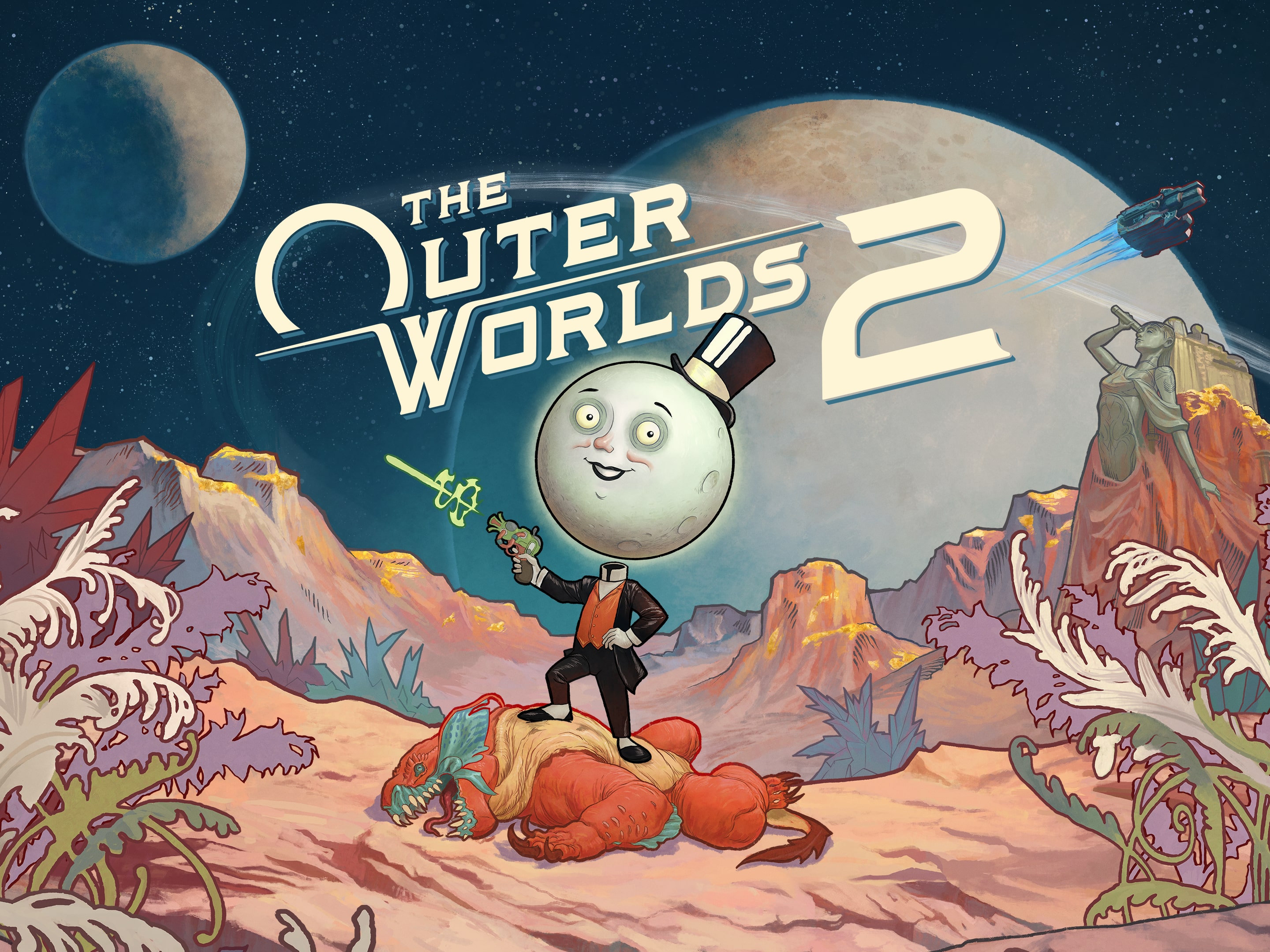
Set in the Arcadia star system, The Outer Worlds 2 introduces players to a new protagonist—an Earth Directorate Agent—tasked with investigating mysterious rifts threatening the stability of the colony. The game expands upon its predecessor’s first-person perspective by adding a third-person view, responding to fan feedback.
Key Features
- Expanded RPG Elements: Drawing inspiration from Obsidian’s earlier titles, the game emphasizes deeper RPG systems, including complex character builds and meaningful player choices that impact the narrative.
- Faction Dynamics: The storyline involves interactions with various factions, each with distinct ideologies and goals, offering players the opportunity to align with or oppose them, leading to different outcomes.
- Enhanced Gameplay: The game features improved visuals, a broader selection of weapons, and refined movement mechanics, aiming to deliver a more polished and immersive experience compared to the first installment.
System Requirement: Minimum and Recommended
Before diving into The Outer Worlds 2, it’s essential to know whether your system can handle the game. Here’s a breakdown of the minimum and recommended specifications for PC:
Exigences minimales
- OS : Windows 10/11 with latest updates (64-bit required)
- CPU: AMD Ryzen 5 2600 / Intel i5-8400
- RAM: 16 GO
- GPU: AMD RX 5700 / Nvidia GTX 1070 / Intel Arc A580
- DirectX : Version 12
- Stockage : 110 GB available (SSD required)
- Notes: Performance improves on higher-end systems
Exigences recommandées
- OS : Windows 10/11 with latest updates (64-bit required)
- CPU: AMD Ryzen 5 5600X / Intel Core i7-10700K
- RAM: 16 GO
- GPU: AMD Radeon RX 6800 XT / Nvidia RTX 3080
- DirectX : Version 12
- Stockage : 110 GB available (SSD required)
- Notes: Performance scales with higher-end systems for smoother visuals and higher frame rates
By comparing your system with these specifications, you can determine the expected performance and decide whether upgrades or adjustments are necessary before playing.
Can You Run The Outer Worlds 2 on a Low-End PC?
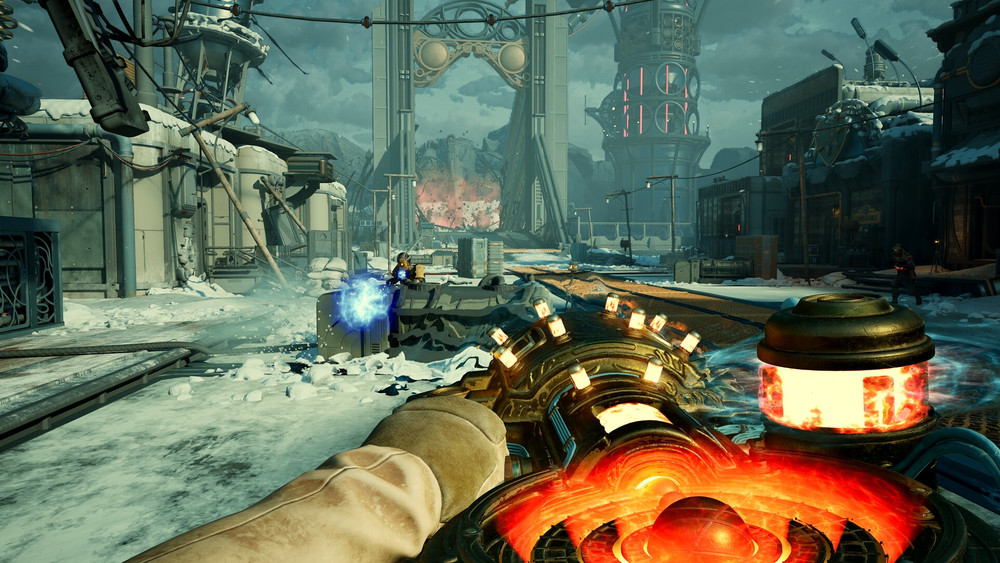
La course à pied The Outer Worlds 2 on a low-end PC is possible, but there are important considerations:
- Graphics Settings
-
- Lowering in-game graphics settings such as textures, shadows, and resolution can help improve performance.
- Disabling advanced effects like ray tracing or volumetric lighting will reduce GPU load.
- Resolution Adjustment
-
- Playing at 720p or 1080p instead of 1440p or 4K can significantly improve frame rates on weaker systems.
- Hardware Limitations
-
- PCs below the minimum requirements (e.g., older CPUs, less than 16 GB RAM, or older GPUs) may experience lag, stuttering, or crashes.
- An SSD is strongly recommended to reduce load times and prevent performance bottlenecks.
- Optimisation des performances
-
- Closing background applications, updating drivers, and tweaking Windows settings can further enhance performance.
While a low-end PC may run the game at reduced quality, for the best experience, meeting at least the minimum requirements is recommended.
Can My PC Run The Outer Worlds 2?
Determining whether your PC can run The Outer Worlds 2 requires comparing your hardware to the minimum and recommended system requirements:
Steps to Check Compatibility:
- Check Your System Specs
-
- Presse
Windows + R, type dxdiag, and hit Enter to see your CPU, GPU, and RAM.
- Ensure you have a 64-bit operating system with Windows 10/11 and an SSD for optimal performance.
- Compare with Minimum Requirements
-
- CPU: AMD Ryzen 5 2600 / Intel i5-8400
- GPU: AMD RX 5700 / Nvidia GTX 1070 / Intel Arc A580
- RAM: 16 GB
- Compare with Recommended Requirements
-
- CPU: AMD Ryzen 5 5600X / Intel Core i7-10700K
- GPU: AMD Radeon RX 6800 XT / Nvidia RTX 3080
- RAM: 16 GB
- Use Online Tools
-
- Websites like Can You Run It can analyze your PC and determine compatibility.
By checking these specifications, you can see whether your PC can run the game at low, medium, or high settings, and make adjustments or upgrades if needed.
How to Enhance Gameplay Experience with XMOD?
XMOD is a comprehensive, all-in-one platform designed to elevate your gaming experience with tools that go beyond the standard gameplay. For The Outer Worlds 2, XMOD provides cheats, trainers, and mods right from launch, all fully compatible and regularly updated. Players can explore a library of over 5,000 mods and trainers—both free and premium—allowing them to customize the game to their preferred playstyle.
- Mods : Enhance visuals, update textures, adjust the interface, or add new gameplay features for deeper immersion.
- Trainers: Modify in-game stats like health, stamina, ammo, or skill points to simplify progression or experiment with strategies.
- Cheats: Instantly unlock items, bypass difficult segments, or spawn weapons and equipment, letting you focus on exploration and storytelling.

In addition, XMOD offers utilities such as translation tools for international players, FPS boosters for smoother performance, DLC unlockers, and other quality-of-life enhancements. Whether you want to make the game easier, uncover hidden content, or optimize your experience, XMOD gives you full control over how you enjoy The Outer Worlds 2.
Conclusion
The Outer Worlds 2 promises an expansive sci-fi RPG experience, building on the strengths of the first game with deeper storytelling, exploration, and combat. Meeting the recommended system requirements ensures smooth performance and fully immersive gameplay, while players with lower-end PCs may need to adjust settings for optimal play. Tools like XMOD can further enhance the experience, offering performance optimizations, mods, and customization options that let you tailor the game to your preferences. Whether exploring alien worlds, completing missions, or experimenting with different strategies, The Outer Worlds 2 delivers an engaging and highly customizable adventure.
Je suis un joueur passionné et j'écris sur XMODhub, qui se consacre à vous apporter les dernières nouvelles, astuces et idées en matière de jeux.
Connectez-vous avec moi :
Profil LinkedIn

 Catherine Hu

 Nancy Miller

For players on lower-end systems, it’s reassuring to see the focus on whether the game will be playable. I’m curious to see how XMOD can improve performance on older PCs—definitely something I’ll check out.