Résumé : This guide provides detailed system requirements for Roman Empire Wars, including minimum and recommended PC specs. Learn what hardware and software you need to enjoy smooth gameplay and optimize performance in this tactical real-time strategy game.
Roman Empire Wars is an upcoming tactical real-time strategy game that immerses players in the epic battles and politics of ancient Rome.
Before diving in, it’s important to understand the system requirements, so you know if your PC can handle the game smoothly.
This guide covers everything from minimum and recommended specs to tips for playing on low-end PCs and using XMOD to enhance your gameplay experience.
By following these insights, you’ll be fully prepared to command legions and master the battlefield in Roman Empire Wars.
Table des matières
- Qu'est-ce que Roman Empire Wars?
- System Requirements for Roman Empire Wars: Minimum and Recommended
- Can You Run Roman Empire Wars on a Low-End PC?
- Can My PC Run Roman Empire Wars?
- How to Enhance Gameplay Experience with XMOD?
- Conclusion
What is Roman Empire Wars?
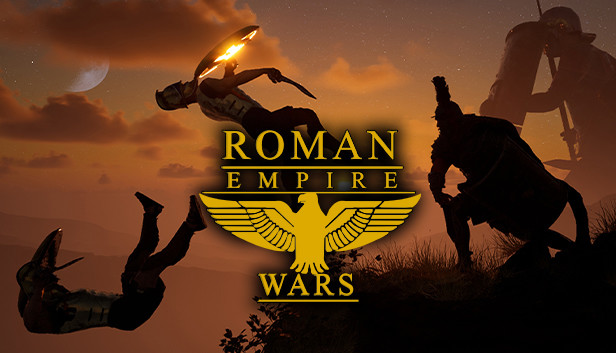
Roman Empire Wars is an upcoming real-time strategy game that places players in the heart of ancient Rome. Developed by Emperor Games, it focuses on commanding legions, managing resources, and engaging in historically inspired battles across Europe. The game emphasizes tactical depth, allowing players to strategize with terrain, formations, morale, and naval engagements. With large-scale battles and immersive campaigns, Roman Empire Wars promises a rich and challenging strategy experience for fans of historical warfare.
System Requirements for Roman Empire Wars: Minimum and Recommended
Before playing Roman Empire Wars, it’s important to ensure your PC meets the required specifications for smooth performance.
Exigences minimales :
- OS : Windows 10 / Windows 11 (64-bit)
- Processeur : Intel Core i5-10400 / AMD Ryzen 5 3600
- RAM: 16 GO
- Graphiques : NVIDIA GTX 1660 Super / AMD RX 5600 XT
- Stockage : 50 GB SSD
Exigences recommandées :
- OS : Windows 10 / Windows 11 (64-bit)
- Processeur : Intel Core i7-12700 / AMD Ryzen 7 5800X
- RAM: 32 GB
- Graphiques : NVIDIA RTX 3070 / AMD RX 6800
- Stockage : 50 GB SSD
Meeting the minimum requirements allows you to run the game, but the recommended specs ensure smoother gameplay, higher graphics settings, and a better overall experience in large-scale battles.
Can You Run Roman Empire Wars on a Low-End PC?
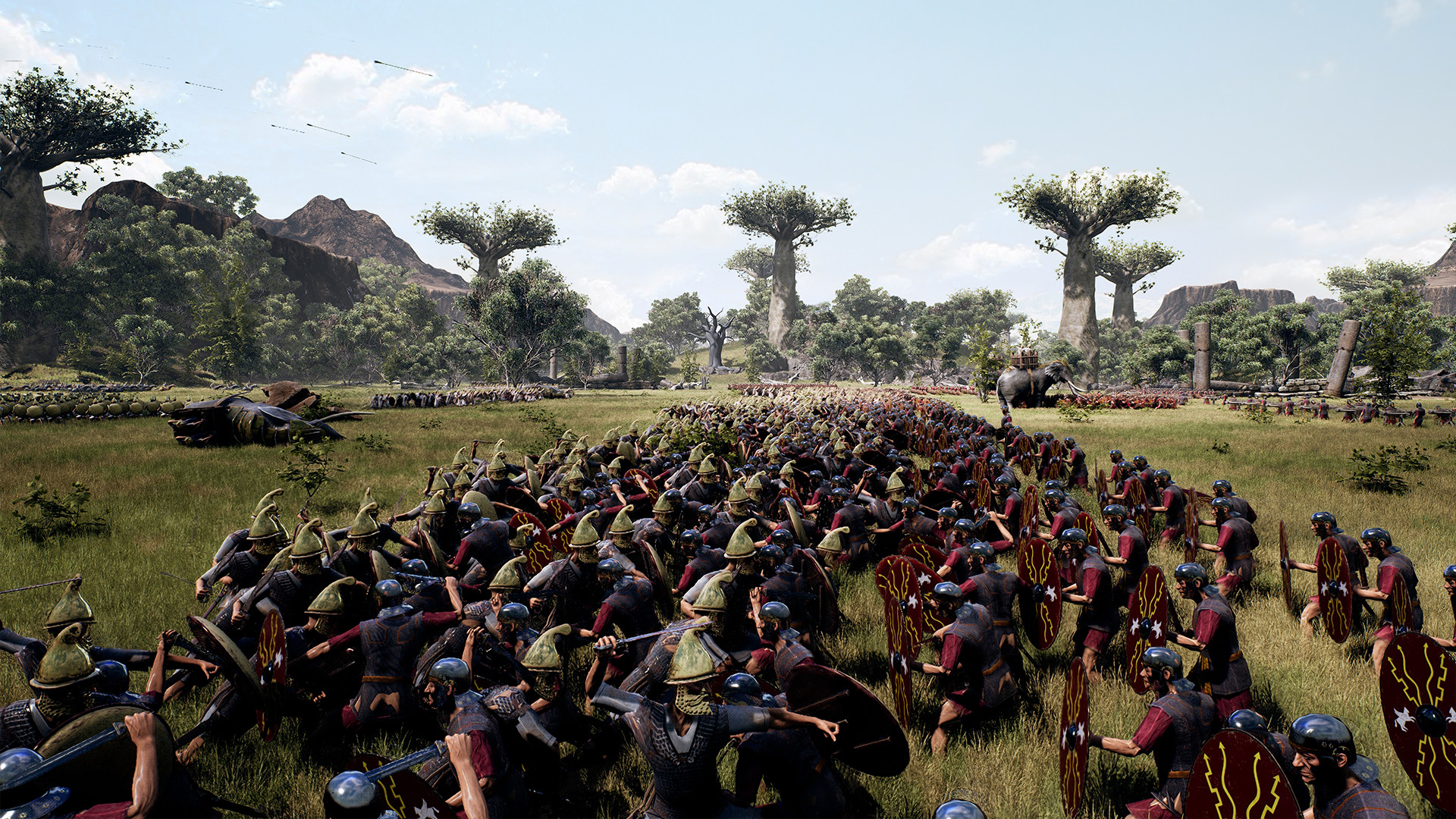
Yes, you can run Roman Empire Wars on a low-end PC, but your experience may be limited to lower graphics settings and reduced performance. The game has relatively modest system requirements, making it accessible to a range of hardware.
Tips for Low-End PCs
To optimize performance on a low-end system:
- Lower Graphics Settings: Set the game to its lowest graphics settings to improve frame rates.
- Close Background Applications: Ensure no unnecessary applications are running to free up system resources.
- Adjust Resolution: Reducing the game’s resolution can significantly boost performance.
- Update Drivers: Keep your graphics drivers up to date for optimal compatibility and performance.
Implementing these adjustments can help achieve smoother gameplay on less powerful systems.
Can My PC Run Roman Empire Wars?
If you’re wondering whether your PC can handle Roman Empire Wars, the best approach is to compare your system specs to the game’s minimum and recommended requirements. Meeting the minimum specs allows the game to run, but performance may be limited with lower graphics settings. Meeting the recommended specs ensures smooth gameplay, high-quality visuals, and better performance during large-scale battles. For additional optimization, tools like XMOD can help improve performance and customize gameplay, especially on PCs that are near the minimum requirements.
How to Enhance Gameplay Experience with XMOD?
XMOD is a versatile tool that can enhance your Roman Empire Wars experience by allowing you to optimize performance, customize controls, and safely use mods or trainers.
- Mods : Enhance graphics, update textures, tweak UI elements, or add new gameplay features to improve immersion.
- Trainers: Adjust in-game values like health, stamina, ammo, or skill points to make progression smoother or experiment with different playstyles.
- Cheats: Unlock items, skip challenging sections, or spawn weapons and vehicles instantly, letting you focus on exploration and story.

With XMOD, you can tweak graphics settings, experiment with new strategies, or unlock additional gameplay features. Whether you’re leading legions solo or coordinating in multiplayer, XMOD helps you tailor the game to your playstyle, making large-scale battles smoother and more enjoyable.
Conclusion
Roman Empire Wars offers an immersive tactical strategy experience set in the heart of ancient Rome. By understanding the system requirements, you can ensure your PC is ready for smooth gameplay. Tools like XMOD further enhance the experience by optimizing performance, customizing controls, and unlocking mods. With the right setup and preparation, you’ll be ready to lead your legions to victory and fully enjoy the epic campaigns this game has to offer.
Je suis un joueur passionné et j'écris sur XMODhub, qui se consacre à vous apporter les dernières nouvelles, astuces et idées en matière de jeux.
Connectez-vous avec moi :
Profil LinkedIn

 Catherine Hu