Résumé : This guide covers all you need to know about Goblin Cleanup system requirements, including minimum and recommended PC specs, to ensure smooth and optimal gameplay.
Goblin Cleanup is a quirky and engaging game that puts you in the role of a goblin tasked with tidying up a chaotic world.
Known for its humor, creative gameplay, and unique mechanics, it challenges players to manage messes, complete objectives, and navigate increasingly tricky environments.
Before diving in, it’s important to check whether your PC can handle the game.
Dans ce guide, we’ll cover the minimum and recommended system requirements, discuss how to determine if you can run it on a low-end PC, and explore ways to enhance your gaming experience with XMOD for smoother and more enjoyable play.
Table of contents:
- What Is Goblin Cleanup
- Goblin Cleanup Requirements: Minimum and Recommended
- Can You Run Goblin Cleanup on a Low-End PC?
- Can My PC Run Goblin Cleanup
- How to Enhance Goblin Cleanup Gaming Experience with XMOD?
- Conclusion
What Is Goblin Cleanup?
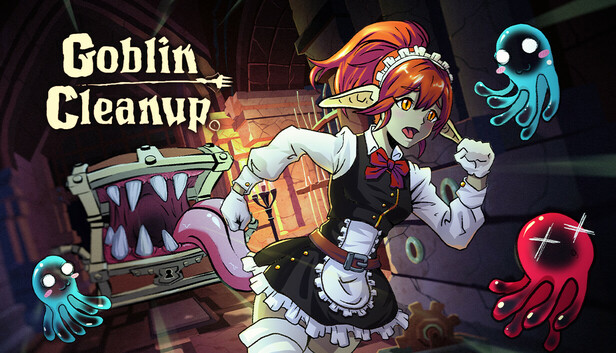
Goblin Cleanup is a cooperative dungeon cleaning simulation game developed by Crisalu Games and published by Team17. In this unique title, players assume the role of goblin maids tasked with preparing dungeons for the next wave of adventurers. The game offers both single-player and online co-op modes, allowing up to four players to join forces in restoring dungeons to their pristine state.
Players utilize various tools, such as the Slimop, mimic, and slime dispenser, to clean up blood, reset traps, refill loot chests, and even respawn creatures. The game features handcrafted dungeons designed by in-studio craft-gnomes, providing a rich and immersive environment. With its blend of simulation, adventure, and cooperative gameplay, Goblin Cleanup offers a fresh and engaging experience for fans of the genre
Goblin Cleanup Requirements: Minimum and Recommended
Before diving into Goblin Cleanup, it’s important to make sure your system can run the game smoothly. Below are the minimum and recommended requirements you’ll need.
Exigences minimales
| Composant |
Specification |
| OS |
Windows 10 |
| Processeur |
Intel Core i5-2300 / AMD FX-4350 |
| Memory |
6 GB RAM |
| Graphique |
Nvidia GeForce GTX 660, 2 GB / AMD Radeon HD 7870, 2 GB |
| DirectX |
Version 11 |
| Network |
Broadband Internet connection |
| Stockage |
8 GB available space |
Exigences recommandées
| Composant |
Specification |
| OS |
Windows 10 |
| Processeur |
Intel Core i5-8400 / AMD Ryzen 5 |
| Memory |
8 GB RAM |
| Graphique |
Nvidia GeForce GTX 1060 / AMD Radeon RX 580 |
| DirectX |
Version 11 |
| Network |
Broadband Internet connection |
| Stockage |
8 GB available space |
Can You Run Goblin Cleanup on a Low-End PC?
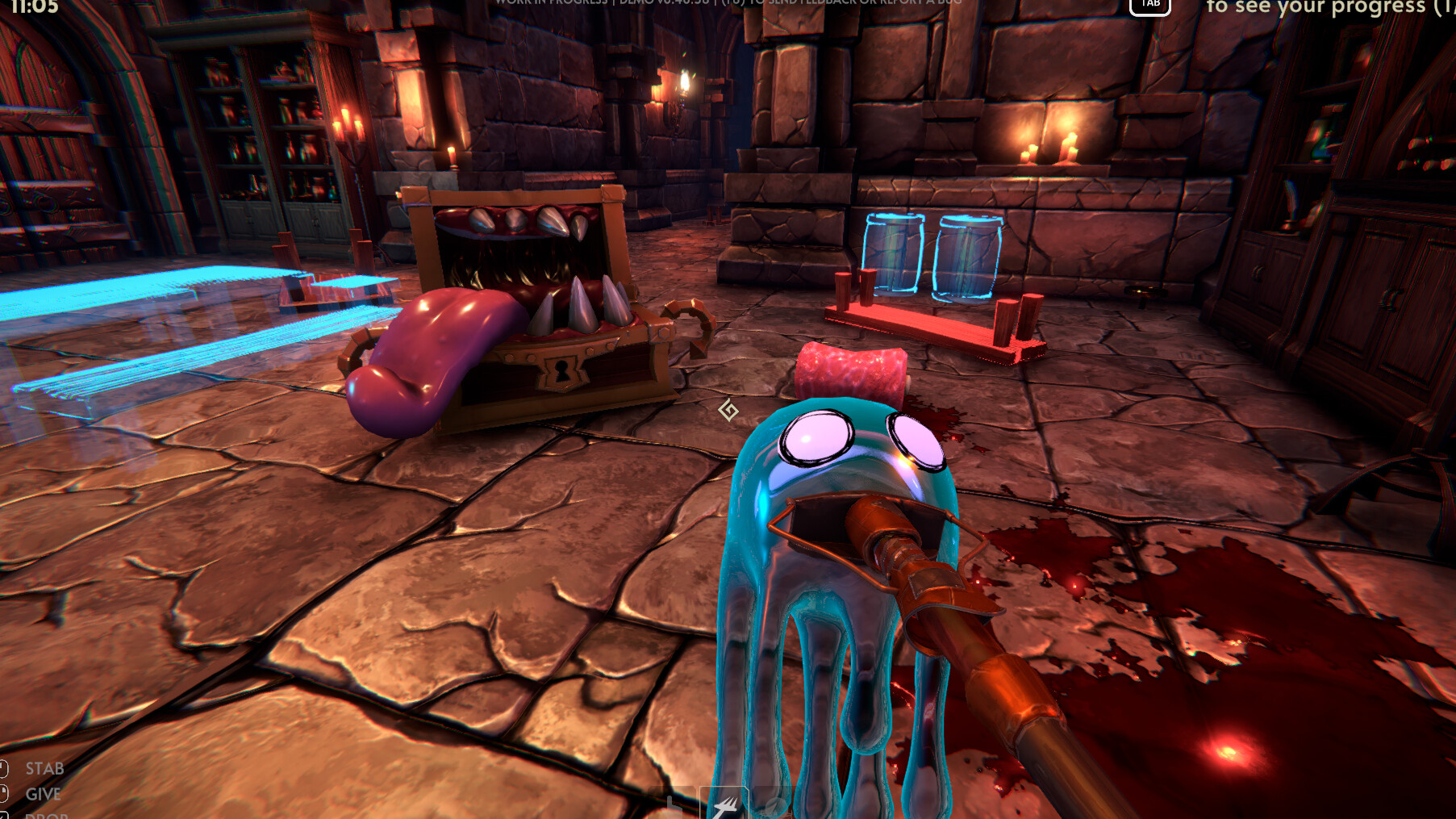
La course à pied Goblin Cleanup on a low-end PC is possible, but performance may vary depending on your hardware. The game’s minimum requirements—like an Intel Core i5-2300 or AMD FX-4350 processor, 6 GB RAM, and a GTX 660 or Radeon HD 7870—represent the bare minimum for a playable experience.
On a lower-end system, you might need to:
- Lower graphics settings, such as texture quality, shadows, and effects.
- Reduce screen resolution to improve frame rates.
- Close background applications to free up memory and processing power.
While the game may run on low-end PCs, optimal performance and smooth gameplay are best achieved on systems meeting or exceeding the recommended specs.
Can My PC Run Goblin Cleanup?
Whether your PC can run Goblin Cleanup depends on your system’s hardware and performance capabilities. If your computer is relatively modern and meets standard gaming requirements, the game should run smoothly, especially at medium to high settings.
For lower-end PCs, the game may still be playable, but you might need to adjust graphics settings, reduce resolution, or close background applications to maintain stable performance. To quickly check compatibility, you can use tools like Can You Run It or Steam’s system requirements checker, which will analyze your PC and tell you if it can run the game efficiently.
How to Enhance Goblin Cleanup Gaming Experience with XMOD?
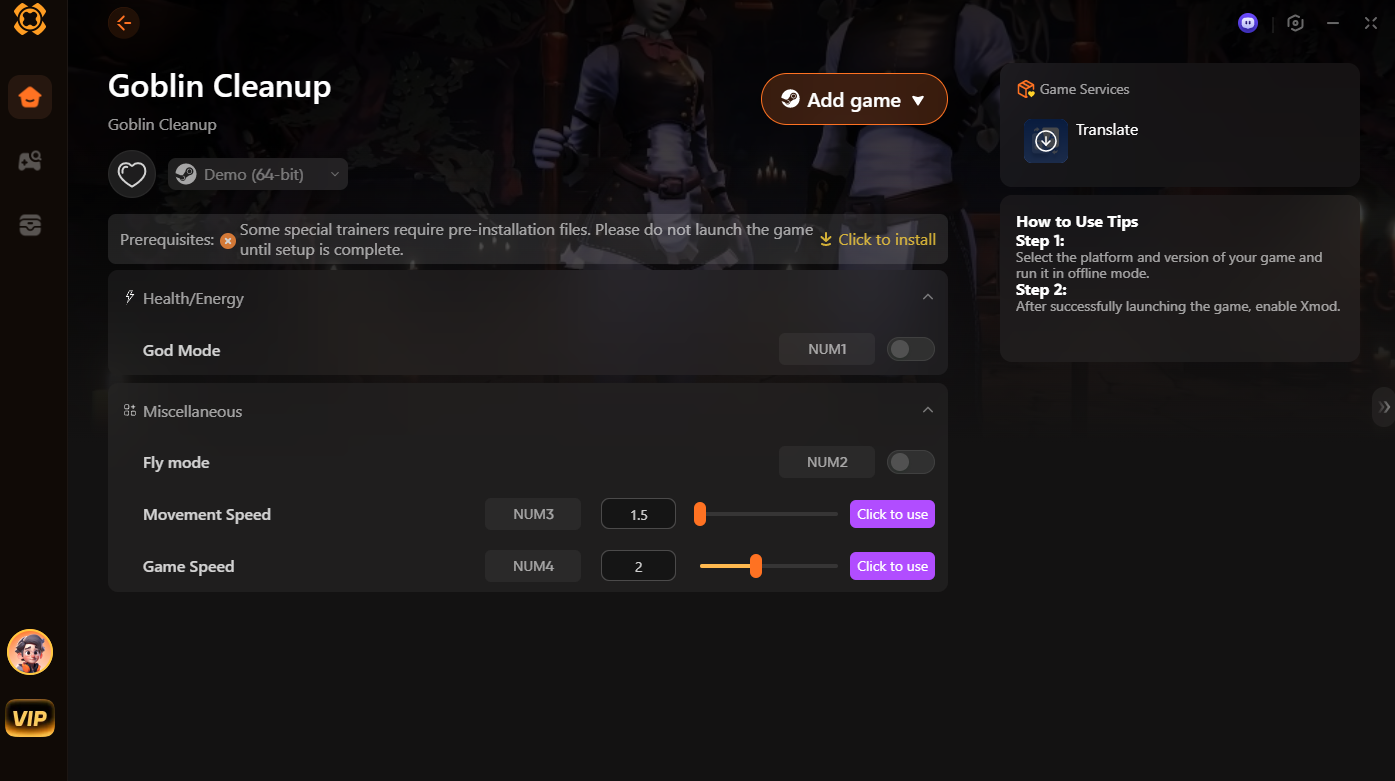
XMOD is a powerful modding tool designed to elevate your gaming experience by providing cheats, trainers, and mods immediately after the game launches.With over 5,000 games in the library, XMOD lets players customize gameplay, optimize performance, and unlock additional features with all kinds of trainers, cheats and mods.

Here’s a breakdown of what you can do:
1. God Mode
Enable Mode Dieu to make your character invincible. You won’t lose health or energy, letting you explore and fight without worrying about dying.
2. Fly Mode
Activate Fly Mode to move freely in the air. This helps you navigate levels quickly and reach areas that are normally hard to access.
3. Movement Speed
Adjust Movement Speed to make your character run faster. This is great for completing tasks or escaping enemies more efficiently.
4. Game Speed
Change the Vitesse du jeu to speed up or slow down the overall game. This can make gameplay more dynamic or easier to manage.
How to Use XMOD
-
Download and install XMOD on your device.
-
Launch Goblin Cleanup through XMOD.
-
Enable the cheats you want using the toggles and sliders.
With XMOD, Goblin Cleanup becomes more flexible and fun. You can experiment with speed, movement, and invincibility to complete missions more easily and enjoy the game in a new way.
Conclusion
Goblin Cleanup offers a fun and unique cooperative experience, letting players step into the role of goblin maids restoring dungeons. Its engaging gameplay, humor, and creative mechanics make it a standout in the simulation genre. Ensuring your PC can run the game smoothly is important, and using tools like XMOD can further enhance the experience by customizing gameplay, visuals, and performance. Whether playing solo or with friends, Goblin Cleanup promises an enjoyable and memorable adventure in dungeon maintenance.
Je suis un joueur passionné et j'écris sur XMODhub, qui se consacre à vous apporter les dernières nouvelles, astuces et idées en matière de jeux.
Connectez-vous avec moi :
Profil LinkedIn

 Catherine Hu