Résumé : Discover Inkshade’s minimum and recommended system requirements. Check if your PC can run it smoothly and learn tips to enhance your gameplay experience.
Inkshade is an immersive adventure game that blends rich storytelling with stunning visuals, requiring the right hardware to fully enjoy its experience.
Whether you’re curious about the bare minimum to get the game running or the optimal specs for peak performance, knowing the system requirements is key.
Dans ce guide, we’ll break down both minimum and recommended PC specs, help you determine if your setup can handle the game, and share tips to boost performance.
By the end, you’ll be ready to dive into Inkshade with smooth gameplay and no unexpected technical hiccups.
Table des matières
- What is Inkshake?
- Inkshade System Requirements: Minimum Specs
- Inkshade System Requirements: Recommended Specs
- Can You Run Inkshade on a Low-End PC?
- Will My PC Handle Inkshade?
- How to Boost Your Gaming with Xmod?
- Conclusion
What is Inkshake?

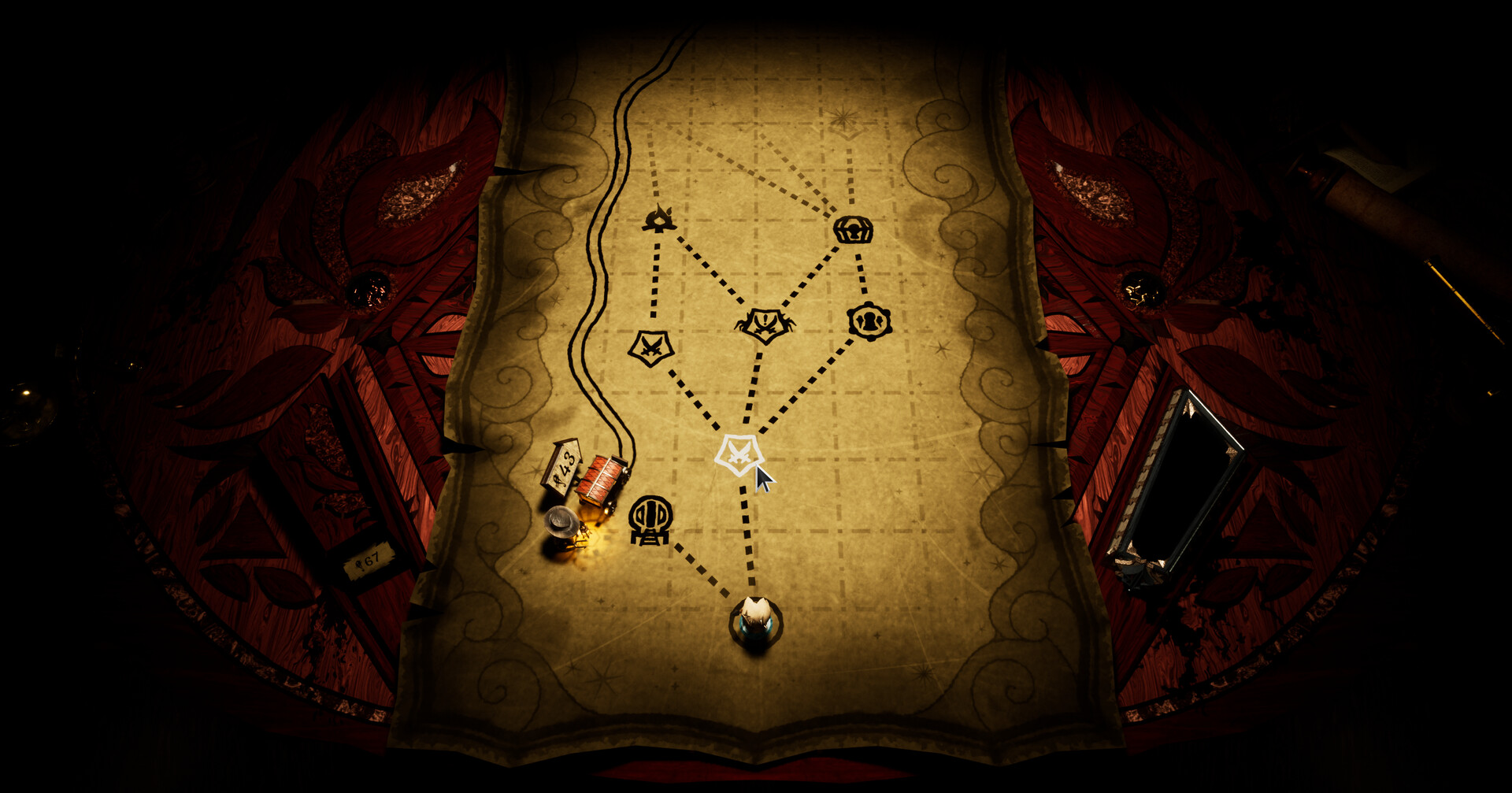
Inkshade is a unique turn-based strategy game set in a world of whimsical wooden miniatures and intricately arranged locked rooms. Behind the scenes, a mysterious and extraordinary game master manipulates events, ensuring that every move feels like part of a grand design. Victory is never guaranteed, as the only constant is the cruel black ink flowing within each game piece, symbolizing both power and peril. This blend of artistic design, tactical depth, and atmospheric storytelling creates a gameplay experience that is as unpredictable as it is captivating.
Inkshade System Requirements: Minimum Specs
To run Inkshade on your PC, you’ll need at least the following specifications. These requirements ensure the game runs smoothly at basic settings without major performance issues.
| Composant |
Exigence minimale |
| OS |
Windows 10 (64-bit) |
| Processor (CPU) |
Intel i5-7400K |
| Memory (RAM) |
8 GB RAM |
| Graphics (GPU) |
NVIDIA GeForce GTX 1070 |
| DirectX |
Version 12 |
| Stockage |
3 GB available space |
Inkshade System Requirements: Recommended Specs
For smoother gameplay, better graphics, and faster load times, aim for these recommended system specifications
| Composant |
Recommended Requirement |
| OS |
Windows 10 (64-bit) |
| Processor (CPU) |
Intel i7-10700KF |
| Memory (RAM) |
12 GO DE RAM |
| Graphics (GPU) |
NVIDIA GeForce RTX 3070 |
| DirectX |
Version 12 |
| Stockage |
3 GB available space |
Can You Run Inkshade on a Low-End PC?
Whether Inkshade can run on a low-end PC depends on how your hardware compares to the game’s minimum system requirements. While the game may launch on lower-spec machines, you might experience reduced frame rates, lower graphical quality, or occasional stuttering.
To improve performance on a low-end PC:
- Lower Graphics Settings: Reduce resolution, shadows, textures, and effects for smoother gameplay.
- Fermer les applications d'arrière-plan : Free up CPU and RAM resources for better performance.
- Update Drivers: Keep your GPU and system drivers up to date to prevent crashes or lag.
- Use XMOD or Other Enhancement Tools: Once available, XMOD can provide cheats, trainers, and optimizations that make the game more playable and enjoyable even on lower-end hardware.
If performance issues persist, upgrading key components like RAM, GPU, or CPU to meet the recommended requirements is advised for a better experience.
Will My PC Handle Inkshade?
Before jumping into Inkshade, it’s important to know whether your PC can handle the game smoothly. The first step is to compare your computer’s hardware against the game’s minimum and recommended system requirements. Meeting the minimum specs allows the game to run, but performance may be limited, with lower graphics settings and occasional lag. Meeting or exceeding the recommended specs ensures a smoother experience with higher-quality visuals and faster load times.
A convenient way to check your PC’s compatibility is by using online tools like Can You Run It. These tools scan your hardware and compare it to the game’s requirements, providing a quick and reliable answer. By verifying your system in advance, you can avoid frustration, adjust settings accordingly, and prepare your PC for an optimal Inkshade l'expérience.
How to Boost Your Gaming with Xmod?
XMOD enhances your gaming experience by providing trainers, mods, and advanced tools. For VOID/BREAKER, XMOD will launch compatible trainers to adjust stats, unlock abilities, and experiment with gameplay. Mods will offer weapon upgrades, visual enhancements, and quality-of-life improvements, while gaming tools handle key bindings, macros, and performance tracking. All these features will be available from day one, ensuring a smoother, more customizable, and fully optimized experience.

Conclusion
Inkshade is a captivating turn-based strategy game that rewards careful planning and tactical skill. Ensuring your PC meets the minimum or recommended system requirements is essential for a smooth and enjoyable experience. By checking your hardware, adjusting in-game settings, and using tools like XMOD to manage mods and enhancements, you can optimize performance and fully immerse yourself in the game. With the right setup, players can enjoy Inkshade’s unique visuals, challenging gameplay, and rich strategic depth without compromise.
Je suis un joueur passionné et j'écris sur XMODhub, qui se consacre à vous apporter les dernières nouvelles, astuces et idées en matière de jeux.
Connectez-vous avec moi :
Profil LinkedIn

 Catherine Hu

 Nancy Miller